It's the night before a convention and someone's velvet cape has just split along a seam. Cosplay runs on a strange kind of faith: you commit money and hours to a costume before you know whether it will actually look right on you.
That gap, between the plan in your head and the costume on your body, is where most budgets get wasted: wrong proportions, a fabric sheen that reads cheap under con lighting, a silhouette that looked heroic in reference art and merely odd on you. An AI outfit changer closes that gap before a single stitch or rental fee is committed: upload a photo, describe the outfit, and get a realistic preview of yourself wearing it first.
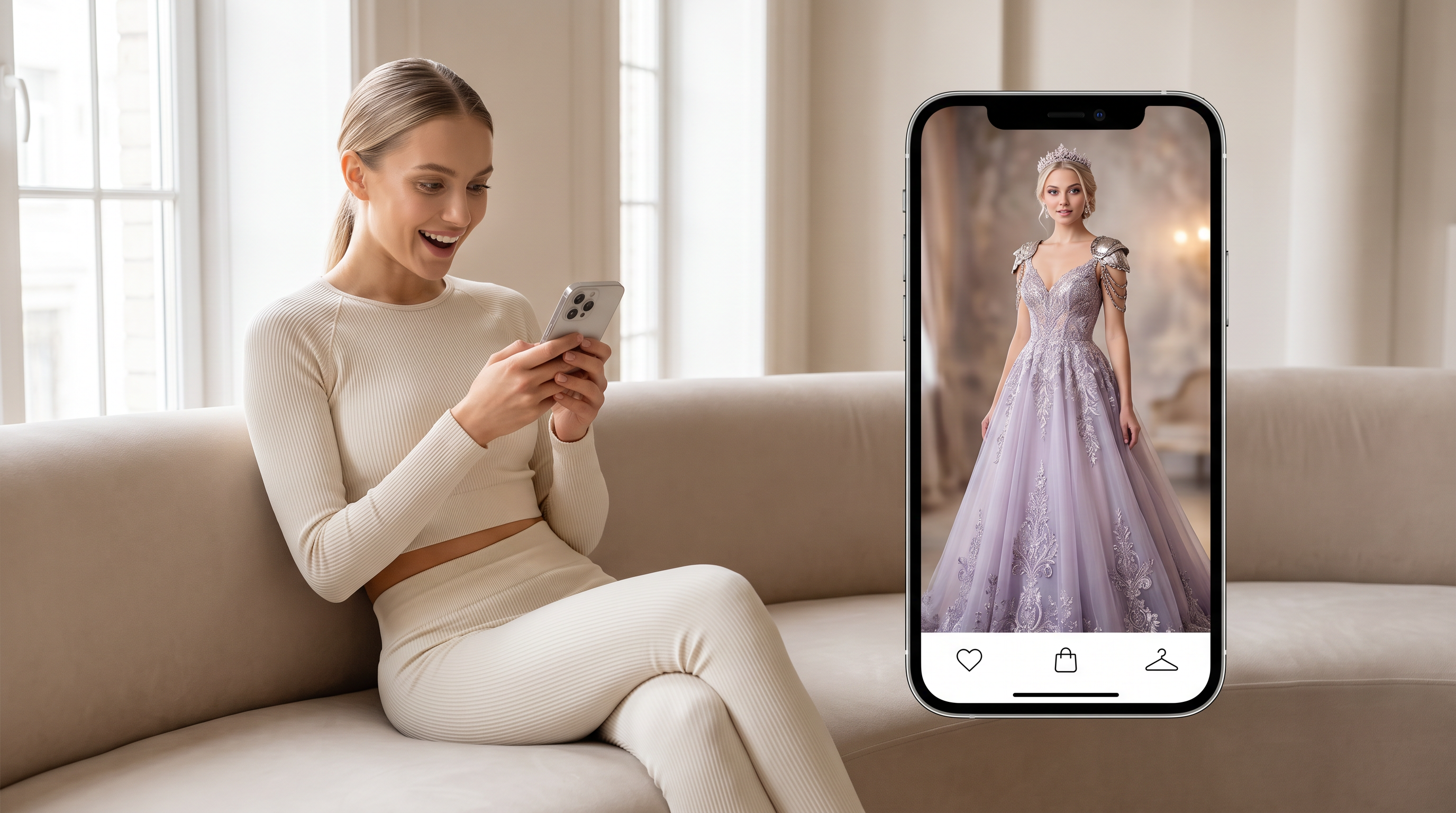
Why an AI Costume Generator Beats Guessing From a Reference Photo
Buying a costume off a reference image is a guessing game. You are matching color, scale, and fabric texture from a tiny thumbnail to your actual body, under lighting the thumbnail never accounted for.
A costume reference photo has the same blind spot. It shows the character on someone else's frame, in someone else's lighting, often rendered in an illustrated style that has nothing to do with real fabric.
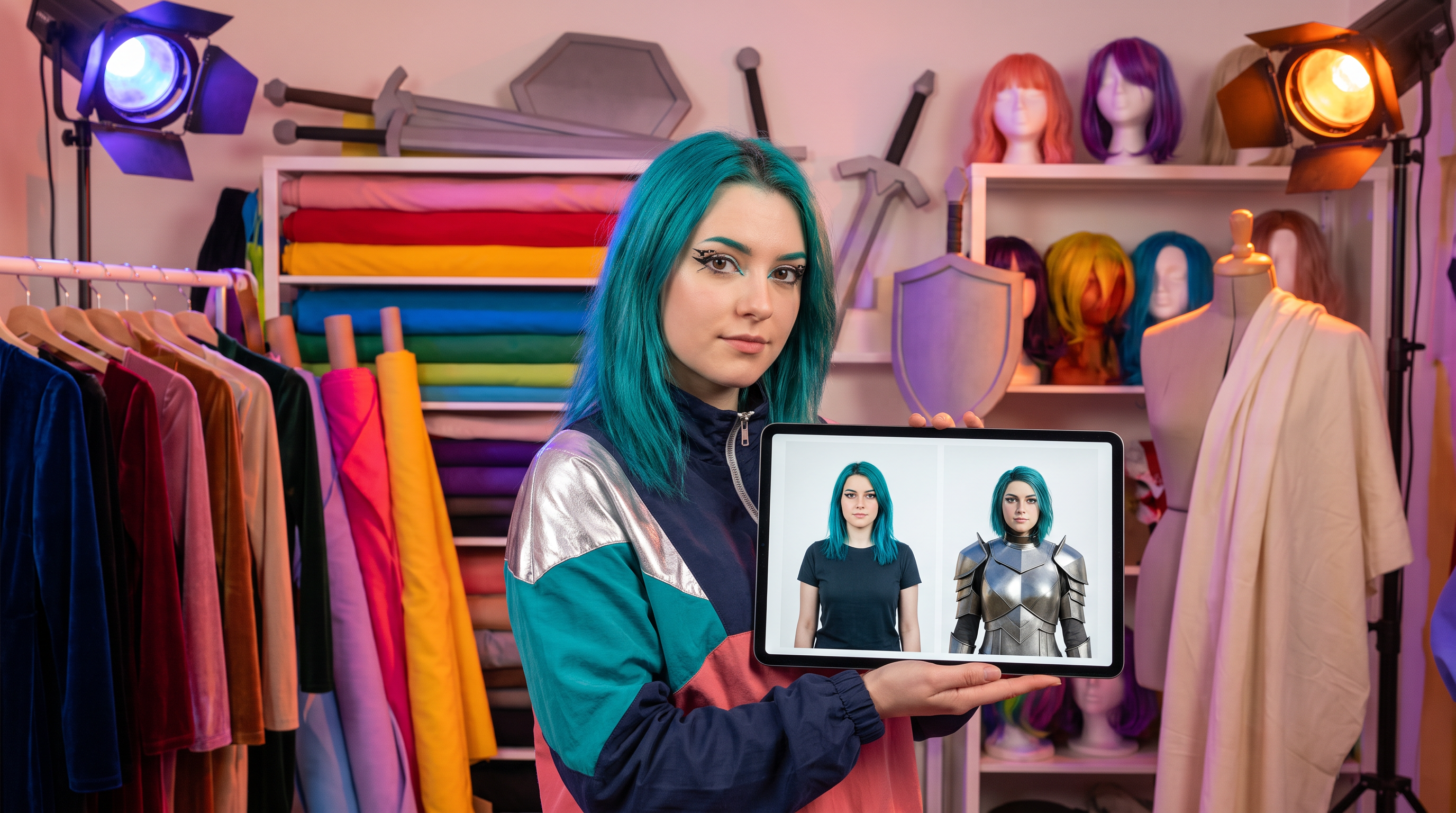
An AI costume generator closes that gap by rendering the outfit on your own photo instead of a stranger's. It runs on the same image-conditioning approach behind everyday outfit swaps, just aimed at a specific character look instead of ordinary clothing. It keeps your face, your proportions, and your pose while swapping in the costume.
That distinction matters most for costumes with strong silhouettes: capes, armor plating, layered robes. Silhouette is exactly what gets lost when you mentally translate flat reference art onto your own frame, and it is usually where sewing budgets go sideways.
How an AI Costume Generator Nails Character-Specific Style
Every character is more than "the outfit." There is a color palette, a texture language, weathered leather versus glossy latex versus soft period fabric, and small details fans will clock immediately if they are missing.
A generic costume search treats all of that as one bucket. A well-prompted AI costume generator treats it as a recipe: palette, material finish, and era-accurate details specified separately, then rendered together on your photo.
This is closer to how a costume designer actually works than to a keyword search. A designer does not just find "red cape"; they decide on fabric weight, trim color, and how the cape moves, then builds toward that combination.
The practical version of this: instead of typing a character name and hoping, write four short lines, base garment, color palette, material or texture, and one or two signature details like a clasp or a specific hairstyle. That is the difference between a render that reads as "fantasy costume, vaguely" and one a fan recognizes on sight.
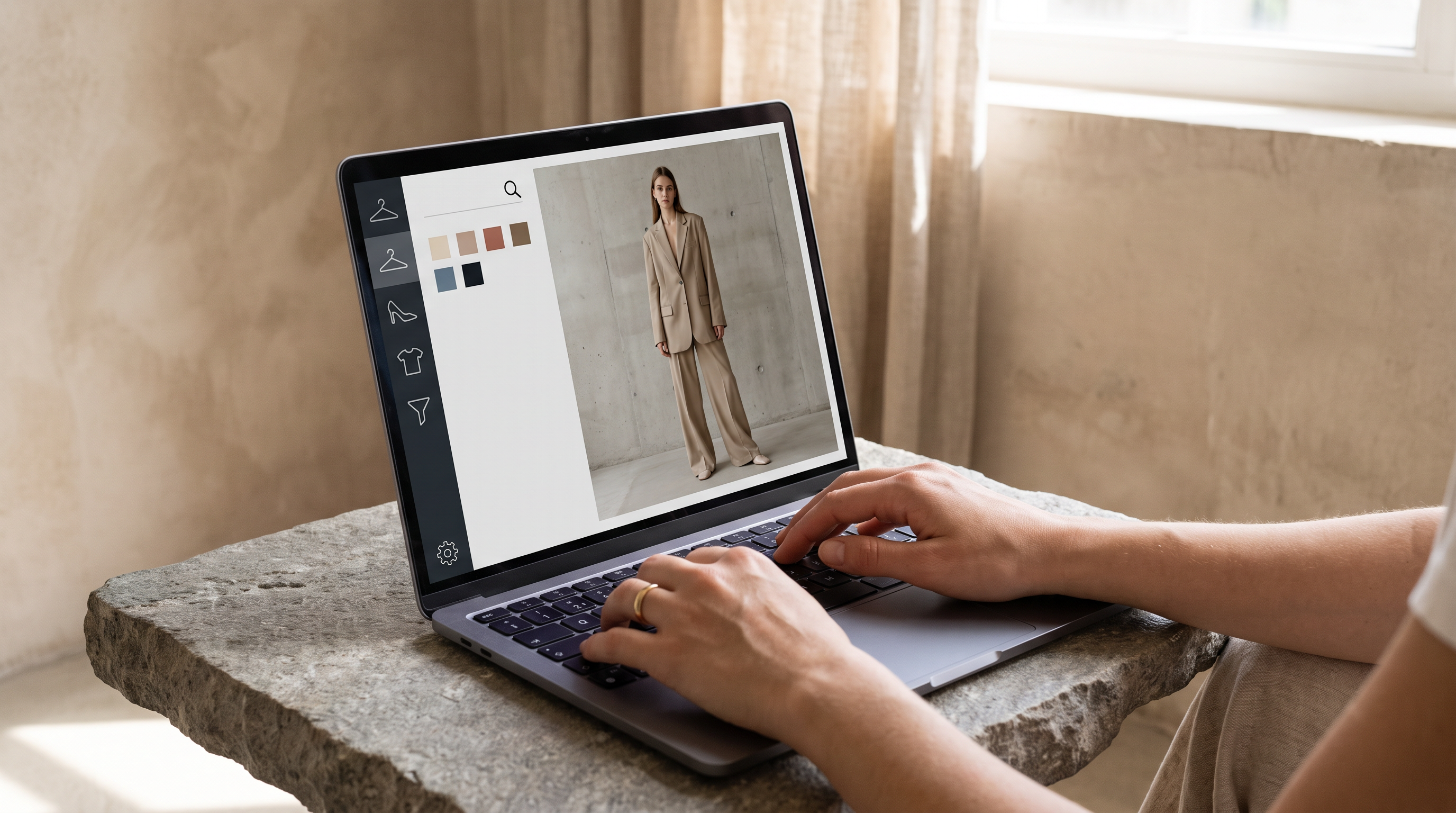
Comparing Ways to Preview a Costume: A Quick Style Gallery
Before you build or buy anything, it helps to know what you are actually paying for at each stage.
| Method | Shows it on your body | Cost to try | Speed | Easy to adjust |
|---|---|---|---|---|
| Reference photos only | No | Free | Instant | No |
| Costume rental with in-store fitting | Yes | Rental fee + travel | Days | Limited |
| Custom sewing from a pattern | Yes, eventually | Materials + hours of labor | Weeks | Very limited once cut |
| AI costume generator | Yes | Low or free preview | Seconds | Yes, unlimited variations |
The pattern holds across every row but the last: you pay time or money before you get to see the result. Sewing locks in construction time before you know if the proportions are right. A rental fee locks in a decision before you have anything to compare it against.
If your budget is tight, treat the preview step as non-negotiable rather than optional. Generate the look first, catch silhouette or color problems on a screen instead of in a fitting room, and only then decide whether to buy, rent, or start cutting fabric.
Framia Pro as Your AI Costume Generator
Framia Pro handles this preview step directly: upload a clear photo, describe the outfit, and get a render that keeps your face and body consistent across every version you try. It supports a couple of rendering models, Nano Banana for fast iteration and Seedream 5.0 for finer texture and lighting fidelity, so you can compare a rough draft against a higher-fidelity pass before deciding what is worth spending money on.
Five Steps to Preview Your Cosplay With an AI Costume Generator
Start with a clean base photo. Even lighting, mostly forward-facing, so the tool can read your pose and proportions clearly. A blurry or heavily angled photo produces a shakier render every time.
Write the prompt in layers, not a single phrase. Base garment, color palette, texture or material, and any signature accessories, a cape, gauntlets, a specific hairstyle. Four short lines beat one vague character name.
Treat the first render as a draft. The value of an AI outfit changer is how fast you can iterate, not how perfect the first pass looks. Expect to regenerate at least once.
Adjust only what did not land. Maybe the cape is too long or the armor tone is off. Regenerate those specific elements instead of starting the whole prompt over.
Compare two or three finished variations side by side before you spend anything. Seeing the concept rendered a few different ways is usually what reveals which version actually looks right on you, not just right in theory.
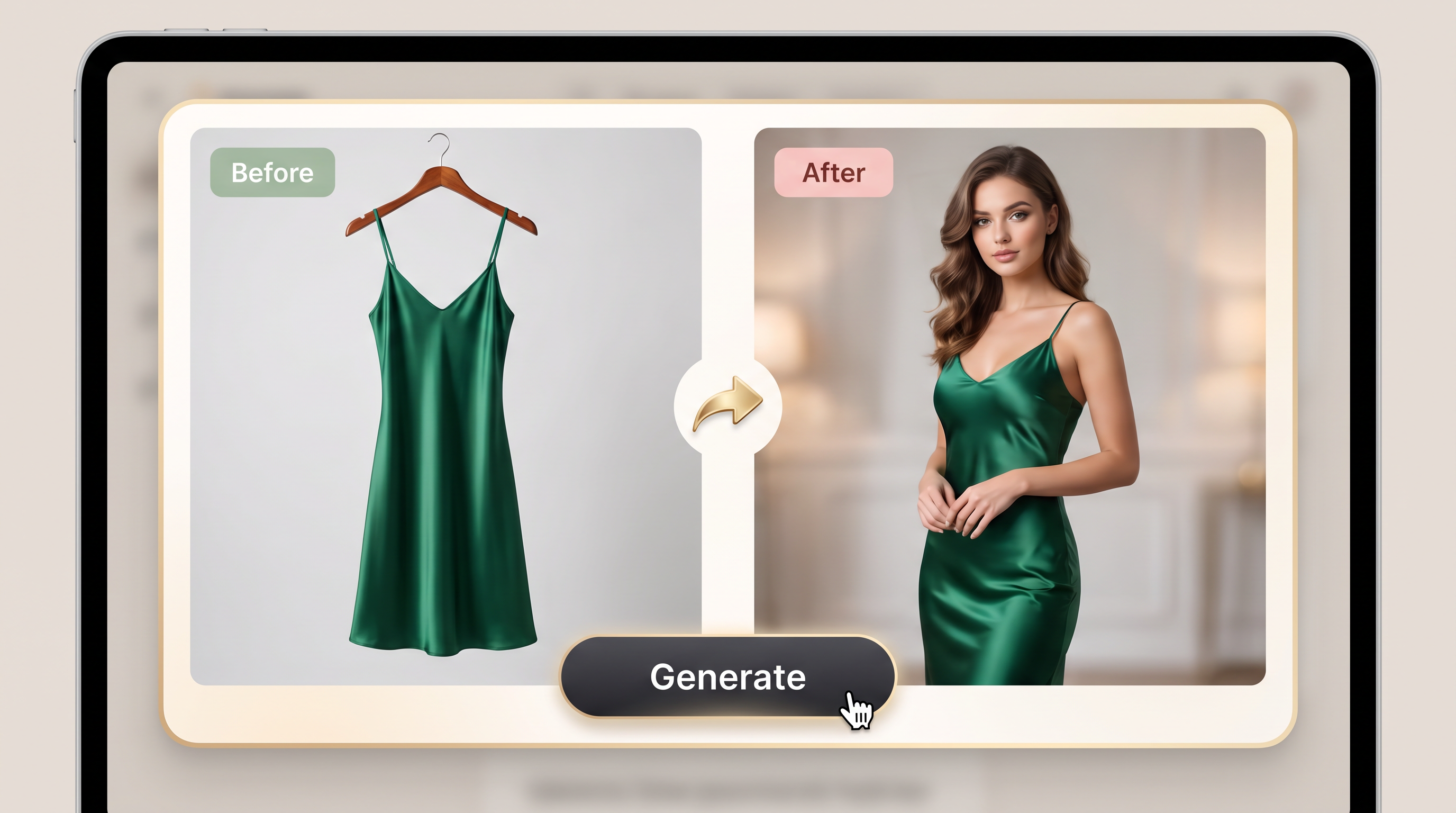
That costume you have been picturing since the trailer dropped does not have to stay a guess until you have already spent the money. Generate the look, sit with it for a day, compare it against a second or third variation, and only then decide what you are buying, renting, or cutting fabric for.
The best cosplay budgets are not the biggest ones. They are the ones where the money went toward a look that was already confirmed to work.
FAQ
Is an AI costume generator accurate enough to base a real purchase on?
Accurate enough to judge silhouette, color, and overall fit before you buy, which is the decision it is meant to support. Fine details like exact trim stitching or fabric sheen can vary slightly from the physical result, so treat the preview as a strong guide rather than a guaranteed final photo.
Do I need cosplay or design experience to use one?
No. Plain language works fine, "a red hooded cloak with gold trim" instead of technical pattern terms. The tool is meant to remove the need for design vocabulary, not require it.
Can it help with original or fan-made character designs, not just mainstream ones?
Yes. As long as you can describe the outfit's colors, materials, and key details, an AI costume generator can render it whether the character is from a major franchise or an original concept you designed yourself.
How is this different from a general AI outfit changer for everyday clothing?
The underlying technology is the same swap-and-preview process, but costume use leans harder on distinctive silhouettes, layered accessories, and stylized materials. Prompting with those specifics in mind produces noticeably better results than a generic clothing prompt would.
Will the render look like a photo or like digital art?
That depends on the rendering model you choose. Models like Seedream 5.0 tend to produce more photorealistic textures and lighting, while faster options can look slightly more stylized, so it is worth comparing a couple of renders before deciding which look matches what you are going for.