Script to Video AI Tool: How AI Turns a Brief Into a Finished Video
A paragraph of text becomes a 60-second video. The route between those two things used to require a production schedule measured in weeks and a budget that most teams couldn't justify for every idea. A script-to-video AI tool compresses that route to a matter of minutes.
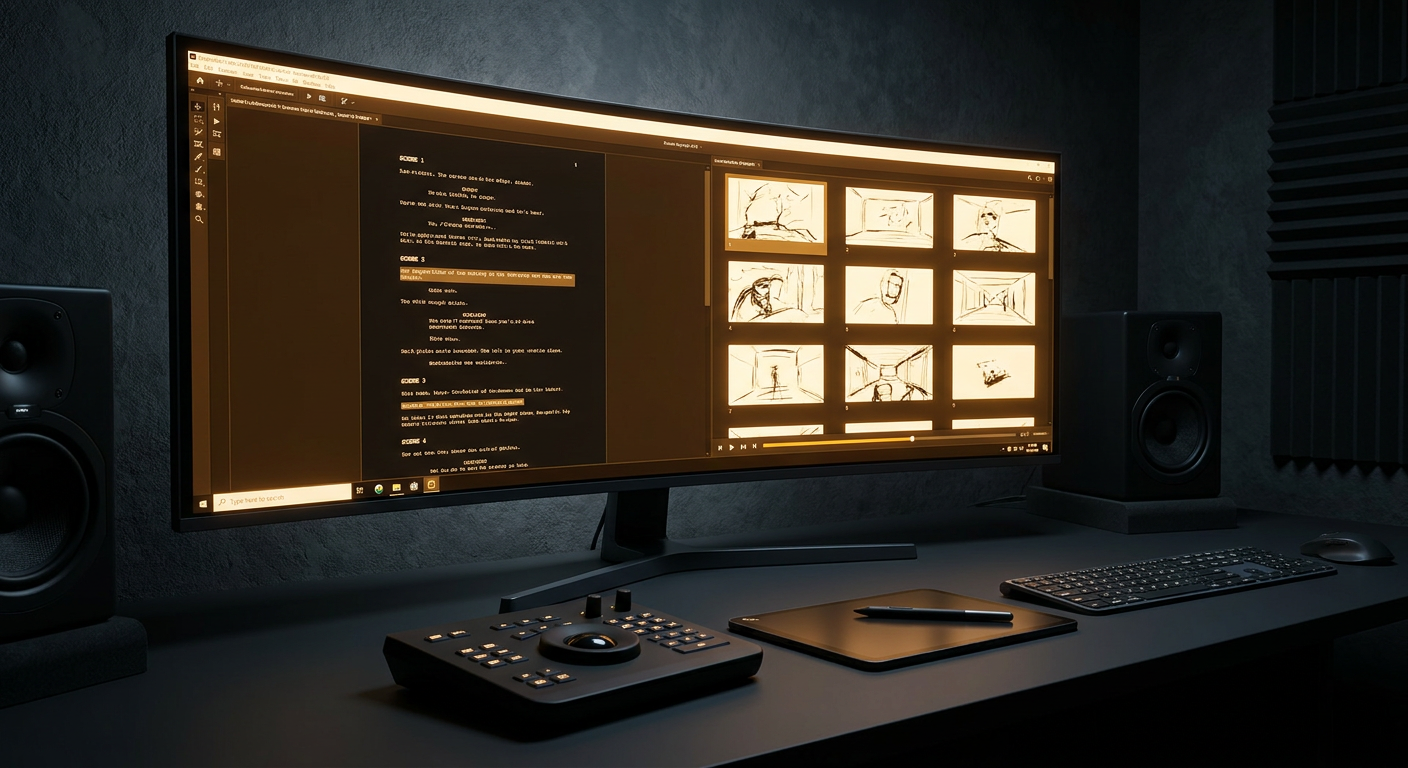
Framia Pro includes a full script-to-video pipeline — starting with a brief or a raw script, running through the Storyboard Timeline Editor for scene-by-scene generation, and ending with an export-ready file without leaving the platform. But the workflow applies across the category, not just one tool.
What a Script-to-Video AI Tool Actually Does
A script-to-video AI tool takes written text — a script, a brief, or even a rough idea — and converts it into video footage, complete with visuals, voice narration, and optionally music. The technology behind this process combines large language models (for script structure and scene breakdown), video generation models (for turning scene descriptions into footage), and voice synthesis (for converting dialogue or narration into audio).
The result isn't a slideshow or a stock-footage collage. Modern script-to-video tools generate original footage — characters, environments, motion, lighting — from the written description of each scene.
What distinguishes a script-to-video tool from a general video generator is the input format. A standalone video generator typically works with a single prompt: "a woman walking through a forest at dusk." A script-to-video tool takes a multi-scene document and manages the transitions, pacing, and visual continuity across the whole piece.
From Brief to Script: The Starting Point
The quality of the generated video is downstream of the quality of the script. Before any generation begins, the brief needs to answer four questions:
- Who is this for? The audience shapes the tone, pacing, and visual register. A product demo for enterprise buyers looks different from a lifestyle ad targeting Gen Z.
- What is the one message? Each video should have a single core message. Multiple messages in a short video produce confusion rather than clarity.
- What does the viewer do next? The call to action determines how the video ends — and knowing that before writing helps structure the scenes that lead there.
- What's the output format? Vertical 9:16 for Reels and TikTok, 16:9 for YouTube, 1:1 for in-feed posts. Format affects scene composition and the amount of visual breathing room each shot needs.
With those answers in hand, a script for a 60-second video typically runs 120–140 words at a natural narration pace. Scene descriptions should be specific but not technical: "a barista sliding a cup across a café counter at golden hour" generates better footage than "person at coffee shop."
How the Script Becomes Video
The conversion from script to footage runs through several steps that differ slightly by platform but follow a common pattern:
- Scene segmentation: the platform breaks the script into individual scenes, each mapped to a visual unit. In most platforms this happens automatically, with the ability to adjust breakpoints manually.
- Scene description generation: each script segment becomes a generation prompt. Some platforms do this automatically; others let you write or refine the visual description for each beat.
- Draft generation: lower-resolution clips are generated for each scene. These are fast and cheap to produce, and reviewing them before committing to full-quality renders saves significant time and credit.
- Review and iteration: the draft pass identifies structural problems — scenes that don't connect visually, pacing that doesn't match the voiceover, visual treatments that don't match the brief. Fixing these at draft stage is far less costly than fixing them after a full render.
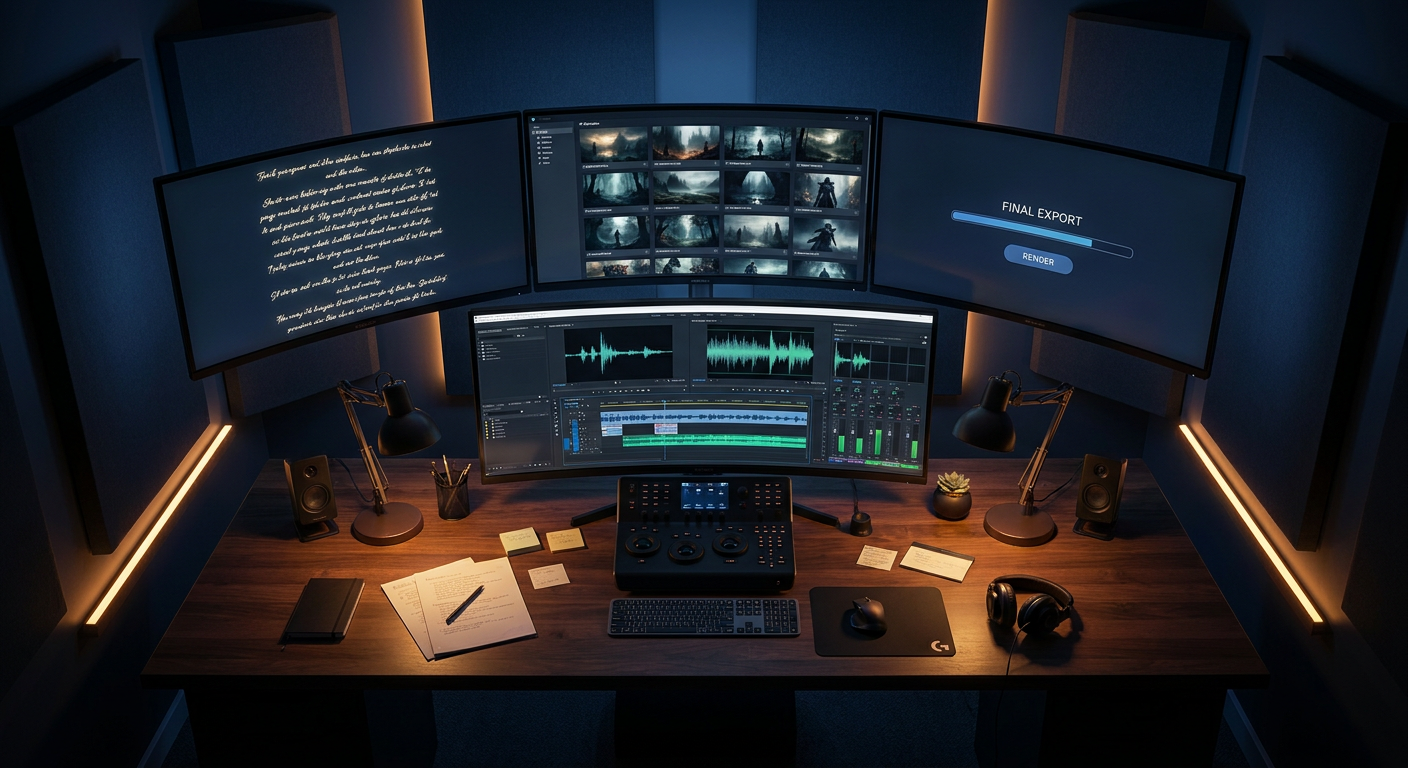
- Voice and music layering: narration and background music are added. On platforms with integrated voice synthesis, this happens inside the same environment; on others, you export and layer externally.
- Final render and export: the locked cut is rendered at full quality and exported in the required formats.
Writing Scripts That Generate Well
The difference between a script that generates usable footage on the first pass and one that requires five rounds of iteration often comes down to specificity and visual logic.
Principles that reliably improve generation quality:
- Describe the shot, not the concept: "a product on a white marble surface, close-up, warm directional light" generates better than "clean product photography"
- Keep scene descriptions to one clear visual idea: multi-element scene descriptions produce fragmented or conflicted footage
- Use concrete nouns and active verbs: "a runner crossing a finish line" outperforms "an athlete achieving a goal"
- Specify lighting and mood explicitly: "golden hour," "overcast flat light," "harsh neon," and "soft studio" each produce meaningfully different visual registers
- Match scene length to script pacing: a scene described with three words will generate a short clip; a scene described with twenty will generate more visual variety and motion
For teams working with AI models for the first time, starting with shorter scripts (30–45 seconds) is a useful discipline. It's easier to iterate on structure when there are fewer scenes to manage.
Choosing a Script-to-Video AI Tool
The category has expanded quickly. Key differences that matter in practice:
| Capability | What to look for |
|---|---|
| Multi-scene handling | Can it manage a full 60-second script as a single project, or does it generate clips independently? |
| Visual consistency | Does the platform maintain character faces, environments, and visual style across scenes, or does each clip look disconnected? |
| Voice integration | Is voice synthesis built in, or do you need an external tool and manual sync? |
| Iteration speed | How quickly can you revise one scene without regenerating the full project? |
| Export formats | Can it output vertical, horizontal, and square from the same timeline? |
Platforms with multiple video generation models — Kling 3.0 for cinematic quality, Seedance 2.5 for speed, Luma AI for photorealism — offer more creative range than single-model tools. The underlying model shapes what kinds of content generate well on a given platform.
Teams moving from avatar-based video platforms often discover that generative workflows require a very different way of thinking. Instead of animating a presenter, you're directing entire scenes through prompts and storyboard structure.
That's why many creators eventually compare dedicated script-to-video platforms with tools originally built around avatars like Synthesia or HeyGen.
Frequently Asked Questions
How long does it take to go from a script to a finished video?
On a mature platform, a 60-second video can move from final script to export-ready file in 30 to 60 minutes (as of July 2026). The primary time variables are draft review and iteration cycles — which depend on how precisely the initial script describes each scene.
Do I need any video production experience to use a script-to-video AI tool?
No. The most valuable skills are clear writing and an understanding of what makes a video effective for its intended platform. Technical production knowledge is abstracted away by the tool.
Can script-to-video AI tools maintain visual consistency across a multi-scene project?
The better platforms include character consistency and style locking features that carry defined visual rules across all generated clips. This is particularly important for branded content where recurring figures or environments need to stay stable scene-to-scene.
What's the maximum length of video these tools can produce?
Most current script-to-video platforms are optimized for short-form content (30–90 seconds). Longer productions typically require manual scene management and are possible but more labor-intensive. Check platform documentation for project length limits.
Can I use my own footage alongside AI-generated clips?
Most platforms accept imported footage and allow you to mix AI-generated clips with existing video assets in the same timeline. This is useful for hybrid productions where some shots (on-camera interviews, product close-ups) benefit from real footage while b-roll and transitions use AI generation.
How do script-to-video tools handle different languages?
Script interpretation and generation typically work across major languages, though quality may vary. Voice synthesis support for non-English languages depends on the platform's voice library. Check supported languages before committing to a platform for non-English production.
The gap between having an idea and publishing a video used to be measured in days. On a capable script-to-video AI tool, it's measured in minutes. The bottleneck has shifted from production logistics to creative quality — which is where it should be.