You've spent hours perfecting a graphic. The colors are dialed in, the typography sings, and your brand identity finally feels real. Then comes the moment of truth: you paste the design onto a flat white t-shirt template and it looks like a sticker slapped onto a cardboard cutout.
Great design deserves great presentation. A t-shirt mockup generator is how you bridge the gap — turning a layered Illustrator file into a lifestyle image that makes shoppers click "Add to Cart" before they've even read the product description. With Framia Pro's AI mockup generator, that transformation takes minutes, not days.
Why Your T-Shirt Mockup Generator Matters More Than Your Design
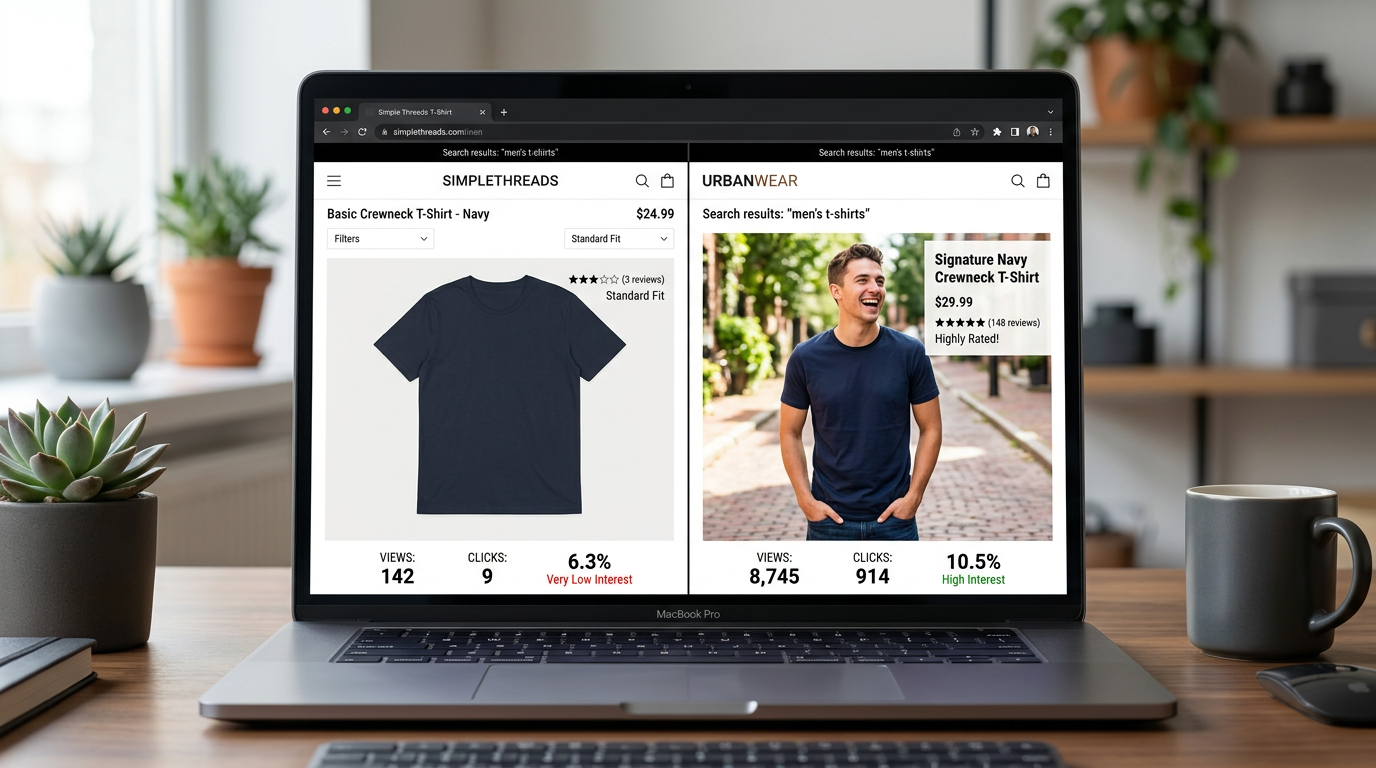
Think of product presentation like real estate: location is everything. A stunning house in a bad photo loses offers; a modest house in a gorgeous photo sells over asking. Your t-shirt design is the house. The mockup is the photograph.
Shoppers make purchasing decisions in under two seconds of viewing a product image. A flat ghost mannequin shot tells them nothing about how the shirt drapes, how the colors pop under natural light, or how it would look worn by someone who shares their aesthetic. A photorealistic t-shirt mockup generator solves all three problems instantly.
Beyond conversion rates, mockups are foundational to your entire brand operation. They're how you pitch designs to wholesale buyers, validate ideas with focus groups before committing to a print run, and populate your Etsy, Shopify, or Amazon listings with images that look like a professional brand — even if you're operating from your kitchen table.
How a T-Shirt Mockup Generator Transforms Your Design Workflow
The old workflow looked like this: design the graphic, order a sample, wait two weeks for shipping, book a photographer, schedule a model, pay studio rental, edit 200 raw files, and then — finally — upload to your store. Total time: four to six weeks. Total cost: several hundred to several thousand dollars.
The new workflow: upload your graphic, choose a mockup scene, generate. Done.
Like switching from film photography to digital, the change isn't just about speed — it fundamentally changes what you're willing to try. When every experiment costs nothing, you experiment constantly. You test a white tee, a black tee, an oversized fit, a fitted cut. You put the same design in a skate park, a coffee shop, a clean studio. You find out what works before you order a single shirt.
Framia Pro's t-shirt mockup generator takes this further with AI-powered scene rendering that captures realistic fabric texture, natural shadow fall, and accurate color representation across different material weights. The result looks like a real photograph because the lighting physics are calculated, not painted on.
For a deeper look at what makes AI rendering so accurate, see our guide on how to create product mockups with AI.
Choosing the Right T-Shirt Mockup Scene for Your Brand
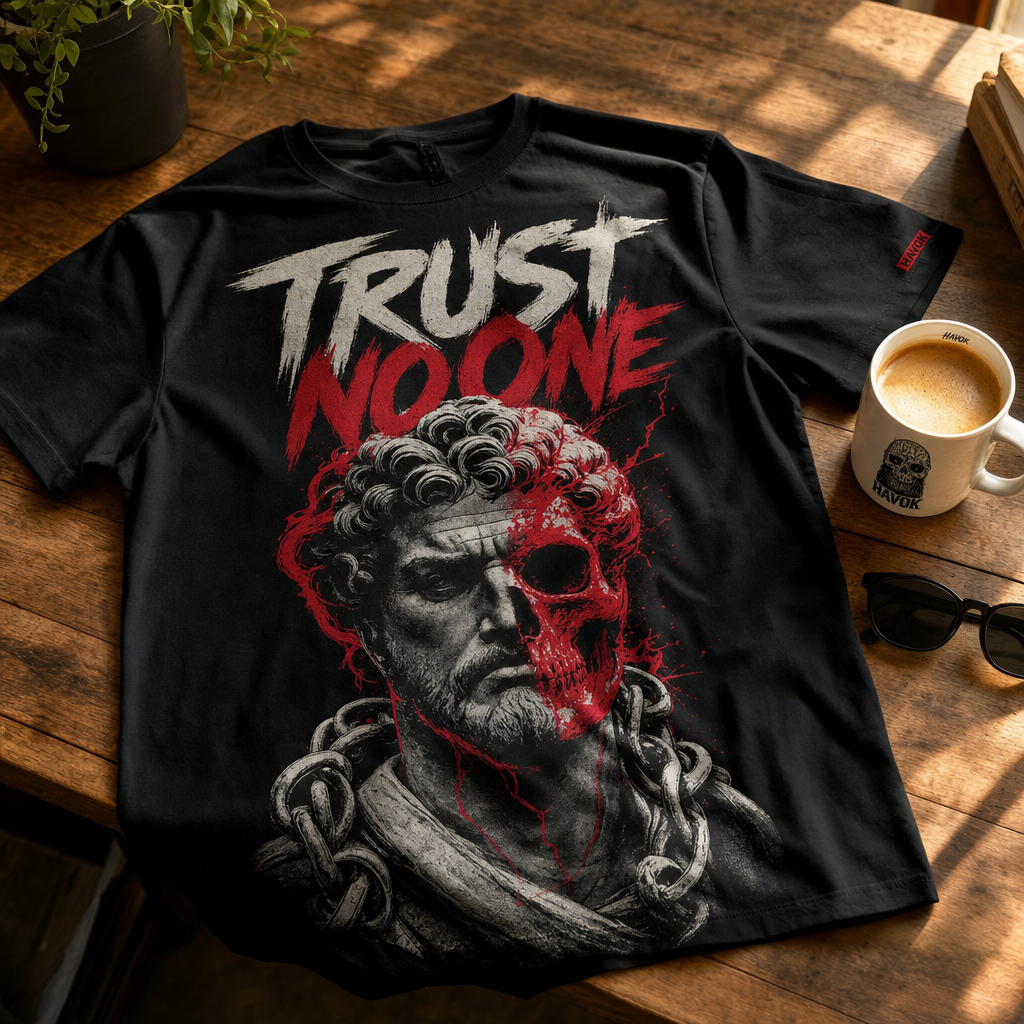
A t-shirt mockup is only as strong as the scene it lives in. This is where most designers make their first mistake: choosing the scene that makes the design look best instead of the scene that resonates with their target buyer.
A minimalist black tee on a clean marble surface says "premium basics" to one audience and "boring" to another. A distressed graphic on a chain-link fence background speaks directly to streetwear buyers and completely misses a yoga apparel audience. Match the scene to the customer, not the design.
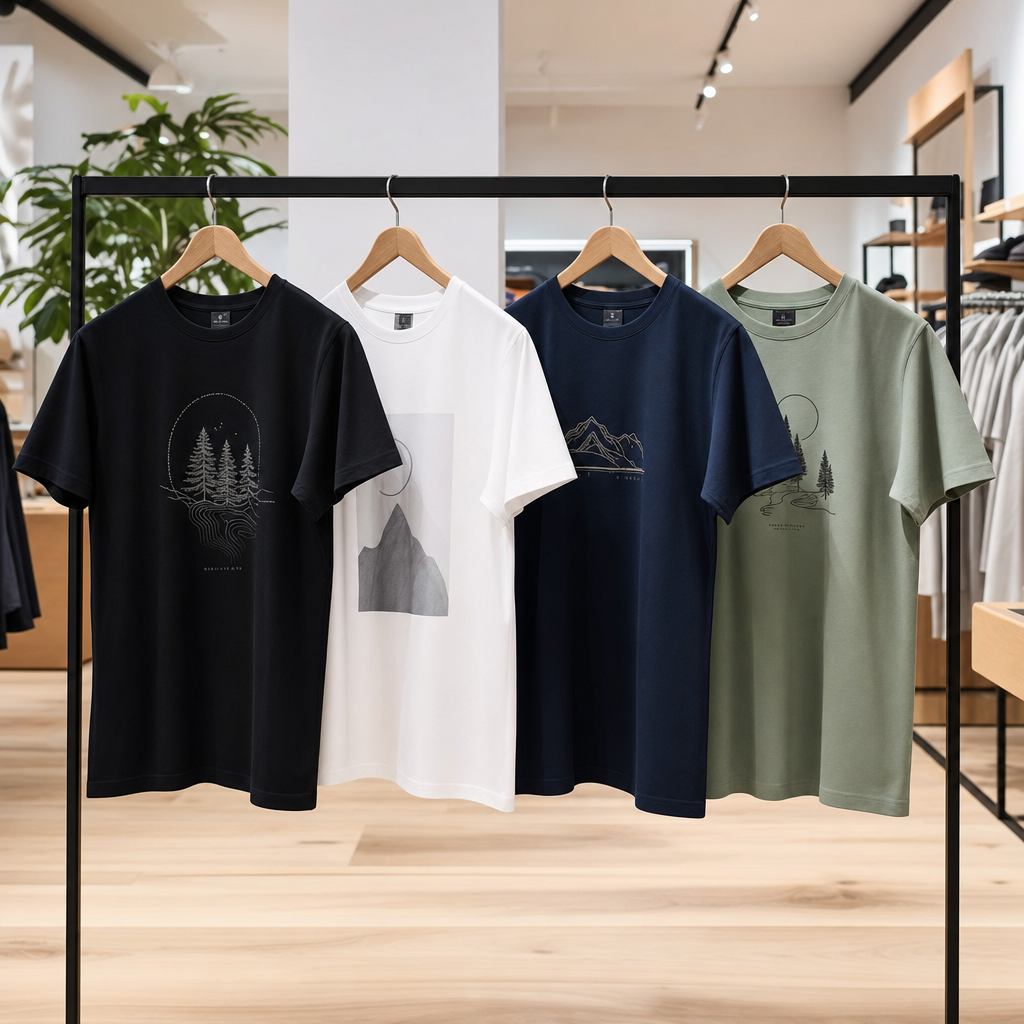
Framia Pro's library gives you dozens of scene types: lifestyle flats with props, outdoor street scenes, in-store rack displays, model lifestyle shots, and clean studio floats for marketplace thumbnails. Here's how to think about scene selection for your t-shirt mockup generator:
- Streetwear and graphic tees: urban backgrounds, brick walls, skate parks, chain-link — high contrast, gritty texture.
- Premium basics and essentials: clean surfaces, natural materials (wood, linen, marble), neutral backdrops.
- Activewear and athleisure: bright outdoor environments, gym settings, motion-blur lifestyle shots.
- Gift and novelty tees: cozy home environments, flat-lays with lifestyle props — candles, books, coffee.
If you want to go beyond static images to showing your shirts on virtual models, check out our guide on the AI clothing model generator — a natural next step once you've nailed your mockup workflow.
T-Shirt Mockup Generator Techniques That Separate Good From Great
Think of your mockup generator like a chef's knife: the quality of the tool matters, but so does the technique. Here are the design principles that separate mediocre shirt mockups from images that command premium prices.
1. Use high-resolution artwork. Your design file should be at least 300 DPI at print size. Upscaling a 72 DPI web graphic introduces blurriness that even the most sophisticated AI renderer can't compensate for. Start clean, stay clean.
2. Respect the natural shirt geometry. Designs that break the seam lines or extend into the sleeve panels look amateurish, even on high-quality mockups. Stay within the printable chest area and use the perspective warp tools to follow the shirt's natural contours.
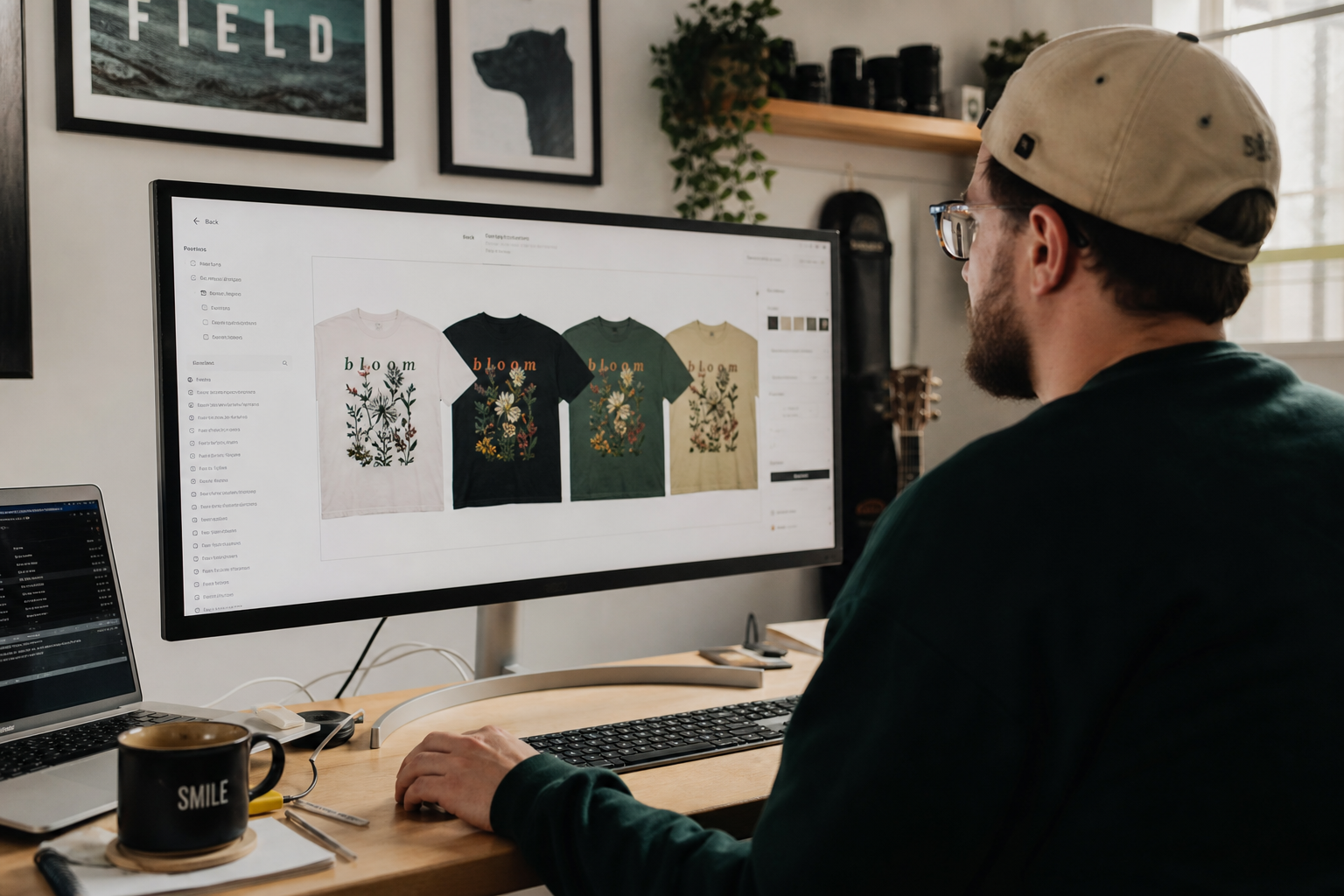
3. Generate multiple colorways in one session. One design on seven shirt colors takes seven minutes in a t-shirt mockup generator and would cost a full day of studio time to photograph. Use this advantage ruthlessly — different color backgrounds attract different search queries on marketplaces.
4. Match lighting to your brand aesthetic. Framia Pro's AI adjusts shadow direction and intensity to match your chosen scene. Warm afternoon light for lifestyle shots, soft diffused light for clean product pages.
For the full set of optimization techniques — not just for shirts but across all product categories — our product mockup design tips covers the eight most impactful adjustments you can make.
How Framia Pro Makes T-Shirt Mockup Generation Effortless
Framia Pro was built for the kind of scale that independent creators and growing brands actually need. Not one shirt, one color, one export at a time — but whole collections, multiple colorways, different scene types, all generated in a single session.
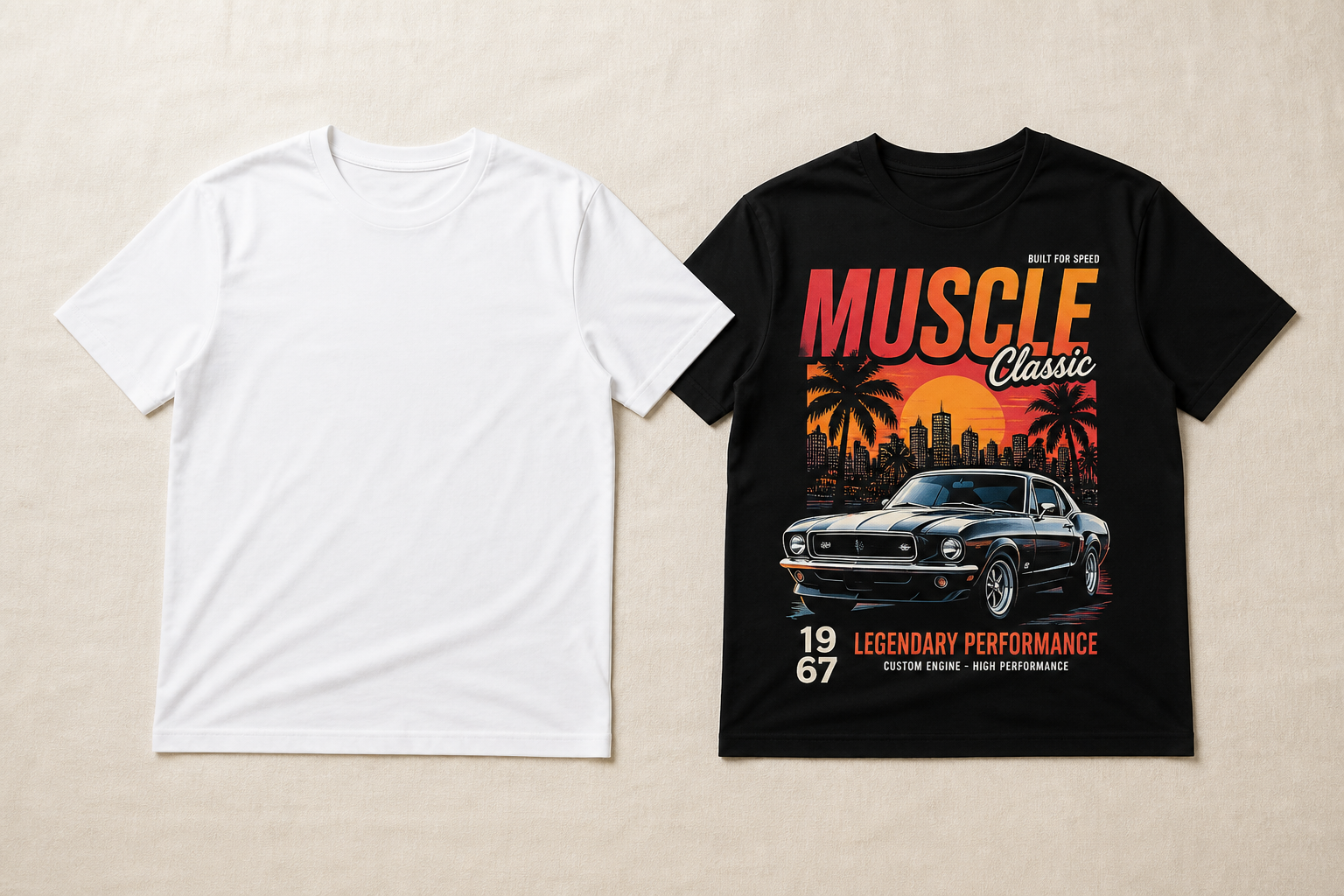
Upload your graphic once. Apply it across your entire shirt catalog — crew neck, v-neck, long sleeve, oversized — with a single click. Switch scenes without re-uploading. Export at 4K resolution for marketplace listings, print-ready files for your manufacturer, and web-optimized thumbnails for ads, all from the same source file.
The Framia Pro AI mockup generator handles the technical complexity — fabric physics, lighting calculations, shadow rendering — so you can stay focused on the creative decisions that actually define your brand. And for sellers adding a third dimension to their product imagery, our guide to the 3D mockup generator shows how the same efficient workflow extends to perspective and depth.
For the full workflow from single items to catalog-scale production, our AI product mockup generator guide walks through every step.
Frequently Asked Questions
Can I use a t-shirt mockup generator for free?
Many t-shirt mockup generators offer free tiers with limited exports or watermarked files. Framia Pro offers a free trial that lets you generate and download a set of high-resolution mockups before committing to a plan — enough to see exactly what the output quality looks like for your specific designs.
What file format should I upload to a t-shirt mockup generator?
PNG files with a transparent background are the standard. This lets the generator place your design cleanly onto any shirt color without a white-box artifact. If you're working in Illustrator or Photoshop, export as PNG-24 with transparency enabled before uploading.
How realistic do AI t-shirt mockups actually look?
Modern AI t-shirt mockup generators — including Framia Pro — produce images that are indistinguishable from studio photography in most use cases. The key variables are your source artwork resolution and the scene complexity. Simple designs on clean backgrounds are near-perfect; complex scenes with multiple light sources are very good but may show subtle rendering artifacts on very close inspection.
Can I create mockups for different shirt styles with the same design?
Yes. One of the biggest advantages of a digital t-shirt mockup generator over traditional photography is that you can apply a single graphic to dozens of garment styles instantly. Framia Pro supports crew neck, v-neck, long sleeve, hoodie, tank top, and more — all from the same design upload.
How many mockup images do I need per product listing?
Most successful marketplace listings use four to six images per product: one clean studio flat, one lifestyle shot, one detail close-up, one color-variant comparison, and sometimes a sizing chart. A t-shirt mockup generator lets you produce all of these for every product without a photoshoot.
Ready to see your t-shirt designs the way your customers will? Try the Framia Pro AI mockup generator and generate your first photorealistic shirt mockup in under two minutes.