You signed up for a free AI banner tool, typed in your product name, and hit generate. What came back looked like a stock photo from 2011 — blurry, generic, and completely disconnected from your store's brand. Sound familiar?
For online sellers, finding a genuinely useful AI banner generator free option is harder than the "free forever" headlines suggest. The best ones let you create scroll-stopping e-commerce banners without a design degree or a monthly subscription. The rest give you watermarks, five exports a month, and a hard sell on an upgrade. Framia Pro is one of the tools tracking what's actually changed in this category in 2026 — and the gap between free tools that work and free tools that waste your time has never been wider.
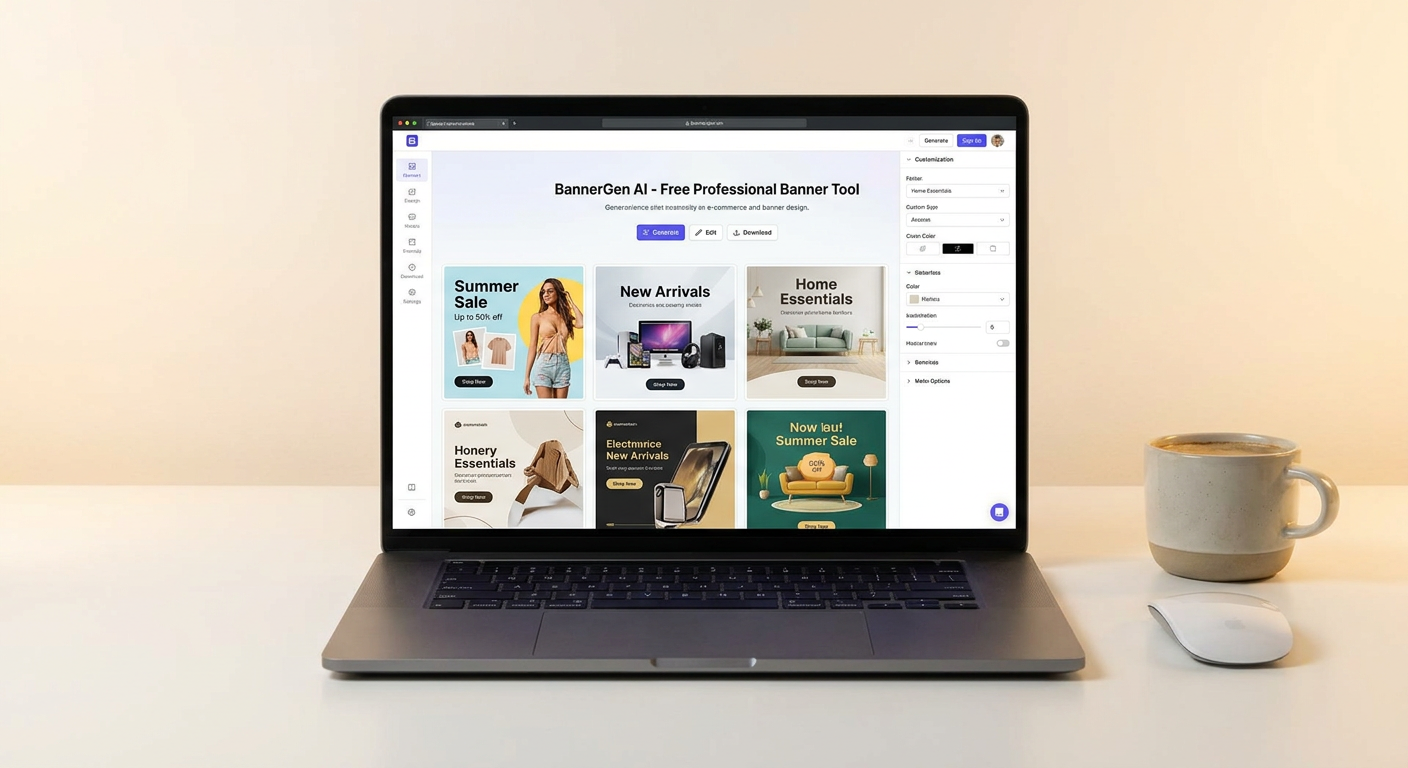
What Does a Free AI Banner Generator Actually Do?
Think of a free AI banner generator like a vending machine: convenient, low-friction, and good for what it is — but not a full kitchen. You put in a description of your product, pick a format (square, landscape, vertical), and the tool assembles a banner from its library of templates, fonts, and AI-generated visuals. The best free-tier tools now include text-to-image generation, basic copy suggestions, and size presets for major platforms like Shopify, Amazon, and Instagram.
What they typically leave out: advanced brand controls, high-resolution exports, batch generation for seasonal campaigns, and the ability to fine-tune visual style without starting over from scratch. That's where the free-vs-paid divide lives — not in the core promise, but in the details that matter once your store is past the scrappy launch phase.
Knowing which limits you can work around — and which ones will cost you sales — is the real skill in using free AI banner tools well.
Free vs. Paid: The Real Divide in AI Banner Generator Tools
Here's a useful analogy: free AI banner generator tools are like a public gym. The treadmills and weights are there, they work, and you can absolutely get in shape using them. But at peak hours there are queues, the equipment choices are limited, and you can't store your program settings for next time. The paid tier is the private gym — same fundamental workout, but with a personal trainer, reserved equipment, and no watermarks on your selfies.
For sellers running a side hustle or testing a new product, the public gym is the right call. For a brand doing seasonal drops, managing multiple storefronts, or running paid ad campaigns that need consistent visual identity across dozens of banner variants, the limits start costing real money in wasted time.
The most common pain points sellers report with free tiers (as of mid-2026): export resolution caps (often 72 dpi instead of 300+), watermarks on downloads, monthly generation limits (typically 10–25 banners), and no team collaboration features. If any of those sound like dealbreakers for your workflow, a paid plan — or a free trial of a more capable tool — is worth the jump.
Top Free AI Banner Generator Tools: How They Compare
| Tool | Free Export Quality | Monthly Generation Limit | Custom Brand Colors | Batch Mode |
|---|---|---|---|---|
| Canva Free | Web-res PNG, watermark on some templates | Unlimited (basic templates) | Partial | No |
| Adobe Express Free | Web-res JPEG | 25 AI generations | No (paid only) | No |
| VistaCreate Free | Web-res PNG | 10 downloads/month | No | No |
| Microsoft Designer Free | Web-res PNG | ~15 AI images/day | No | No |
| Framia Pro Free Trial | Full-res (trial period) | Trial volume | Yes | Yes (trial) |
None of the free tiers above offer true brand-locked style consistency across banner variants — a real limitation when you're running ads alongside organic social posts and need them to look like they came from the same brand.

Framia Pro: When You're Ready to Go Beyond Free
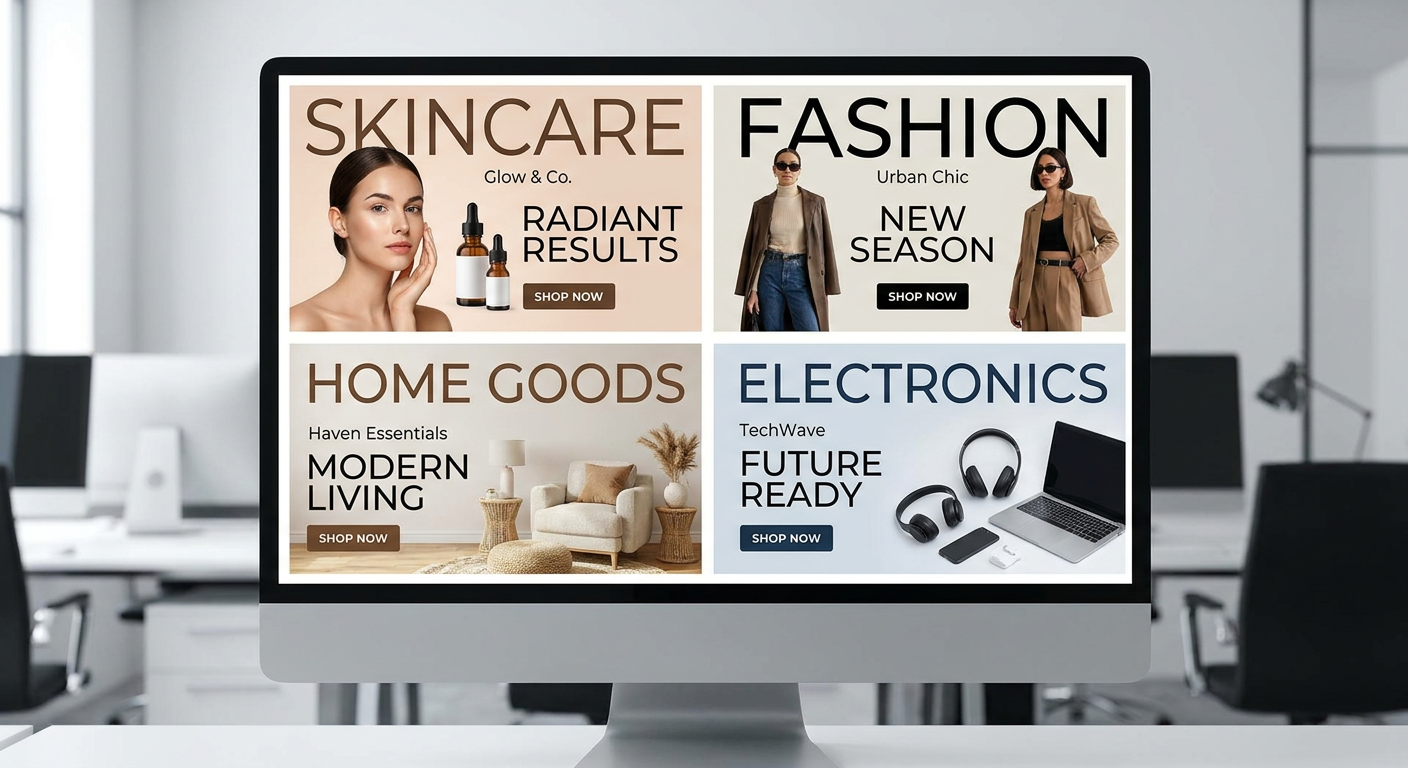
When the free tier stops fitting, Framia Pro is where most e-commerce sellers land. The platform's AI image generator is built for product-first workflows: you describe your product and campaign goal, and Framia Pro generates banner variants that are resolution-ready for paid ads, Shopify hero images, and Amazon storefront headers — not just social posts.
What makes Framia Pro different from a general-purpose design tool is that it's built around e-commerce contexts. The generation pipeline understands product categories, seasonal campaign timing, and platform-specific size requirements without you needing to specify them manually every time. The result is that a seller managing five product lines can build a full banner set for a flash sale in under an hour — something that would take a day or more with a free-tier tool and manual adjustments.
Framia Pro also keeps your brand style locked across sessions. Once your palette and visual preferences are dialed in, every new banner inherits them automatically. For teams managing multiple storefronts or handing off creative work to a VA, that consistency layer is the difference between a cohesive brand and a patchwork of mismatched visuals.
How to Get Pro Results from a Free AI Banner Generator
Whether you stay free or upgrade, these five practices separate banners that convert from banners that get scrolled past:
Step 1: Start with the platform's native size preset. Every major platform — Shopify, Amazon, Instagram — has a banner size that performs best in its algorithm. Use it from the start instead of resizing a square image into a rectangle later.
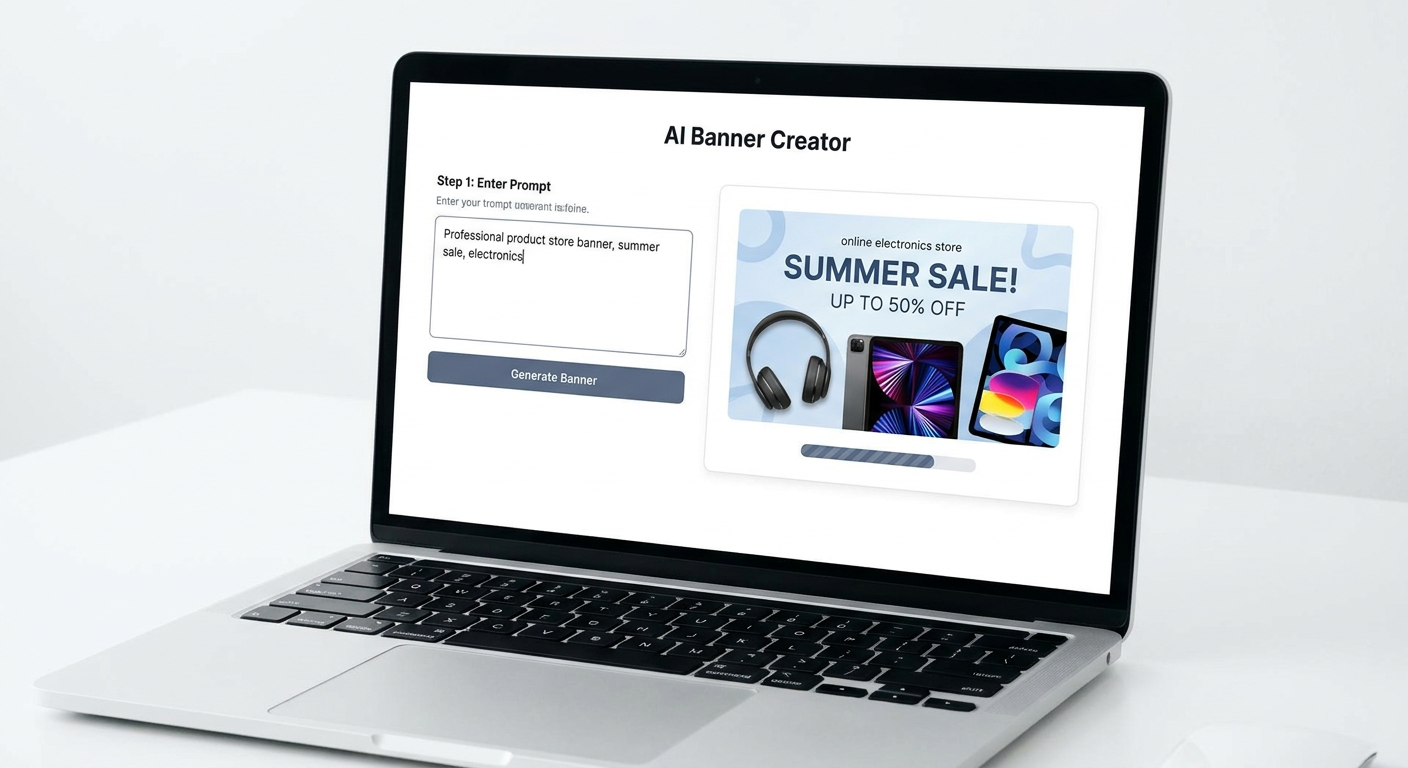
Step 2: Write your prompt like a brief, not a search query. Instead of "summer sale banner," try "minimal flat-lay of sunscreen and a beach hat on a white towel, warm afternoon light, no text overlay." Specificity produces usable results; vague prompts produce generic ones.
Step 3: Test two color treatments, not two entirely different concepts. Swap your background from warm white to your brand accent color. Most free AI banner generator tools allow palette swaps without a new generation — use that before burning through your monthly limit.
Step 4: Export at the highest resolution the free tier allows. Even if it's not print-ready, always download the largest available file and resize down rather than scaling up later. Upscaling degrades quality; downscaling preserves it.
Step 5: Check for text rendering issues before publishing. Free AI tools frequently produce banners where the generated text is slightly misspelled, overlapping, or in the wrong font weight. Treat every AI-generated text element as a first draft that needs a human pass.
FAQ
Does a free AI banner generator watermark its exports?
It depends on the tool. Canva Free watermarks some premium templates but not its basic ones. Adobe Express Free and Microsoft Designer do not watermark downloads during the free tier, but apply monthly caps on AI-generated assets. Always check the specific template you're using — not just the plan page.
Can I use a free AI banner generator for paid ads?
Yes, but check the tool's commercial use license first. Most major free tools (Canva, Adobe Express, Microsoft Designer) allow commercial use of free-tier outputs, including paid advertising. Smaller or newer tools may restrict commercial use to paid plans. When in doubt, read the terms of service before running a campaign.
What's the best free AI banner generator for Shopify specifically?
Canva Free has the most Shopify-ready templates and direct size presets, making it the most practical starting point for Shopify sellers. For AI-generated product visuals rather than template-based banners, Microsoft Designer's free tier currently offers the most flexible image generation without a paid subscription.
How many banners can I make per month with a free plan?
It varies significantly by tool. Canva Free has no hard cap on template-based banners but limits AI generation features. Adobe Express Free caps at 25 AI generations per month. Microsoft Designer allows roughly 15 AI images per day. If your campaigns need more volume, a free trial of a paid platform will stretch further than stacking multiple free-tier accounts.
Is a free AI banner generator good enough for a full product launch?
For a soft launch or a test campaign, yes. For a full product launch with paid ads across multiple platforms, probably not — free-tier tools typically can't produce the volume, resolution, and brand-consistent variation a real launch needs. A short paid trial timed to your launch window is often more cost-effective than spending days working around free-tier limits.
The Free Tier Is a Starting Line, Not a Ceiling
Free AI banner generator tools have gotten genuinely good in 2026 — good enough to launch a store, test a product, and run lightweight campaigns without spending anything. But the sellers who grow past a side hustle eventually hit the same wall: inconsistent branding, resolution limits, and the time cost of manual workarounds.
When that wall shows up, Framia Pro is worth a serious look — built for the workflows e-commerce sellers actually run, not the ones design tools assume they run.