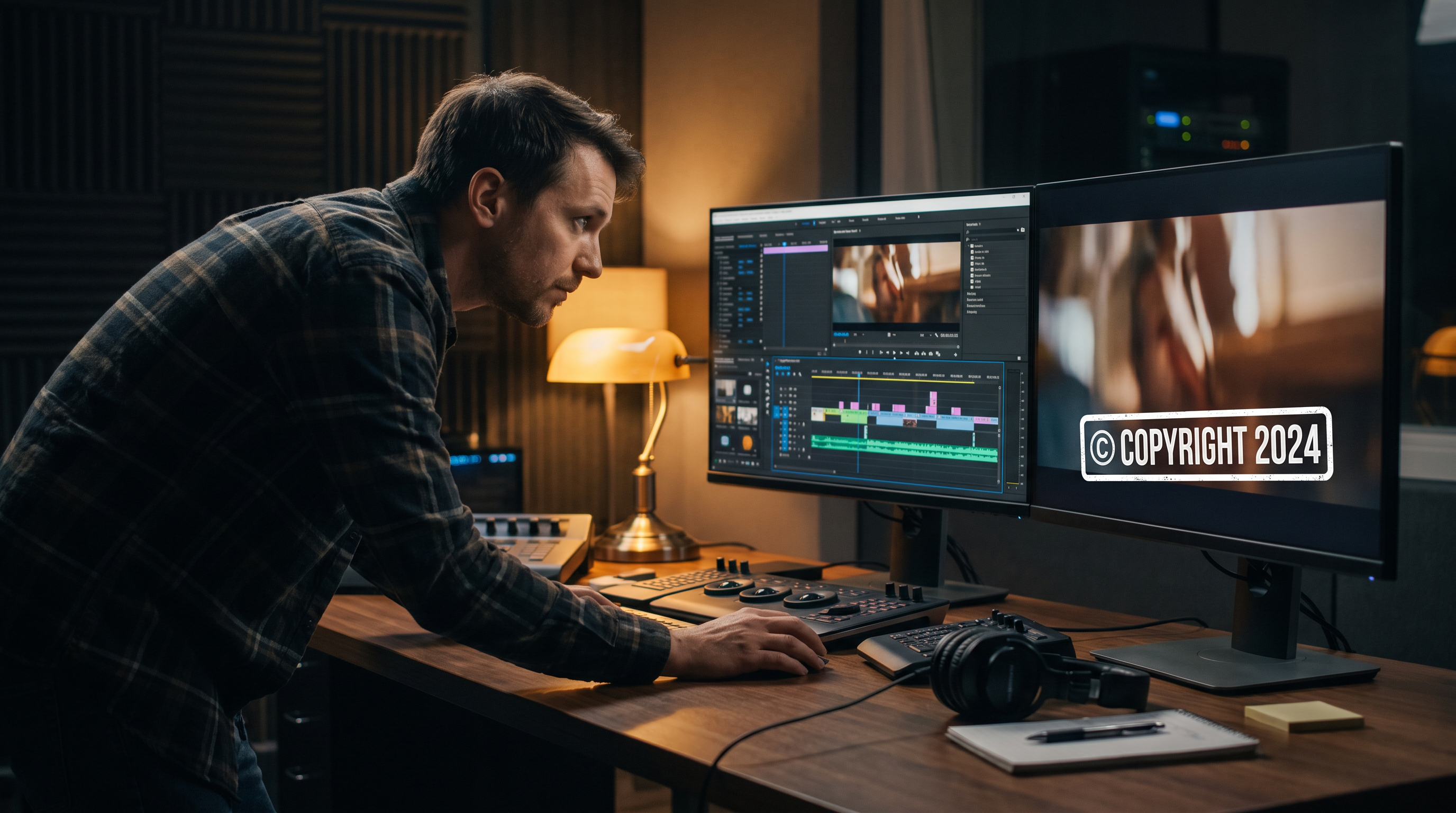
You spent two hours hunting for the perfect B-roll clip — slow-motion city lights, a skyline pan, exactly the vibe your ad needed. Then you open it in your editor and find it: a white rectangular logo burned into the bottom-right corner. The file was a free preview, and the paid version is behind a paywall. Framia Pro, a platform that tracks the AI creative tools space, shows that an AI video watermark remover is the fastest fix creators are landing on in 2026 — software that detects and erases a watermark frame by frame, without leaving a blur or a crop artifact behind.
Unlike manually blurring a region or cropping the frame, AI-powered removal analyzes the pixels surrounding the watermark and reconstructs what the background looks like underneath it. The result is a clean frame that holds up in motion, even on complex or moving backgrounds.
Why AI Makes Removing Watermarks from Video Different
Before AI, your options for removing a watermark from a video were limited: blur the region (distracting), crop the frame (changes your composition), or use a color matte to key out a solid-color logo — a technique that works on maybe 10% of watermarks. Think of it like dealing with a sticker on a glass window — old methods covered the sticker with tape, while AI methods carefully peel it off and repaint the glass underneath.
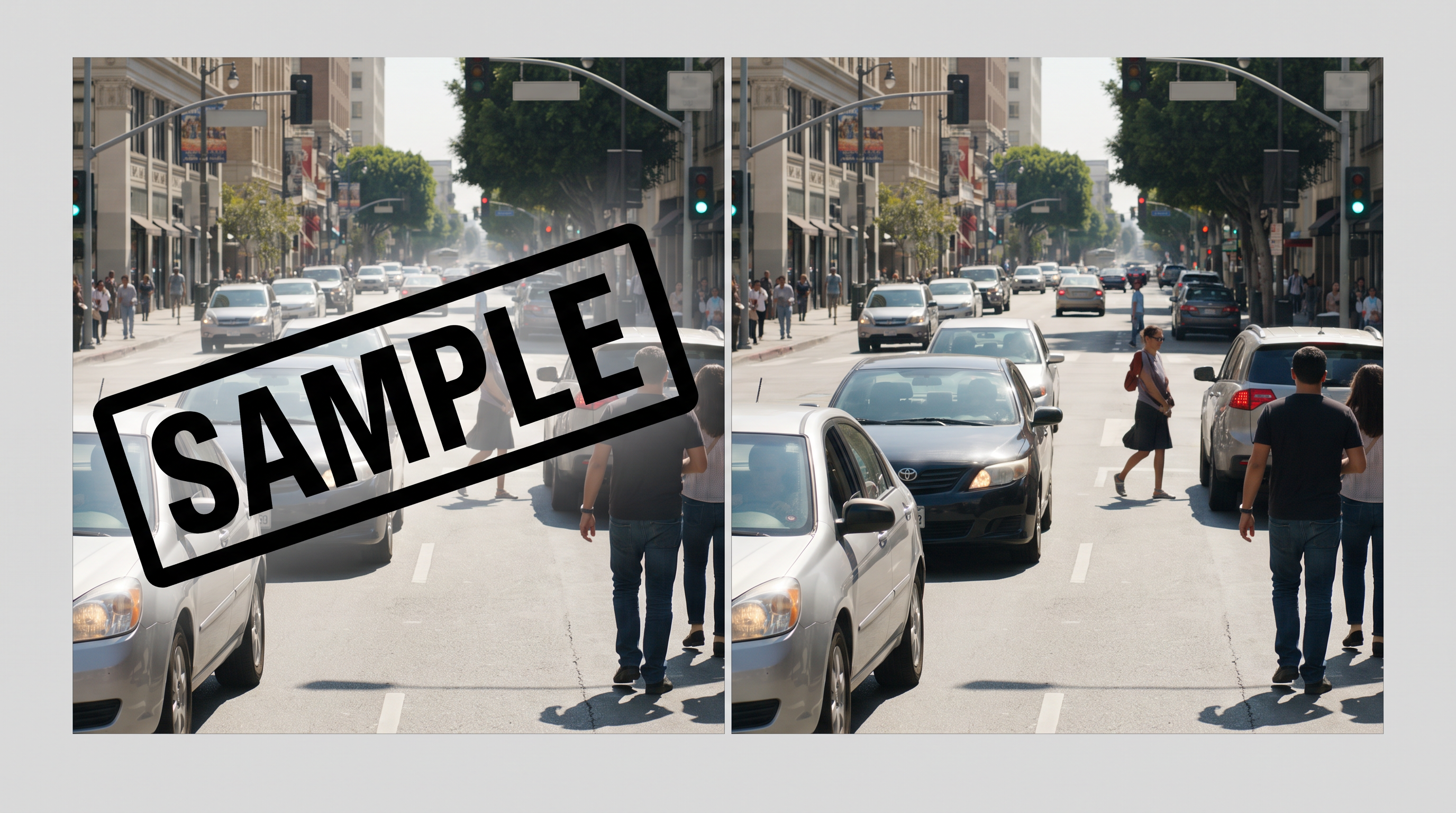
Modern AI video watermark removers use video inpainting: the model looks at surrounding frames, understands the motion trajectory of the background, and fills the masked area with temporally consistent pixels. This technique handles semi-transparent overlays, text watermarks, and dynamic copyright bugs that shift position — not just static logos in a corner.
The practical difference shows up on challenging footage. Inpainting on a shot of a crowded street or a fast pan across a skyline stays coherent because the model tracks motion across frames, not just within a single one. That is why delete watermark from video jobs that used to require frame-by-frame manual work in After Effects now take under five minutes in a browser tab.
How AI Video Watermark Removers Work in Practice
The typical pipeline runs four steps:
- Detection — the tool identifies the watermark region. Some run auto-detection; others ask you to draw a bounding box.
- Segmentation — a model separates the watermark pixels from the background at each frame.
- Inpainting — the reconstruction model fills the masked region frame by frame, using optical flow to keep motion smooth and the fill coherent across the cut.
- Export — the clip is saved at its original resolution and frame rate.
Think of this as Photoshop's Content-Aware Fill scaled across every frame of a video, with motion continuity baked in. For a 60-second clip at 24fps, that is 1,440 frames to reconstruct — which is why GPU acceleration matters and cloud-based tools are usually faster than local installs.
Framia Pro's ai video watermark remover tool runs this pipeline in-browser, so you can test it on a clip without installing software locally or converting your file format first.
5 AI Video Watermark Removers Compared
Here is how five tools compare on the metrics that matter most (tested on 1080p footage, as of July 2026):
| Tool | Watermark types | Free tier | Speed (60s clip) | Output quality | Best for |
|---|---|---|---|---|---|
| Framia Pro | Logo, text, semi-transparent | ✓ | ~2 min | High | Full production workflow |
| HitPaw Video Editor | Logo, text | Limited exports | ~4 min | High | Local / offline processing |
| Apowersoft Watermark Remover | Logo, text | Trial only | ~5 min | Medium | Batch jobs |
| UniConverter | Logo, text, subtitle | Trial only | ~6 min | Medium | Format conversion + removal |
| Watermarkremover.io | Logo, text | ✓ (limited) | ~3 min | Medium | Quick jobs, no account required |
Note on quality ratings: Tools rated "Medium" produce clean results on static backgrounds but may show fill drift on fast-panning or motion-heavy clips. Always test on a 10-second sample before committing to a full-length project.
If your project also includes still frames or product images, the ai image watermark remover guide covers the dedicated tools for that format — useful for social or e-commerce campaigns where video and photos ship together.

How to Remove a Watermark from a Video: 5 Steps
The process is consistent across most AI video watermark remover tools:
Step 1 — Upload your clip. Drag the watermarked file into the tool's input area. Most tools accept MP4, MOV, and AVI. Verify the file size limit before uploading anything over 500 MB.
Step 2 — Identify the watermark region. Run auto-detect first. If it misses the logo or selects too much of the frame, switch to a manual bounding box and draw a tight mask around the watermark only.
Step 3 — Run the inpainting model. Click "remove" or "process." Cloud tools process server-side and show a progress bar; local tools use your GPU. Expect 2–6 minutes for a 60-second 1080p clip.
Step 4 — Preview the output. Scrub through at 1× speed, focusing on motion-heavy frames. A fill that looks clean on a still frame may drift during a fast camera move. Re-run with a refined mask if needed.
Step 5 — Export and verify. Download at your target resolution. If the project also includes still frames that need cleanup, Framia Pro's remove image watermarks feature handles those in the same session — no extra sign-up required.
Framia Pro's Video Watermark Remover: What It Does
Framia Pro is an all-in-one AI creative platform built for the full production pipeline — script, image, voiceover, music, and video export — and its video watermark remover is part of that same workflow canvas. When you bring a watermarked clip in, the inpainting model auto-detects common logo formats or accepts a manual mask, then reconstructs the background with results that hold up on motion-heavy footage.
The practical advantage for mixed-media projects: you can handle both video cleanup and photo cleanup — say, a product shot used as a thumbnail — without switching platforms. The workflow canvas connects images, video clips, voiceover, and music in a single view, so removing a watermark is one step in the broader project rather than a detour to a separate tool. No conversion steps, no separate account for a one-off job.

FAQ
Can AI remove watermarks from video without blur?
Yes. AI video inpainting reconstructs the background pixels rather than blurring them. The result is a clean frame where the removed area blends naturally with its surroundings. Quality depends on background complexity — solid colors or simple gradients produce near-perfect fills; dense textures like foliage or crowds in fast motion may show subtle artifacts at the fill boundary.
Is there a free AI video watermark remover that actually works?
Watermarkremover.io and Framia Pro both offer free-tier access for short clips. Free tiers typically cap resolution or limit the number of monthly exports. For longer clips or higher-resolution footage, a paid plan is more cost-effective than working around free-tier restrictions.
Does removing a watermark from a video violate copyright?
This depends on how you obtained the footage and your jurisdiction. Removing a watermark from a licensed preview without purchasing the full license typically violates the platform's terms of service and may breach copyright law. Always verify you hold the appropriate rights to the underlying footage before using a watermark remover.
How long does it take to remove a watermark from a 60-second video?
Cloud-based tools typically process a 1080p, 60-second clip in 2–6 minutes (as of July 2026). Local GPU-accelerated tools can be faster with a modern discrete graphics card. Processing time scales roughly linearly with clip length and resolution.
What is the difference between removing a logo and removing a watermark?
In practice, most AI tools treat them identically — both are overlays that need to be masked and inpainted. A "logo" is typically a branding bug added by a producer or client; a "watermark" is a copyright protection overlay added by a stock platform. The AI removal process is the same; the legal context differs.
The Right Tool Is the One That Handles Your Clip
That B-roll you spent two hours tracking down does not need to stay buried under someone else's logo. AI video watermark removers have matured enough in 2026 that clean removal is a realistic first option — not a workaround. The key variables to check before committing to a tool: does it handle your specific watermark type, does it support your clip's resolution, and does the free tier give you enough output to evaluate quality before you pay?
If you want a platform that handles watermark removal as part of a broader video production workflow, Framia Pro is the place to start.