It's 7:40 a.m. The closet doors are open, four half-tried outfits are piled on the bed, and the meeting starts in twenty minutes. This isn't really a clothing problem. It's a preview problem.
By the third combination, you've stopped evaluating whether the outfit actually works. You're just picking something so you can leave the house. That's decision fatigue, and it happens even to people with closets full of perfectly good clothes.
Here's the part that's easy to miss: you probably already own enough outfits to solve this. The bottleneck isn't your wardrobe, it's that pairing decisions get made from memory, based on how two pieces looked together weeks ago, instead of from actually seeing them together right now. That's the exact gap an AI clothes changer is built to close.
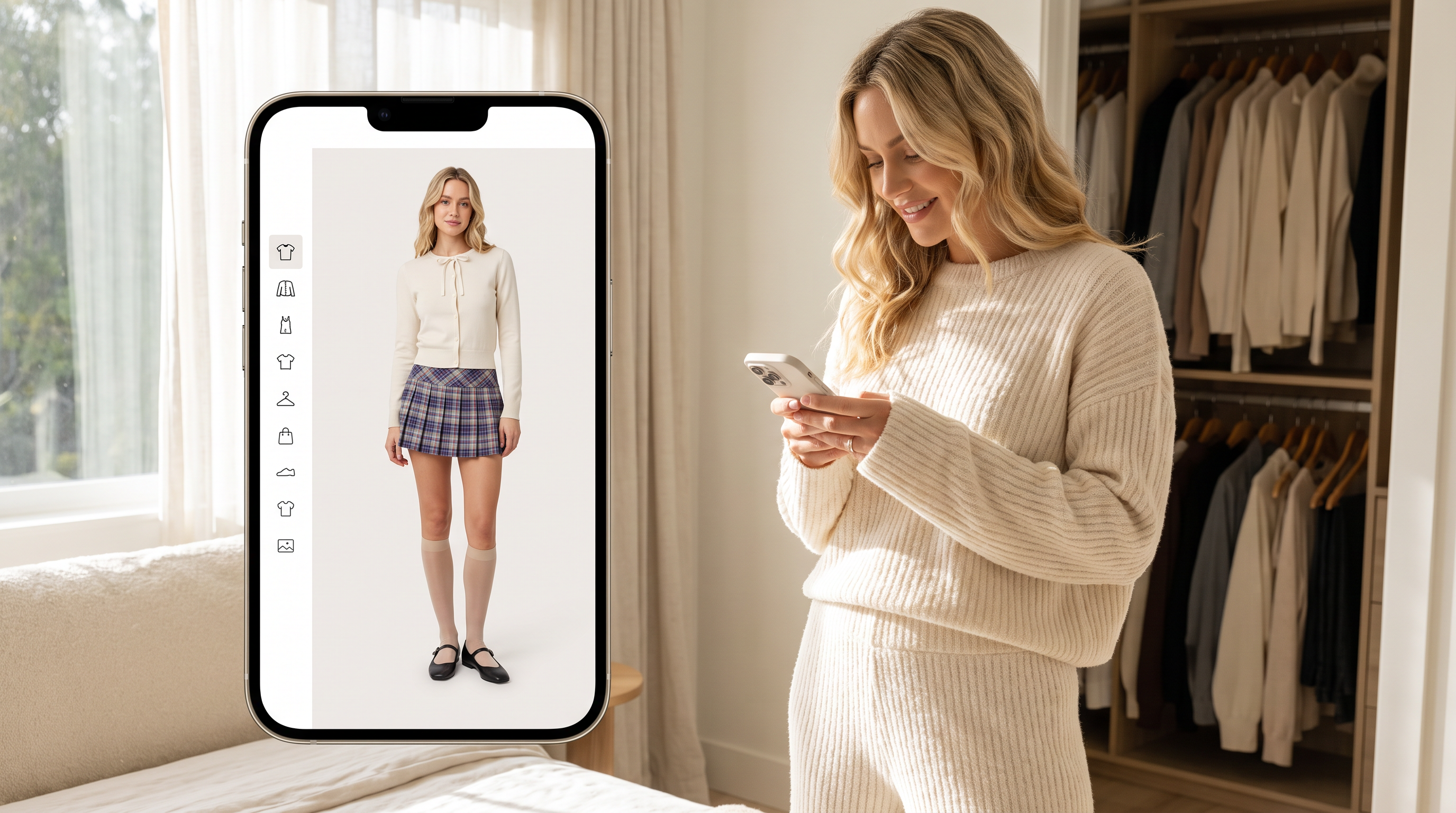
Why a Digital Wardrobe App Beats Standing in Front of Your Closet
Standing in front of a closet, mentally combining pieces, is like trying to plan a recipe by staring at a pantry instead of laying the ingredients out on the counter. Everything you need is technically there. Your brain is just doing the hard work of visualizing a combination instead of looking at one.
That mental load is why the same three outfits get worn on repeat while half the closet sits untouched. It's rarely because those pieces don't work. It's because nobody ever previewed them together.
A digital wardrobe app removes that step. Instead of imagining how a striped shirt looks under a cream blazer, you see a real render of yourself in that exact pairing. Guessing becomes glancing, which matters most on the mornings when you've already changed clothes twice.
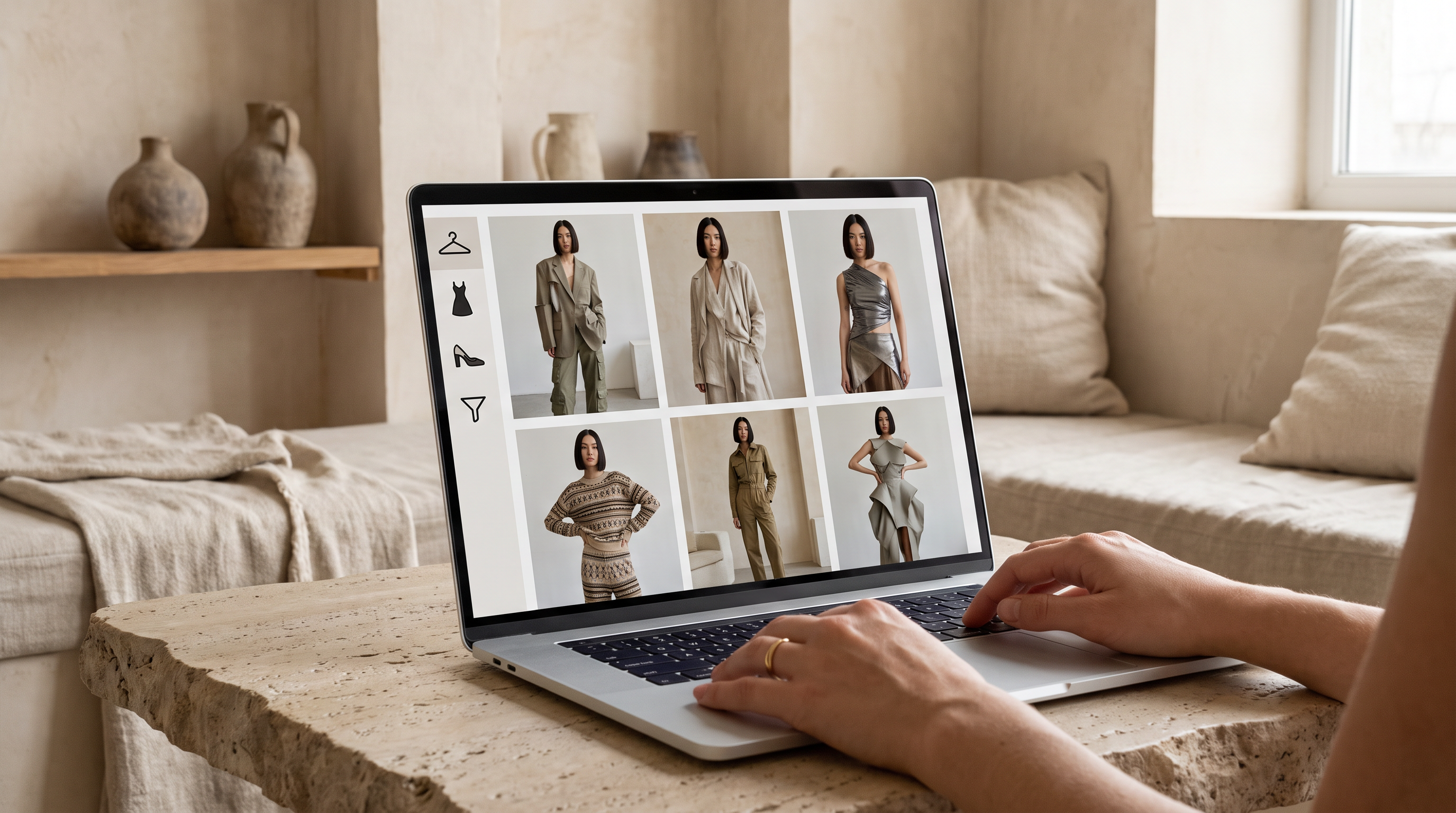
How an AI Outfit Changer Turns Your Closet Into a Digital Wardrobe App
A capsule wardrobe, the small rotation of pieces that all mix and match, sounds simple but is genuinely hard to plan without seeing the combinations first. Stylists build these by physically laying pieces out for days. That's not realistic when you're packing for a trip on Sunday night.
An AI outfit changer shortcuts the process. Photograph the pieces you already own, then generate previews of different pairings on your own photo using an AI image editor built for this kind of swap. Your closet stops being a set of fixed, already-decided outfits and starts working like interchangeable building blocks.
A few habits make this genuinely useful instead of a novelty:
- Photograph pieces flat, on a hanger, or laid on a bed in even light. You want the AI reading the actual cut and color, not a shadow-heavy phone snap.
- Start with the items you never wear, not your favorites. Underused pieces are where you'll find the most new combinations.
- Batch a season at a time. Doing your whole closet in one sitting is overwhelming; doing "everything that's currently hanging in your closet for spring" is manageable.
This is what turns a phone full of clothing photos into an actual digital wardrobe app, rather than just a gallery you scroll past.
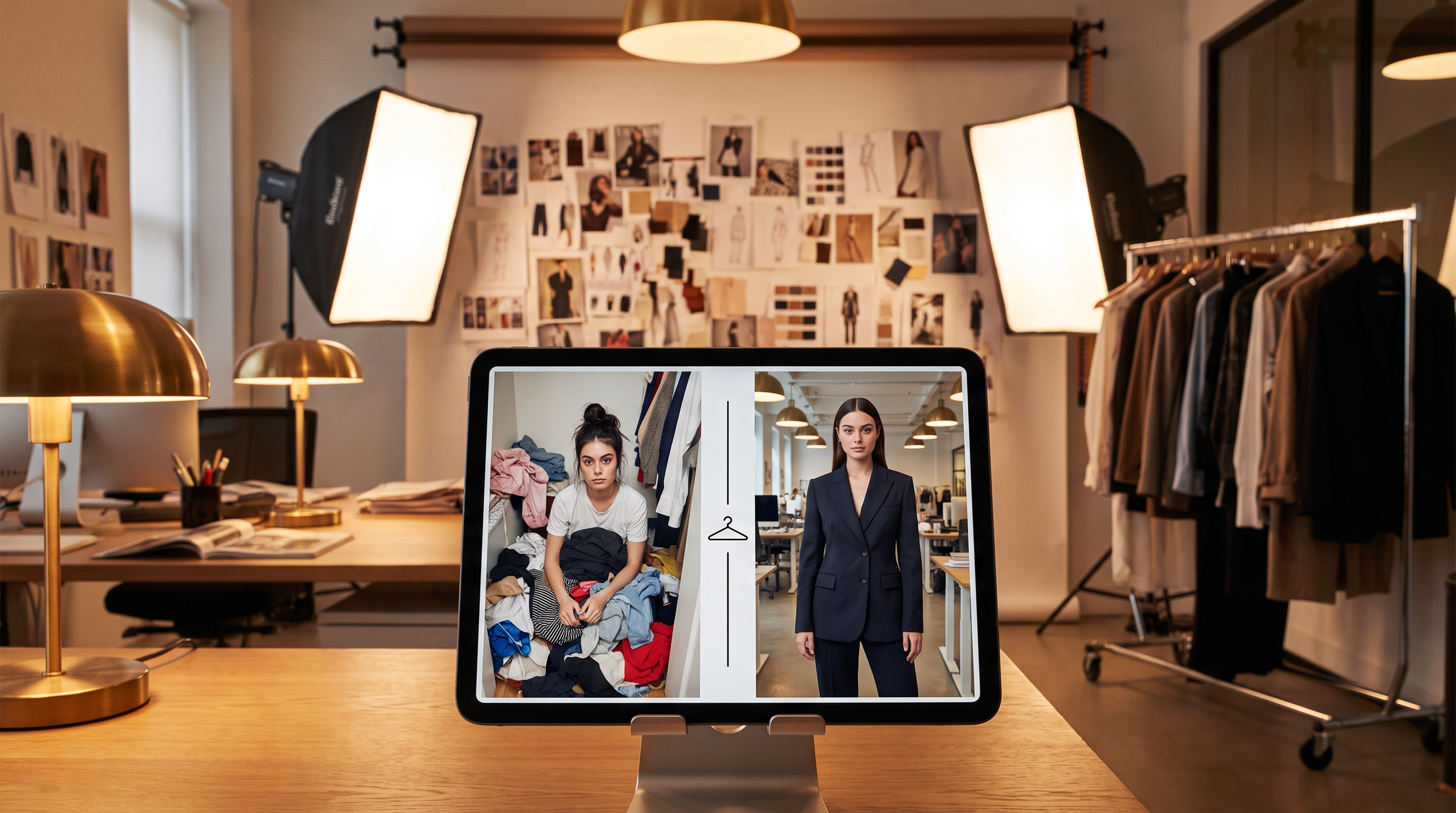
Comparing Ways to Plan an Outfit: A Quick Look
If you're deciding which method is worth your time, it usually comes down to two questions: does it show you the real pairing, and can you try enough combinations to actually find the good ones.
| Method | Shows the real pairing | Time required | Works while packing or traveling | Easy to try many combinations |
|---|---|---|---|---|
| Memory / mental picture | No | Instant, but unreliable | No | No |
| Physically trying on each combination | Yes | Minutes per combination | Poorly | Slow |
| Pinterest or mood boards | Partial, not your own clothes | Minutes | Yes | Somewhat |
| AI outfit changer / digital wardrobe app | Yes, on your own photo | Seconds per combination | Yes | Yes |
Pinterest boards are fast but show someone else's clothes on someone else's body, which is why half of what you save there never gets recreated. Physically trying things on is accurate but slow, which is exactly the problem on a rushed morning. An AI outfit changer is the one option that doesn't force you to trade accuracy for speed.
If you're packing for a trip, run this comparison against your actual suitcase list before you leave, not after you've already overpacked. Previewing five combinations from eight pieces takes minutes and tells you immediately which items are pulling their weight.
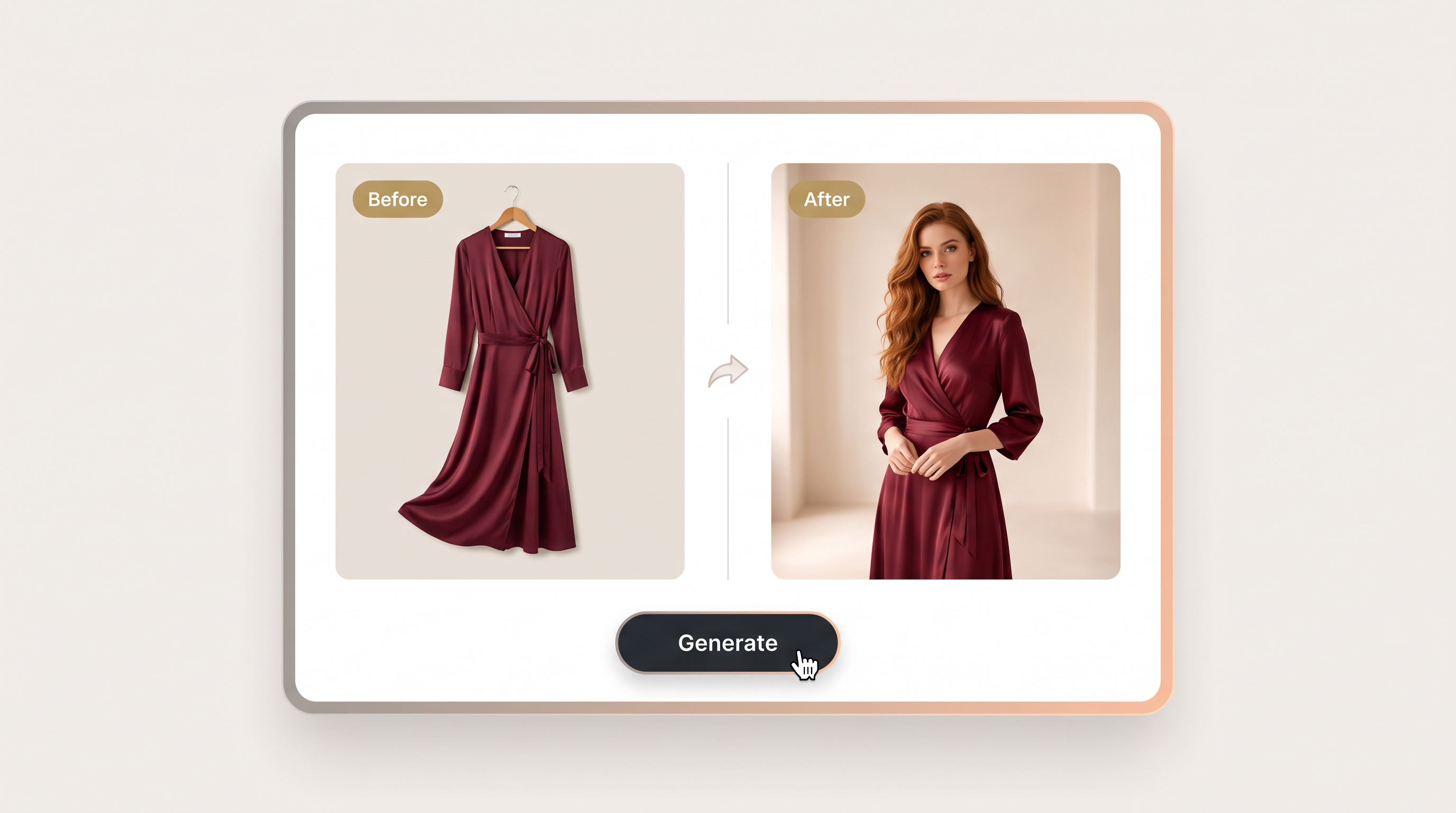
Framia Pro as Your Digital Wardrobe App
Framia Pro works this way in practice: upload a photo of yourself and photos of pieces you own, then generate a realistic preview of the pairing before you get dressed. It keeps your face, body, and proportions consistent across renders, so comparing five outfit combinations, using models like Nano Banana for quick everyday previews, takes about as long as comparing one.
That's the actual time savings on a rushed morning, and it works the same way the night before a trip, when the goal is a small, flexible rotation rather than a guess about what will look right once you get there.
Getting More Out of a Wardrobe You Already Own
Most closets don't need more clothes. They need a better system for using what's already there. A few things help beyond just generating previews:
- Build a rotation, not a wishlist. Pick five to eight "anchor" pieces you wear constantly, then preview two or three new pairings against them each week instead of trying to reinvent your whole wardrobe at once.
- Keep a shortlist, not a full catalog. You don't need every combination photographed, just the two or three per category (work, weekend, travel) that you've confirmed actually work.
- Revisit forgotten pieces on a schedule. Once a month, pull out something you haven't worn in ninety days and preview it against three current basics before deciding it doesn't fit your style anymore.
- Pack by rotation, not by outfit. For trips, choose pieces that each pair with at least two others, then preview the full set together so you're not carrying items that only work one way.
None of this requires an overhaul. It requires seeing the combinations you already have access to, which is the step most people skip.
Five Steps to Build Your Digital Wardrobe App With an AI Outfit Changer
- Photograph the pieces you reach for least. Unused items are usually where a digital wardrobe app finds you the most new combinations.
- Upload a clear photo of yourself so the AI clothes changer has an accurate base to render pairings onto.
- Generate a handful of combinations mixing those underused pieces with basics you wear often. Don't try to plan a whole week in one sitting.
- Save the two or three pairings that actually look right, the way you'd flag outfits in a lookbook, so a shortlist is ready before a busy morning.
- Revisit that shortlist weekly and swap in a new combination or two. The goal is a rotating shortlist that keeps working, not a one-time styling project.
The closet was never really the problem. The habit of deciding blind, without ever seeing the pairing first, was. Photograph what you already own, preview it honestly, and let the shortlist do the deciding before the morning rush does. That's a smaller shift than it sounds like, and it's the one that actually sticks.
FAQ
Do I need professional photos of my clothes for this to work well?
No. Clear, evenly lit phone photos of each piece laid flat or on a hanger are enough for an AI outfit changer to read the color, cut, and texture accurately.
Is a digital wardrobe app only useful for people with large closets?
It's actually more useful with a smaller closet, since the goal is finding more combinations among fewer pieces rather than managing an overwhelming inventory.
Can this help with packing for a trip, not just daily outfits?
Yes. Previewing combinations before you travel is one of the most practical uses, since it lets you confirm a small set of pieces actually mixes and matches before you're limited to a suitcase.
How is this different from just saving outfit photos to my phone?
Saved photos only show outfits you've already worn. An AI outfit changer generates new pairings you haven't tried yet, which is what actually expands how you use your existing closet.
Will the AI outfit changer preview match the real fabric and fit exactly?
It gets color, silhouette, and overall styling very close, which is enough to judge whether a combination is worth trying on physically. Fine details like exact fabric drape can vary slightly, so treat the preview as a strong filter rather than a guaranteed final look.