A mid-size apparel brand's creative calendar rarely changes: book a studio, book three to five models to cover a size range, shoot for two days, wait another week for retouching. Multiply that by every market the brand sells into, and photoshoots quietly become one of the largest recurring line items in the catalog budget — before a single TikTok Shop clip even gets made.
That's the bottleneck pushing fashion e-commerce teams toward an AI outfit changer: a model that swaps garments onto an existing photo, or generates a new one, without booking a physical reshoot. For a merchandising or growth lead, the appeal isn't novelty. It's turnaround time and catalog coverage per dollar spent.
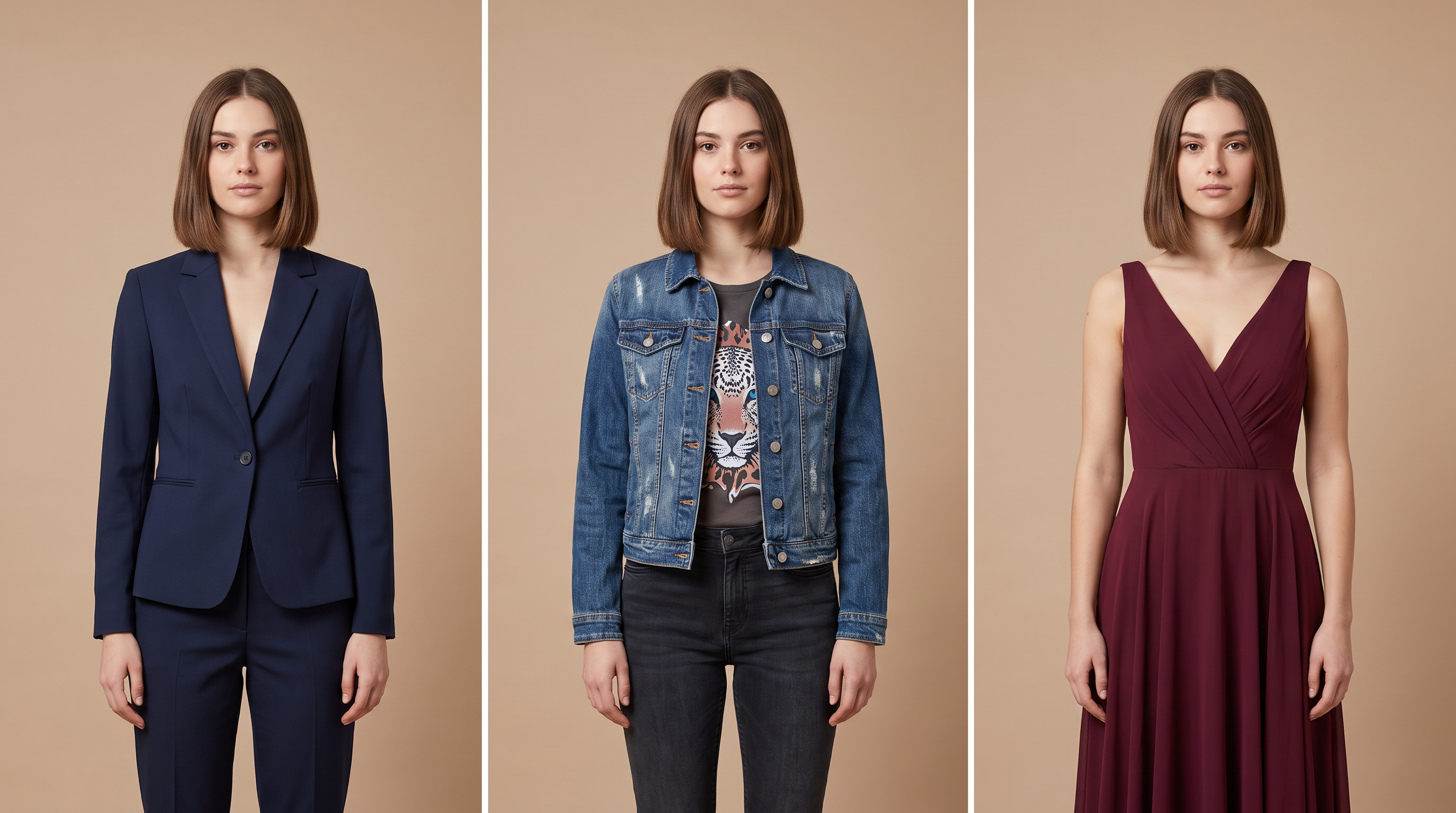
Scenario One: Size and Skin-Tone Diversity Without Rebooking Models
Most catalogs still show one body type per garment. Rebooking five models in five sizes for a single SKU rarely pencils out against the sales lift it produces.
An ai clothing swap workflow changes that math. One base photo, shot on a house model, gets regenerated across body types and skin tones by adjusting the prompt instead of the shoot day.
Think of it the way a tailor grades a master pattern up or down for different sizes rather than drafting a new one each time. The base image is the pattern; the prompt does the grading. Teams running this way are shipping actual photos for size ranges that used to live only in a size chart — a direct fix for the size-only-in-text problem that quietly depresses conversion on plus-size and petite SKUs.
Scenario Two: Multi-Market Localization Without a Second Shoot
A garment shipped to five regions usually needs five different "looks" — styling conventions, model presentation, even background context shift by market. Re-shooting per region is rarely in the budget, so most catalogs default to one global image and hope it travels.
Virtual try on clothes tooling breaks that compromise. The same product, photographed once, gets restyled for a market's preferred silhouette or layering convention without touching the physical garment again.
It's the image equivalent of how a localization team handles copy: one source asset, several adapted outputs. The difference is the adaptation happens on the photo, not the text — and it ships in hours, not a second production cycle.
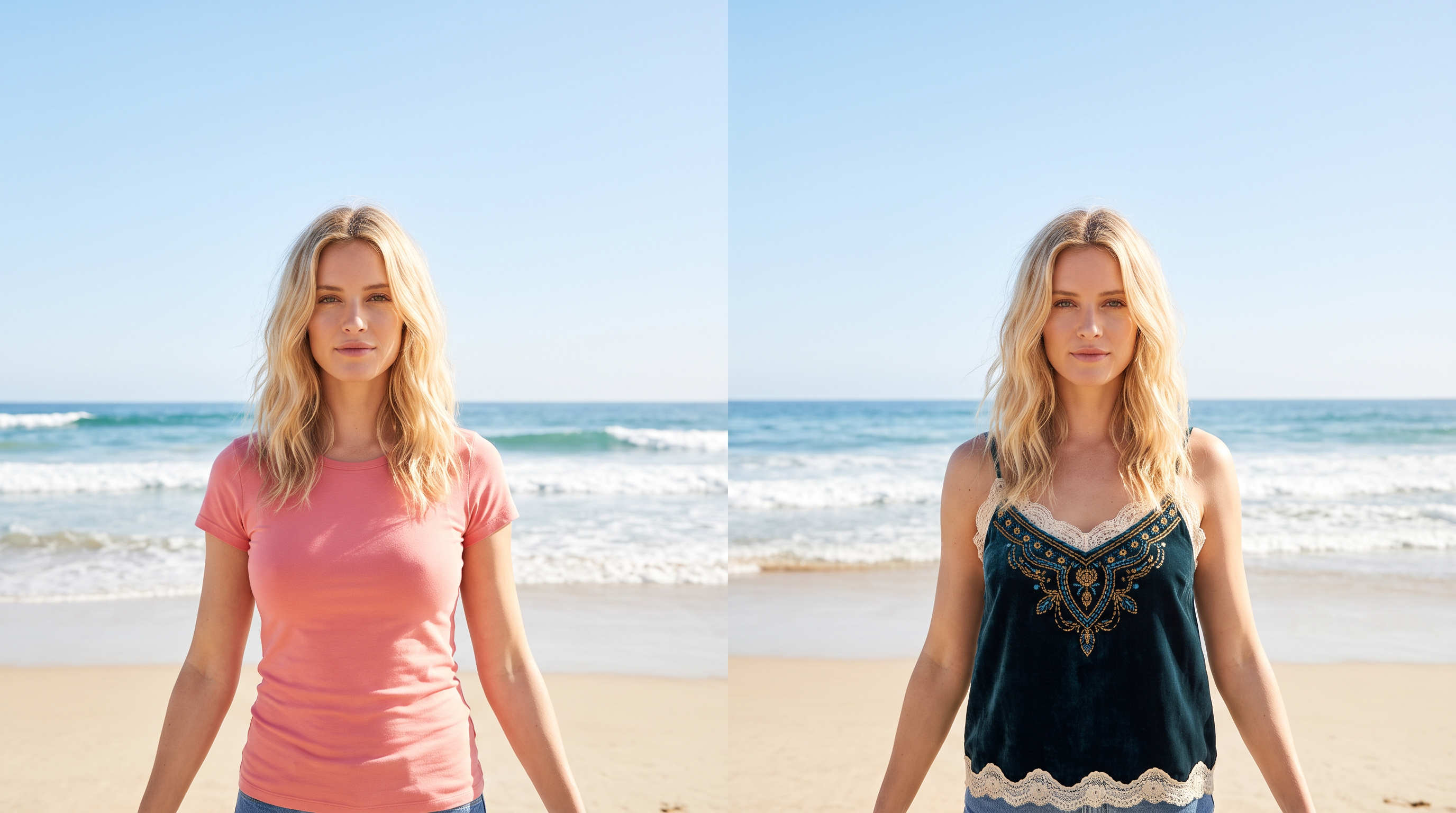
Scenario Three: Scaling TikTok Shop and Social Creative
TikTok Shop teams are already living this problem at a faster cadence than the core catalog. Outfit-swap edits are one of the platform's higher-engagement formats right now — trend clips built on outfit-swap templates have pulled multi-million view counts on creator accounts, and sellers are adapting the same format for shoppable try-on content.
The workflow math here is simple: an ai fashion photoshoot approach turns one garment into a dozen presenter variations without booking a dozen presenters. For a social team publishing several outfit videos a week, that's the difference between one usable asset per garment and a full week of content.
A few operating notes that separate teams who scale this well from teams who stall:
- Batch by hook, not by garment. Generate presenter variations for whichever 3–4 garments are trending that week, not the whole catalog — trend windows move faster than a full-catalog render cycle can keep up with.
- Keep one base photo per garment as the source of truth. Every variant traces back to it, which keeps brand styling consistent even when five different editors are producing clips in parallel.
- Route the top performers back into paid. A clip that earns organic engagement is a stronger paid-spend candidate than a from-scratch UGC brief, and it's already rendered in multiple presenter looks.
- Treat this as a content pipeline, not a one-off effect. The brands winning on TikTok Shop are running outfit-swap generation on a weekly cadence tied to trending audio and formats, not pulling it out for occasional campaigns.
The same base-photo-plus-prompt logic from Scenario One pays off twice here — one shoot now feeds both size/skin-tone catalog coverage and a week of social variants.
Photoshoot vs. AI Outfit Changer: Where the Time and Cost Actually Go
| Factor | Traditional Reshoot | AI Outfit Changer Workflow |
|---|---|---|
| Turnaround per new look | Days to weeks (booking, shoot, retouch) | Same day, prompt-to-render |
| Cost driver | Studio, models, retouching per SKU | Editor time and per-image generation |
| Size/skin-tone coverage | Limited by models booked that day | Expandable per prompt, same base photo |
| Market localization | New shoot per region, often skipped | Restyled from one source asset |
| Best fit | Hero campaign imagery, brand shoots | Catalog scale, social/TikTok Shop volume |
Use the reshoot when the image has to sell the brand itself — flagship campaigns, lookbooks, anything running on a billboard. Use the AI workflow when the image has to sell the SKU, at volume, across sizes and markets. Most teams we've seen land on exactly that hybrid rather than picking a side.
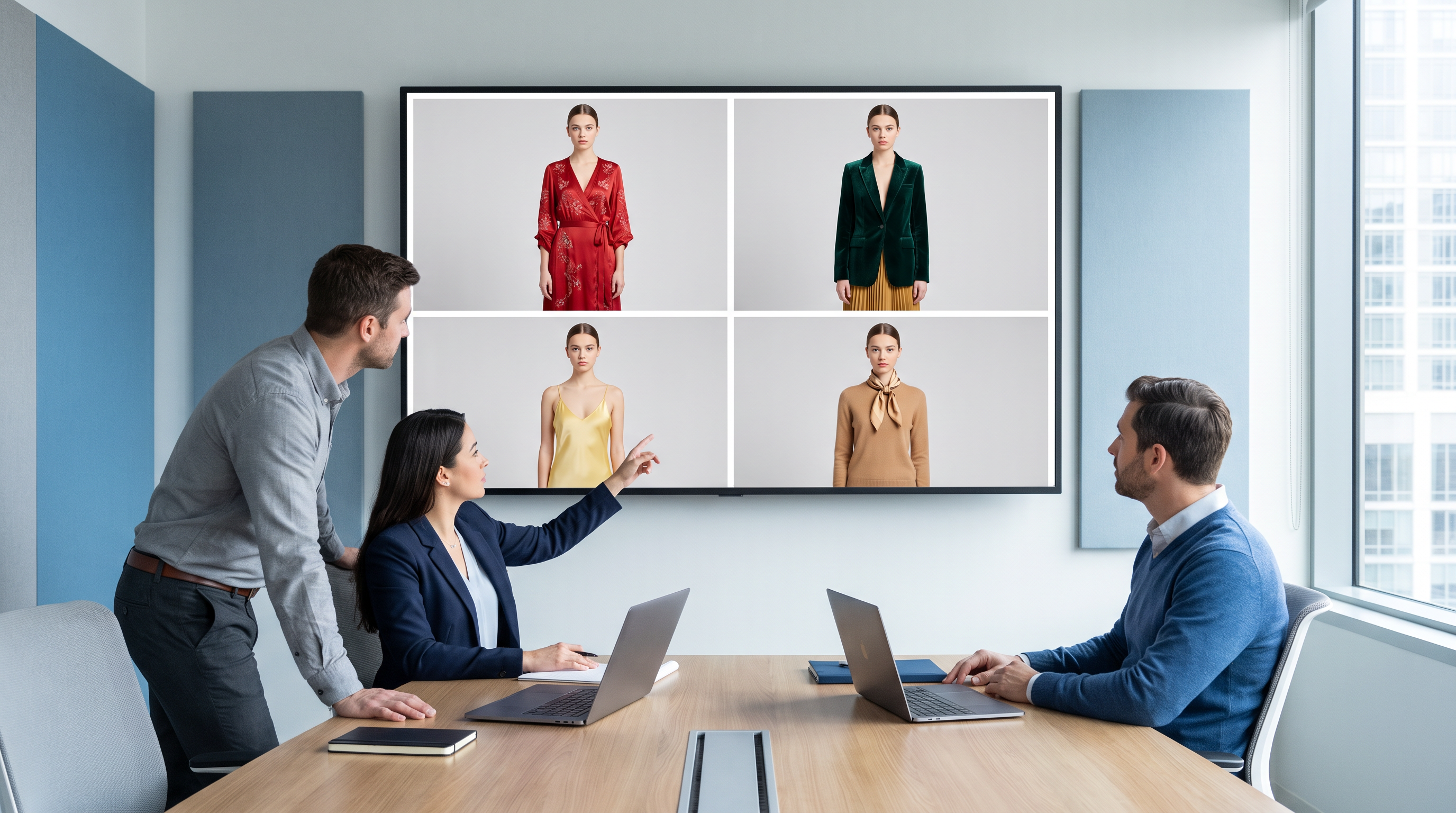
Framia Pro for Fashion Team Workflows
Once a team decides to bring outfit-swap production in-house, the next question is which model actually holds up on garment texture and identity consistency across a real batch — not a single demo image. Framia Pro tracks that comparison across the AI tools fashion and e-commerce teams are actively using for catalog and social production, which is where most teams start before committing a pipeline to one vendor.
If the workflow question is really "swap outfits onto an existing photo, or generate the model image from scratch," the AI clothing model generator breakdown covers the model-generation side of the same decision — useful to read alongside this one before locking in a production pipeline.
Five Steps for Bringing This In-House
- Pick one SKU family as a pilot. Don't overhaul the whole catalog pipeline before testing on a single product line with known size and market variants.
- Shoot or select one clean base photo per garment. Even lighting and a full-body or half-body frame give the model the most to work with.
- Write prompts by size and market segment, not one-off. A repeatable prompt template per size range keeps output consistent across a SKU family.
- Run production through Framia's AI image editor and compare output before committing to a batch. Testing a handful of images before scaling to hundreds catches identity and lighting issues while they're still cheap to fix.
- Route hero imagery back to a real shoot. Keep the AI workflow for coverage and volume, and reserve studio budget for flagship campaign assets.
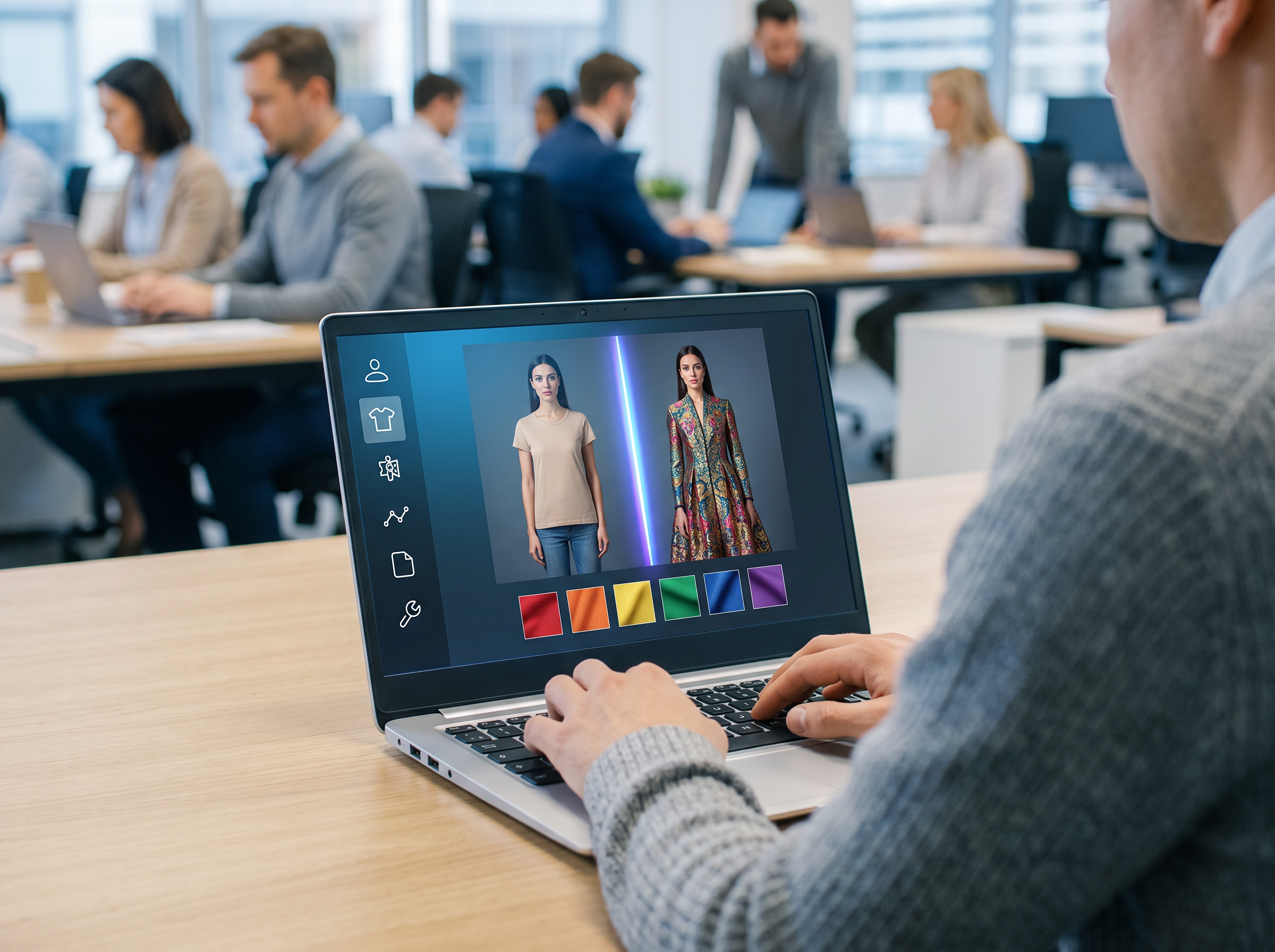
Turning Photoshoot Budget Into Coverage
The teams getting the most out of this shift aren't replacing photography — they're reallocating it. Reshoot budget goes to the campaigns that need a real studio; an ai outfit changer workflow picks up the size, market, and social variants that used to get skipped entirely.
That reallocation is the actual ROI story, more than any per-image cost comparison: the same production spend now covers a size chart that used to be text-only, a set of localized market images, and a week of TikTok Shop variants — outputs the studio day rate never had a line item for. Framia Pro keeps a running comparison of the models teams are using for this work, worth a look before committing a production pipeline to any single one.
FAQ
Does an ai outfit changer replace the need for any photography at all?
No — it still starts from a real photo. What it removes is the need to reshoot that same garment on every model, size, or market variant; the base photo still has to be well-lit and usable.
How consistent is skin tone and lighting across generated variants?
Current-generation models condition on the original photo's lighting direction and skin tone as a baseline, which is why quality checks still matter — reviewing a batch before publishing catches the occasional inconsistency before it reaches a live product page.
Is this workflow only useful for large catalogs?
Smaller brands often see the bigger relative time savings, since they typically can't afford the model and studio day rates a larger reshoot requires in the first place.
Can this be used for TikTok Shop content specifically, not just catalog photos?
Yes — several teams use the same base-photo-plus-prompt approach for short-form outfit-swap clips, following the trend format that's already performing well on the platform, rather than product-page stills alone.
What's the biggest risk teams should watch for?
Over-relying on a single base photo across too many variants can make a whole line look visually repetitive. Rotating base photos periodically, the same way a studio would rotate models, keeps catalog imagery feeling fresh.