Paint chips, fabric swatches, and a room that still doesn't come together — most people don't lack taste, they lack a fast way to test ten combinations before picking one. That's the specific problem an AI room decorator is built to solve.
An AI room decorator takes a photo of an actual room and suggests colors, layouts, and decor that work with what's already there. Under the hood, it's the same image-generating engine behind AI room design more broadly — just pointed at a narrower question: which palette, which layout, which accent piece. It's a decision-testing layer, not a replacement for taste — it shows you what a choice looks like before you commit to paint or furniture.
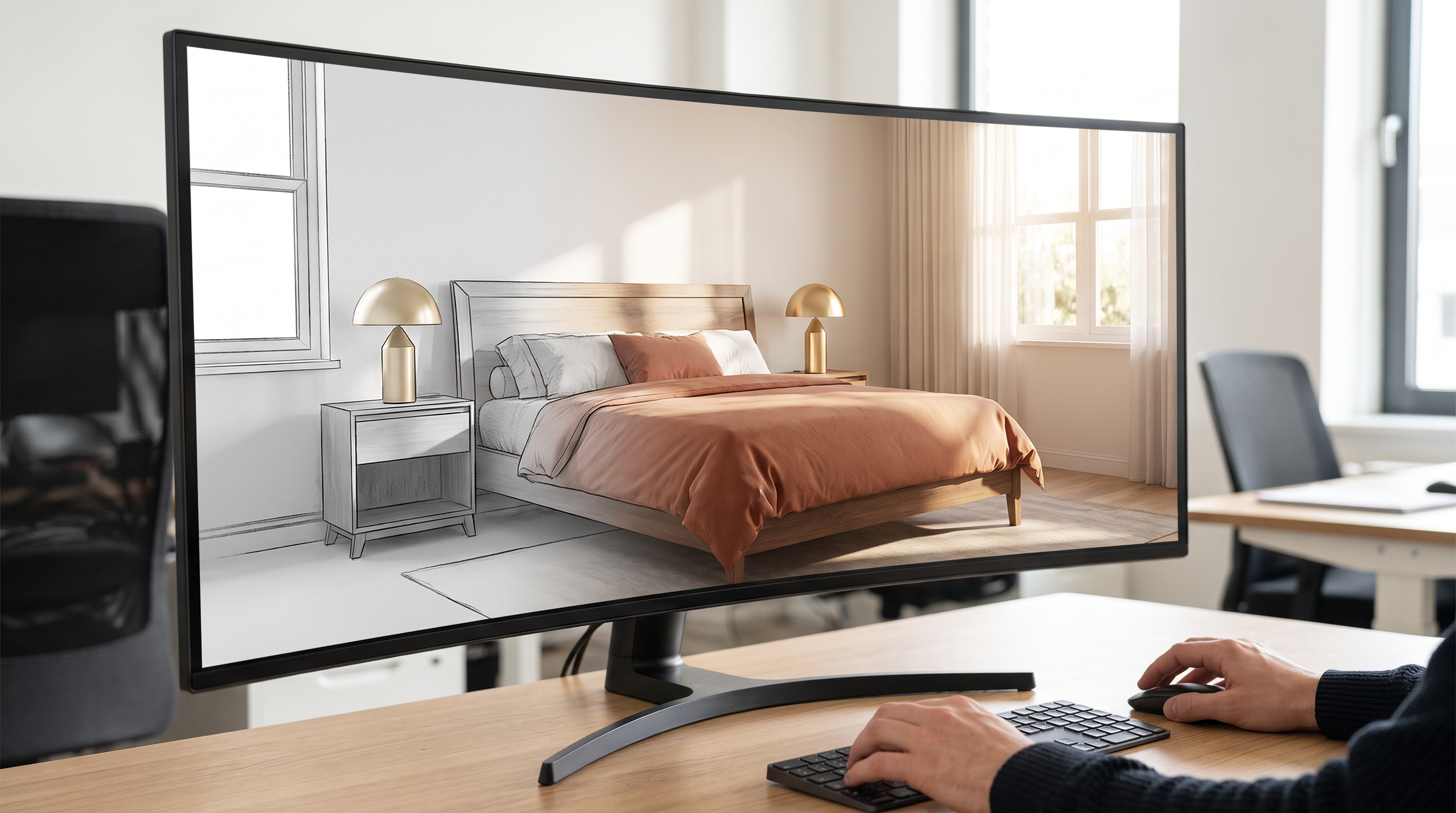
AI Room Decorator vs Hiring a Human Decorator: What Changes
A human decorator brings judgment built from hundreds of past projects, but that judgment comes at a price and on a schedule. HomeAdvisor puts the average cost of hiring an interior decorator between $2,055 and $15,256 per project, averaging around $8,550, with HomeGuide citing typical hourly rates of $50 to $200. Most projects also take weeks of back-and-forth before a final plan is approved.
An AI room decorator compresses that testing phase into minutes instead of weeks, generating a dozen color-and-layout combinations for the cost of the tool rather than a per-hour consulting fee. What it doesn't do is manage contractors, source custom furniture, or catch a structural issue a trained eye would flag on a walkthrough.
| Human Decorator | AI Room Decorator | |
|---|---|---|
| Typical cost | $2,055–$15,256 per project (HomeAdvisor) | Cost of the software, no hourly fee |
| Turnaround | Weeks of revisions | Minutes per variation |
| Judgment source | Professional experience, in-person walkthrough | Pattern-matching from training data |
| Best for | Full renovations, structural decisions | Testing colors, layouts, and decor ideas fast |
Where an AI Room Decorator Still Needs Your Judgment
Think of an AI room decorator like a tailor's mirror with three angles instead of one — it shows you more options faster, but it doesn't tell you which one actually fits your life. A layout that looks balanced in a generated image might block the exact hallway you walk through every morning with a coffee cup in hand.
That's why the decisions an AI room decorator is best at are visual and reversible — paint color, rug pattern, furniture arrangement — while decisions with real consequences, like knocking down a wall or rewiring a lighting circuit, still call for a professional who can see the room in person.

Framia Pro: Comparing AI Room Decorator Styles Side by Side
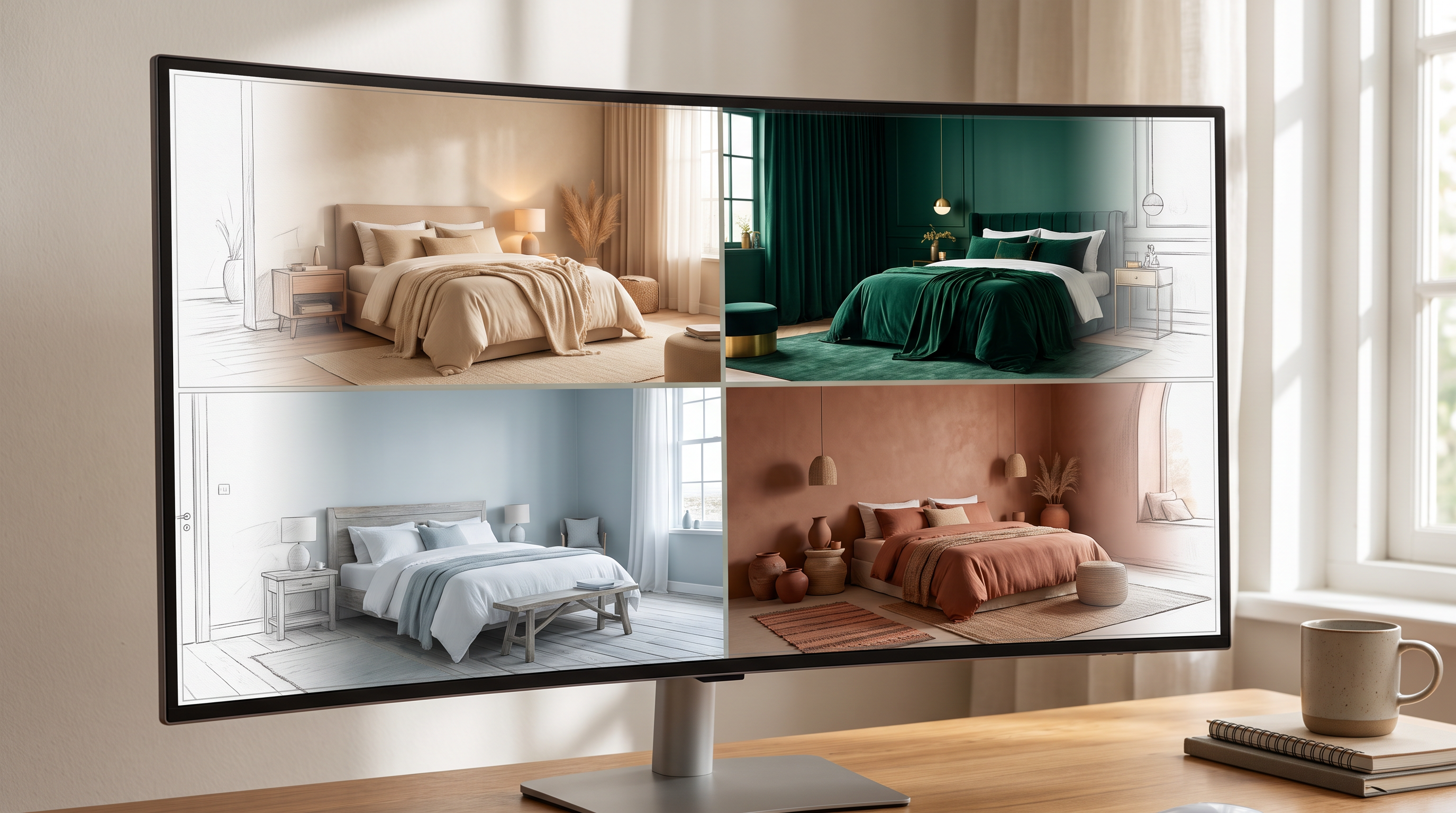
Framia Pro's role here is to run the same room photo through multiple AI models at once, so a warm-neutral palette and a jewel-tone palette can sit next to each other on screen before either one gets committed to a can of paint. For a room decorator use case specifically, that side-by-side comparison catches the models that oversaturate colors or misjudge how a palette will actually read under a room's real window light.
That matters most for decor decisions, since a color that looks sophisticated in one model's rendering can look garish in another's — and the only way to know which is closer to reality is to see them next to your actual room.
How to Use an AI Room Decorator in 5 Steps
Getting useful results from an AI room decorator follows the same short process regardless of which room you're working on.
- Photograph the room in daylight, from the angle you actually see it from most often.
- Describe the color palette or mood you're testing — "warm neutral with brass accents" works better than "nice."
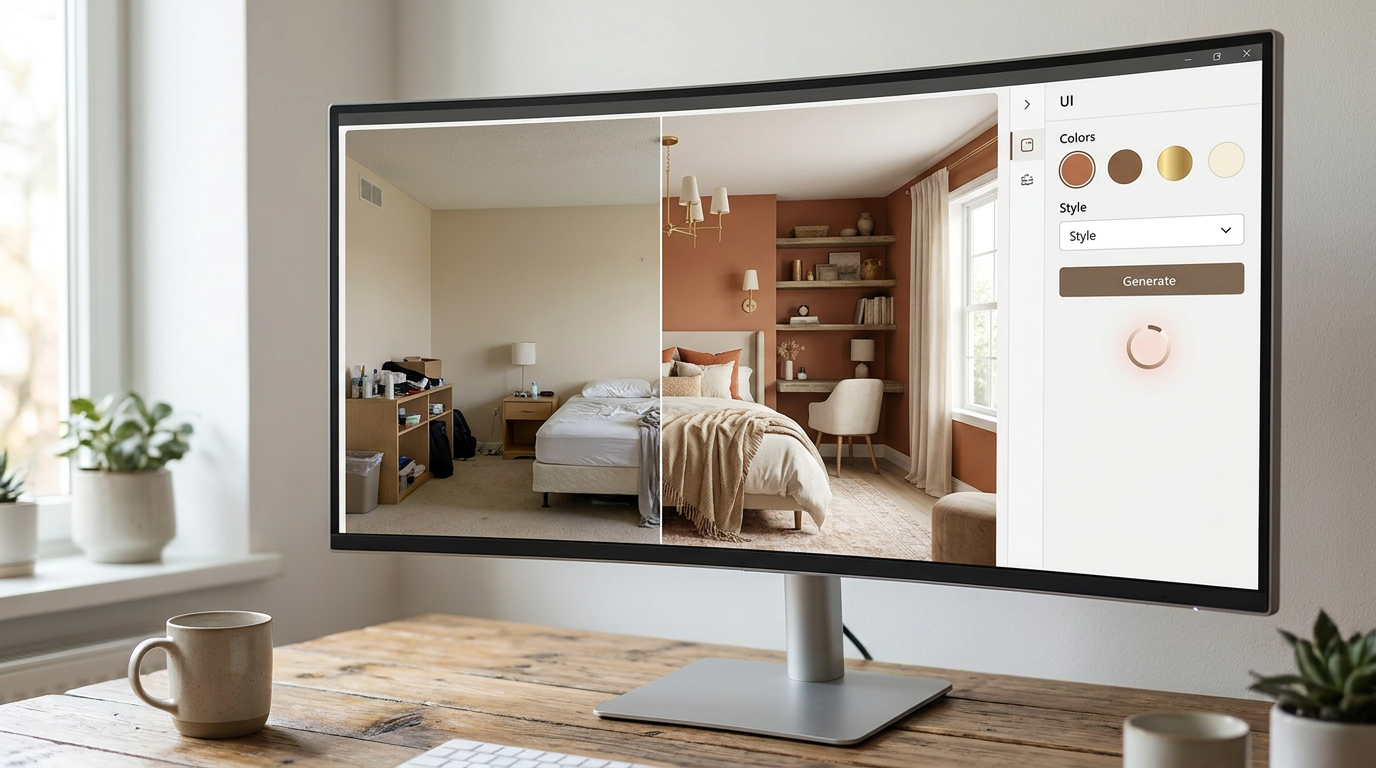
- Generate two or three variations — a generator tuned for interior scenes needs little more than that photo and your written prompt to get started.
- Compare the results against your existing furniture, not just against each other.
- Test the winning palette on a small physical swatch before committing to paint or textiles at scale.
AI Room Decorator FAQ
Can an AI room decorator replace a human interior designer?
For visual, reversible decisions like color and layout, often yes. For structural changes, permits, or in-person judgment calls, a human designer is still the safer choice.
How much does an AI room decorator cost compared to a human one?
A human decorator typically costs $2,055 to $15,256 per project according to HomeAdvisor, while an AI room decorator usually costs the price of the software subscription, with no hourly consulting fee.
Does an AI room decorator work with my existing furniture?
Yes, if you photograph the room with that furniture visible — the tool suggests colors and additions around what's already there rather than replacing the whole room.
Why do different AI models suggest different color palettes for the same room?
Each model is trained on different reference images, so comparing a few outputs side by side is the fastest way to find the palette that looks right under your room's actual light.
Is an AI room decorator only useful for full rooms, or can it help with one wall?
It works at any scale — a single accent wall, a reading nook, or an entire open-plan living space all use the same photo-plus-prompt process.
Good taste is easier to test than it is to describe. Framia Pro keeps a running comparison of the models people use to test it, at framia.pro.