You bought the gray couch because everyone said gray was safe. Six months later the room still looks like a waiting area, and you have no idea if navy walls or a warm oak sideboard would actually fix it. Before spending a weekend repainting to test a theory — or a subscription to test a tool — most people just want to know which free tool is actually worth the ten minutes it takes to try.
AI room design free options genuinely exist across a growing list of tools, and they're usually enough to answer the question that matters first: does an AI-generated redesign actually help on a room like yours? Framia Pro tracks this crowded field by comparing outputs across tools rather than picking one favorite — and on every free plan, unlimited generations, the strongest models, and real shopping confidence all live behind a paid tier.
What Is AI Room Design, Really?
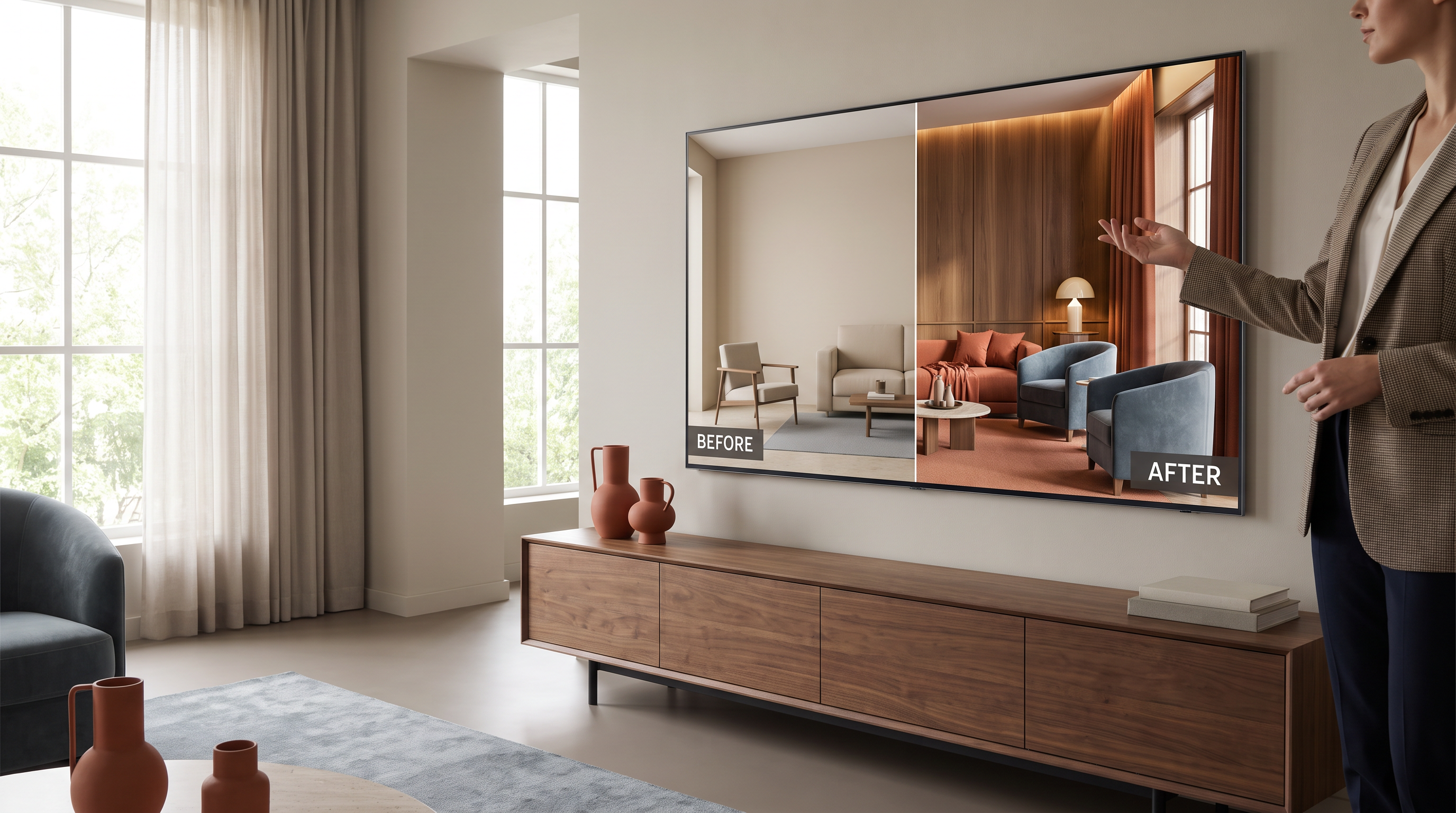
AI room design is the process of feeding a photo of an existing room into an AI image generator and getting back photorealistic redesigns — new furniture, palettes, and finishes — without moving a single physical object. That specialization is why results read like real photographs rather than renderings with visible seams.
The output is something you can actually judge. Not a mood board, not a paint swatch, not a description you have to imagine into existence. That shift — from picturing a room to seeing it — is the whole point.
What "Free" Actually Gets You
Every free AI room design tool comes with an asterisk. The generation itself is real — a genuine photorealistic redesign, not a stripped-down preview — but free tiers exist to lead somewhere, not to replace a paid plan indefinitely. Typical limits across the market: a handful of generations per day or month (often three to ten), access to only one or two underlying models instead of a full lineup, lower output resolution, sometimes a watermark, and no saved history. None of that makes a free tier pointless — it's usually enough to settle whether this kind of redesign helps you decide on a direction before you spend anything.
The 10 Best Free AI Room Design Tools in 2026
This list focuses on tools that offer a genuinely free way to generate at least one interior redesign, not just a trial that asks for a card upfront. Free-tier specifics change often, so it's worth checking each tool's current pricing page before committing the ten minutes it takes to try one.
Framia Pro — A comparison workspace rather than a single model: its free tier lets you run the same room photo through several AI image and video models at once, so you're judging real outputs side by side instead of betting on one engine.
RoomGPT — One of the most widely used entry points for a quick single-photo restyle. It's fast and simple, though the free tier caps how many styles you can try before it asks you to upgrade.
Interior AI — Offers a broad style library and a sketch-to-render mode alongside standard photo uploads, with a limited number of free credits to start.
Spacely AI — Positioned toward real estate and interior professionals, with a free render allowance that's often enough for a first test on an empty or furnished room.
REimagine Home — Built around virtual staging as well as general room redesign, useful if you want to test both use cases from a single free account.
Collov AI — Pairs generated redesigns with matching furniture suggestions, aimed at people who want to shop the look rather than just preview it.
Planner 5D — A floor-plan-first design tool that layers an AI room design mode on top of its existing 2D and 3D planning features.
Homestyler — A long-running interior visualization platform that added AI-assisted restyling on top of its existing free furniture-placement tools.
Coohom — A 3D design platform popular with furniture retailers, offering free AI rendering credits alongside its manual design tools.
Decor8 AI — Built API-first for businesses, but also offers a consumer-facing free trial for one-off room restyles.
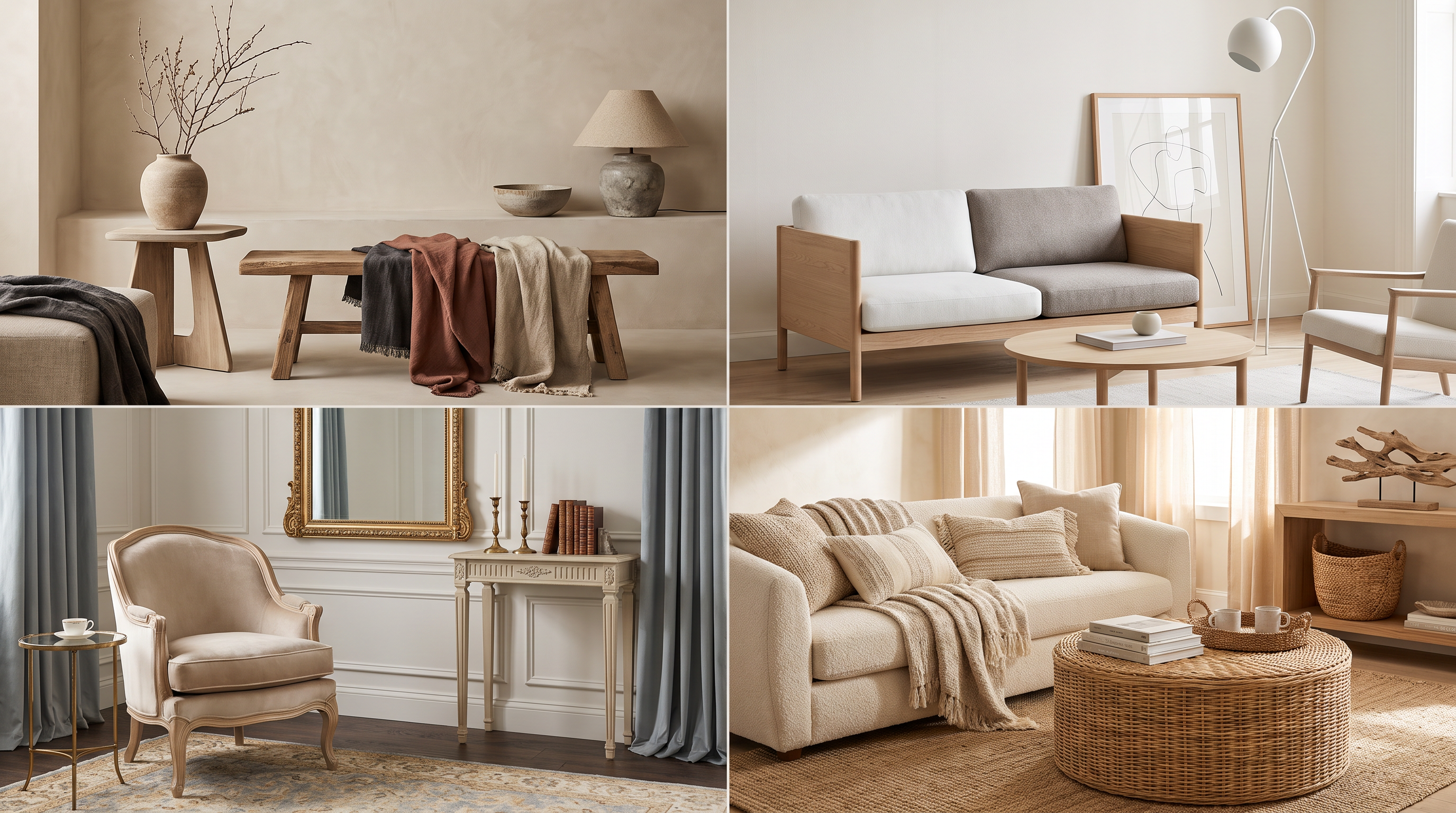
None of these are ranked strictly against each other here — the right one depends on whether you care more about style variety, real estate use cases, or shoppable furniture. Running the same photo through two or three of them is still the fastest way to tell which output you actually trust.
Matching a Free AI Room Design Tool to the Room You're Actually Redesigning
Traditional redecorating asks you to hold up a paint chip and imagine the rest of the room around it. Most tools on the list above skip that leap: upload one photo, describe a direction — "warm Japandi" or "moody art deco" — and the system redesigns that exact room while keeping its windows, doors, and proportions intact.
It works a bit like trying on ten outfits in a fitting room instead of guessing your size from a catalog photo. You're not committing to anything yet — you're just seeing how something looks on your actual space, which is why comparing a couple of free tiers before paying for any of them is worth the extra few minutes.
Why Purpose-Built AI Room Design Tools Beat Generic Filters
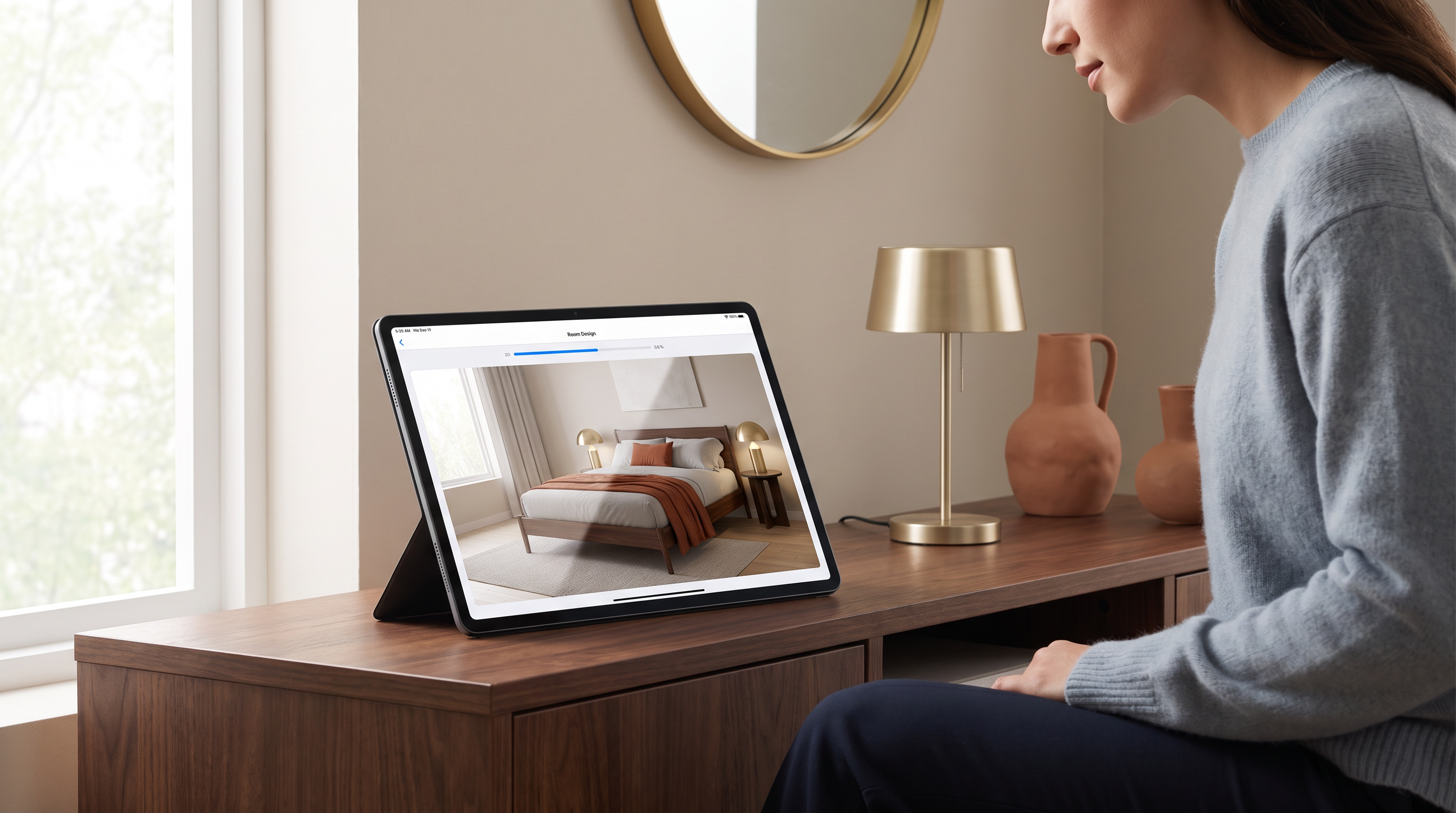
A basic photo filter shifts color and contrast. It has no idea that velvet reflects light differently than linen, or that a glossy floor bounces a window's glow across a ceiling. Purpose-built interior models are trained to reason about materials and light, so a swapped-in oak floor actually catches light the way real oak does. Models like GPT-image 2 are built for this kind of scene-consistent generation, which is why shadows under a new armchair still line up with the window in your original photo.
That consistency matters more than it sounds. A redesign that ignores your room's actual light source is a redesign you can't trust when you're staring at swatches later.
Free AI Room Design Tools vs. Paid Plans: What Actually Changes
Not every tool on the list above understands interiors the same way, and that gap shows up in free tiers just as often as in paid ones. Some are general-purpose image generators pointed at a room photo; others are built specifically to preserve architecture while restyling everything inside it.
| Capability | Basic photo filters | Generic AI image tools | Purpose-built room design tools |
|---|---|---|---|
| Keeps original architecture intact | Rarely | Sometimes | Consistently |
| Multiple style variations per photo | No | Limited | Yes |
| Photorealistic materials and lighting | No | Inconsistent | Yes |
| Before/after comparison view | No | No | Usually |
The table isn't a ranking of specific brands — it's a checklist for any free AI room design tool you're evaluating from the list above. Run a tool through these four rows before trusting its output enough to shop against it.
Framia Pro: Comparing Free AI Room Design Tools Without Guessing
Framia Pro is built as a workspace for tracking and comparing the AI image and video models behind trends like this one, rather than locking users into a single engine — including a free way to start, so you're comparing real outputs before deciding whether any of them are worth a subscription. For room design specifically, that means running the same room photo and the same style prompt across models like Nano Banana and GPT-image 2, then placing the outputs side by side instead of juggling browser tabs.
That side-by-side habit matters even more when you're working within a free tier's limited generations, since a model that looks great on one style word can look flat on the next — it's the same comparison workflow behind Framia Pro's AI tools for designers. A "Scandinavian living room" prompt can look calm and airy in one model and oddly staged in another, and the only way to know which one matches your actual room is to compare them directly against the same source photo.
If you're not sure which direction to try first, pick one clear style anchor — a single word, a color palette, or a saved reference photo — rather than spending free generations on a blank prompt box.
How to Use a Free AI Room Design Tool in 5 Steps
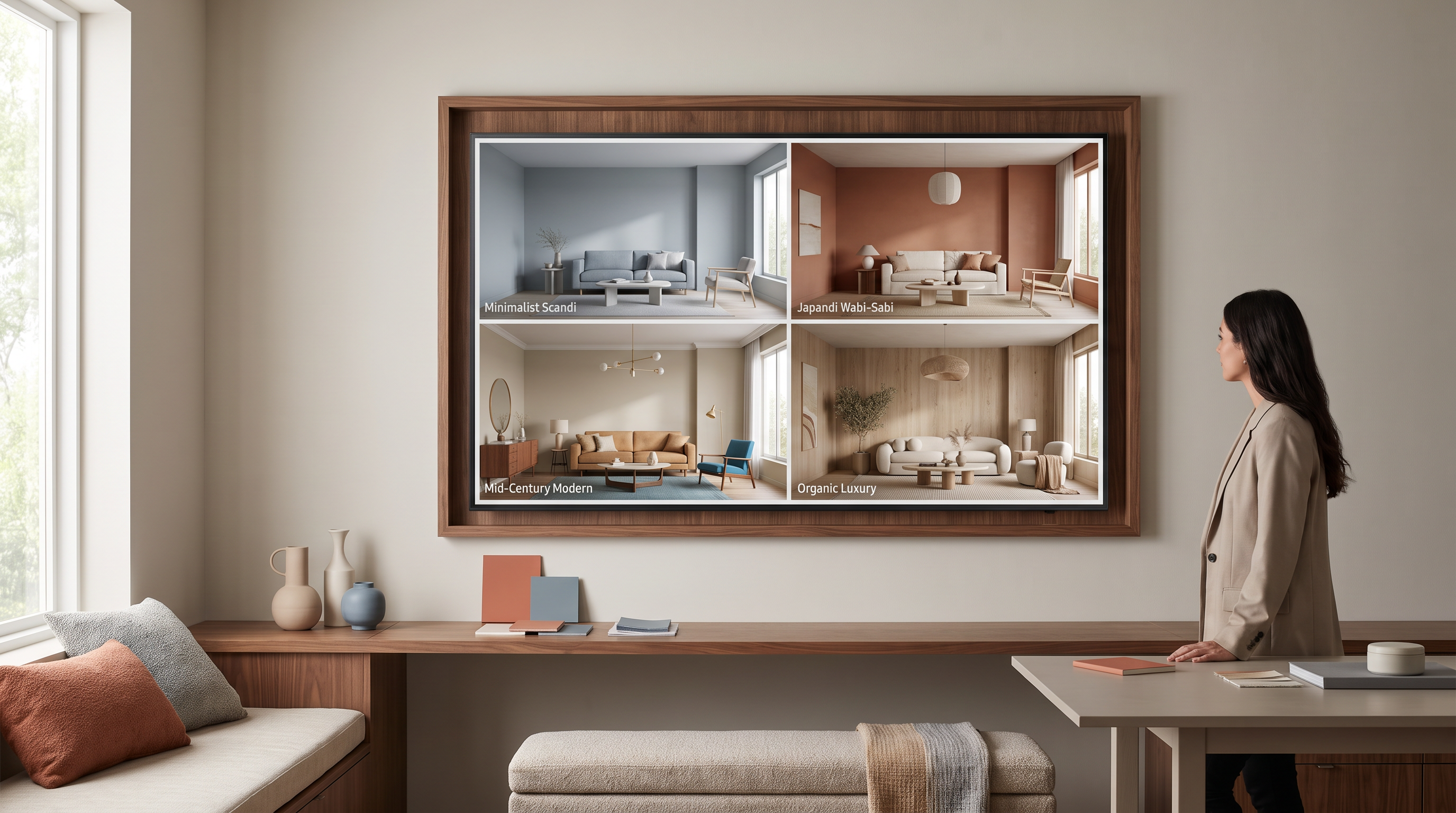
Getting a usable redesign out of any of the ten tools above comes down to a short, repeatable routine.
- Take one clear, well-lit photo of the room, keeping vertical lines like door frames straight.
- Pick a style anchor — a single word, a reference photo, or a saved inspiration board.
- Write a short prompt naming the style, key materials, and overall mood, then run it.
- Generate two or three variations — most free tiers cover this many — and compare them against your actual furniture and layout.
- Save the version that solves your original problem and use it as a shopping or renovation reference.
Five steps sounds simple because it is. The harder part is usually deciding which variation to trust — which is exactly why comparing outputs across a couple of the tools above before committing matters.
FAQ
What's the best free AI room design tool to start with?
It depends on what you're testing. RoomGPT and Interior AI are fast for a quick single-photo restyle, Spacely AI and REimagine Home lean toward real estate use cases, and a comparison workspace like Framia Pro is useful once you want to see a few of these side by side on the same photo.
What's the catch with a free AI room design tool?
Mostly limits, not quality. Free tiers cap how many times you can generate, which models you can use, and sometimes the output resolution — but a free generation is still a genuine redesign, not a demo.
How accurate is AI room design compared to hiring an interior designer?
It won't replace a designer's site visit or trade contacts, but it's remarkably good at previewing direction — color, materials, furniture scale — before you spend money finding out those choices don't work in person.
Can this kind of AI redesign work with a photo taken on a phone?
Yes. A phone photo taken in good daylight, with the camera held roughly level, is usually enough for the model to read the room's proportions and light source correctly.
Does this kind of AI redesign keep my room's actual layout and architecture?
Purpose-built tools do — windows, doors, and wall angles stay where they are while furniture, color, and finishes change. Generic image generators are far less reliable about this.
Is it worth paying once a free tier runs out?
If the free generations already changed your mind about a direction — a color, a layout, a material — that's usually the signal it's worth comparing paid plans instead of stopping at whichever tool's free tier you happened to try first.
That gray couch might survive after all — just not next to gray walls. Framia Pro keeps a running comparison of tools like the ten above, so you can see real outputs before picking one, at Framia Pro.