Typing "make my bedroom nicer" into an AI tool gets you a room that looks nothing like yours, in a style you never asked for. The gap between a vague wish and a usable AI room design idea is almost always the prompt, not the AI design tool.
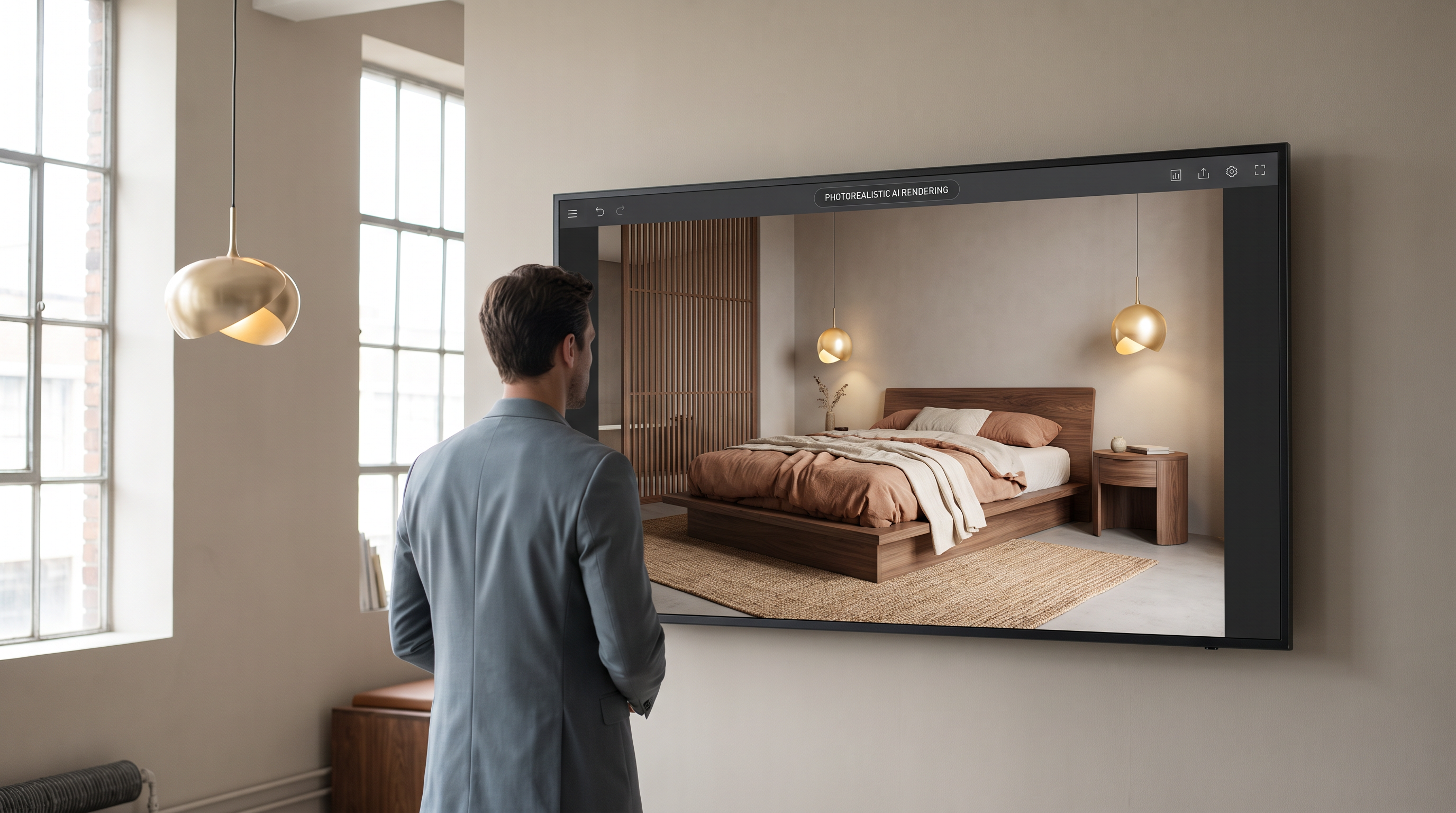
Why Most AI Room Design Ideas Fail Before They Start
A weak prompt — "cozy living room" — leaves the model guessing at style, materials, and mood all at once. The result usually lands somewhere generic, because the room had three or four decisions to make and none of them were specified. Framia Pro's own testing across styles keeps surfacing the same pattern: specific beats pretty every time.
A useful prompt names three things — style, material, and light — and lets the AI room design tool fill in the rest. "Warm Japandi bedroom, oak and linen, soft morning light" gives a model far more to work with than "nice bedroom," even though it's only a few words longer.
15 AI Room Design Prompts by Style
Each of these swaps directly into a prompt template: [style], [room type], [key material], [lighting cue]. Adjust the room type to match your actual photo.
- Scandinavian — pale oak floors, white walls, linen textiles, soft diffused daylight.
- Japandi — walnut and rice-paper tones, low furniture, warm afternoon light.
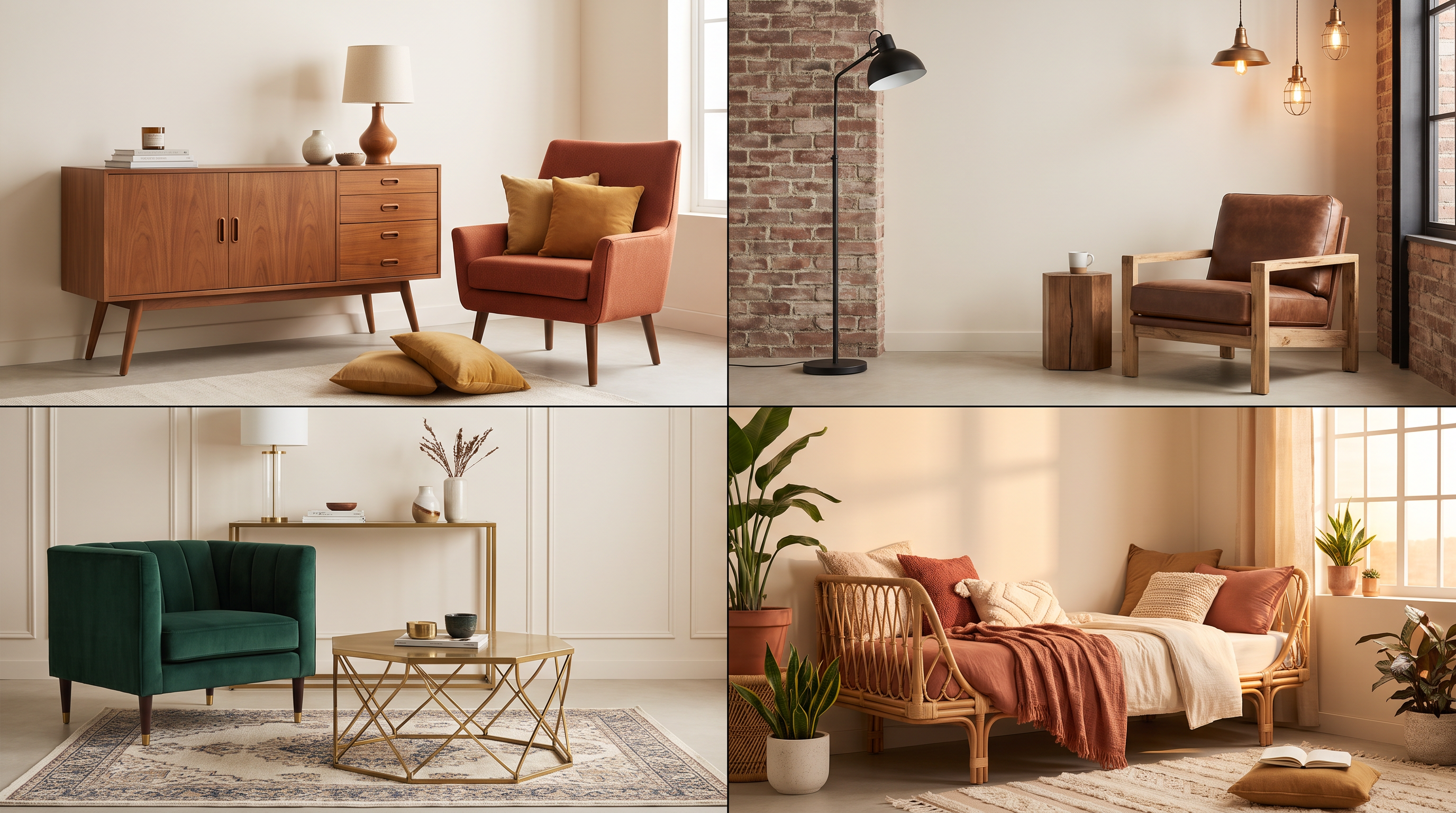
- Mid-century modern — teak furniture, mustard and burnt-orange accents, angular lines.
- Industrial — exposed brick, black steel fixtures, factory-style pendant lighting.
- Coastal — whitewashed wood, linen slipcovers, bright natural light.
- Art deco — brass details, deep emerald or navy velvet, geometric patterns.
- Minimalist — matte white surfaces, hidden storage, a single accent object.
- Farmhouse — reclaimed wood, muted sage cabinetry, soft window light.
- Traditional — dark wood furniture, patterned rugs, warm lamplight.
- Bohemian — layered textiles, rattan furniture, plants, golden-hour light.
- Moody dark academia — deep green or burgundy walls, brass lamps, low ambient light.
- Contemporary luxury — marble surfaces, champagne-gold fixtures, soft directional light.
- Rustic cabin — rough-hewn timber, wool textiles, firelight tones.
- Warm minimalism — terracotta and clay tones, natural fiber rugs, midday light.
- Transitional — a mix of classic and modern furniture, neutral palette, even daylight.
Matching an AI Room Design Prompt to the Room You're Actually Redesigning
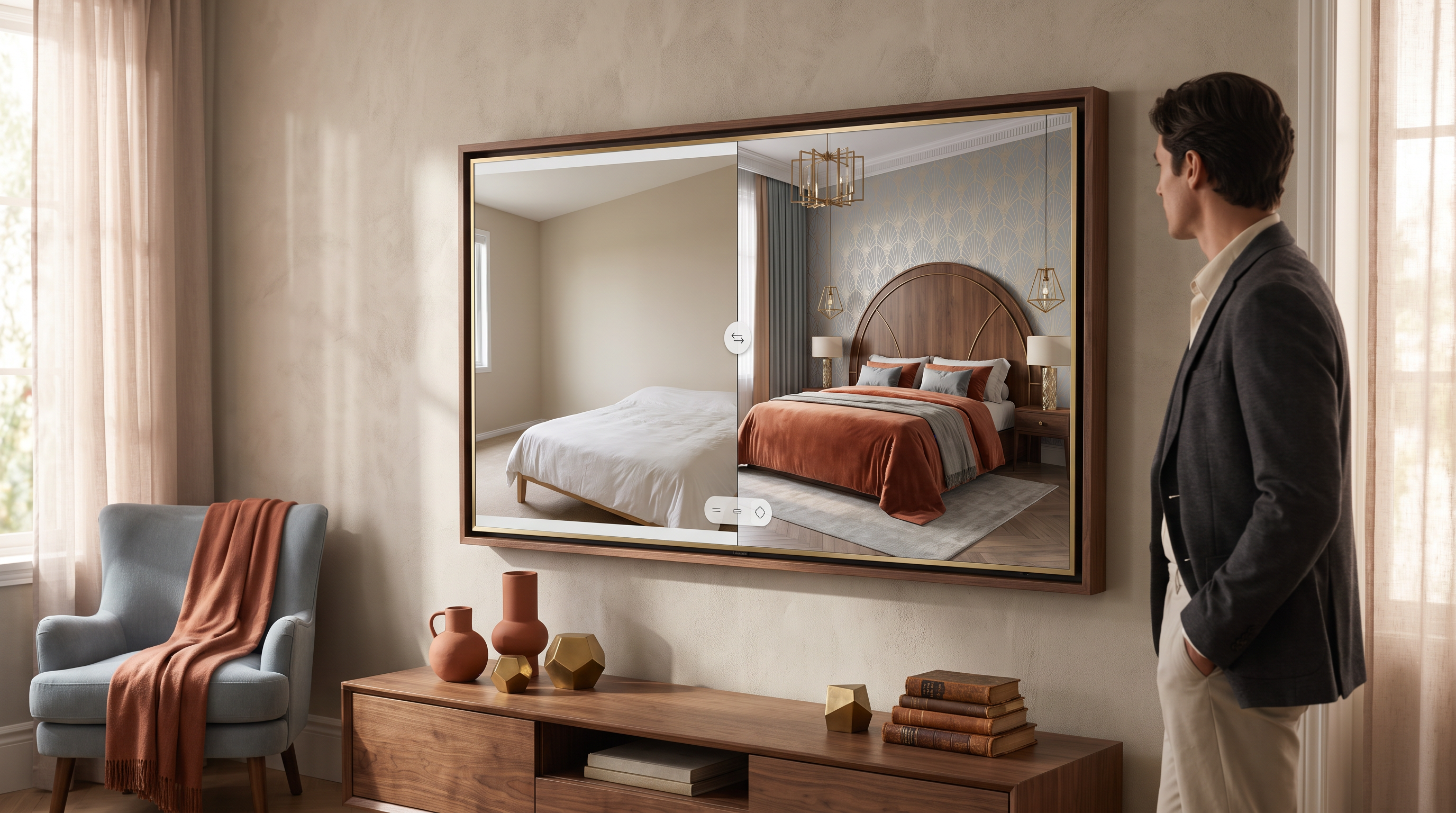
A prompt built for a living room rarely translates cleanly to a bedroom, because the two rooms solve different problems. A living room prompt needs to account for seating arrangements and sightlines; a bedroom prompt needs to account for a bed as the dominant object in frame. Framia Pro's side-by-side view makes this kind of mismatch obvious fast, since a living-room-style prompt run on a bedroom photo tends to look visibly off.
Think of it the way a tailor treats a jacket versus a pair of trousers — same fabric, same color story, but the cut has to fit the specific garment. An AI bedroom design prompt that leads with "layered bedding, warm wood nightstand" will outperform a copy-pasted living room prompt every time, even if the style name is identical.
For kitchens and bathrooms specifically, naming the fixed elements — cabinetry color, countertop material — keeps the AI from redesigning things that can't actually change in your space.
Turning a Style Word Into a Full AI Room Decorator Prompt
"Minimalist" alone is a mood, not a prompt. A model needs texture, material, and light to turn that mood into a photorealistic image rather than a generic stock-photo look.
The fix is a short formula: [style] + [room type] + [one material] + [one lighting cue]. "Minimalist bedroom, matte white walls, soft north light" is five extra words that change the output completely. Nano Banana tends to hold onto this kind of specific material detail particularly well across multiple variations of the same room.
Once a prompt formula works for one room, it's reusable — swap the room type and material, keep the structure, and the results stay consistent. That consistency is what separates a prompt that actually respects a room's real architecture from one that just reskins it.
Framia Pro: A Shortcut for Testing Room Decor Ideas Before Committing
Framia Pro's role here is straightforward: it's a place to run the same room-design prompt across several image models at once and compare the outputs side by side, rather than testing one tool, disliking the result, and starting over somewhere else. For a list like this one, that means trying "art deco" and "warm minimalism" on the same room photo in a single pass.
That side-by-side view matters most when a style word is ambiguous. "Coastal" can mean bright and beachy or muted and Scandinavian-adjacent depending on the model, and seeing both interpretations next to your actual room photo settles the question faster than reading style guides.
How to Use These AI Room Design Ideas in 5 Steps
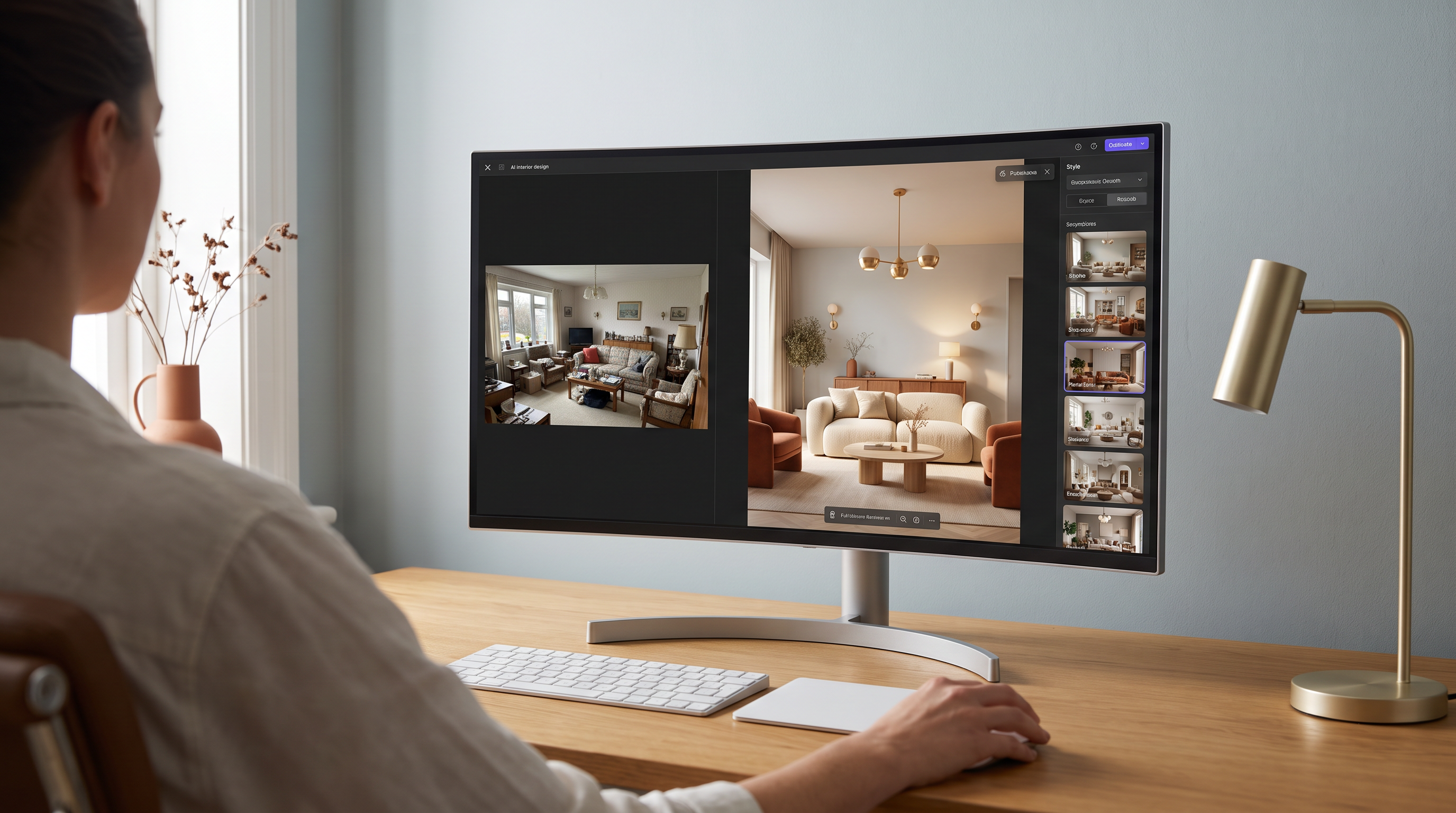
Turning this list into an actual redesign takes the same short process every time, regardless of which style you pick. Framia Pro works well for this because the same five steps apply whether you're testing one style or comparing three at once.
- Photograph the room you want to change, in daylight, without editing filters applied.
- Pick one style from the list above that matches your existing furniture budget.
- Build the prompt using the style, room type, one material, and one lighting cue.
- Try the best-suited AI image generator for your target room type and generate two or three variations.
- Compare results against your real furniture before deciding what to actually buy.
The list above is a starting point, not a rulebook — mixing two styles in one prompt (say, "coastal meets mid-century") often produces the most interesting results.
AI Room Design Ideas FAQ
How specific does an AI room design prompt need to be?
Specific enough to name a style, one material, and one lighting condition. Vague prompts like "cozy" or "modern" leave too much for the model to guess.
Can I combine two styles in one prompt?
Yes, and it often works well — "industrial meets Scandinavian" gives the model two clear reference points instead of one vague mood.
Do these prompts work for any room type?
The style words apply broadly, but the room type and one named fixed element (like cabinetry or a bed) should match the actual photo for best results.
Why does the same prompt look different across AI models?
Models interpret style words differently based on their training data, which is why comparing a few outputs side by side is worth the extra minute.
What's the fastest way to find a style that fits my room?
Start with the style closest to furniture you already own, since AI room design ideas work best as a refinement of what's there rather than a total departure from it.
A prompt is just a more specific wish. Framia Pro keeps a running comparison of the models people use to turn those wishes into rooms, at framia.pro.