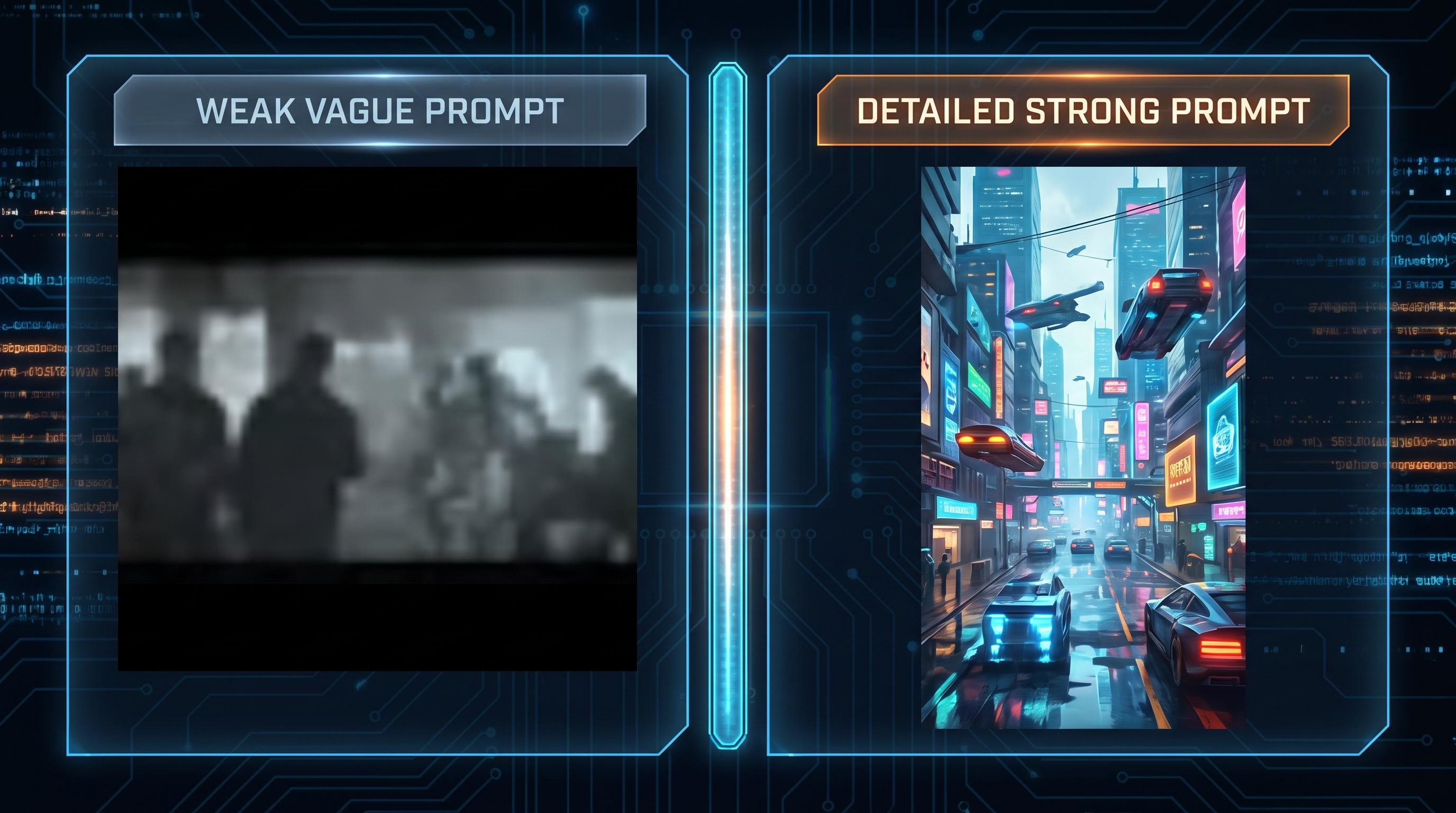
Most creators who feel let down by an AI shorts generator aren't using a bad tool — they're using a good tool with weak prompts. The quality of your output is almost entirely determined by the quality of your input, and a vague prompt produces vague content every time.
The good news: writing effective AI shorts generator prompts is a learnable skill. You don't need to be a prompt engineer. You need to understand what information the AI is looking for and give it that information precisely. Framia Pro is built around this idea. The prompt layer is where your creative control actually lives, and everything downstream follows from what you put there.
This guide covers the specific techniques that turn average prompts into prompts that produce publish-ready Shorts on the first generation.
Why Prompt Quality Determines Output Quality
When you submit a prompt to an AI shorts generator, the model is doing several things simultaneously: interpreting your intent, choosing a narrative structure, selecting a visual tone, deciding on pacing, and generating script language. Every decision it makes is based on what you gave it.
A prompt like "make a YouTube Short about fitness" leaves the model guessing on all of those dimensions. The result is generic because the input was generic. A prompt like "create a 30-second YouTube Short for beginner runners, energetic tone, opening hook about common training mistakes, bold text captions, cinematic outdoor visuals" gives the model specific constraints — and constraints produce focus.
Understanding how an AI shorts generator works is the first step to writing better prompts. Once you see how the model maps your input to script sections and visual sequences, the logic behind good prompting becomes clear.
The Four Core Elements of a Strong Prompt
Every high-performing AI shorts generator prompt contains four elements. Miss any one of them and the output becomes less predictable.
1. Topic with specificity Don't just name the subject — define the angle. Not "social media tips" but "why posting at peak times matters less than most creators think." Specificity forces the AI to write toward a concrete idea, not just a category.
2. Target audience The model adjusts vocabulary, tone, and content density based on who you're writing for. "Beginner entrepreneurs aged 20–35" produces different output than "experienced marketing managers." It's an easy detail to skip, and it's usually why the tone feels off when you do.
3. Tone and energy level Is this Short educational and calm? Fast-paced and punchy? Conversational and relatable? Tone shapes word choice, sentence length, music selection, and visual pacing. Describe it explicitly: "warm, conversational tone" or "high-energy, hook-driven."
4. Format constraints Target length, caption style, visual style, and call-to-action type. "30 seconds, bold caption overlays, end with a subscribe CTA" gives the model a complete production brief.

Prompt Templates That Work
You don't have to build a prompt from scratch every time. These four cover most of what creators actually make — treat them as starting points, then swap in your own topic, audience, and tone.
When you're explaining something, this structure tends to hold up well:
Educational Short prompt: "Create a [length]-second YouTube Short explaining [specific concept] for [target audience]. Use a surprising or counterintuitive opening hook. Break down the explanation into 3 short points. Use [tone] language. End with a question to drive comments."
Got a story instead? Story-driven Shorts live or die on the opening line, so this template drops the viewer into the middle of the action right away:
Story-driven Short prompt: "Write a [length]-second Short telling the story of [specific situation or transformation]. Open mid-scene. Keep sentences under 8 words. Use [visual style] — outdoor/studio/urban. Tone: [emotional quality]. No explicit CTA."
Reacting to a trend works a little differently. You're not building toward a payoff — you're grabbing attention in the first two seconds, then giving your own take:
Trend/reaction Short prompt: "Create a [length]-second Short reacting to [current trend or misconception in niche]. Lead with the trend in the first 2 seconds. Offer a contrarian or unexpected perspective. Close with the creator's actual take."
And when the goal is just to deliver value fast, the listicle format still works — as long as every tip stays tight and the pacing doesn't drag:
Tips/listicle Short prompt: "Generate a [length]-second Short covering [number] tips about [specific topic] for [audience]. Fast-paced delivery, one tip per scene. Bold text cards between tips. Energetic background music. End with 'follow for more [topic] tips.'"
None of these are meant to be copied word for word forever. Run a few variations, watch what actually lands with your audience, and adjust the wording until it sounds like you.
Prompting for Visual Style and Aesthetics
Script quality is only half the equation. The visual output of your AI shorts generator depends equally on how well you communicate the look and feel you want.
A few visual details worth spelling out every time:
- Scene atmosphere: "Urban street at night," "bright minimalist studio," "aerial nature footage"
- Color palette or mood: "High contrast, bold primary colors" or "muted, cinematic tones"
- Motion style: "Fast cuts between scenes," "slow cinematic pans," "single locked-off shot with text animation"
- Caption style: "Bold white text, lower third," "animated pop-in words," "subtitle-style, center screen"
One common mistake: asking for a visual style that contradicts the content type. A fast-cut, high-energy visual treatment on a slow, introspective topic creates cognitive dissonance for the viewer. Match energy, pacing, and visual intensity to the emotional tone of the script.
How to Iterate on Prompts That Don't Land
Not every first-generation output will be what you envisioned. The right response isn't to regenerate with a completely different prompt — it's to diagnose which element is off and adjust only that element.
If the hook is too weak: Add a specific hook instruction: "Open with a bold claim that surprises the viewer within the first 3 words."
If the tone is wrong: Override the AI's default by being explicit: "Remove any formal language. Write as if you're texting a friend."
If the visuals don't match: Describe the disconnect and the fix: "The current visual feels corporate. Replace with raw, authentic documentary-style footage of real people."
If the pacing is too slow: Add a scene count constraint: "7 scenes in 30 seconds. Maximum 2 sentences per scene."
Tweaking one element at a time is faster, and it keeps whatever's already working intact.
Platform-Specific Prompt Adjustments
Different platforms have different viewing contexts, and your prompts should reflect that. An AI-powered YouTube Shorts maker handles the format — but you need to prompt for the right content behavior per platform.
YouTube Shorts: Viewers often arrive from search, not the feed. Prompts should include "educational" or "how-to" framing. Hooks can be slightly slower — 3–4 seconds — because algorithmic viewers are more patient than social feed browsers.
TikTok: Pattern interrupts work best. Add "unexpected opening, pattern interrupt in first 1.5 seconds" to your prompt. TikTok audiences scroll faster, so front-loading the payoff is even more important.
Instagram Reels: Visual quality is a priority signal on Instagram. Prompt for "high production quality visuals, clean composition, polished aesthetic" even for informal content.
If you're using Framia Pro's multi-platform export, keep your prompt optimized for your primary platform and let the format adjustment handle the rest.
Advanced Prompt Techniques for Consistent Output
Once you have a basic prompt structure that works for your niche, these advanced techniques help you get consistent, on-brand output at scale.
Brand voice instructions: Include a short description of your brand voice in every prompt. "Channel voice: direct, slightly irreverent, always practical. Never preachy." This becomes part of a reusable prompt header.
Negative constraints: Tell the AI what to avoid. "No motivational clichés. No rhetorical questions used as hooks. No generic stock phrases like 'in today's world.'"
Reference anchoring: If your generator allows reference inputs, use them. "Match the pacing and tone of a previous high-performing script: [paste excerpt]." Models respond well to concrete examples of what success looks like.
Batch variation: When generating multiple Shorts on a theme, vary only one element per prompt batch — angle, hook type, or call-to-action. This lets you test what drives performance without changing too many variables at once.
How Framia Pro Makes Prompt Refinement Faster
Here's the part that actually eats most creators' time: the gap between a first-draft prompt and a refined one. Rewriting from scratch, regenerating, reviewing again — that cycle burns hours if your tool doesn't let you make small adjustments.
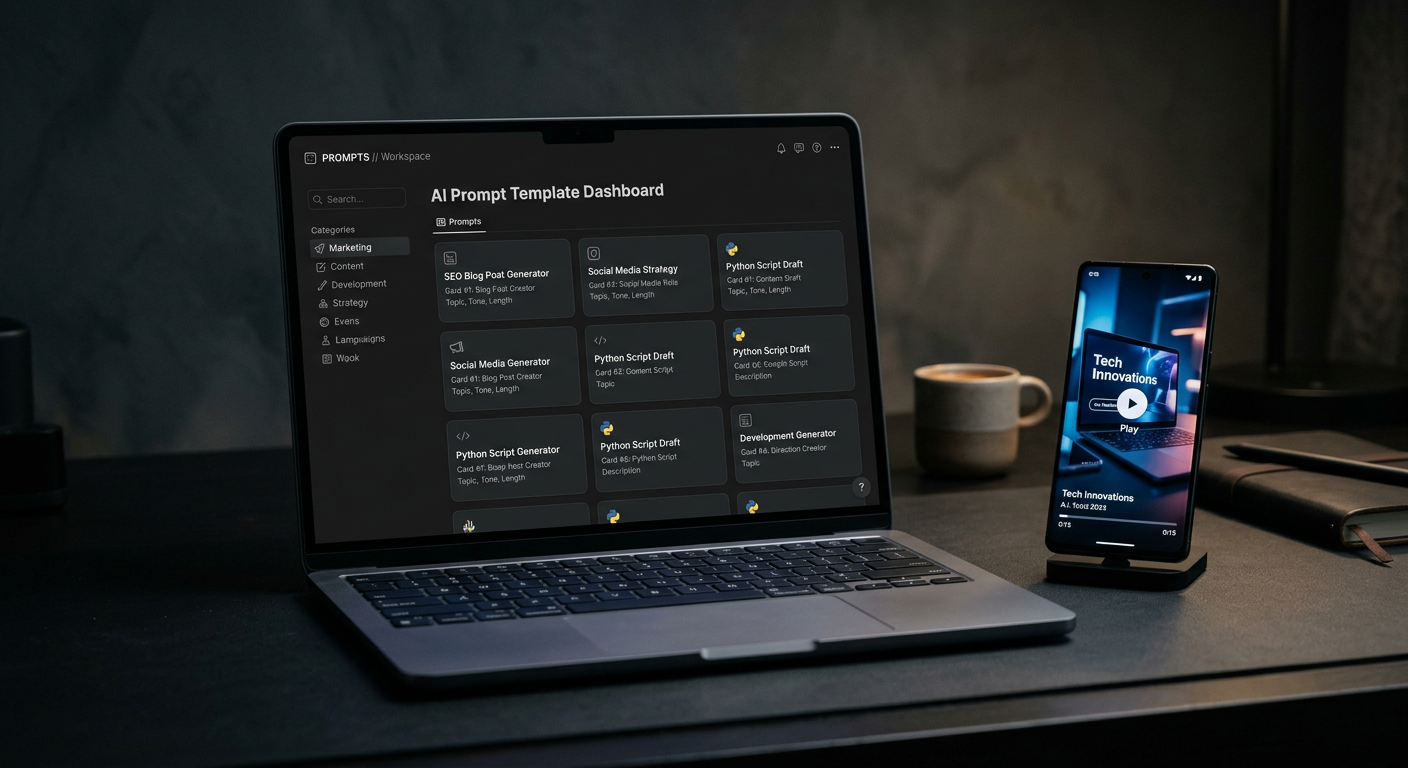
This is where Framia Pro's AI shorts generator is genuinely useful. You can adjust individual prompt parameters — hook style, visual tone, caption format, call-to-action — without touching the rest of the brief. Each change only regenerates the affected section, so you're refining, not starting over.
For anyone trying to keep a regular publishing schedule, that speed matters more than it sounds. Fast refinement means more Shorts out the door each week. Slow refinement means consistency slips, usually right when you need it most.
It also saves your successful templates, so once you've found something that works for your niche, you're not rebuilding it from memory next time.
Prompts Are the Creative Layer — Own Them
An AI shorts generator handles the production work. The prompts are yours to own — that's the actual creative work. Write a sharper prompt and the output looks more like what was in your head, not the model's best guess at it.
If you're just getting started, keep it simple: topic with specificity, target audience, tone and energy, format constraints. Add the visual details. When something misses, don't scrap the whole prompt — just fix the one element that's off. Save the ones that work.
That's really the whole game: a small library of prompts that already work for your niche, that you keep tweaking and reusing week after week without starting from zero.
Framia Pro gives you a place to keep that library as it grows, but the prompts themselves are what actually do the work.
FAQ
What makes a good AI shorts generator prompt?
A good prompt covers four things: a specific topic and angle, a target audience, a tone or energy level, and format constraints like length and caption style. Vague prompts like "make a video about fitness" leave the model guessing on every one of those, and the output usually looks it.
How long should my AI shorts generator prompt be?
Long enough to cover the four core elements, and no longer. Two to four sentences is usually plenty — a full paragraph of backstory doesn't make the model perform better, and extra detail can bury what actually matters.
Can I reuse the same prompt template for every video?
The four templates in this guide (educational, story-driven, trend/reaction, tips/listicle) cover most formats, so yes — swap in your topic, audience, and tone each time and skip writing from zero. Just don't run the exact same wording forever; tweak it once you see what your specific audience responds to.
Why does my AI-generated Short come out generic even with a decent prompt?
Usually one of the four core elements is missing or too vague, most often target audience or tone. It also helps to check your visual prompting separately — script and visuals are driven by different parts of the prompt, so a strong script description with no visual detail still tends to produce flat output.
Do YouTube Shorts prompts need to be different from TikTok prompts?
A little. YouTube Shorts prompts can afford a slightly slower hook (3–4 seconds) since viewers often arrive from search and are more patient. TikTok prompts need the payoff even earlier — pattern interrupts in the first 1.5 seconds work best, since feed viewers scroll fast and won't wait around.