The brief lands in your inbox at 9 a.m. The campaign goes live at noon. Between those two events, your team is supposed to write copy, source visuals, produce a 30-second ad, get it approved, and export in three formats. With a five-tool stack and two external freelancers in the loop, that timeline is fiction. With the right platform, it isn't.
Marketing teams moving to all in one AI video tool for marketing workflows are compressing production timelines that used to span days into single working sessions. Framia Pro is purpose-built for this use case, integrating video models like Seedance 2.5 for fast, cost-effective rendering and Kling 3.0 for final-quality paid placement output — with voice, music, and editing all running inside the same pipeline.
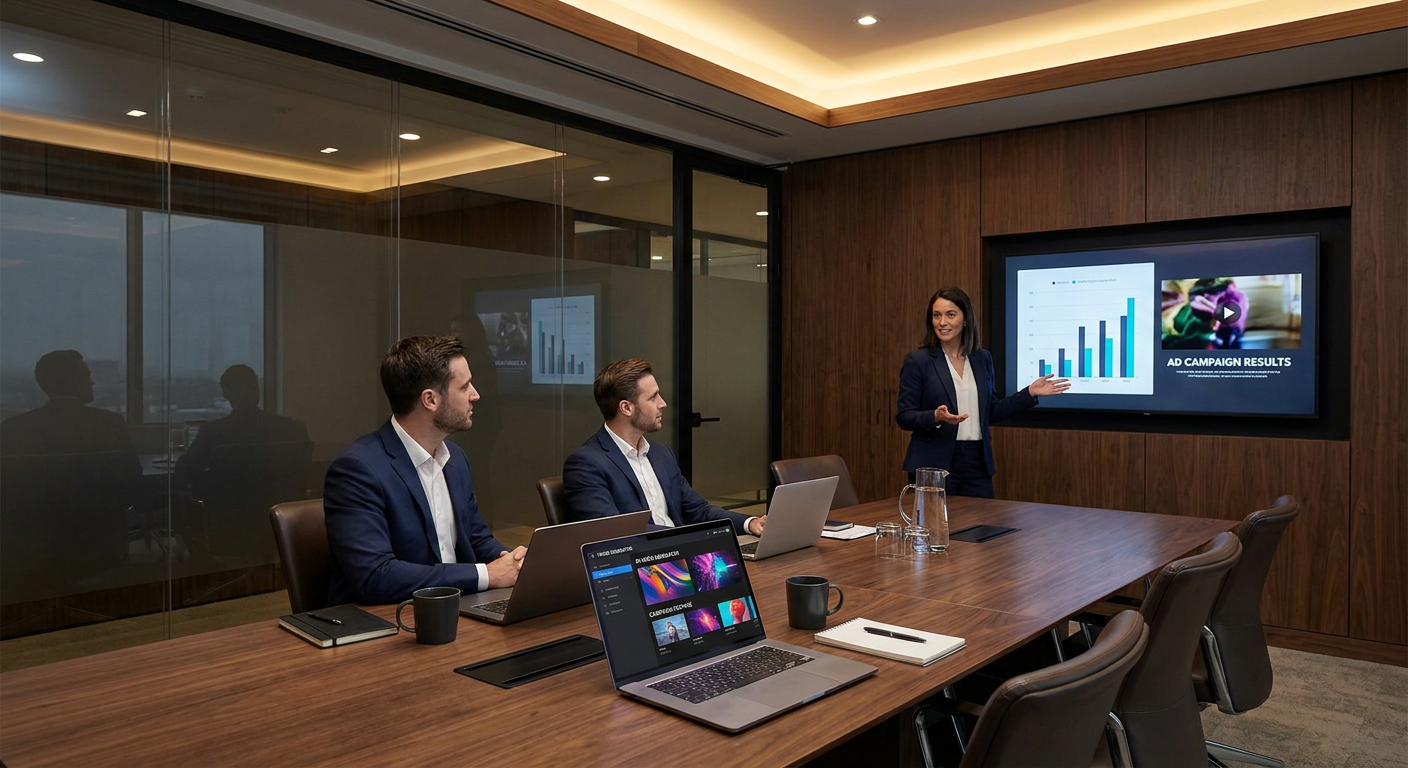
What All-in-One AI Video Tools Actually Offer Marketing Teams
Marketing video production has always lived at the collision of creativity and logistics. The creative challenge is making something that stops the scroll; the logistical challenge is doing it 40 times a year across every product line and every campaign cycle.
A purpose-built all in one AI video tool for marketing addresses both halves. On the creative side, AI generation gives teams the ability to produce concept variations in minutes rather than commissioning new shoots for every test. On the logistics side, a unified platform eliminates the file-format negotiation and vendor coordination that absorbs production bandwidth.
Think of the traditional production chain as a relay race with seven legs: brief, script, shot list, filming, editing, voiceover, music licensing. Each leg requires a handoff, and each handoff is a potential slowdown. An all-in-one platform collapses those legs into a single sprint. The brief becomes the script in one step; the script generates the footage; the footage gets layered with voice and music before the second coffee of the morning is finished.
The marketing-specific capabilities that matter most in practice:
- Multi-variant generation: produce A and B versions of the same ad for split testing without doubling production time
- Brand kit enforcement: colors, fonts, and tone locked to your guidelines at the project level, not re-entered per asset
- Fast-turnaround formats: optimize for 6-second pre-rolls, 15-second mid-rolls, and 30-second full spots without separate re-cuts

Why All-in-One AI Video Tools Change the Economics of Marketing Production
The scale pressure on marketing video has accelerated sharply. A mid-size e-commerce brand running paid social campaigns across TikTok, Instagram, YouTube, and connected TV might need 200 or more unique creative units per quarter — variations by product, audience segment, platform format, and seasonal message. That volume is impossible to sustain with a traditional agency model and expensive even with a dedicated in-house team.
The all-in-one category changes the unit economics. When each creative unit requires a full day of production time, 200 units means 200 working days. When the same unit takes 45 to 60 minutes on a consolidated platform, 200 units becomes a manageable sprint across a quarter. The question shifts from "how do we make this?" to "how do we review and approve this at scale?"
Teams finding the most leverage from these tools tend to operate with a clear content system: defined brand kits, pre-approved script templates, and a review-and-approval workflow that runs inside the platform rather than over email chains. Whether a consolidated platform actually saves money depends on how often your team produces video. For brands publishing every week, the difference in software subscriptions, outsourcing costs, and production time adds up surprisingly quickly over the course of a year.
Comparing All-in-One AI Video Tool Options for Marketing Teams
| Platform | Multi-variant output | Brand kit | Voice integration | Music generation | Pipeline coverage |
|---|---|---|---|---|---|
| Framia Pro | Yes (scene-level) | Yes | ElevenLabs v3 | Suno v5 / Mureka v7.5 | Full end-to-end |
| Synthesia | Limited | Partial | TTS only | No | Partial (avatar-only) |
| HeyGen | Limited | Partial | TTS only | No | Partial |
| Runway ML | No | No | No | No | Clip generation only |
| Adobe Firefly Video | Limited | Partial | No | No | Partial |
Marketing teams should weight brand kit enforcement and multi-variant generation heavily in their evaluation. Those are the features that scale — raw generation quality alone doesn't help much if every asset has to be manually re-branded before use. Teams migrating from avatar-based tools will find dedicated comparisons on Synthesia alternatives and HeyGen alternatives useful when mapping out their options.
How Framia Pro Powers Your Marketing Team's All-in-One AI Video Workflow
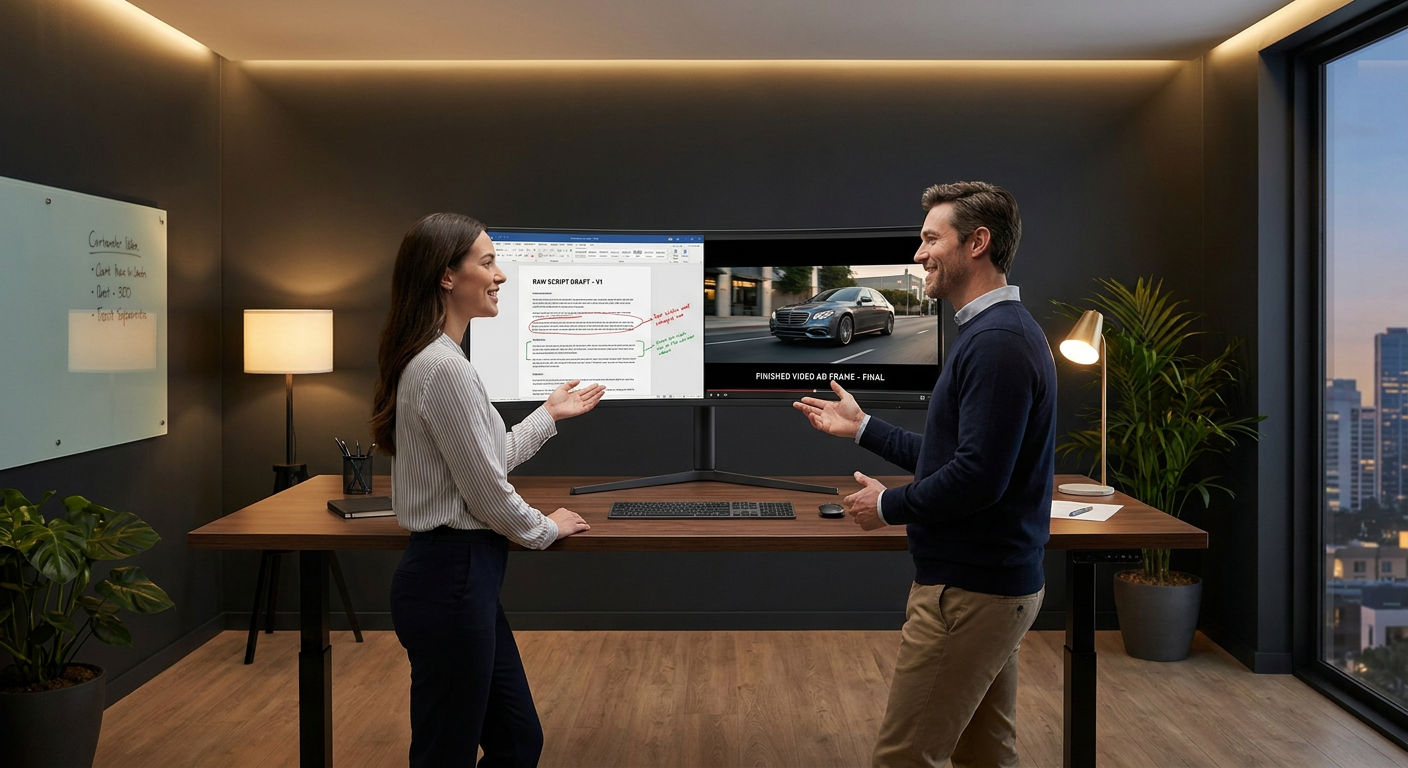
Marketing teams using Framia Pro typically start each campaign with a brief-to-script step: the campaign brief — audience, key message, call to action, visual tone — goes into the platform, and a working script draft comes back via the Chat-to-Edit interface within minutes. From that script, the Storyboard Timeline Editor maps each beat to a visual unit.
Generation draws on Seedance 2.5 for fast draft renders during concepting, switching to Kling 3.0 for final-quality assets heading to paid placement. Other models in the broader landscape — including Vidu AI, Pollo AI, and Nim AI — offer useful reference points when evaluating which generation layer best fits your team's creative requirements. Voice narration is handled by ElevenLabs v3 directly within the platform, and original music is generated through Suno v5 or Mureka v7.5 — cutting the music licensing step out of the production workflow entirely.
Different AI video models also excel at different kinds of creative work. Some prioritize speed, while others focus on realism or motion consistency — differences that become much more noticeable once you're producing campaigns at scale. The full pipeline from brief to export-ready file runs in roughly 45 to 60 minutes for a standard 30-second ad unit — a timeline that holds across the Ad Video, E-commerce, and Social agent workflows built into the platform.
From Brief to Final Cut: 5 Steps for Marketing Teams Using an All-in-One AI Video Tool
Here's a replicable workflow for marketing teams moving from a multi-tool stack to a consolidated pipeline:
- Centralize the brief inside the platform. Before generating anything, document the full creative brief — target audience, key message, call to action, visual tone, and required output formats — inside the tool. This brief becomes the master reference that governs all generated variations for this campaign.
- Draft and approve the script before generating footage. Generate a script draft from the brief, route it through your internal approval process, and lock it before touching video generation. Revising the script after clips are generated is costly in both time and render credits.
- Generate at draft quality first, review structure and pacing. Use lower-resolution, faster-render settings for the first pass. Confirm that the visual logic and pacing match the approved script before committing full render capacity to final quality.
- Create multiple variants simultaneously. Most all-in-one platforms let you generate A/B variants by adjusting the opening hook, the call to action, or the visual treatment — do this at the draft stage so you have test options without doubling production time.
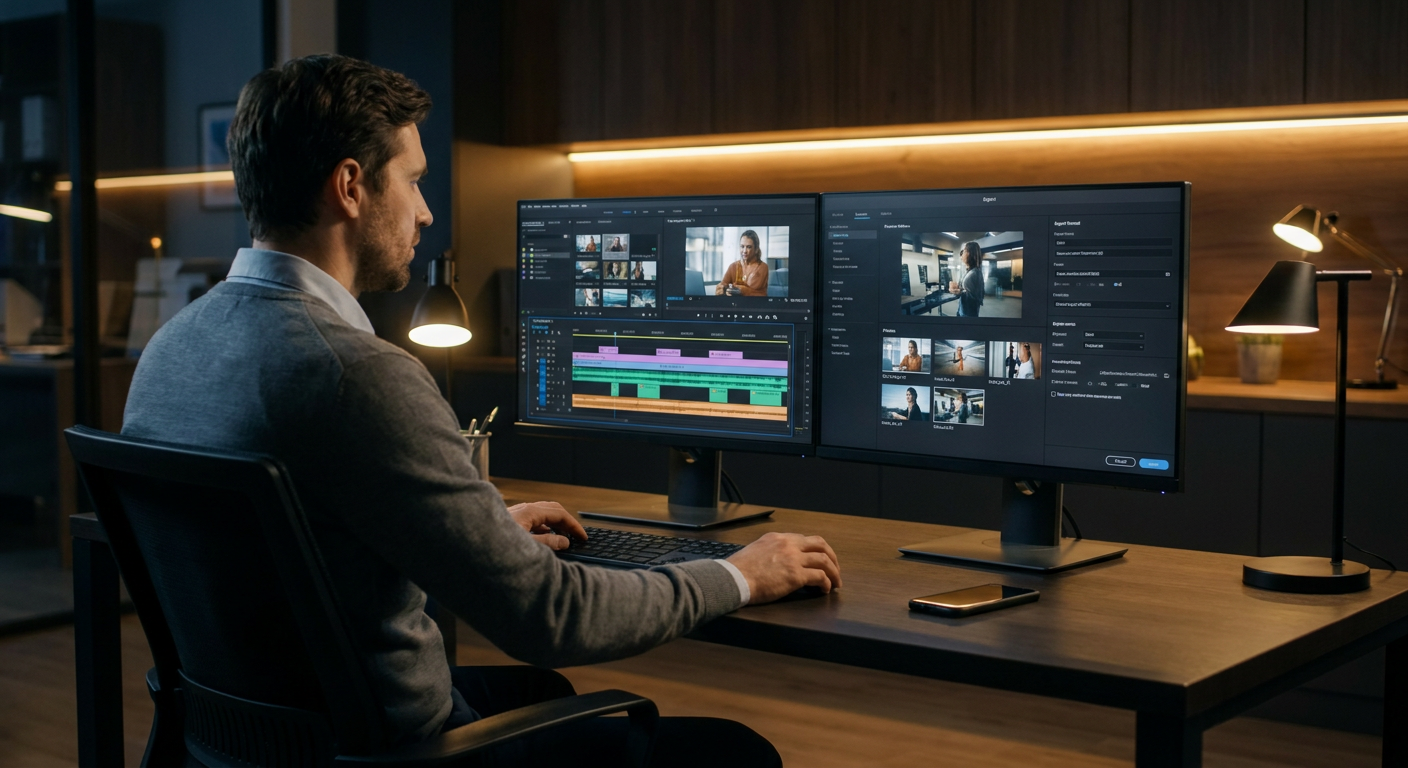
- Export by placement type in a single session. Export vertical cuts for Stories and Reels, horizontal for YouTube pre-roll, and square for in-feed placements in one export session — avoid running three separate export workflows for the same underlying video.
Frequently Asked Questions
How fast can a marketing team realistically produce a finished ad with an all-in-one AI video tool?
For a 30-second ad with a clear brief, a consolidated pipeline can run from script to export-ready file in 45 to 60 minutes on a mature platform (as of July 2026). The primary time variable is the internal review and approval step — which the platform can't automate but can be made faster by running approvals inside the tool rather than over email.
Can all-in-one AI video tools maintain brand consistency across a large campaign?
Yes, if the platform supports project-level brand kits. The better platforms let you define colors, approved fonts, voice settings, and visual tone once and apply them as constraints on every generated asset in that campaign. Framia Pro includes this at the project level, with Character Consistency extending the lock to recurring human figures across scenes.
Do marketing teams need a video production background to use these tools?
No. The skill that transfers most directly is creative direction — knowing what a good ad looks like and being able to describe it clearly in writing. Teams with strong copywriters and brand managers tend to pick up the all-in-one workflow quickly, even without dedicated video editors on the team.
What types of video assets can marketing teams generate with an all-in-one AI video tool?
The range covers product ads, brand storytelling videos, social media shorts, explainer videos, e-commerce product demos, and event recaps. The output variety depends on the platform's model range — platforms with multiple video generation models (like Framia Pro's four-model lineup) offer more stylistic flexibility than single-model tools.
Is it more cost-effective than hiring a video production agency?
For high-frequency, campaign-driven content, typically yes. Agency production costs for a single polished 30-second ad can range from several thousand dollars upward; an all-in-one AI platform covering the same deliverable in-house, at scale, has materially different unit economics. The trade-off is that highly custom, narrative-driven productions with specific on-set requirements may still benefit from human creative direction at the agency level.
The gap between "we have a campaign brief" and "the ad is live" is where most marketing teams lose time they can't get back. An all in one AI video tool for marketing doesn't eliminate that gap — but it narrows it from days to hours and from hours to under an hour for a standard deliverable. As production volume continues to grow, the biggest bottleneck is no longer generating creative — it's managing the workflow around it. That's why more teams are shifting toward platforms that keep scripting, generation, editing, and export in one place.