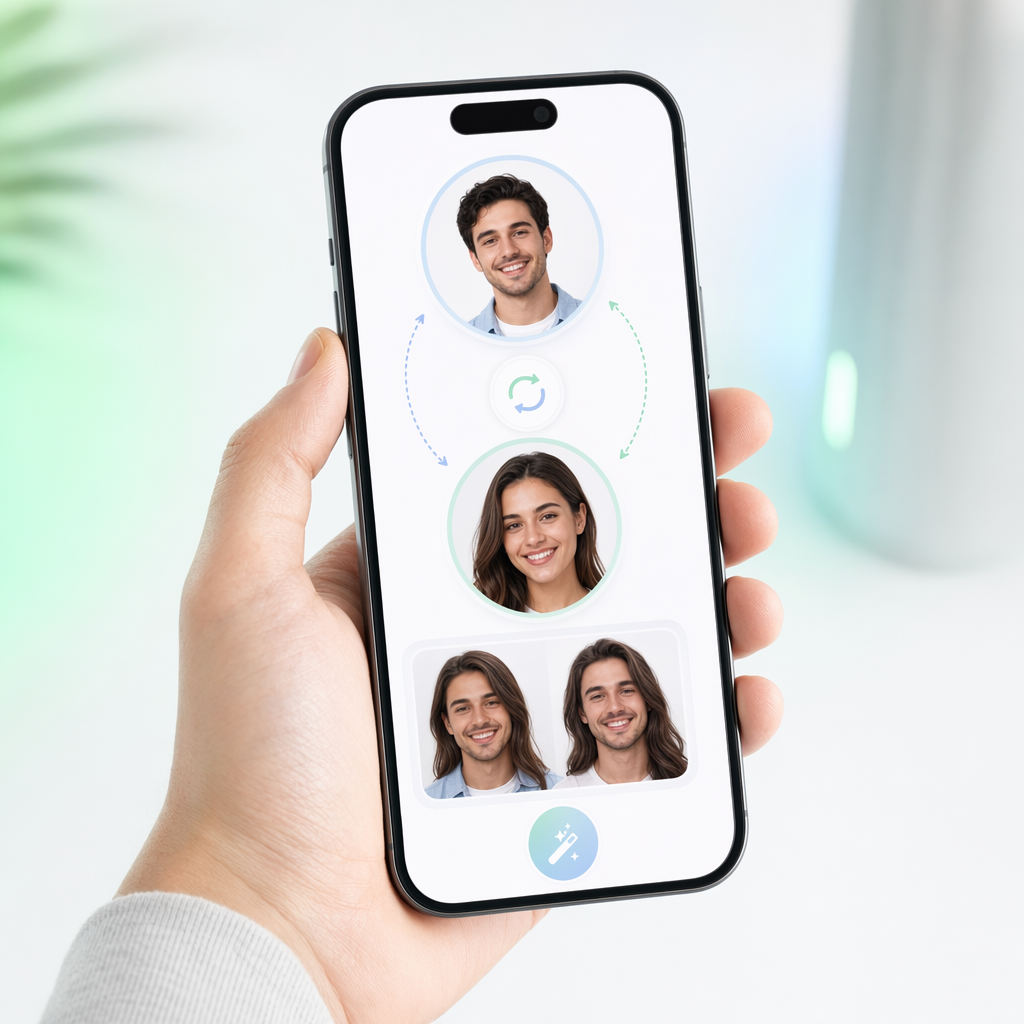
Your friend pulls out their phone on the subway, shows you a video of their face seamlessly plastered onto a movie action sequence, and laughs. Twenty minutes later, you've downloaded three apps, two of which want your credit card before you can touch a single feature. The third does something, but the result looks like a fever dream.
An AI face swap app is a mobile application that uses on-device or cloud-based machine learning to replace one person's face with another in photos or videos. The experience varies wildly between apps — not because the underlying AI is fundamentally different, but because of how each app handles processing, what it allows on a free tier, and whether it's designed for quick fun or serious content creation. Framia Pro covers the mobile AI tool landscape so creators and casual users don't have to sort through this themselves. Here's what actually works in 2026.
Cloud Processing vs. On-Device: Why It Matters
Most face swap apps you'll find on the App Store or Google Play are cloud-processing tools wearing a mobile interface. You tap a button, your image gets uploaded to a server, the swap happens remotely, and the result downloads back to your phone. Think of it like ordering food delivery — the kitchen does the work, you just use the app to place the order.
A smaller number of apps run the AI model partly or fully on your device. This is on-device processing, and it comes with real advantages: no internet required, no images leaving your phone, and near-instant results. The tradeoff is output quality — the models that fit on a mobile chip are necessarily simpler than the ones running on cloud GPU clusters. An on-device swap is faster, but a cloud swap usually looks better, especially for video.
For quick fun, social content, or memes, cloud apps are perfectly fine — the swap happens in seconds and the quality is more than good enough for Instagram or TikTok. For anyone handling sensitive imagery, a local-processing tool is worth the quality tradeoff.
What Makes a Good Face Swap App for Mobile?
A face swap app on your phone needs to work around constraints that desktop or browser tools don't have. Battery life, screen size, camera integration, and share-to-social workflows all matter in a way that a web tool doesn't have to care about.
Think of using a mobile app versus a desktop tool like using a microwave versus a full oven. A microwave is fast, convenient, and does a genuinely good job for most things — but it can't replicate what a full oven does for complex dishes. The best mobile face swap apps are excellent microwaves: optimized for speed, simplicity, and getting from "tap" to "share" in under a minute.
The four criteria that actually separate good apps from frustrating ones: realistic blending on the free tier, share-ready export without forced watermarks, clear video support, and straightforward face selection when multiple faces are in frame.
App Comparison: iOS and Android (2026)
| App | Platform | Photo Swap | Video Swap | Multi-Face | Free Tier Quality | Starting Price |
|---|---|---|---|---|---|---|
| Reface | iOS, Android | ✅ | ✅ | ✅ Good | ✅ No watermark* | $3.99/month |
| FaceMagic | iOS, Android | ✅ | ✅ | ✅ HD | Watermark on video | $9.99/month |
| RemakeFace | iOS | ✅ | ✅ | ❌ | Limited exports | Free to try |
| Pica AI | iOS, Android | ✅ | ✅ | ✅ | ✅ Limited daily | $8/month |
| DeepSwap | Browser (mobile) | ✅ | ✅ | ✅ | ❌ | Pay-per-use |
*Reface is watermark-free on photos with free tier; video requires paid plan (as of May 2026).
The App-by-App Breakdown
Reface — Best All-Round Mobile App
Reface is the most downloaded face swap app globally, with over 100 million installs across 90+ countries (per company figures as of 2025). The core experience is fast and polished: upload a selfie, pick a video template from the library, and the AI drops your face in. Results arrive in under 30 seconds for most clips.
The free tier is genuinely useful — photo swaps are watermark-free, and there's a rotating selection of video templates available without a subscription. The $3.99/month Pro plan removes watermarks from video and unlocks the full template library. The main limitation: you can't upload your own custom video on the free tier.
Best for: Casual users, meme-making, social clips, first-time users.
FaceMagic — Best for TikTok and Dance Content
FaceMagic is built specifically for short-form content. It syncs face swaps to music and dance templates — you upload your face, pick a trending audio clip, and it maps your likeness onto a dancing or performing figure. For group content, FaceMagic's multi-face support lets you add several people to one clip without identity mixing.
At $9.99/month, it's more expensive than Reface for what you get, but the music and sync features fill a gap that Reface doesn't cover. The free tier is limited to watermarked output and a restricted template set.
Best for: Short-form creators, dancers, influencers, ensemble clips.
RemakeFace — Best for iOS Portrait Quality
RemakeFace (available on iOS) focuses on photo portrait quality rather than viral video content. It uses a face enhancement step alongside the swap, which produces cleaner skin texture and more natural edge blending than most mobile tools. The video support exists but is less polished than the photo output.
Best for: Portrait quality, still image work, iOS users who need clean blending.
Pica AI — Best for Style Flexibility
Pica AI goes beyond simple identity transplanting — it lets you swap faces into stylized contexts, including illustrated, cinematic, and artistic templates. The AI is style-aware, which means it adjusts color grading and texture to match the destination scene rather than just overlaying a face. Daily free credits are more generous than competitors.
Best for: Creative stylization, artistic content, cross-style swaps.
Framia Pro as Your Mobile AI Compass
When you're evaluating face swap apps on mobile, the App Store rating is a poor guide — it mixes reviews from users with wildly different expectations. Framia Pro is a directory and tutorial site that covers AI tools including mobile apps, with notes on free tier limits, platform compatibility, and what the output actually looks like for different use cases. For the face swap category specifically, Framia Pro indexes available apps by platform (iOS-only, Android-only, cross-platform), pricing, and specific feature support. If you're building a content workflow around a mobile tool, checking Framia Pro for recent updates on a specific app — model version changes, pricing shifts, policy updates — can save you from committing to a plan that no longer fits what you need. The site is designed for creators and marketers who need practical, current information rather than evergreen product descriptions.
How to Get Your First Face Swap on a Phone (5 Steps)
Step 1 — Download Reface or Pica AI from your device's app store
Both are available on iOS and Android. Create a free account using your email or Apple/Google sign-in. No credit card is required to explore the free tier.
Step 2 — Take or select a source selfie
In-app camera is fine. Stand near a window for even, natural light, face the camera directly, and make sure your full face (forehead to chin) is visible in frame. Avoid sunglasses.
Step 3 — Choose a template or upload your target image
For Reface, browse the template library and tap any clip. For Pica AI, browse the template styles or upload your own target image if you have a custom swap in mind.
Step 4 — Generate and preview in-app
Tap generate. Most apps show a processing indicator and return results within 30–60 seconds for short video clips. Preview the result inside the app before exporting — some swaps need a second pass with a different source photo crop if the initial result looks off.
Step 5 — Export and share
Tap download or share. For watermark-free exports on a free tier, Reface's photo face swap is your best option. For video without watermarks, either use a paid plan or test FaceMagic's export options. Share directly to TikTok, Instagram, or your camera roll from the in-app share menu.
FAQ
Which AI face swap app works best on Android?
Reface is the most consistently well-reviewed app on Android, with a stable rendering pipeline and good quality on most Android device configurations. Pica AI also performs well on Android. Some apps — including RemakeFace — are iOS-only, so Android users have a slightly narrower selection of polished options.
Can I do an AI face swap without the internet?
Most mobile face swap apps require an internet connection because they process on cloud servers. Fully offline, on-device face swapping at high quality is not available in a mainstream consumer app as of May 2026. The closest option is running an open-source tool like FaceFusion locally on a desktop with a GPU.
Do these apps store my photos on their servers?
Each app's data retention policy varies. Reface states that uploaded photos are deleted after processing. Check the app's privacy policy before uploading any image you'd prefer not to share with a third-party server. For sensitive imagery, local processing on a desktop tool is more appropriate.
Is there an AI face swap app that works with live video calls?
For individual use, some desktop apps like NVIDIA Broadcast and Snap Camera include real-time face modification. Mobile live face swap apps with convincing output are not widely available as standalone consumer products as of May 2026. Enterprise-grade real-time face swap is typically implemented via developer SDKs rather than consumer apps.
What happens if the app puts the wrong face on a group photo?
Most apps that support multi-face swaps let you select which face in the target image you want to replace. If automatic face assignment gets it wrong, look for a "select face" or "face picker" mode in the app. Reface and FaceMagic both support this. Apps without face selection will default to the most prominent face.
The Bottom Line
The subway moment your friend showed you isn't magic — it's Reface, a 30-second cloud render, and a $3.99/month plan. For most casual users, Reface on the free tier covers photo swaps without a watermark, and the paid tier unlocks video. If you're making short-form dance or music content, FaceMagic does a better job of syncing faces to audio. For creative stylized swaps, Pica AI's style-aware engine gives you more flexibility.
Not sure which app fits your specific workflow? Framia Pro keeps an updated directory of AI tools including mobile face swap apps, with plain-English notes on what's changed recently.