A freelance video editor in Chicago found an AI music generator on a free trial, spent forty minutes dialing in a track that was perfect for a client's product launch — cinematic build, clean mix, no distracting lyrics. Then she hit export. The file was watermarked. The licensing page explained that commercial use required a $29/month subscription. She paid it, but the version in her head — where "free" meant free — was gone.
That moment is where most people learn the real difference between free and paid tiers. It's not always about quality. It's about what you can actually do with the output. Framia Pro's AI music generator documents these trade-offs so creators don't walk into that situation on a deadline.
Here's what the tiers actually include.
What Free AI Music Generator Plans Actually Include
Free tiers exist to demonstrate the technology, not to run a production workflow. That's not a criticism — it's a design choice. Understanding it helps you evaluate what you're actually getting.
Most free plans offer:
- A limited number of generations per day or month. Ten to twenty tracks is typical. Enough to explore, not enough to iterate seriously on a professional project.
- Standard audio quality. Usually 128kbps MP3. Functional for listening, but not export-ready for video production, broadcast, or mastering.
- No commercial license. This is the clause that trips people up. "Free" generation doesn't mean free use. Most platforms restrict commercial deployment — including monetized YouTube videos, paid ads, and client deliverables — to paid subscribers.
- Platform watermarks or attribution requirements. Some tools add audible watermarks or require credit in the final content.
Think of a free AI music generator tier like a test drive in a car with a speed limiter. You can feel what the vehicle does, but not at highway speed, and you have to return it when the lot closes.
For personal projects, hobbyist content, and genuine exploration, free is often sufficient. For anything that ends up in a client's hands or earns money, the restrictions usually make free unusable.
Where Paid AI Music Generator Plans Start to Make Sense
The jump from free to paid typically unlocks three things: generation volume, audio quality, and commercial licensing. The question is which of those you actually need.
Volume matters for iterative workflows. A video editor who needs background music for six client projects a month, each requiring three to five iterations to get right, burns through a free tier in the first week. Paid plans with monthly generation limits in the hundreds or unlimited tiers solve this cleanly.
Audio quality becomes relevant when the output goes into a finished product. Most paid tiers export at 320kbps MP3 or lossless WAV — the difference is noticeable when music sits under clear dialogue or gets played through decent speakers.
Commercial licensing is non-negotiable for professional use. If the content earns money, gets used in paid advertising, or is delivered to a client, you need licensing that covers those use cases. Paid plans typically include it; free plans typically don't.
None of this comes down to which one sounds better in a demo. It comes down to whether the plan matches how much you're actually generating, and what you're allowed to do with the output afterward.
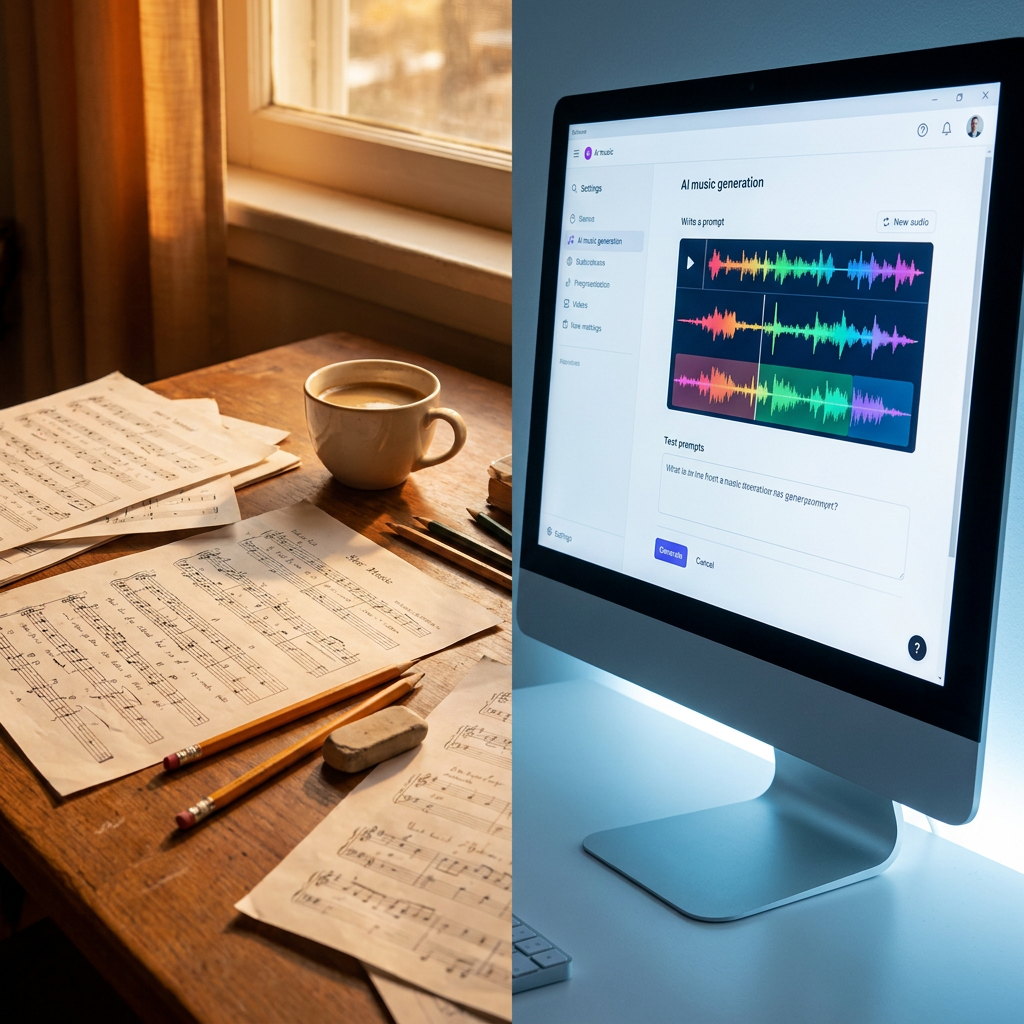
The Hidden Cost of Free AI Music Generation: Licensing
Licensing is the least exciting part of this conversation and the part that costs people the most when they ignore it.
The copyright status of AI-generated music is still being resolved in most jurisdictions. In the meantime, platforms have established their own licensing frameworks — and those frameworks differ significantly between free and paid tiers.
Three things to check in any AI music generator's terms of service:
- Commercial use rights — can you use the output in monetized content, paid ads, or work for clients?
- Exclusivity — does the platform retain any rights to the generated audio, or do you own it outright?
- Attribution — are you required to credit the platform or the tool in the finished content?
Some platforms offer royalty-free commercial licensing on paid tiers, meaning once you generate the track, you can use it without ongoing payments or restrictions. Others run on a subscription model where your licensing rights expire the moment you cancel — which is a nasty surprise if you built a client's entire music library on that plan and then downgraded. That distinction matters a lot if you're building anything for long-term use.
For anyone using Suno v5 or similar models for professional work, checking the specific licensing terms before the project goes live — not after — is the workflow that avoids the freelancer's forty-minute watermark problem.
How Framia Pro's AI Music Generator Changes the Math
This is basically the math problem the sections above describe. Teams end up paying for four or five overlapping subscriptions just to cover different music types, and licensing still has to be checked separately on each one. Framia Pro's AI music generator folds that into a single subscription — Suno v5 for full vocal songs, Mureka v7.5 for instrumental tracks, and the AI beat maker for hip-hop, trap, and percussive-first production — all in one session, under one licensing structure.
The practical difference shows up in two ways: you stop paying for overlapping subscriptions you're using partially, and you stop reformatting files between platforms. The licensing coverage applies across all models in the platform, so a track generated with any model in a Framia Pro session carries the same commercial use rights. For a marketing team producing ten ad backgrounds a month, or a video agency running projects for multiple clients, that consistency removes a recurring audit step from every project.
Which AI Music Generator Tier Is Right for Your Use Case?
There's no single right answer here — use this as a decision filter:
Use a free tier if:
- You're exploring AI music for the first time and haven't committed to a use case
- The output will stay personal — no monetization, no clients, no advertising
- You're testing whether a specific platform's style fits your workflow before subscribing
Consider a paid single-platform plan if:
- You have one primary AI music use case (for example, only podcast intros, or only social media background tracks)
- You work primarily with one type of output — all vocal songs, or all instrumentals — and one platform handles it well
- Your volume is predictable and fits within a single platform's monthly generation limit
Consider a multi-model platform like Framia Pro if:
- You regularly need different music types across projects — vocal songs, instrumentals, ambient beds, jingles
- You're managing multiple client projects with different licensing requirements
- You're paying for more than two separate AI music subscriptions and managing them separately
The common mistake is staying on a free tier for professional projects because the generation quality is acceptable. Quality is often fine. It's the licensing and volume that create the ceiling.
The Tier Question Is Really a Use Case Question
The best AI music generator for your workflow is the one whose licensing, volume, and quality actually match what you're making — not the one with the flashiest demo reel. Figure out what the output needs to do first: personal or commercial, a one-off or an ongoing library, one type of music or several. Once that's clear, the tier decision mostly makes itself, and framia.pro is one reasonable place to run the numbers.
FAQ
Are free AI music generators good enough for professional use?
For some professional contexts, yes — if the output will not be used commercially and attribution requirements are acceptable. For client work, monetized content, or paid advertising, most free tiers lack the commercial licensing coverage needed for professional deployment.
What's the difference between royalty-free and free when it comes to AI music?
"Free" as a tier means no cost to generate. "Royalty-free" is a licensing term meaning you pay once (usually through a subscription) and then use the output without paying per-use fees. Many paid AI music generator subscriptions offer royalty-free commercial licensing; free tiers typically don't.
Does audio quality differ between free and paid AI music generator tiers?
Usually, yes. Free tiers commonly export at 128kbps MP3 or lower. Paid tiers typically offer 320kbps MP3 or lossless WAV export. The difference matters most when the music accompanies clear dialogue, sits in a quiet mix, or gets played through high-quality speakers or headphones.
Can I use AI-generated music in YouTube videos?
It depends on the licensing terms of the specific platform. Some AI music generators grant commercial use rights on paid plans, including use in monetized YouTube content. Free tiers often restrict this. Check the platform's terms before uploading, not after.
How many AI music generator credits do I actually need?
Plan for three to five generation iterations per finished track — first output, two to three refinements, and potentially a variation. A video editor producing two finished tracks per week needs roughly thirty to forty generations per month as a starting baseline, plus buffer for projects that require more iteration.