Most podcasters in 2025 burned hours in editing software just to get one episode out the door. Then AI podcast maker platforms showed up, and the gap between "I have an idea" and "episode is live" shrank from days to minutes.
If you're comparing options right now, you're not alone. The real question isn't whether to use an AI tool. It's which one actually fits how you work.
An AI podcast maker automates one or more stages of production: scripting, voice synthesis, sound design, or export. Some tools handle a single step well. Others run the whole pipeline. Knowing which one you're looking at, before you sign up, saves you from buyer's remorse later.
Platforms like Framia Pro have watched this category mature from novelty to professional standard, including built-in text-to-voice technology that closes the gap between a raw script and broadcast-ready audio.
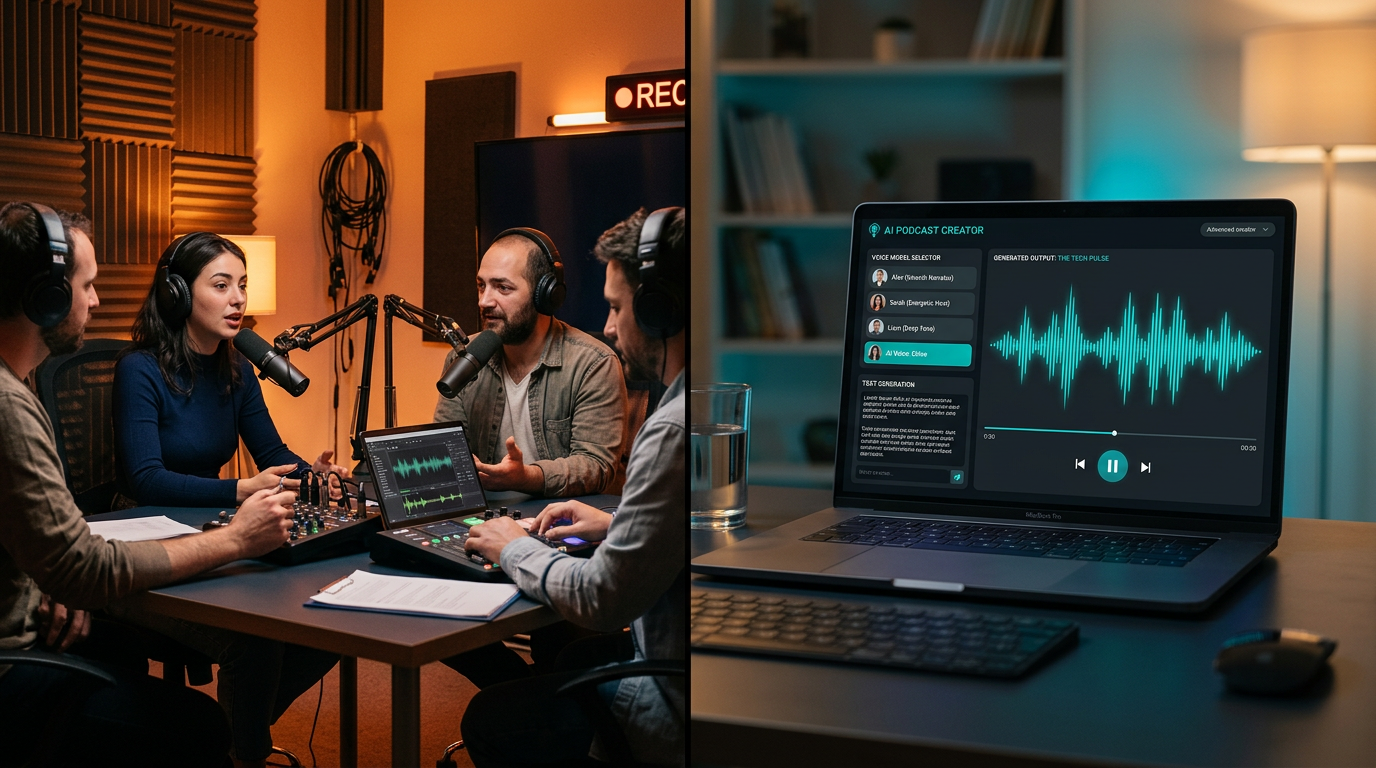
What to Look for in an AI Podcast Maker
Choosing an AI podcast maker is a bit like buying a kitchen appliance. A food processor is great, but it won't replace a good knife. Figure out which stage of your production is the actual bottleneck before you start comparing platforms.
Three variables decide almost every buying decision.
Voice quality. This one is non-negotiable. Does the synthesized voice sound like a person, or like a GPS reading directions? The gap between good and mediocre has widened a lot this year. The best models nail pacing, breath, and emphasis. The weakest still clip consonants and flatten emotion.
Sound design. Intro music, ambient background, transition stings: these are the details that make a show sound produced instead of recorded on a laptop mic in a spare room. Not everyone needs this. But if you want your show to sound like a show, a built-in AI sound effect generator saves real time.
Export and distribution. Some platforms hand you an audio file and call it done. Others push straight to RSS feeds or hosting platforms. For anyone publishing weekly, this layer matters just as much as generation quality.
NotebookLM Podcast vs Dedicated AI Podcast Maker Tools
Google's NotebookLM kicked off mainstream interest in AI podcasts when its Audio Overview feature launched in 2024. Drop in a document, and two synthetic hosts riff on it conversationally. For summarizing research or internal reports, it's genuinely good.
Here's the catch: NotebookLM was built as a document comprehension tool that happens to output audio. It was never meant to be a podcast production platform, and that shows the moment you push past its default use case.
Multilingual reach is where the gap opens widest. Dedicated tools with AI podcast voice cloning keep a speaker's identity consistent across languages. NotebookLM's fixed host voices simply weren't built for that job.
Here's what the comparison looks like in practice:
| Feature | NotebookLM Audio Overview | Dedicated AI Podcast Makers |
|---|---|---|
| Input type | Documents, PDFs, links | Text prompts, scripts, documents |
| Voice control | Fixed host voices | Customizable or cloned voices |
| Sound design | Basic | Built-in music, SFX, transitions |
| Multilingual output | Limited | Often full multilingual support |
| Export format | Audio download | Audio + RSS + distribution options |
| Script editing | None | Full script control |
| Best for | Document summaries | Full show production |
Pick NotebookLM if: you need a fast, internal-only summary of a document and don't care who the "hosts" sound like.
Pick a dedicated AI podcast maker if: you're publishing to a public audience, need consistent branding across episodes, or plan to localize into more than one language.
That's really the whole decision. NotebookLM is excellent at the narrow thing it does. A dedicated platform is built for the broader job of running a show.
How Framia Pro Fits Into AI Podcast Production
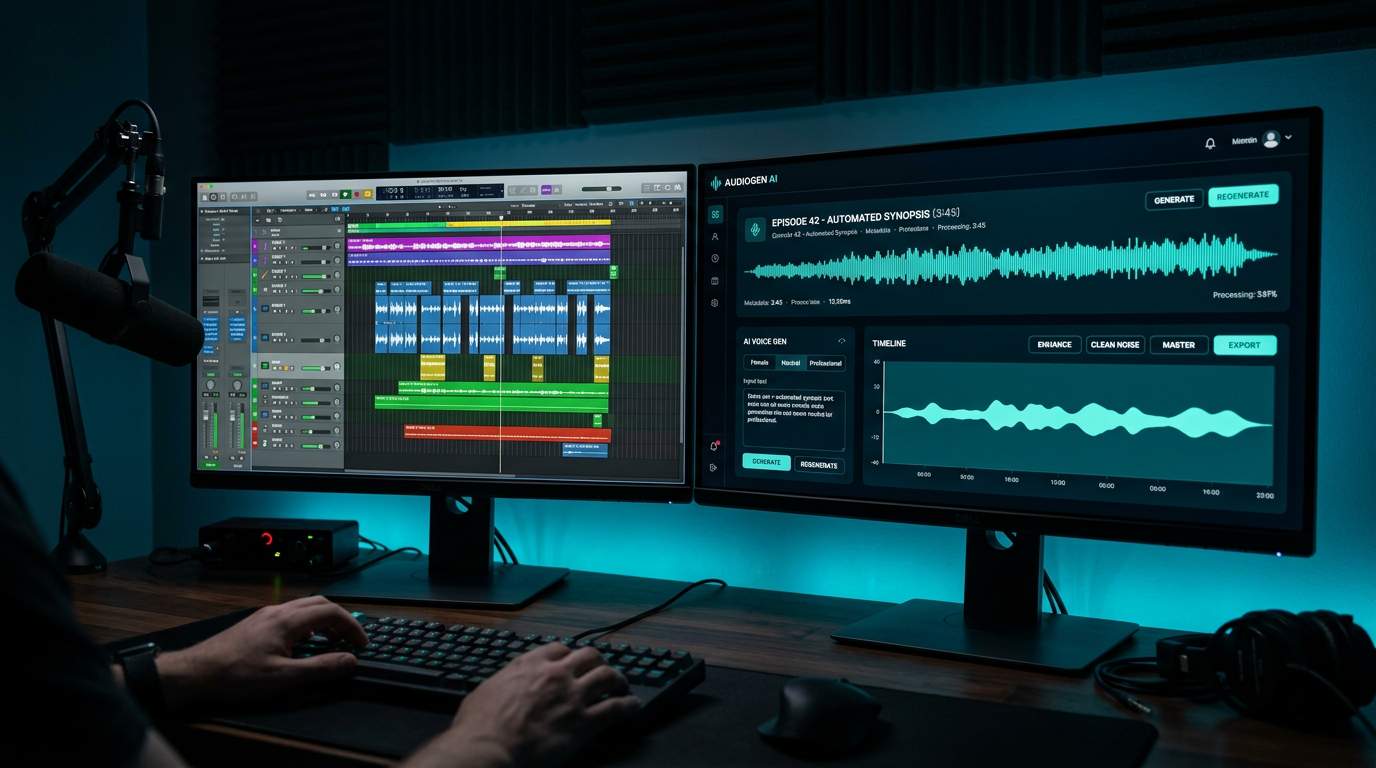
If you land in that second camp, Framia Pro is one of the few platforms that runs the full pipeline end to end. It keeps scripting, voice synthesis, and sound design under one roof, no juggling three separate subscriptions to get there. The voice lineup spans ElevenLabs v3 for expressive narration and Minimax speech-02 for multilingual coverage, so you're not locked into a single acoustic style.
There's also a practical side benefit for creators who want their audio to travel further: the AI talking photo feature turns a podcast episode into a video asset without a separate production step.
In practice, the workflow is: pick a topic or script draft, choose a voice model, layer in sound from the built-in library, export. No plugin management. No hopping between five apps to get one episode out the door.
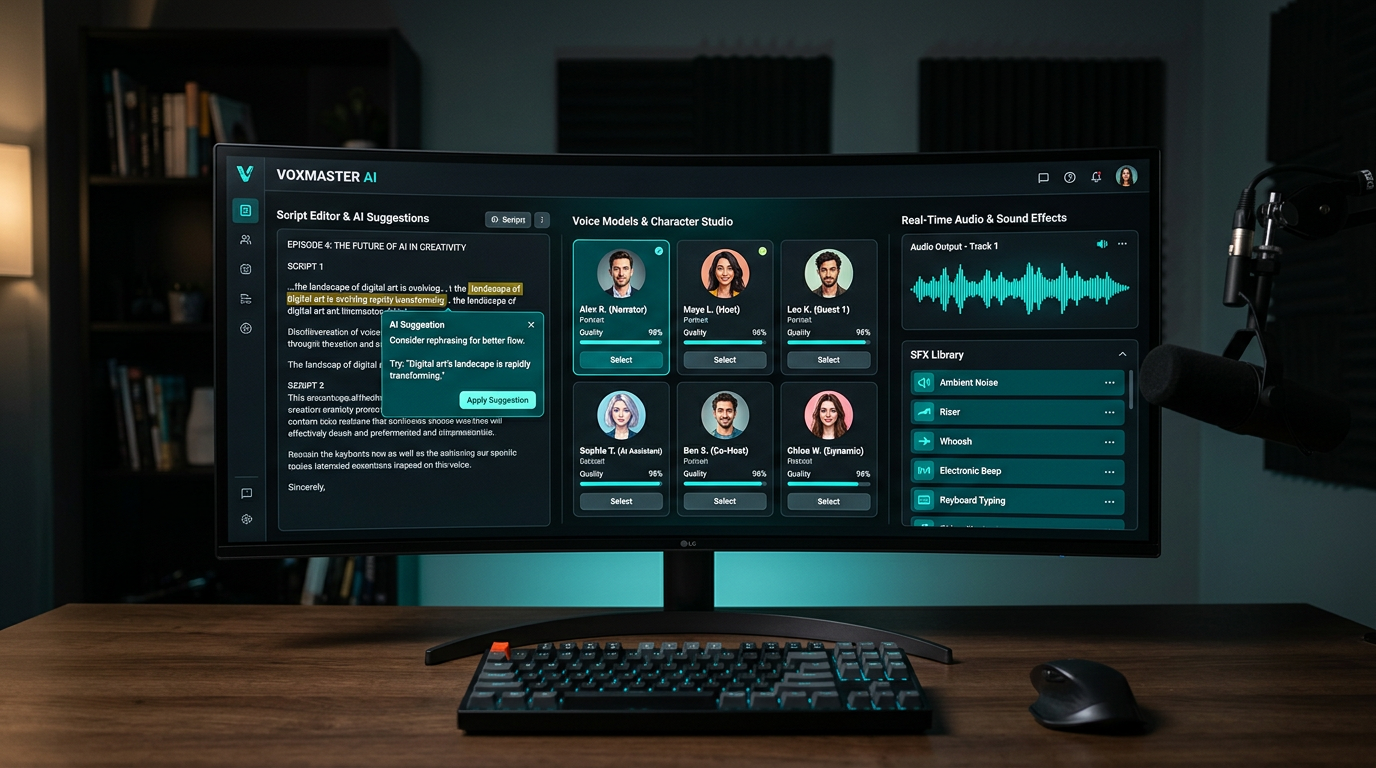
5 Steps to Evaluate Any AI Podcast Maker Tool
Evaluating an AI podcast maker without a process is like judging a car by its spec sheet. You won't know how it drives until you're behind the wheel. Run through these five checks before you commit.
1. Test the voice on your actual content, not the demo script. Paste in a paragraph from your real show notes. Demo text is designed to sound good; it won't show you how the model handles your specific vocabulary, pacing, or brand voice.
2. Generate the same segment in two languages, if multilingual matters to you. Compare the quality drop-off directly. A platform that sounds great in English can sound noticeably worse in a second language, and you want to know that before building a show around it.
3. Stress-test the sound design layer. Generate three different episodes back to back. If they all reach for the same intro sting and the same transition sound, you'll hit that ceiling fast, and your show will start to sound templated.
4. Read the export terms, not just the feature list. Confirm the file format, bitrate, and whether the platform pushes straight to your hosting service or leaves you to do that manually. This is the detail most people skip and regret later.
5. Run the real math on cost per episode, not the sticker price. Some platforms charge per minute of audio generated. Others charge per seat. Multiply the per-minute rate by your actual monthly output before deciding the "cheap" plan is actually cheap.
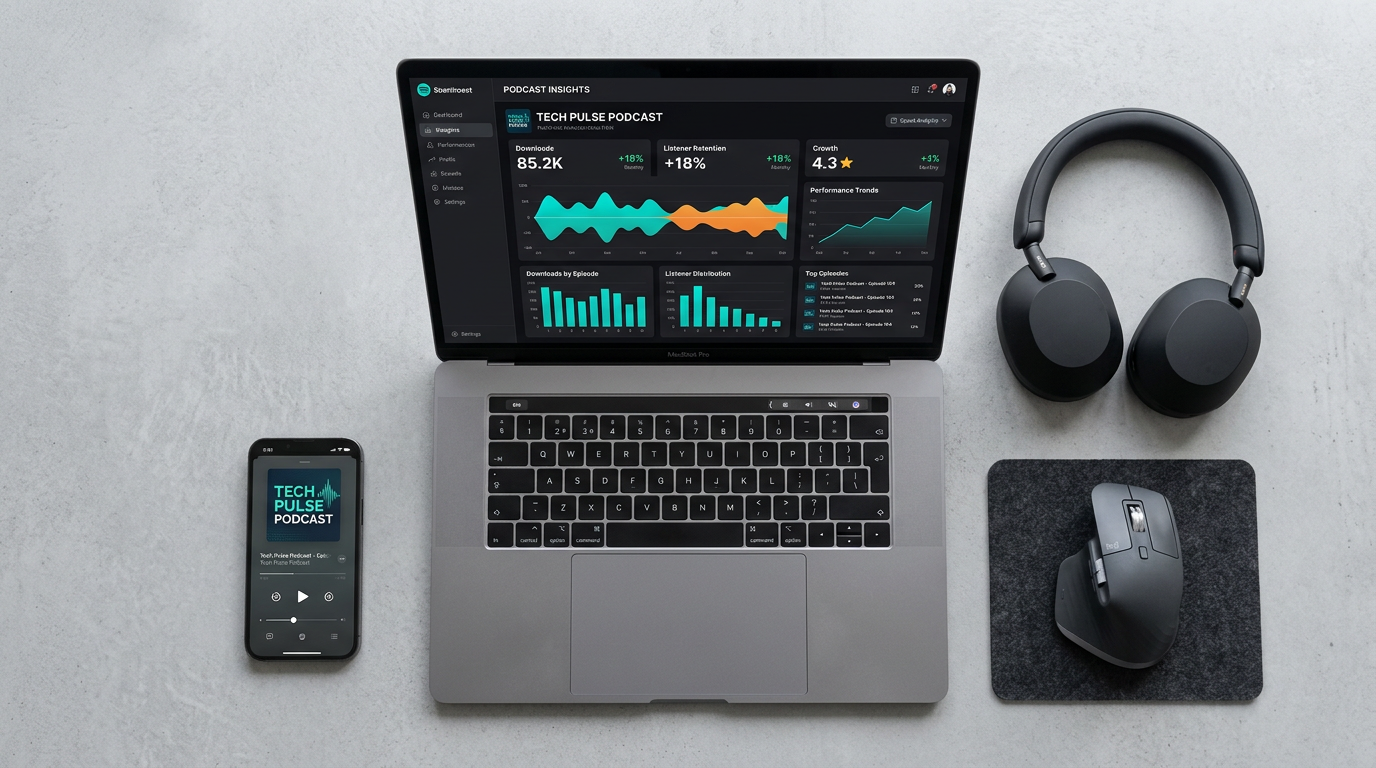
The Right AI Podcast Maker Is the One That Ships Your Show
An episode that never gets made because the editing queue is too long doesn't help anyone. That's the whole reason this category exists: to close the gap between a good idea and a published show.
The best platform for you isn't the one with the longest feature list. It's the one that removes your specific bottleneck, whether that's voice quality, sound design, or just getting from script to export without three extra apps open. Evaluate against your actual workflow, not the marketing page.
Explore Framia Pro if you want a full-pipeline option to start from, and shortlist against the criteria above before you commit.
FAQ
Is NotebookLM a real podcast tool or just a demo feature?
NotebookLM's Audio Overview is a genuine, functional feature for document-to-audio conversion, not a demo. It works reliably for the use case it was designed for: turning research or reference material into a conversational summary. What it lacks are the production controls a standalone AI podcast maker provides: voice customization, sound design, multi-episode consistency, and distribution tooling.
What's the best AI podcast maker for beginners in 2026?
Look for a platform with a full-pipeline approach, one that handles voice, sound, and export without requiring third-party integrations. Framia Pro, ElevenLabs Studio, and Descript are commonly cited in this category. For absolute beginners, the most important variable is how much the tool guides you through the process versus how much it assumes you already know.
Can AI podcast makers produce multilingual episodes?
Yes, the leading platforms support multilingual output. Quality varies significantly by language. Major European languages (Spanish, French, German) and Mandarin typically perform well on top-tier voice models. Smaller regional languages may show quality degradation. Always test your target language explicitly before committing to a platform.
How many AI podcast maker tools should I compare before deciding?
Three to five is usually enough. Beyond that, you're comparing diminishing differences. Focus on the one or two features that matter most to your production workflow, usually voice quality and sound design, and evaluate those criteria rigorously across your shortlist.
Do AI podcast makers work for fiction or narrative audio, or only informational content?
Most platforms were initially optimized for informational content: interviews, explainers, news summaries. Fiction and narrative audio require finer control over pacing, character voice differentiation, and emotional arc. Some platforms have added features specifically for narrative use cases. Test with a dialogue-heavy excerpt to evaluate suitability before committing.