Most people searching for a Facebook Reels maker aren't looking for another app to learn — they're looking for less time between "I have an idea" and "it's posted." Framia Pro sees this pattern constantly in how creators actually use AI tools: the winners aren't the ones with the fanciest effects library, they're the ones that turn a rough concept into an exportable, correctly-sized clip in the fewest steps.
A Facebook Reels maker is any tool that turns raw footage or a text description into a 9:16 vertical video for Meta's Reels format — a manual editor, a template app, or an AI reel generator. The category has shifted fast: "trim and crop in a phone app" is giving way to "describe the reel and let an AI model generate it," which is why searches for an AI reel generator now outpace the literal phrase "reels maker."

Why "Reels Maker" Now Usually Means "AI Reel Generator"
Think of the shift like the move from darkroom photo developing to digital cameras. The end goal — a finished photo — never changed, but the number of manual steps between capture and output collapsed. The same thing is happening with Reels: instead of filming raw footage, trimming it, adding captions, and manually cropping to 9:16, an AI reel generator can produce a caption-ready, correctly-formatted clip from a single prompt or a short script.
That doesn't mean manual editing is obsolete — plenty of creators still prefer hands-on control for polished brand content. But for volume — several Reels a week, testing multiple hooks, repurposing longer video into short clips — an AI reels generator removes the steps that used to take the most time without adding creative value.
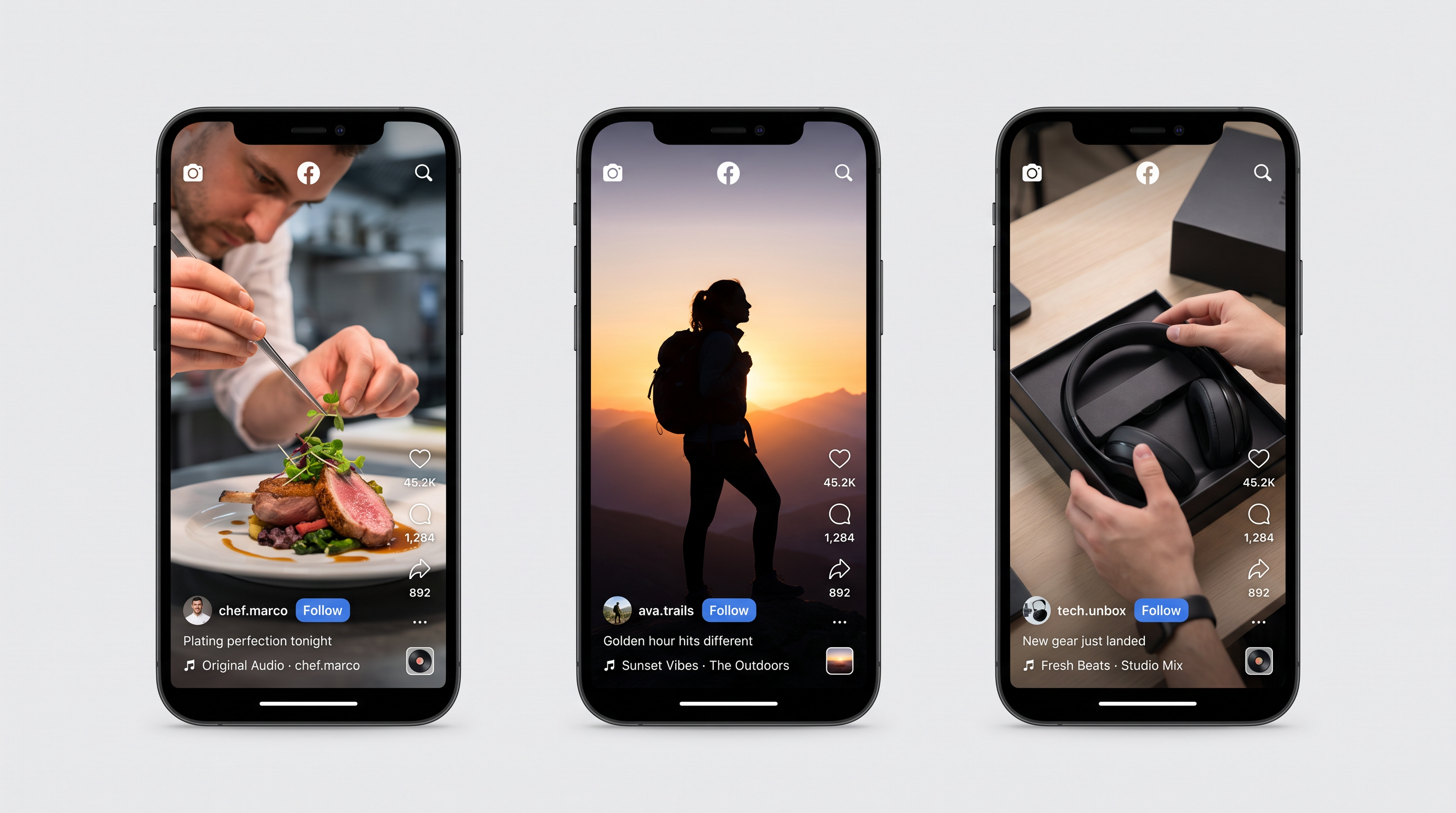
What Actually Separates a Good AI Reel Creator From a Mediocre One
The difference between a strong AI reel creator and a weak one usually isn't the visual style it produces — it's what happens around the generation step. Picture two assembly lines building the same product: one requires a worker to manually move each part to the next station, the other has a conveyor belt doing it automatically. Both end up with a finished product, but one takes far less hands-on time per unit.
Applied to Reels, the "conveyor belt" elements are things like automatic caption generation, native 9:16 export (no separate cropping app), and the ability to batch several ideas without restarting the workflow each time. A tool missing these forces you to do manual work between AI-generated clips and a published Reel — which erodes the time savings that made an AI generator worth using in the first place.
Facebook Reels Maker Options Compared
| Tool type | Setup time per Reel | Auto captions | Native 9:16 export | Best for |
|---|---|---|---|---|
| Manual phone editor (native camera + trim) | High | No | Manual crop | One-off, highly custom edits |
| Template-based Reels apps | Medium | Sometimes | Yes, template-dependent | Consistent branded formats |
| General AI video generators | Medium (freeform prompts) | Rarely | Manual crop | Experimental, artistic clips |
| Framia Pro (AI Shorts Generator) | Low | Yes | Yes, native 9:16 | Frequent posting, repurposing existing video |
No single row here is "wrong" — a wedding videographer and a daily-posting brand account have different needs. The comparison matters because it's easy to pick a generalist AI reel generator and then spend the time you saved on generation re-fixing the export format anyway.
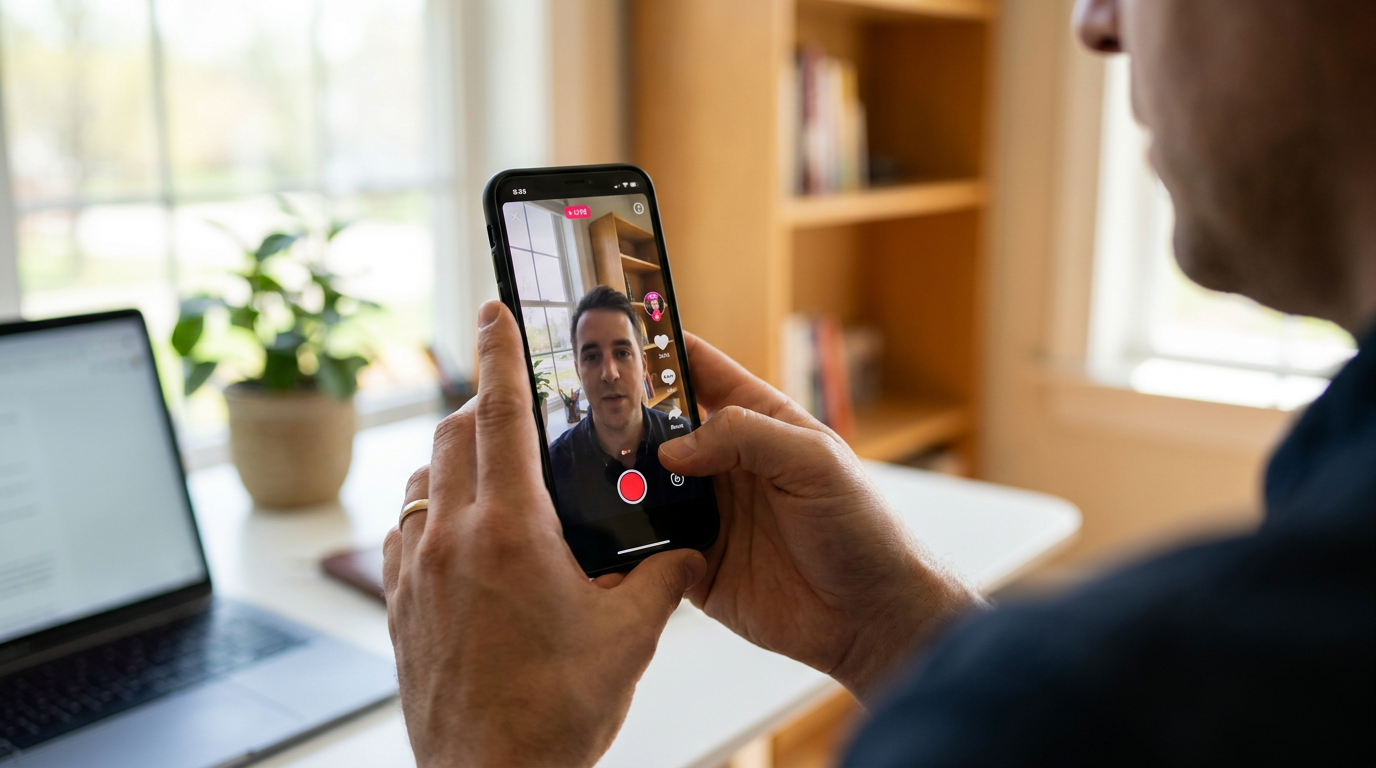
Where Framia Pro Fits as a Facebook Reels Maker
Framia Pro was built specifically around the parts of Reels production that eat the most time without adding creative value: reframing to 9:16, syncing captions to speech, and exporting in a format Facebook accepts without a second conversion step.
As an AI reels maker, it takes a script, a long-form video, or a written idea and turns it into a Reels-ready clip with captions already placed, so the "maker" part of the workflow is compressed into one pass instead of three separate tools stitched together. For creators who treat Reels as a volume channel rather than a one-off project, that compression is often the difference between posting three times a week and posting once. Framia Pro shows exactly how that script-to-clip conversion works, rather than asking you to take it on faith.
5 Steps to Choose and Use an AI Reels Maker
- Decide your output cadence first. A tool that's great for one polished monthly Reel may be the wrong choice if you're posting daily — match the tool to your actual publishing frequency, not the demo reel.
- Check native export format before committing. Confirm the tool exports 9:16 directly; if it doesn't, budget extra time for a cropping step every single time.
- Test caption accuracy on your own audio. Auto-captions vary widely in accuracy with accents, background noise, and jargon — test with a real clip, not the tool's sample footage.
- Generate a batch, not a single clip. Run three or four prompt variations for the same idea and compare which one needs the least manual cleanup before publishing.
- Reuse the workflow across platforms. Since the format is close to identical, the same setup can often turn one script into both a Facebook Reel and a YouTube Short.

Picking a Reels Tool That Matches How You Actually Post
The best Facebook reels maker for you depends less on feature lists and more on how often you're publishing and how much manual cleanup you're willing to do after generation. If your bottleneck is the gap between idea and export, an AI reels maker built around that specific workflow — like the one at Framia Pro — is worth testing against whatever you're using now.
FAQ: Choosing an AI Reel Generator for Facebook
Is an AI reel generator better than editing Reels manually?
Better is situational — manual editing gives more granular creative control, while an AI reel generator is faster for volume and for repurposing existing footage. Many creators use both, depending on the content type.
What's the difference between a Facebook reels creator app and a general AI video generator?
A Reels-specific creator typically outputs directly in the 9:16 ratio Facebook expects and often includes caption tools tuned for short-form viewing. A general AI video generator may produce excellent footage but leave formatting and captioning as manual follow-up steps.
Do AI-generated reels perform differently than manually filmed ones on Facebook?
Meta has not published data separating AI-assisted from manually filmed Reels performance specifically; ranking factors documented in Meta's creator guidance focus on watch time and engagement rather than production method, so quality and relevance matter more than how the clip was made.
Can I edit an AI-generated reel afterward if I don't like part of it?
Yes, in most tools you can regenerate a single scene or adjust a caption without rebuilding the entire clip, which is faster than a full re-render.
Is Facebook reels vs tiktok formatting actually different?
The base aspect ratio (9:16) is the same, but Facebook Reels allows a wider range of accepted lengths depending on placement, so it's worth checking current specs before assuming a TikTok export will work unmodified.