You list a home and the bedroom photos show four bare walls and an empty floor. Buyers scroll past in two seconds — not because the room is ugly, but because almost nobody can picture living in a box. Framia Pro has been tracking the fast-growing lineup of tools built to fix exactly that gap, comparing how each one furnishes the same empty room before an agent commits to one.
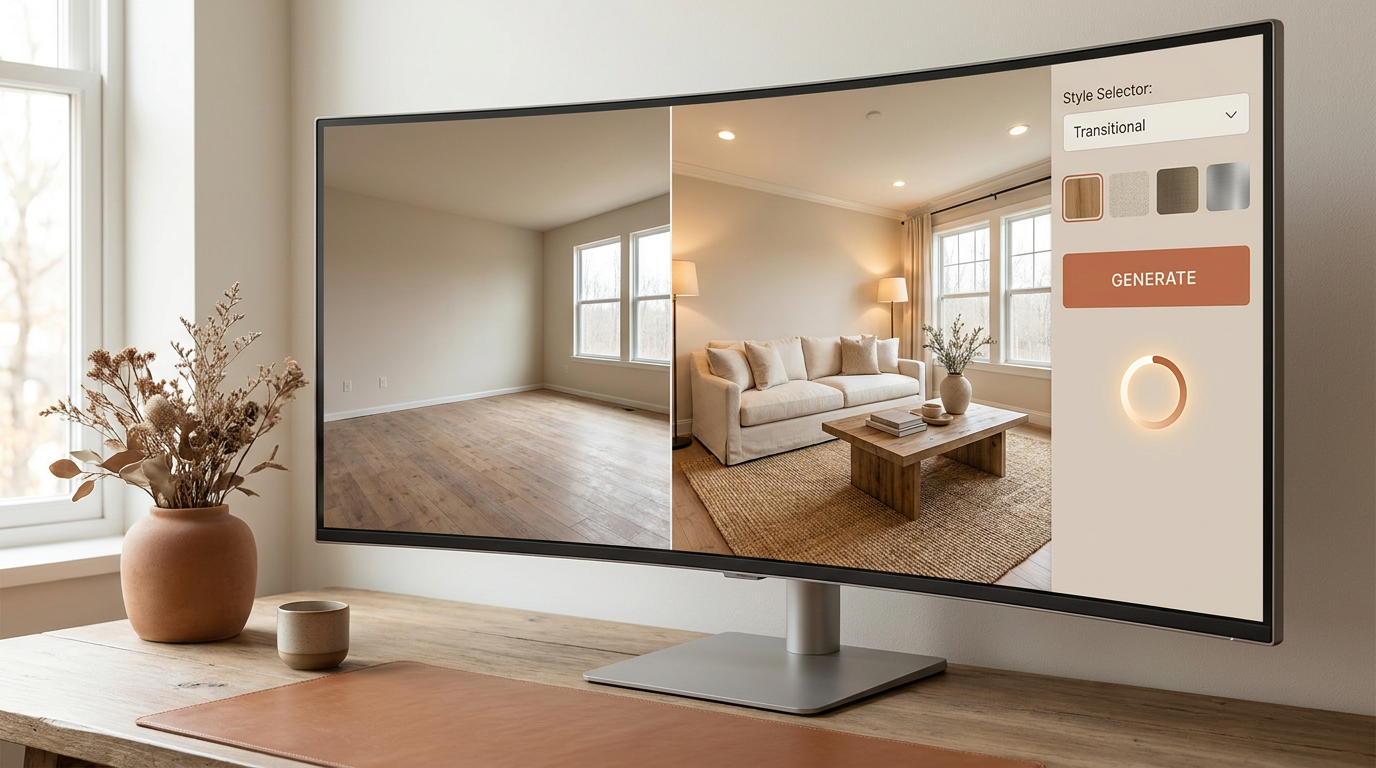
AI virtual staging takes an empty listing photo and returns the same room with a sofa, a rug, and warm lighting already in place — no moving truck, no rental contract, no waiting on a stager's schedule. The question most agents actually have isn't whether this works anymore; it's which tool to trust with a listing photo that's about to go live on the MLS.
Why AI Virtual Staging Has Taken Over Empty Listings
A traditional stager's whole job is filling a bare room with real furniture so it "reads" as a bedroom instead of an empty rectangle. AI virtual staging closes the same gap digitally — same walls, same windows, same floor, just with furniture added into the photo by software instead of moved in by a crew. It works a bit like a flashlight in a dark attic: the room doesn't actually change when the light comes on, it just becomes visible. The potential was always there; the photo just makes it visible.
The 10 Best Virtual Staging AI Tools for Real Estate Photos in 2026
This list focuses on tools built specifically for staging real estate photos, not general-purpose room design apps. Pricing and free-tier limits change often, so it's worth checking each tool's current page before committing a listing photo to it.
Framia Pro — A comparison workspace rather than a single staging engine: it runs the same empty-room photo through several AI models at once, so an agent is judging real staged outputs side by side instead of betting on one tool sight unseen.
Virtual Staging AI — One of the most widely used single-purpose stagers, built at Harvard's innovation lab. Upload a photo and it returns a furnished version in seconds, with a simple per-image pricing model aimed at solo agents.
BoxBrownie — A long-running real estate image-editing company that added AI virtual staging alongside its photo enhancement and floor plan services, popular with high-volume brokerages that outsource an entire listing's media at once.
Styldod — Positioned around design-driven, photorealistic staging plus a broader suite of real estate visual services like virtual renovation and 3D renders.
ApplyDesign — Focused on both staging and renovation visualization, useful when an agent wants to show a buyer both a furnished version and a remodeled version of the same room.
REimagine Home — Built around virtual staging as a core use case rather than an add-on, with style options aimed specifically at matching a home's price point.
Spacely AI — Positioned toward real estate and interior professionals, with staging workflows built alongside its general AI room design tools.
Collov AI — Pairs staged rooms with matching furniture suggestions, useful for agents who also want a shoppable source list for the pieces shown.
Stager AI — A staging-first platform that emphasizes fast turnaround, aimed at agents who need a listing photo staged same-day.
Edensign — A newer entrant built around balancing speed and photorealism for everyday listing photos rather than luxury-only use cases.
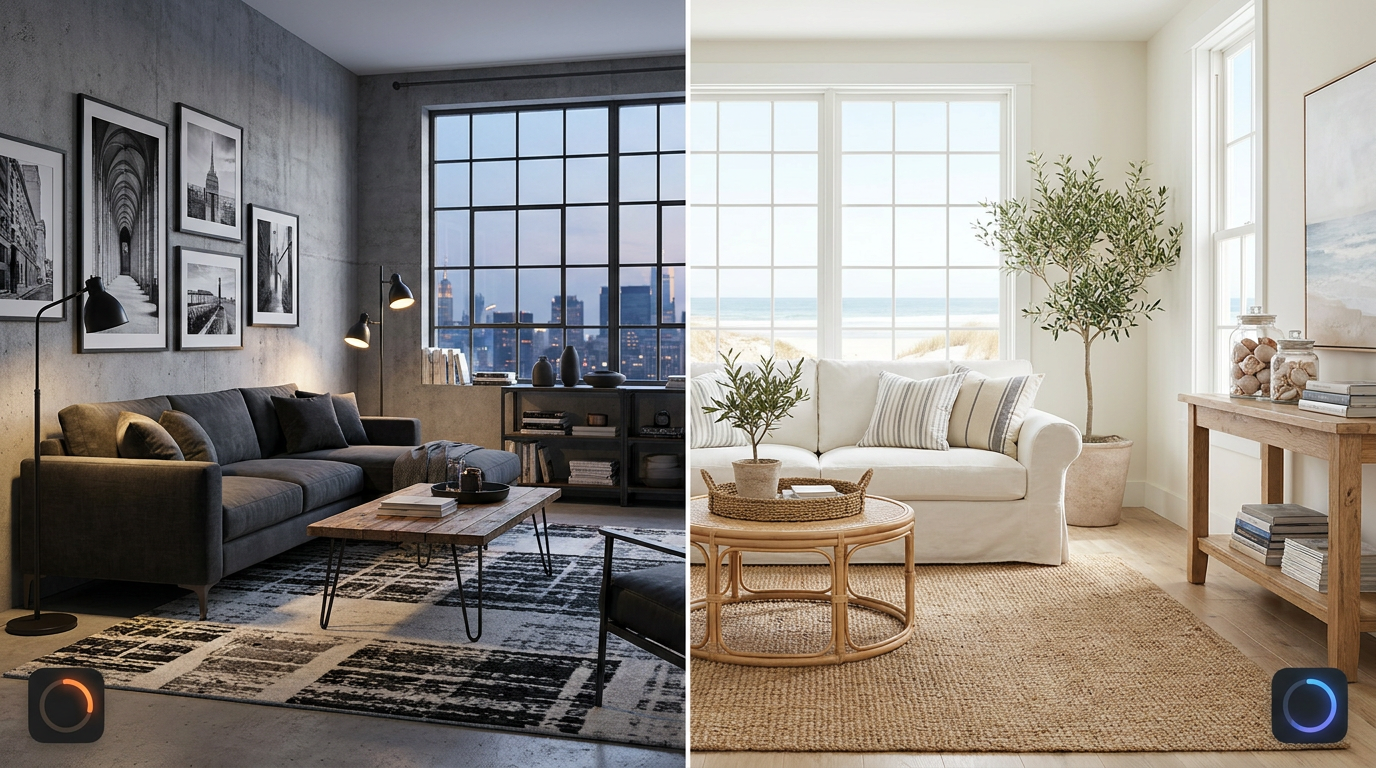
None of these are ranked strictly against each other here — the right one depends on turnaround speed, price point, and whether an agent wants staging bundled with other listing media services. Running the same empty-room photo through two or three of them is still the fastest way to see which output actually looks like the house.
What AI Virtual Staging Actually Costs
Traditional staging is a real, physical service, and it's priced like one. The National Association of Realtors puts the cost of professionally staging a home at up to $2,800, and that's before a photographer's fee — plus furniture rental that typically runs $400 to $700 per room for the first month alone. The furniture stays as long as the rental contract does, whether the home sells in a week or sits for three months.
The ten tools above skip the truck and the contract. Most charge somewhere between $10 and $75 per photo depending on the tool and style complexity, and turnaround is minutes instead of the day or two it takes to schedule a staging crew. The one thing none of them can do is let a buyer actually sit on the couch — the furniture only exists in the picture.
| Traditional Staging | AI Virtual Staging | |
|---|---|---|
| Typical cost | Up to $2,800+ per listing (NAR) | Roughly $10–$75 per photo |
| Turnaround | Days to schedule and set up | Minutes per photo |
| Physical presence | Furniture is real, walkable | Furniture exists only in the image |
| Reusability | Rented for a fixed term | Same room can be restyled instantly |
| Best fit | Occupied or luxury listings | Vacant listings, fast turnarounds |
The MLS Rule of Thumb: Label It, Don't Hide Anything
Most MLS systems allow virtual staging, but they all boil down to the same two rules. First, say it's virtually staged — Bright MLS, for example, requires that disclosure to appear in the listing's public remarks, and some markets require it to sit right next to the original, unstaged photo. Second, only add or remove furniture and decor — none of the tools above should be used to hide a water stain, a cracked tile, or anything else that's actually wrong with the house.
The exact disclosure format differs from one MLS to the next, so it's worth a quick check with your local board before uploading a staged photo. A missing label is a bigger risk than it looks — it's the difference between a helpful visualization and a misrepresentation complaint.
Framia Pro: Comparing Virtual Staging AI Tools Without Guessing
Framia Pro's role in this list is comparison, not staging itself. It's a place to run the same empty-room photo through several of the AI models behind tools like these at once and see which one furnishes it most convincingly — a neutral modern living room next to a warmer transitional look, both generated from the same source photo, before either one goes into the MLS. That same side-by-side approach is what Framia Pro's AI tools for designers are built around more broadly.
That side-by-side view catches a real problem: some models stretch furniture slightly out of proportion, which can make a real room look bigger or smaller than it actually is. Seeing two or three versions next to each other — generated from models like Nano Banana — is the fastest way to spot that before it becomes someone else's disappointment on a walkthrough.

How to Add AI Virtual Staging to a Listing in 5 Steps
- Photograph the empty room straight-on, in daylight, without a wide-angle lens that exaggerates how big it looks.
- Pick a staging style that matches the home's price point — a starter home and a luxury estate call for different furniture.
- Run the photo through one of the tools above and pull two or three variations before picking one.
- Check the results against the room's real proportions to catch any furniture that looks out of scale.
- Label the photo as virtually staged in the format your MLS requires, then publish the listing.
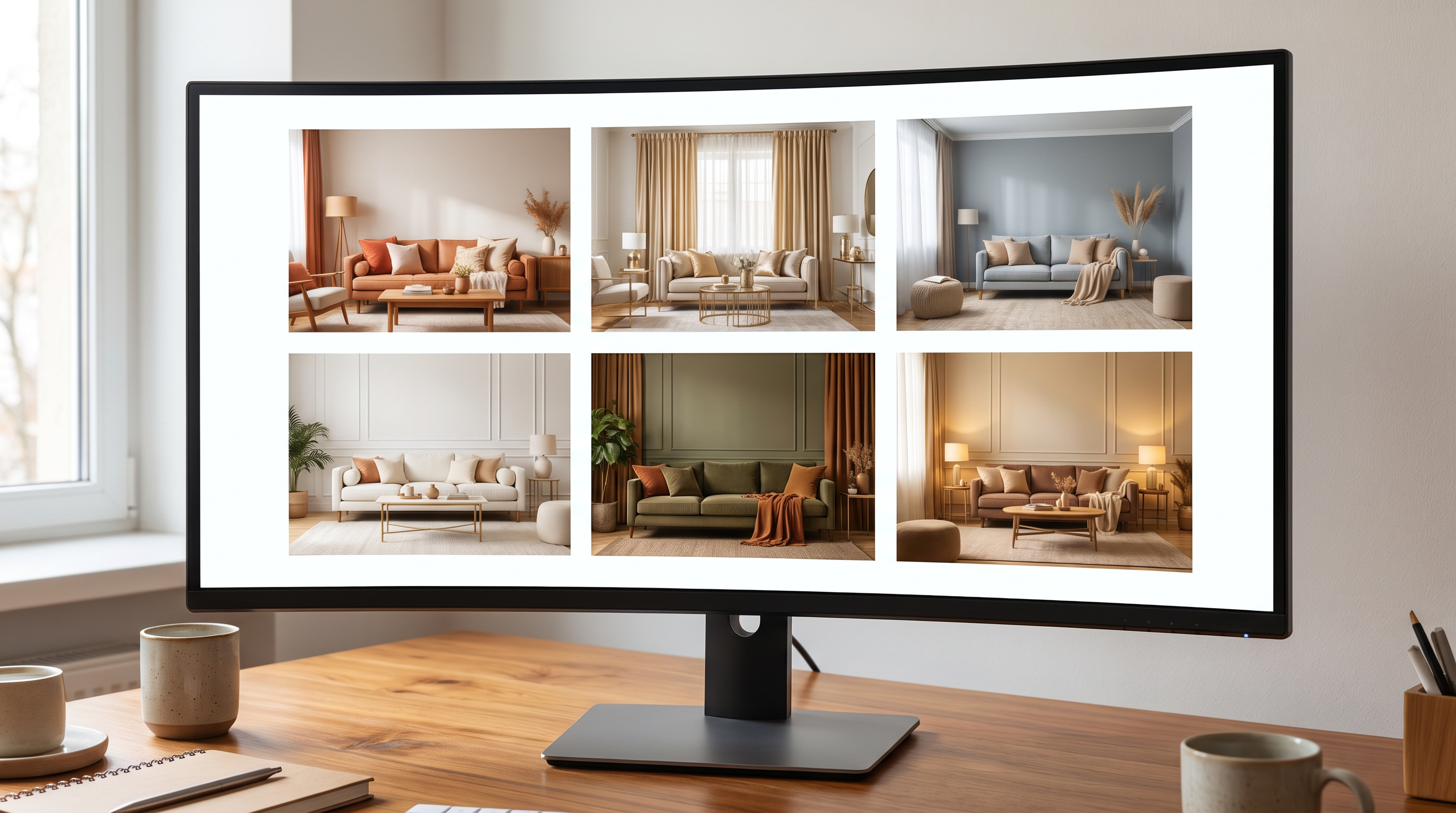
Five steps sounds simple because it is. The harder part is usually deciding which tool's output to trust — which is exactly why comparing a couple of them on the same photo before committing matters.
FAQ
What's the best virtual staging AI tool to start with?
It depends on what matters most. Virtual Staging AI and Stager AI are built for fast, single-photo turnaround, BoxBrownie and Styldod bundle staging with broader listing media services, and a comparison workspace like Framia Pro is useful once you want to see a few of these side by side on the same photo.
Is AI virtual staging allowed on the MLS?
In most markets, yes — as long as the listing discloses that the photo was virtually staged, usually in the public remarks field.
How much does AI virtual staging cost compared to traditional staging?
AI virtual staging usually runs $10 to $75 per photo depending on the tool. Traditional staging, according to the National Association of Realtors, can cost as much as $2,800 per listing.
Can AI virtual staging hide problems with a house, like damage or wear?
No. MLS rules generally limit virtual staging to adding or removing furniture and decor — none of the tools above are meant to conceal a real defect like water damage or worn flooring.
Does AI virtual staging work for occupied homes, or only empty ones?
It works best on vacant or sparsely furnished rooms, where there's empty space for the software to fill convincingly. Occupied homes are usually better served by traditional staging.
Will a virtually staged photo look obviously fake?
It depends on the tool and the room. Comparing outputs from a couple of different tools on the same photo is the easiest way to catch furniture that looks out of scale or lighting that doesn't match the room.
An empty room is just a listing waiting for someone to imagine living in it. Framia Pro keeps a running comparison of tools like the ten above, so you can see real outputs before picking one, at Framia Pro.