Type "make this a caricature" into ChatGPT and you'll usually get a flat cartoon filter or a distorted mess that barely looks like the same person. The gap isn't the model's fault — it's the prompt. A well-built ChatGPT caricature prompt tells the model exactly which features to exaggerate, in what style, and what to leave alone. Framia Pro has been tracking this workflow since GPT Image 2 shipped, and prompt structure is where most people go wrong.
This is a tutorial: a repeatable prompt formula, four ready-to-use examples, a straight comparison of the tools available for this task, and a step-by-step workflow you can run today.
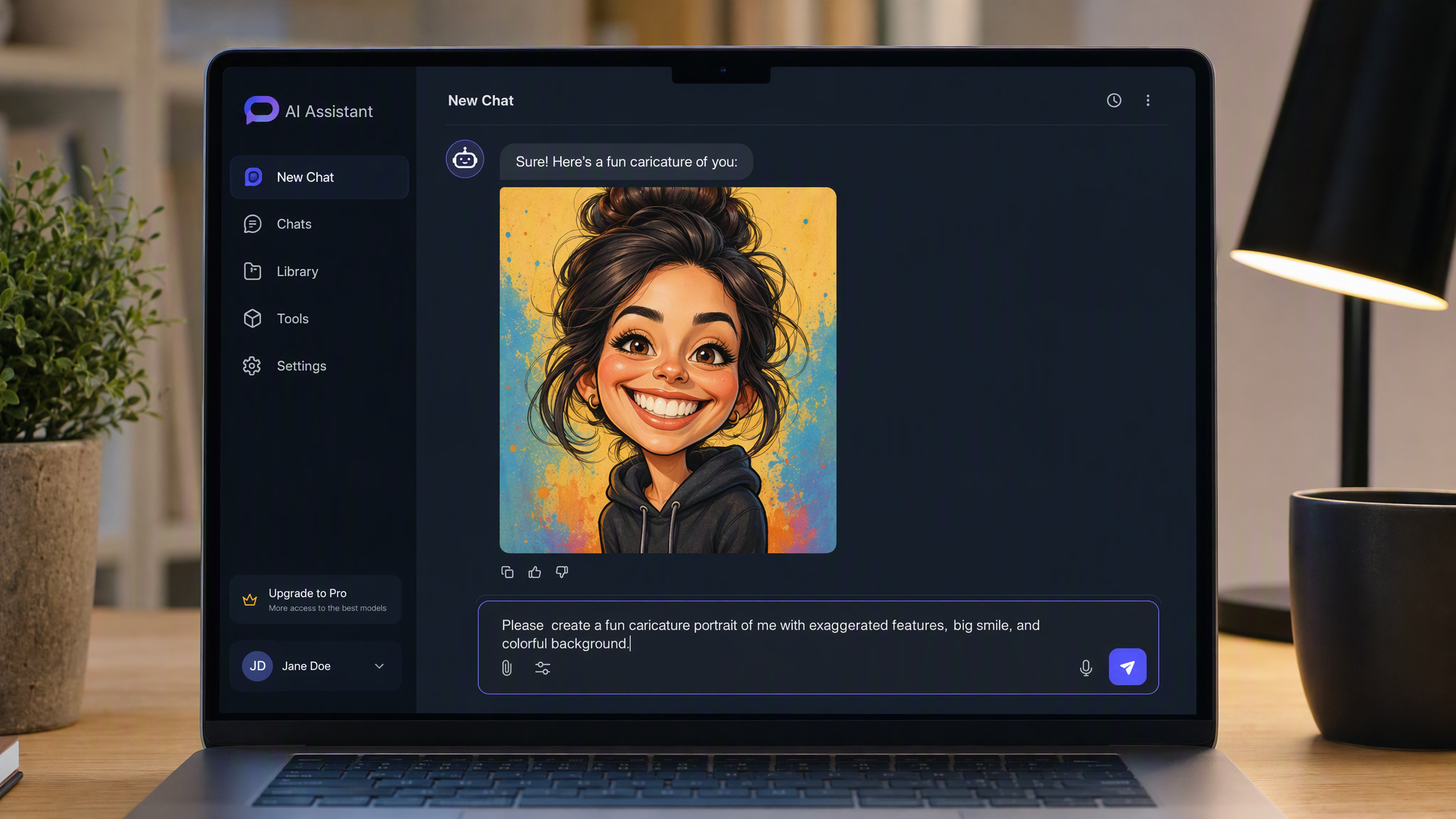
What Makes a Good ChatGPT Caricature Prompt
A caricature artist working at a boardwalk booth doesn't sketch a realistic portrait and then distort it randomly — they pick two or three features (a strong jawline, expressive eyebrows, a wide smile) and push those specifically, while keeping everything else recognizable. That selective exaggeration is what separates caricature from a funhouse-mirror effect.
A ChatGPT caricature prompt needs to do the same thing in words. If you only say "turn this into a caricature," the model has to guess which features matter, and it usually guesses wrong — exaggerating the whole face uniformly instead of choosing a few defining traits. The fix is to name the features yourself: which ones to exaggerate, how far, and in what visual style.
The 5-Part ChatGPT Caricature Prompt Formula
Every reliable caricature prompt has five parts. Skip one and the output gets unpredictable.
- Subject — who is in the source photo: one person, a couple, a pet, or a group.
- Features to exaggerate — 2–3 specific traits, e.g. "wide grin, oversized glasses, spiky hair."
- Style — cartoon caricature, classic boardwalk caricature, anime-influenced, or pop-art.
- Proportions — head-to-body ratio, e.g. "large head, small body, standard 3:1 caricature proportion."
- Constraints — what must stay recognizable: skin tone, hairstyle, clothing colors; no extra people, no text.
Think of the Constraints line as the caption under a caricature booth sketch: the artist still has to draw you, not a generic character. Leaving it out is the single most common reason a ChatGPT caricature prompt returns someone who looks nothing like the reference photo.
For more on structuring prompts for GPT Image 2 beyond caricature work — text rendering, multi-image edits, thinking mode — the GPT Image 2 prompting techniques guide covers the underlying model behavior in more depth.
ChatGPT Caricature Prompt Examples by Style
These four prompts follow the formula above and cover the requests that come up most often.
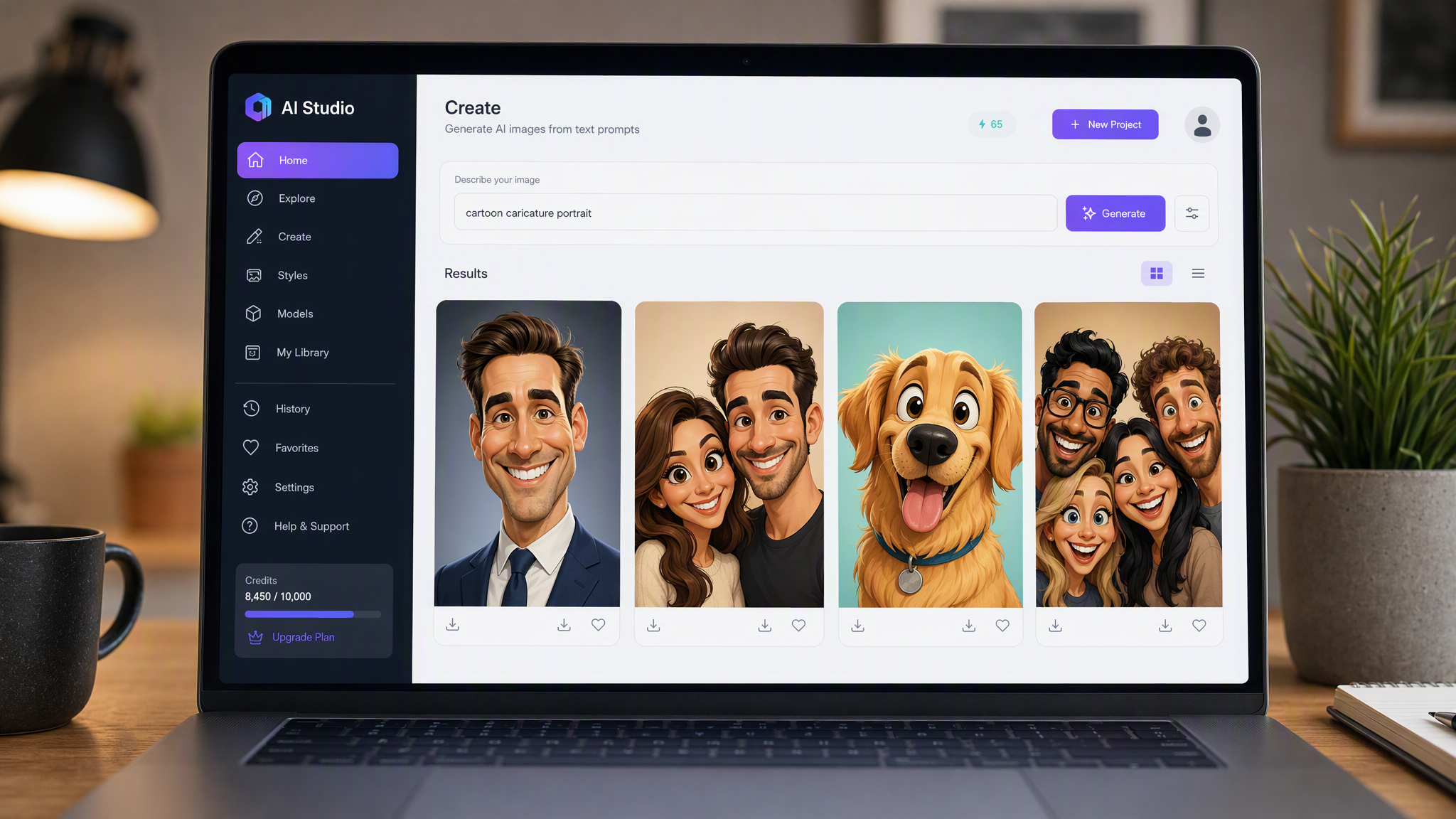
Business headshot caricature: "Using the attached photo, create a caricature: exaggerate the confident smile and the glasses into slightly oversized round frames, classic caricature proportions with a large head and small body in a suit, clean white background, keep the hairstyle and hair color accurate, no text, no other people."
Couple caricature: "Using the two attached photos, create a single caricature of both people standing together: exaggerate the height difference and each person's signature expression, warm pastel background, matching classic caricature proportions for both figures, keep clothing colors from the photos, no added props."
Pet caricature: "Using the attached photo of the dog, create a caricature: exaggerate the ears and the tongue-out expression, keep the fur color and pattern accurate, cartoon caricature style with a slightly oversized head, simple colored background, no other animals."
Group caricature: "Using the attached group photo, create a caricature of all four people in a line: exaggerate each person's most distinct feature individually (the tallest person's height, the glasses on the second person, the curly hair on the third, the beard on the fourth), consistent caricature proportions across all figures, plain background, no added text or logos."
Prompts like these run directly on GPT Image 2, which is the model behind ChatGPT's current image generation — its prompt-following accuracy on multi-part instructions like the ones above is what makes the 5-part formula work reliably instead of dropping constraints.
Caricature AI Generator Comparison
ChatGPT isn't the only option for this. Here's how the main tools compare for caricature-specific work as of mid-2026.
| Tool | Feature-specific exaggeration | Reference photo accuracy | Batch / group support | Free tier |
|---|---|---|---|---|
| Framia Pro (multi-model) | Strong — structured prompt fields, multiple models in one workspace | Very high | Yes, plus consistent character reuse across panels | Limited |
| ChatGPT (GPT Image 2) | Strong — follows detailed feature lists | High | Yes, multi-person in one prompt | Limited |
| Nano Banana 2 | Strong with structured prompts | Very high | Yes | Limited |
| Midjourney v7 | Moderate — more stylistic drift | Moderate | Limited | No |
| Generic caricature apps | Fixed presets, little control | Moderate | Rarely | Often yes |
The pattern across every tool is the same: the more specifically you describe features and constraints, the closer the output stays to the reference photo. Generic caricature apps trade that control for one-tap convenience, which is fine for a quick throwaway but not for a caricature you actually want to look like the person.
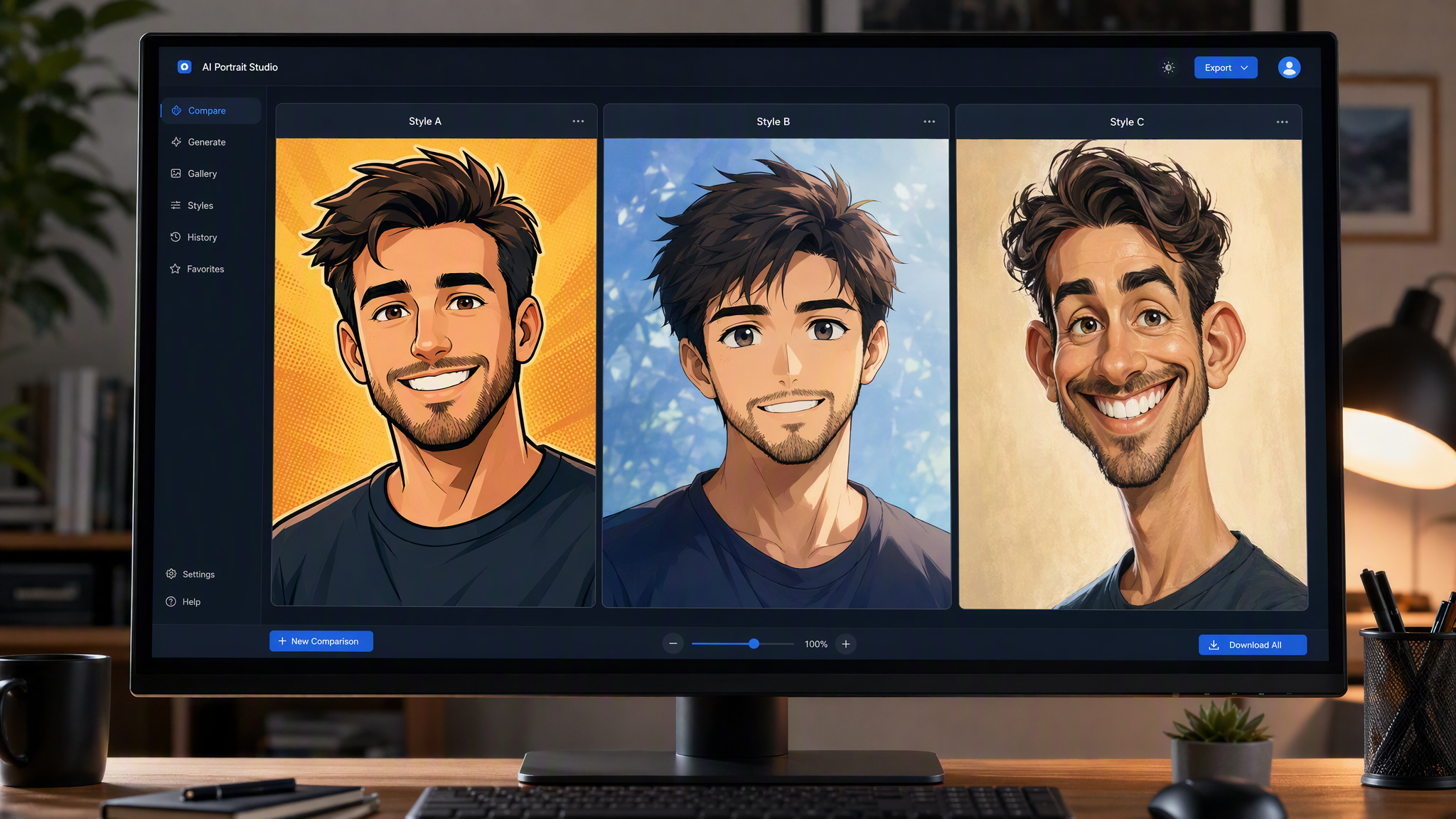
How to Generate a Caricature with ChatGPT: 5-Step Workflow
Step 1 — Choose a clear source photo. Front-facing, good lighting, no sunglasses or hats covering the features you want to exaggerate. A blurry or heavily shadowed photo gives the model less to work with, and the caricature will drift further from the real person.
Step 2 — Identify two or three defining features before you write anything. Look at the photo and pick what actually makes the person recognizable — not everything, just the two or three traits a friend would mention first. This list becomes the "Features to exaggerate" line in the formula.
Step 3 — Write the full 5-part prompt. Subject, features, style, proportions, constraints — in that order, in one message, attached to the source photo.
Step 4 — Generate and check against the constraints line specifically. Don't just check "does this look like a caricature" — check whether the things you said to preserve (hair color, clothing, skin tone) actually stayed intact. If they drifted, that's usually a sign the constraints need to be more specific, not that the whole prompt needs a rewrite.
Step 5 — Iterate with one change at a time. If the exaggeration is too subtle, ask for "push the [specific feature] further" rather than regenerating from scratch. If you're building a series — birthday card, avatar set, comic strip — this is the point where moving into a tool built for character consistency across multiple images, rather than one-off generations, saves the most time.
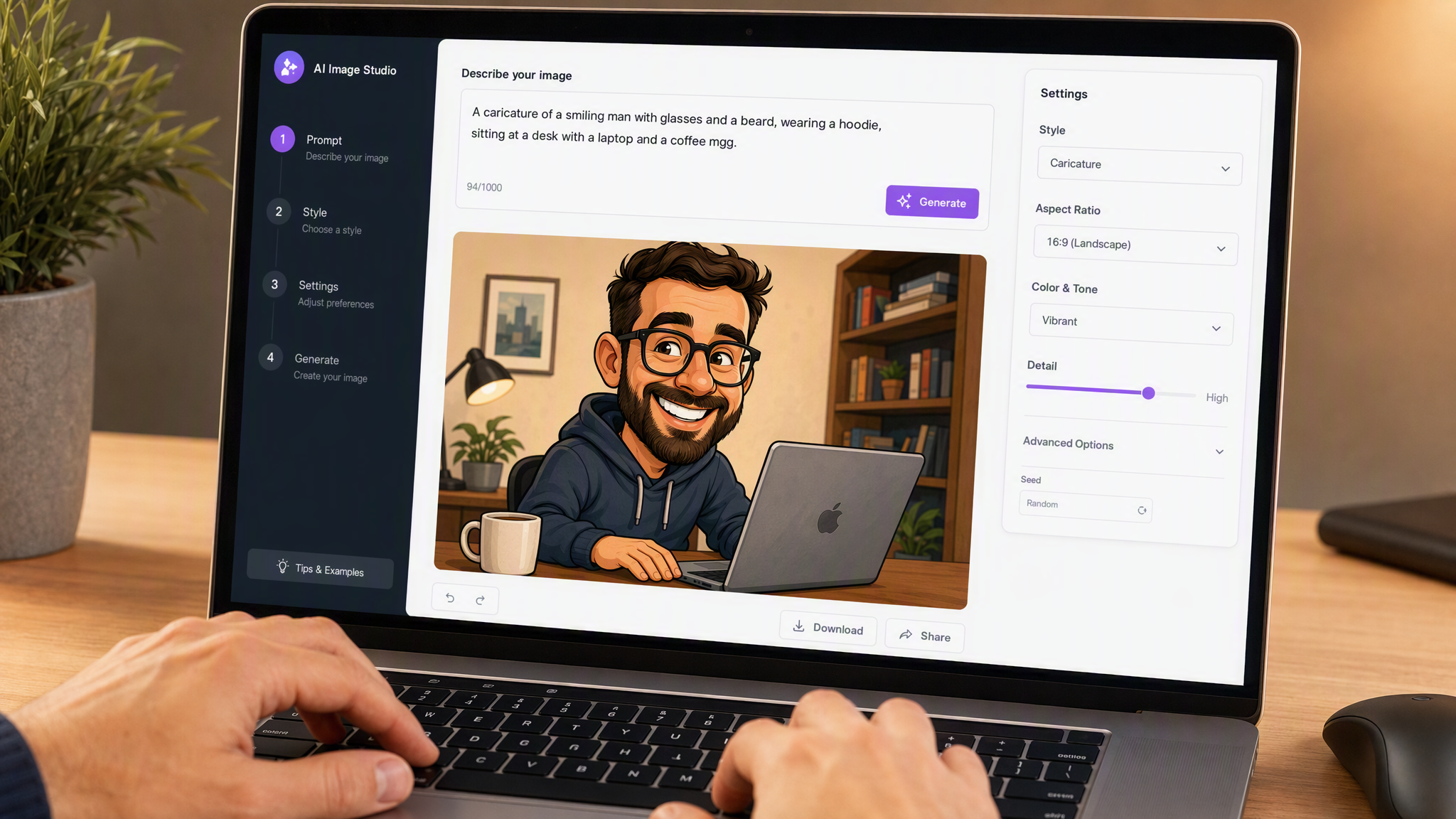
Framia Pro's AI Comic Generator for Caricature Workflows
Caricature is usually the first step, not the last — a good one turns into an avatar, a profile picture, a birthday card, or a full comic panel. That downstream step is where most people hit friction: they get a caricature they like out of ChatGPT, then have to figure out separately how to build it into a comic strip or a multi-panel graphic.
Framia Pro's AI comic generator is built for exactly that handoff. It takes a caricature-style character, keeps the same exaggerated features consistent, and drops that character into multiple comic panels with different poses and expressions. For anyone who wants their ChatGPT caricature prompt output to become a running gag or a serialized character rather than a single static image, that consistency step is what makes the difference between one good image and a usable character.
Conclusion
The output quality of a ChatGPT caricature prompt has very little to do with luck and almost everything to do with specificity. Name the features, name the style, name what has to stay the same — the same discipline a boardwalk caricature artist applies with a pencil, just written out in words instead of drawn by hand.
Where this gets easier is when you're not locked into a single model's interpretation of the prompt. Framia Pro gives you GPT Image 2 alongside other image models in the same workspace, so the same 5-part prompt can be run across models and compared side by side — which matters here specifically because different models follow the constraints line with different levels of precision. Instead of guessing which model will keep the result recognizable, you can see it before committing to one.
FAQ
Does ChatGPT need a real photo to make a caricature, or can it work from a description alone?
A reference photo produces far more accurate results because the model has an actual face to exaggerate from. Text-only descriptions ("a caricature of a man with a big nose and curly hair") work but require much more detail to get a recognizable result, since there's no visual anchor to preserve.
Why does my ChatGPT caricature prompt keep changing the person's hair color or clothing?
This almost always means the constraints line was missing or too vague. Add an explicit instruction like "keep the hair color, hairstyle, and shirt color identical to the reference photo" — the model treats unstated details as open to reinterpretation.
Can I make a caricature of a group photo in one prompt?
Yes, but list each person's distinct feature individually rather than giving one general instruction for the whole group. "Exaggerate each person's most distinct feature" without specifics tends to produce uneven results where one or two people are barely changed.
What's the difference between a caricature prompt and a general cartoon prompt?
A cartoon prompt asks for a stylistic filter — flattened colors, outlined shapes — applied evenly across the whole image. A caricature prompt asks for selective, disproportionate exaggeration of specific features while keeping others realistic. The two can overlap, but "cartoon style" alone won't produce caricature-level exaggeration without naming the features to push.
Is there a limit to how exaggerated a ChatGPT caricature can get before it stops looking like the person?
Practically, yes. Pushing more than two or three features tends to erode recognizability fast, because the constraints line has less to hold onto. The most reliable caricatures pick a small number of traits and exaggerate those clearly rather than distorting the whole face.