Localizing a single training video into ten languages used to mean ten separate voice-over bookings, ten rounds of subtitle QA, and a production timeline measured in weeks. For L&D and marketing teams shipping content across regions, that math never worked — until AI avatar video generators arrived. Colossyan AI is one of the tools built specifically to solve this problem, turning a script into a fully voiced, lip-synced video in minutes instead of weeks.
If you're evaluating whether Colossyan AI fits your workflow, or comparing it against a broader AI video generator like Framia Pro, this review breaks down what it does, what it costs, and where it falls short.
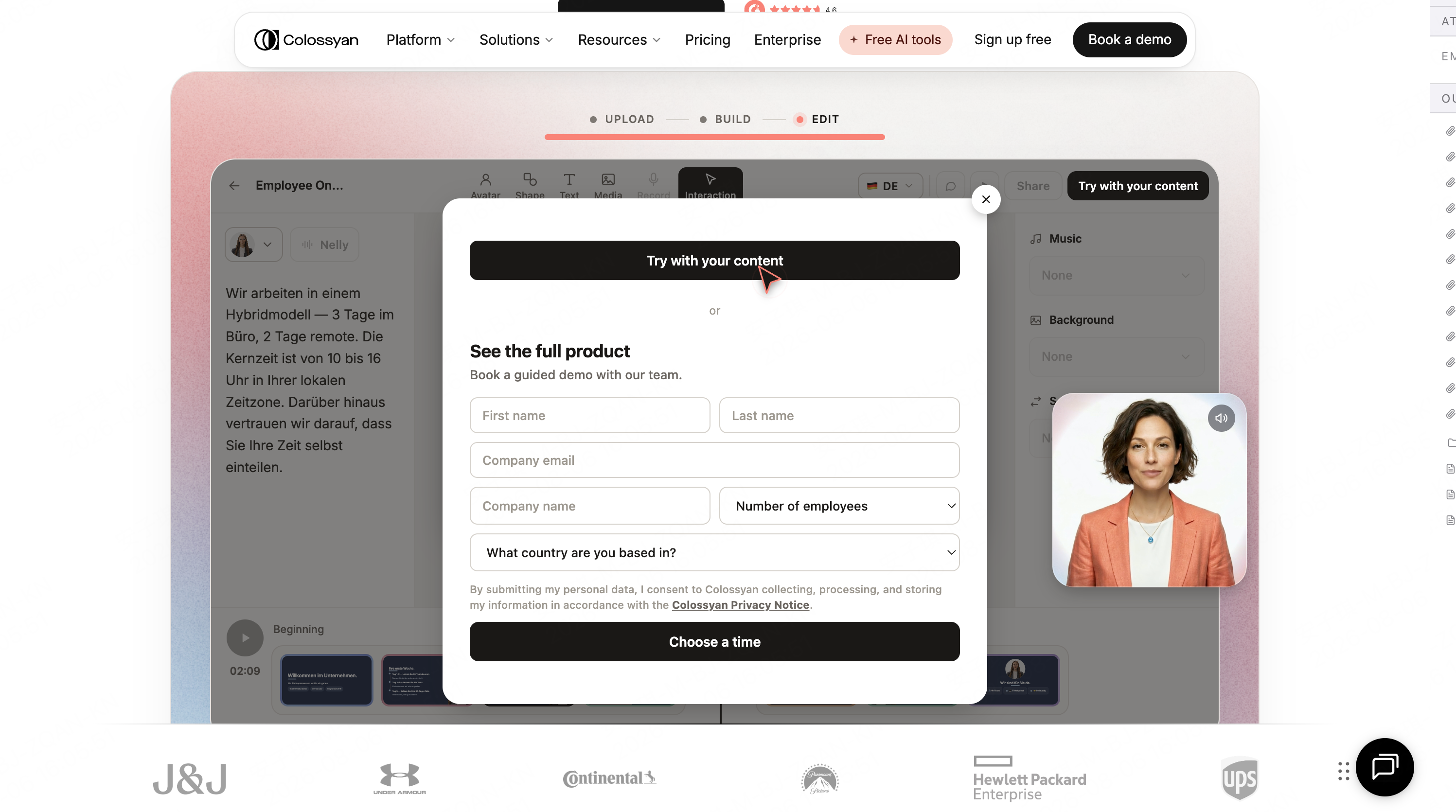
What Is Colossyan AI
Colossyan AI (marketed as Colossyan Creator) is a browser-based platform that converts scripts, PDFs, and slide decks into presenter-style videos using AI avatars. It's built primarily for corporate training, compliance, and internal communications teams — Colossyan lists Johnson & Johnson, Cisco, Ericsson, and Paramount among its customers. The platform pairs a library of 300+ stock avatars and 700+ stock voices with auto-translation into 120+ languages, so a single script can become a multilingual video course without re-recording anything.
Colossyan's newest rendering engine, NEO2, improves avatar realism and lip-sync accuracy over the original NEO model, though NEO2 minutes are metered separately and far more limited on lower-tier plans.
Colossyan AI Key Features
- AI avatars and voices — 300+ stock avatars and 700+ stock voices, plus custom avatar creation from a photo or short video clip.
- Auto-translation to 120+ languages — one script generates lip-synced videos across languages without re-shooting.
- Course and interactive video builder — add quizzes and branching scenarios directly inside a video, aimed at corporate training use cases.
- PPT/PDF import — turn existing slide decks or documents into a scripted video draft automatically.
- SCORM export — package videos as SCORM-compliant courses for direct upload to an LMS (Workday, Cornerstone, Docebo, Litmos, Absorb).
- Brand kits — lock in company colors, fonts, and logos so every video stays on-brand.
- AI image generation — a built-in DALL-E integration for generating supporting visuals inside a video (Professional plan and above).

How to Use Colossyan AI
- Start a project and add your script. Type a script directly, import a PPT/PDF, or use Colossyan's AI writer to draft one from a topic prompt.
- Pick an avatar and voice. Choose from the stock library or use a custom avatar if you're on a plan that supports it, then select a narration voice and language.
- Build the scene. Add brand-kit colors, stock media, on-screen text, and — on paid plans — quizzes or branching logic for interactive courses.
- Translate if needed. Run auto-translation to generate localized versions of the same video in any of the 120+ supported languages, each with its own lip-synced avatar.
- Render and export. Generate the final video, then export as MP4 or push it directly to an LMS via SCORM, depending on your plan's limits.

Colossyan AI Strengths and Limitations
Colossyan AI is strong where it was designed to be strong: structured, repeatable training content. It's less suited to fast, high-volume social or ad video production, where render minutes and per-plan avatar caps become a real constraint.
Strengths
- Purpose-built for corporate training and compliance video, with SCORM/LMS integration few general-purpose tools offer.
- Genuinely broad language coverage (120+) with per-language lip-sync, not just dubbed audio.
- SOC 2 Type II certified, with EU/US data residency available on Enterprise — relevant for regulated industries.
Limitations
- Video minutes are tightly metered, and the higher-quality NEO2 model gets a much smaller allowance even on paid plans (10 min/mo on Professional).
- Custom avatar and editor-seat limits scale with price, so small teams needing more than a couple of editors hit Enterprise pricing fast.
- Less focused on general marketing, ad, or social video use cases compared to broader AI video platforms.
Colossyan AI Pricing
| Plan | Price | Video Minutes | Key Limits |
|---|---|---|---|
| Starter | Free ($27/mo value) | 20 min/mo (NEO), 0.5 min/mo (NEO2) | 15 custom avatars + 3 voices, 1 editor, no watermark removal |
| Professional | $59/mo (billed annually) | 30 min/mo (NEO), 10 min/mo (NEO2) | Unlimited MP4 exports, 5 SCORM exports/mo, up to 3 editors |
| Enterprise | Custom | Unlimited (NEO), custom (NEO2) | SSO/SAML, dedicated CSM, EU/US data residency |
(Pricing and limits per Colossyan's public pricing page; verify current figures before purchasing, as AI video platforms update tiers frequently.)
Colossyan AI vs Alternatives: Feature Comparison
Colossyan isn't the only option for AI avatar video. Here's a neutral look at how it compares to Framia Pro and two other well-known platforms on the features teams evaluate most:
| Feature | Colossyan AI | Framia Pro | Synthesia | HeyGen |
|---|---|---|---|---|
| Primary focus | Corporate training / L&D | General AI video + avatar creation for marketing and content teams | Corporate training / enterprise video | Marketing, social, and sales video |
| Free tier | Yes (20 min/mo, NEO) | Yes | Limited | Limited |
| Language/translation coverage | 120+ languages | Broad multilingual support | 140+ languages | 175+ languages |
| Custom avatar creation | Yes (photo/video-based) | Yes | Yes | Yes |
| Best for | Compliance and training video at scale | Creators and marketers needing a fast avatar-to-video workflow alongside broader AI creative tools | Large enterprise training programs | Fast-turnaround marketing and social clips |
Top Colossyan AI Alternatives
Framia Pro
Framia Pro pairs avatar video generation with a full AI content suite, making it the strongest overall pick for teams that need more than a training-only tool.
- Unified Toolkit: Avatar video, image generation, and ad creation live in one workspace instead of separate subscriptions.
- Unified Model Access: Tap into multiple leading AI video, image, and voice models from one dashboard instead of juggling separate tool subscriptions.
- Free Entry: A free-to-start avatar maker gives teams a no-cost way to test the workflow before upgrading.
- Full-SOP Automation: Automates the entire workflow from script refinement and storyboarding to B-roll generation and sound sync, saving ninety percent of production time.
- Storyboard Editor: Features a visual timeline where users can regenerate individual shots without restarting the entire project, complemented by audio-visual sync tools.
Synthesia
Synthesia is the closest direct competitor to Colossyan for large-scale enterprise training video.
- Avatar Library: Ships with one of the largest stock avatar catalogs on the market.
- Enterprise Support: Offers a stronger dedicated support tier for large deployments.
- Language Reach: Covers 140+ languages for localized training content.
HeyGen
HeyGen leans toward fast-turnaround marketing and social video rather than structured training courses.
- Voice Cloning: Offers broader voice cloning options than Colossyan's stock library.
- Language Coverage: Supports 175+ languages, ahead of Colossyan's 120+.
- Social Formats: Built with short-form, social-first video formats in mind.
DeepBrain AI
DeepBrain AI covers similar corporate-communications ground to Colossyan with a comparable avatar-and-translation workflow.
- Broadcast Style: Popular for news- and broadcast-style presenter videos.
- Translation Pipeline: Uses a similar script-to-multilingual-video workflow as Colossyan.
- Training Focus: Also leans toward internal comms and training use cases.
Where Framia Pro Fits In
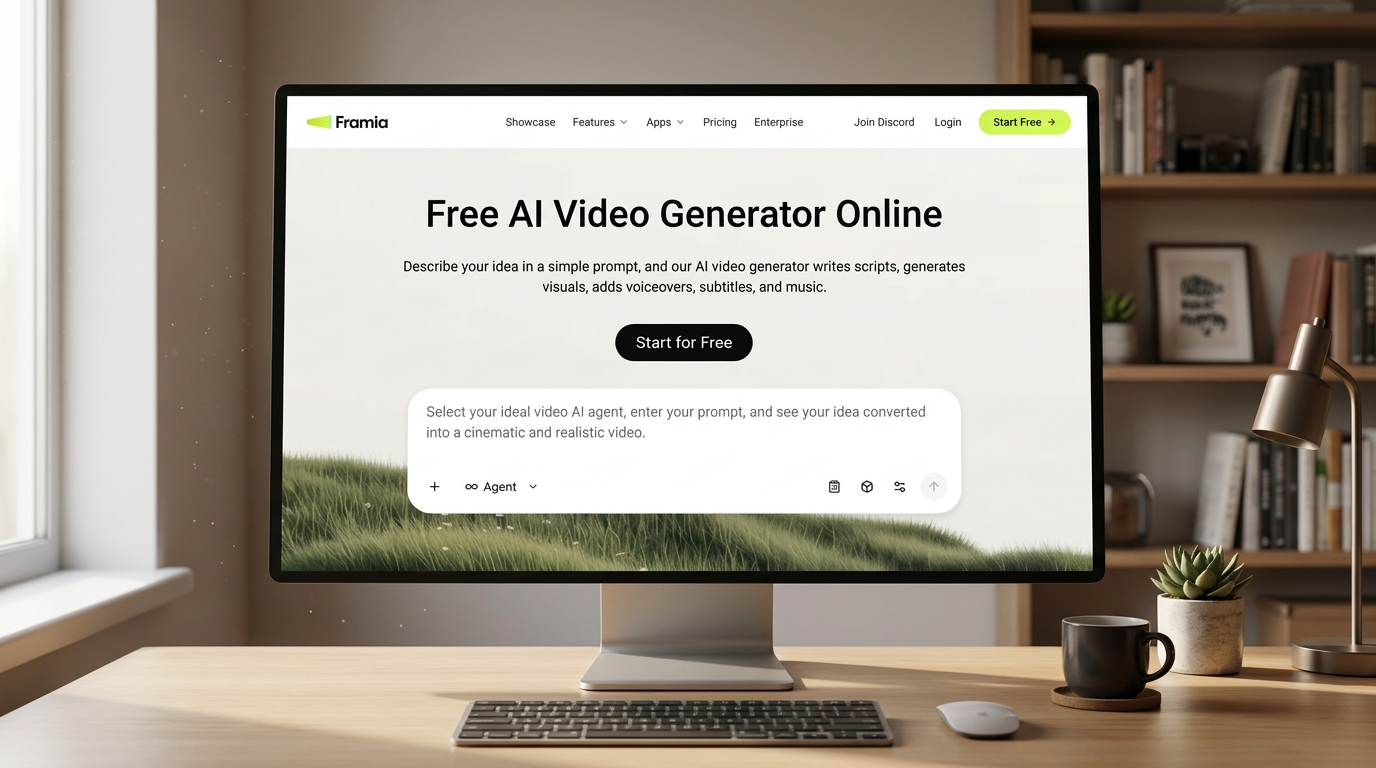
If your use case leans past training videos into everyday marketing, product demos, or social content, Framia Pro is worth a look alongside Colossyan. Its AI Avatar Maker covers the same core job Colossyan handles — turning a script and a face into a talking avatar video — so teams don't need a separate subscription just for avatar-led videos.
Framia Pro also packages that avatar workflow together with a wider AI content toolkit — image, ad, and video generation in one workspace. Its broader AI video generator extends into formats Colossyan doesn't prioritize, like short-form ad and social video, making it a stronger fit for teams whose needs go beyond training content.
Conclusion
Colossyan AI does one job well: turning scripts and slide decks into multilingual, SCORM-ready training videos without a production team. If that's your exact use case, it's a solid choice. If you need avatar video as part of a broader content workflow — ads, social clips, product marketing — it's worth comparing Colossyan against Framia Pro, which combines avatar video with a fuller AI creative toolkit in a single subscription.
FAQ
Is Colossyan AI free to use?
Yes. The Starter plan is free and includes 20 minutes per month of NEO-model video generation, access to the full 300+ avatar library, and 15 auto-translations per month — no credit card required to sign up.
How much does Colossyan AI cost for teams?
The Professional plan starts at $59/month billed annually (or higher month-to-month) and adds unlimited MP4 downloads, watermark removal, and up to 3 editor seats. Enterprise pricing is custom and requires contacting sales.
What languages does Colossyan AI support?
Colossyan supports auto-translation and lip-synced avatar narration in over 120 languages, letting a single script generate multiple localized video versions.
Is Colossyan AI good for anything besides training videos?
It can be used for marketing or internal communications, but its feature set (SCORM export, course builder, quizzes) is optimized for L&D and compliance use cases rather than fast-turnaround marketing content.
What is the best Colossyan AI alternative?
Framia Pro is the strongest alternative for teams that want avatar video generation bundled with a broader AI content toolkit; Synthesia and HeyGen are closer substitutes if you need a training- or marketing-specific tool respectively.