A surprising number of Reels get uploaded, previewed, and immediately deleted for one reason: the creator finds out the crop cut off a key visual only after publishing. Framia Pro's support conversations with creators repeatedly circle back to the same root cause — nobody checked the Facebook reels size requirements before filming, so the edit has to be redone instead of just exported correctly the first time.
Facebook reels size refers to the exact dimensions, aspect ratio, and duration limits Meta expects for a Reel upload — currently a 9:16 vertical frame, ideally shot or cropped to 1080×1920 pixels, according to Meta's Business Help Center creator specifications (as of 2025). Get this wrong and Facebook will still accept the upload in most cases, but it may crop your subject out of frame or add letterboxing that makes the clip look unpolished next to reels shot correctly the first time.
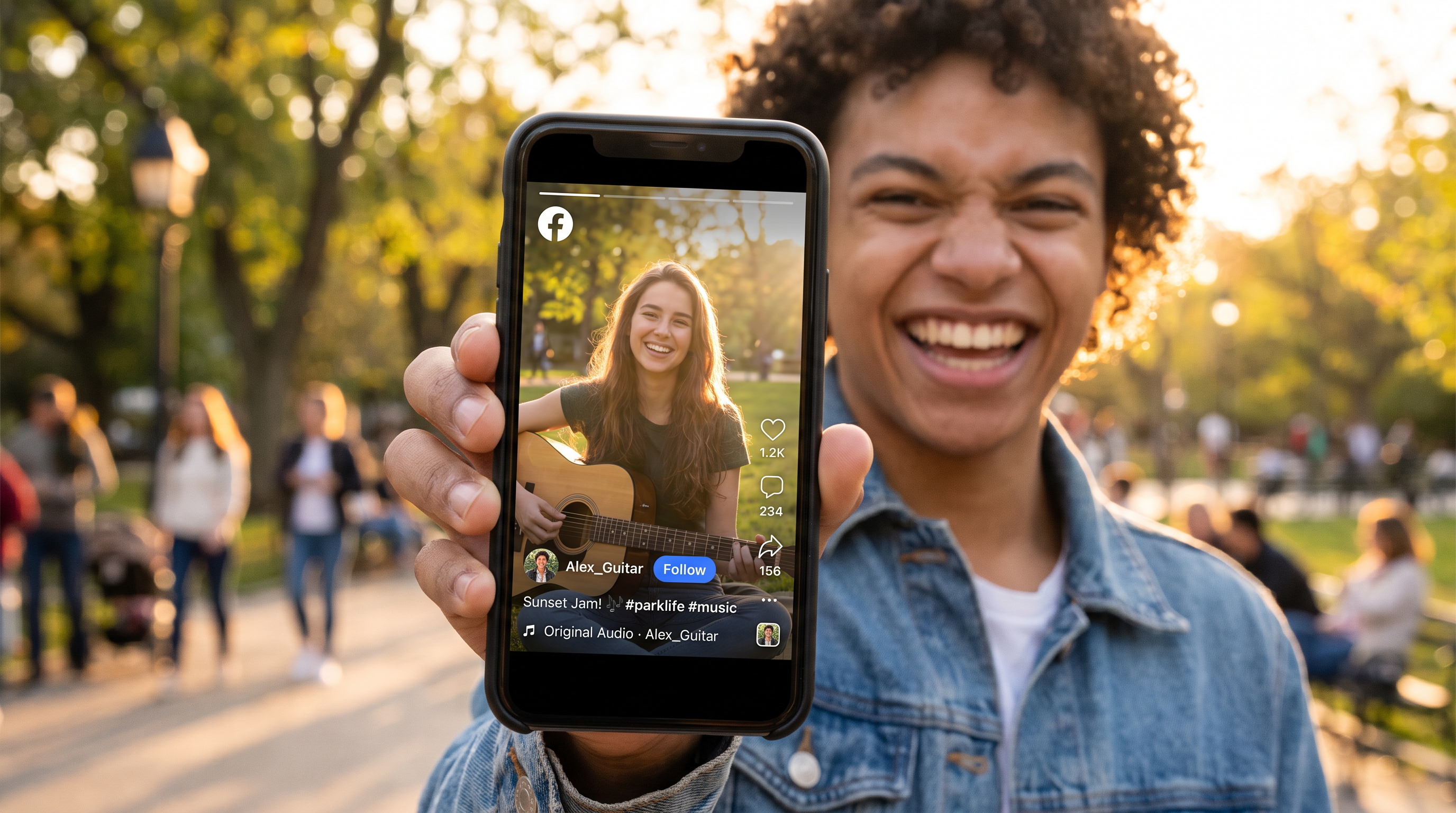
Why the Right Ratio Matters More Than It Seems
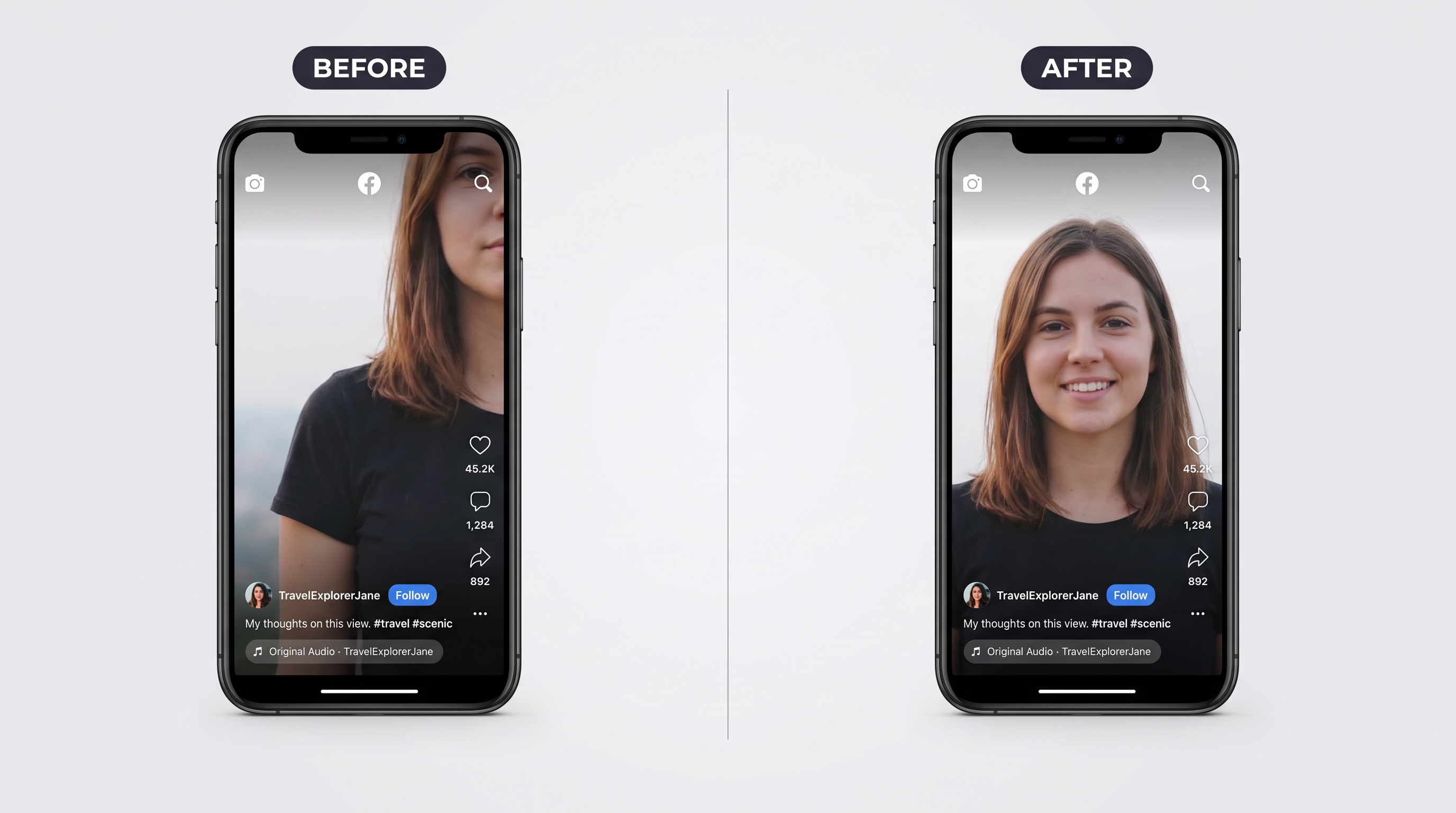
Think of the 9:16 frame like a picture frame you buy before you've finished the painting. If you paint to fit the frame from the start, everything lines up. If you paint something wider and try to force it into a narrow frame afterward, you either crop out the edges or add empty space to compensate. Reels work the same way — footage shot horizontally and squeezed into 9:16 loses the sides of the frame, often exactly where text, logos, or a second subject were placed.
This is also why Facebook reels ideas that work well on one aspect ratio can fall flat when repurposed without adjustment. A wide establishing shot that reads clearly in landscape becomes a tight, awkward crop in vertical — the idea wasn't wrong, but the framing decision was made for the wrong canvas.
Format Specs at a Glance
| Spec | Facebook Reels | Facebook Feed video | Facebook Stories |
|---|---|---|---|
| Aspect ratio | 9:16 (vertical) | 16:9 or 1:1 flexible | 9:16 (vertical) |
| Recommended resolution | 1080 x 1920 px | 1280 x 720 px minimum | 1080 x 1920 px |
| Safe zone for text/logos | Center ~80% of frame | Full frame usable | Center ~80% of frame |
| Typical max length | Varies by placement; check current Meta specs before upload | Up to several minutes | Up to 60 seconds per Story card |
Because Meta periodically adjusts exact duration limits by placement and account type, always check the current specifications on the Meta Business Help Center before finalizing an export preset for repeated use.
Where an AI Reel Maker Removes the Guesswork
Framia Pro's AI Reel Maker was built partly to solve this exact reframing problem. Instead of shooting or sourcing footage and manually recropping it to fit the 9:16 safe zone, it outputs clips natively in the correct ratio with the subject already centered in the safe area.
For creators repurposing longer landscape video into Reels, that removes the step where a subject drifts out of frame after cropping — composition is calculated for vertical from the start rather than fixed afterward. It doesn't replace understanding the specs above, but it does mean fewer re-exports after a preview reveals a bad crop.
5 Steps to Get Facebook Reels Specs Right Before You Film
- Set your recording app to 9:16 before you start filming. Fixing framing after the fact almost always costs more time than starting in the correct ratio.
- Keep key elements inside the center 80% of the frame. Text, logos, and faces placed near the edges risk being clipped by interface overlays like captions or the follow button.
- Check current duration limits for your placement. Since Meta adjusts these periodically, confirm the current maximum on the Meta Business Help Center rather than relying on last year's numbers.
- Preview before publishing, not after. Use the in-app preview to check the safe zone before the Reel goes live, not the public post itself — Framia Pro's export preview flags an off-center subject before you download the file, which catches most crop issues at this step.
- Repurpose deliberately, not automatically. If reusing a clip from another platform, check it against Framia Pro's AI Reel Maker export settings too — don't assume an unmodified file will look right everywhere.
Facebook Reels Content Ideas That Fit the Format
Specs only matter if there's something worth filming inside them. A few reliable Facebook reels ideas that work naturally within a vertical, short-attention format:
- Quick tutorials — one technique, one takeaway, filmed close enough that the subject stays centered even after cropping
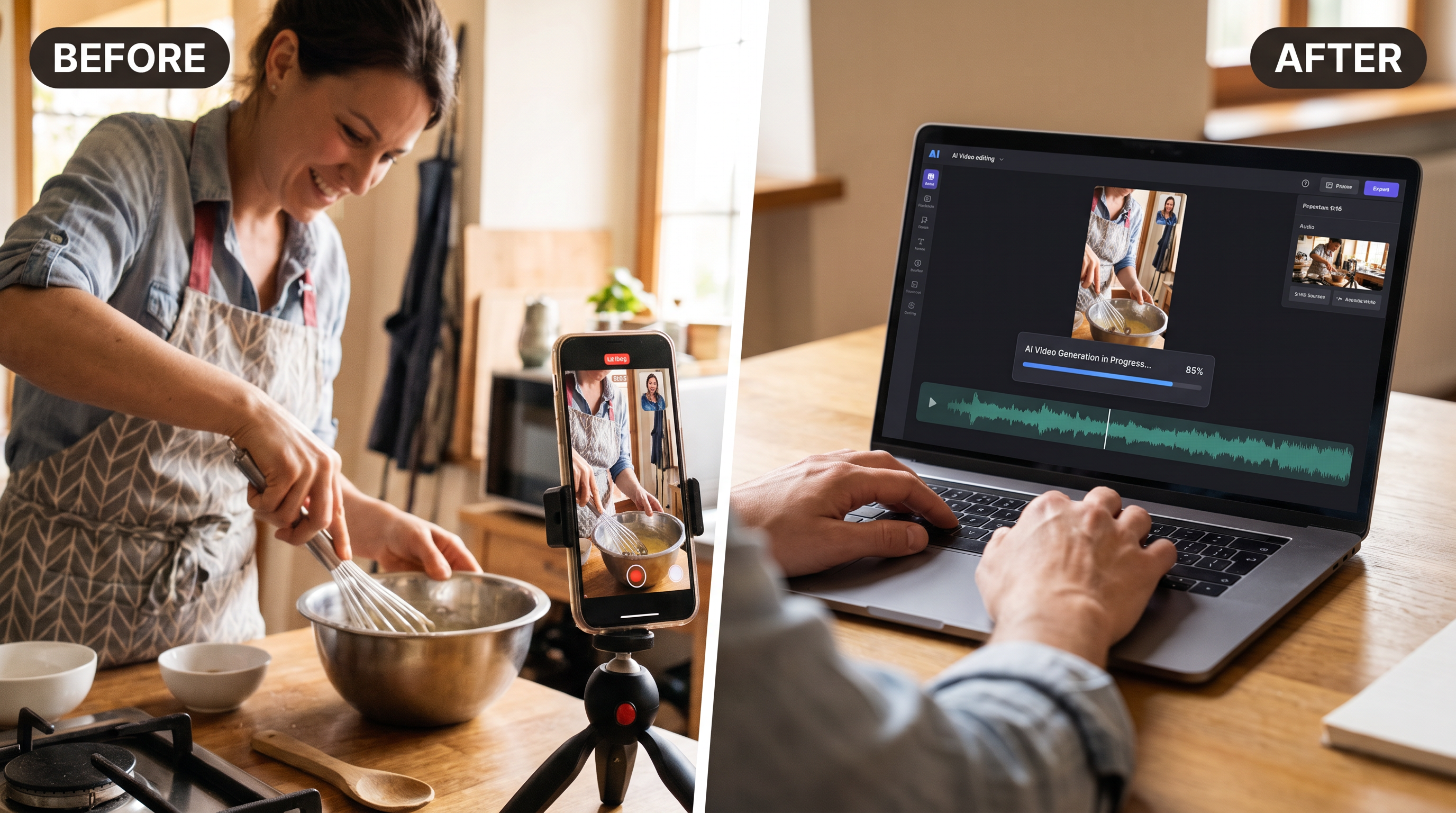
- Before/after reveals — a split moment works well vertically since both states can be shown top-to-bottom or in sequence
- Behind-the-scenes — process footage that doesn't need wide establishing shots translates naturally to a tight vertical frame
- Quick reactions or commentary — face-to-camera content is inherently well-suited to 9:16 since the subject fills the safe zone by default
- Repurposed longer content — pulling the strongest 15-30 seconds from a longer video, reframed for vertical rather than simply cropped from the original horizontal file

Getting the Format Right Before You Hit Record
Getting Facebook reels size and safe-zone framing right before filming saves far more time than fixing a bad crop after the fact — and it's the difference between content that looks intentional and content that looks squeezed into a format it wasn't made for. If you'd rather have the vertical framing calculated automatically than check it manually every time, Framia Pro's AI Reel Maker handles the safe-zone math as part of generation.
FAQ: Facebook Reels Size and Specs
What is the correct Facebook reels size in pixels?
Meta's current creator guidance recommends 1080 x 1920 pixels at a 9:16 aspect ratio for Reels uploads, as published on the Meta Business Help Center.
Will Facebook reject a video that's the wrong aspect ratio?
Generally no — Facebook will typically accept and reformat it, often by cropping or adding letterboxing, but the result usually looks worse than footage shot or exported in the native ratio from the start.
How is Facebook reels vs instagram reels sizing different?
Both use the same 9:16 vertical frame, since Reels is a shared format across Meta's apps, so a correctly-sized file for one generally works for the other without reformatting.
Do content ideas need to change for vertical format, or just the crop?
Both, ideally. A well-cropped video with a landscape-first idea can still feel awkward; ideas built for tight, centered framing from the start tend to perform more consistently.
What's the safest way to make sure my subject isn't cropped out?
Keep the main subject within the center 80% of the frame throughout filming, and preview the Reel before publishing rather than assuming the original framing will translate directly.