You uploaded a single portrait, wrote a script, and thirty seconds later you had a photo speaking your words back to you. That's the moment that hooks most people on Hedra — right up until they hit a feature they need that isn't there: multilingual dubbing, a shared team workspace, or a broader video generator that does more than talking photos. That's usually the point someone starts searching for a Hedra AI alternative.
Below, we'll walk through what Hedra gets right, where it hits a wall, and seven tools worth putting next to it — starting with Framia Pro, which picks up exactly where Hedra's single-feature focus runs out.
What Is Hedra AI?
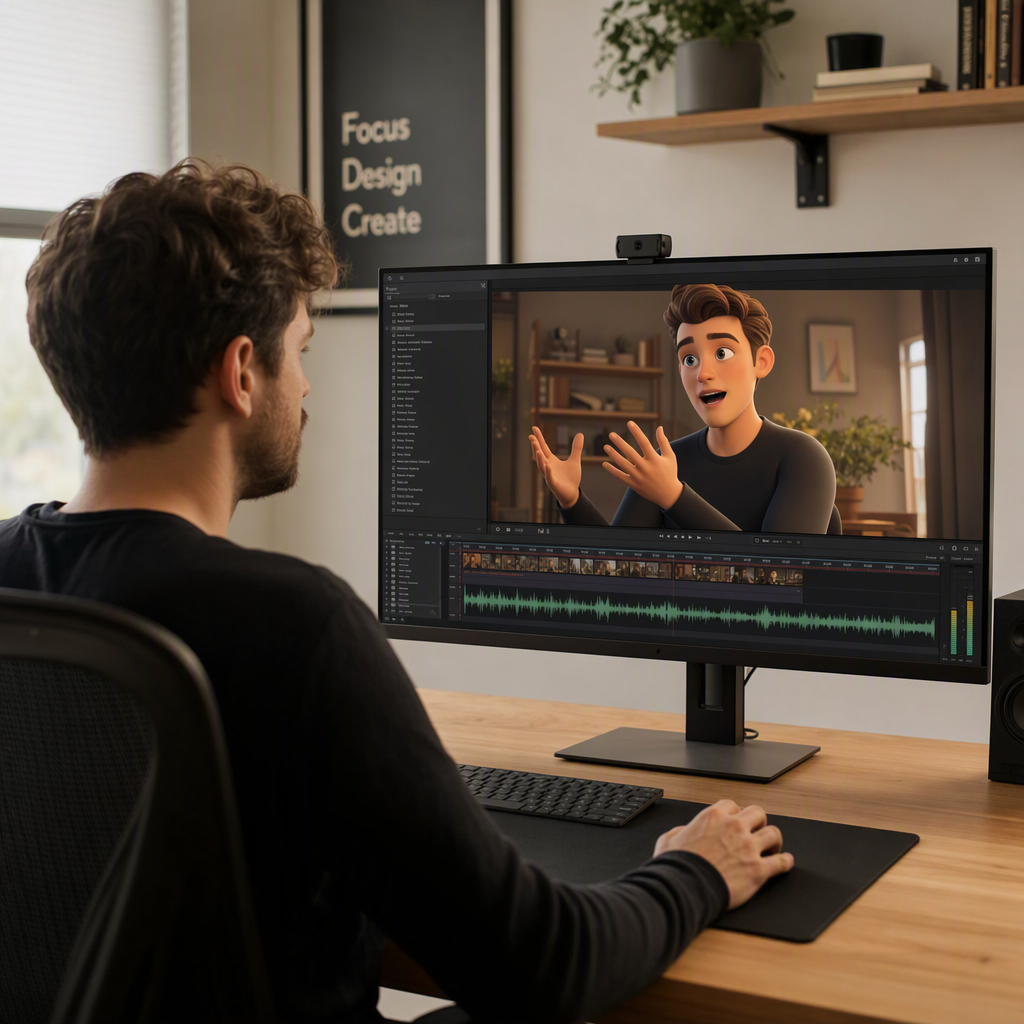
Hedra is an AI video platform built around Character-3, which turns a single photo and an audio track into an expressive, performance-driven talking avatar. Founded by ex-NVIDIA and Google researcher Michael Lingelbach, the company launched its first model in June 2024 and has raised roughly $44 million to date — including a $32 million Series A led by Andreessen Horowitz's infrastructure fund in May 2025, at a reported $200 million valuation (TechCrunch, May 2025). Hedra first went viral for AI-generated "talking baby" clips that spread across social feeds in 2024 and 2025.
Pricing runs on a credit system: a Free plan gives 100 credits with no credit card required, Basic is $15/month for 1,500 credits, Creator is $30/month for 5,400 credits (with voice cloning and watermark-free export unlocked), and Professional is $75/month for 14,400 credits.
Key Features of Hedra
- Character-3 model — Hedra's current flagship, tuned for expressive facial performance rather than flat, corporate-style delivery
- Photo-to-avatar generation — turns a single still image into a lip-synced talking character without any video recording
- Voice cloning (Creator plan and up) — clone a voice for consistent narration across multiple generations
- Commercial usage rights — included on every paid tier, which matters if you're producing client work
- Credit rollover — unused credits carry into the next month on paid plans
How to Use Hedra: Step by Step
- Upload a clear portrait. Front-facing, well-lit, no obstructions — this is the single biggest factor in output quality.
- Write or upload your audio. Type a script for Hedra's built-in voice options, or upload a pre-recorded track.
- Select an expression style. Character-3 lets you dial in emotional tone before generating, rather than fixing it after the fact.
- Generate at draft quality first. Check timing and lip-sync accuracy before spending credits on a full-resolution render.
- Export. Paid tiers remove the watermark and unlock higher resolution output.
Where Hedra Falls Short
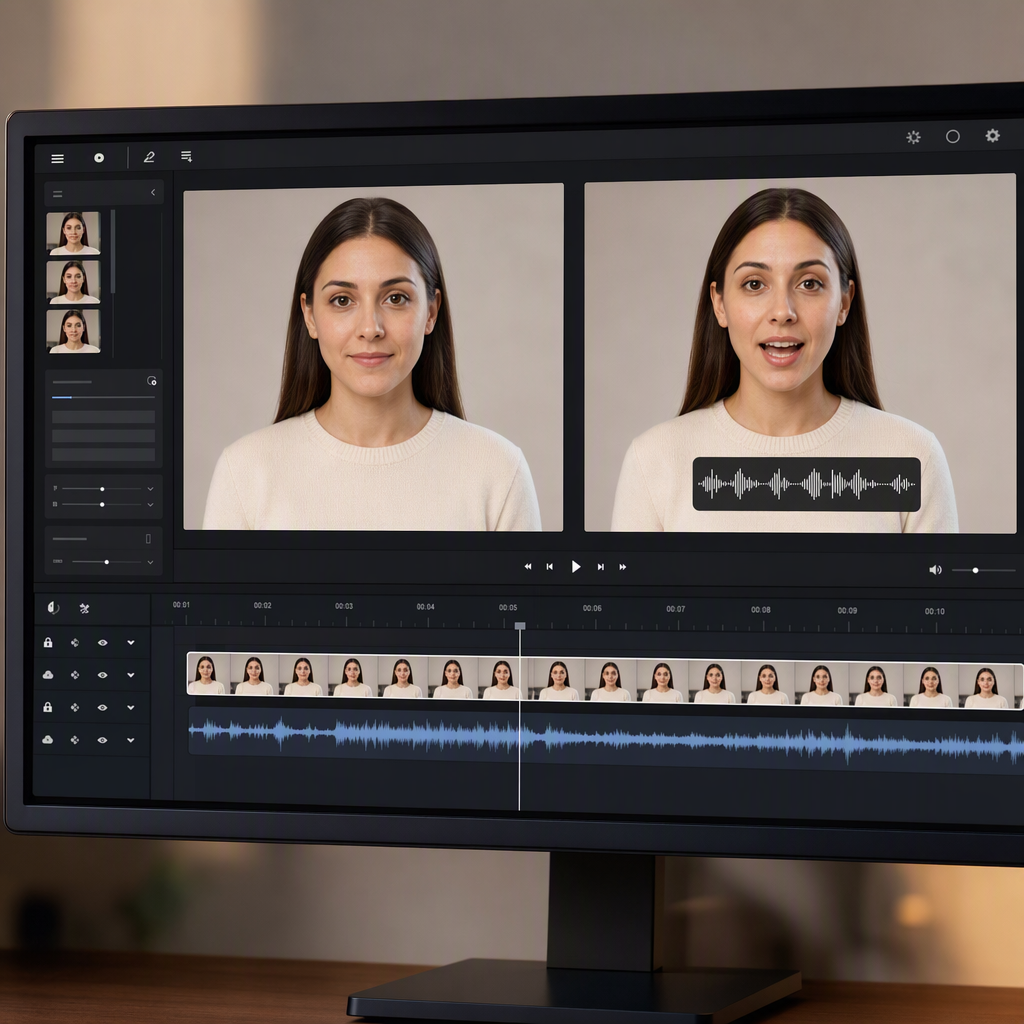
Think of Hedra like a specialist camera lens: excellent at the one shot it's built for, and not much else. Character-3 produces genuinely expressive talking photos, but there's no built-in video translation, storyboard tool, scene-based video generation, or shared team workspace. The moment a project needs more than one character delivering a script — b-roll, multi-language dubbing, or a collaborative review process — you're exporting from Hedra and importing into something else anyway.
That gap is exactly why so many Hedra users end up evaluating a Hedra AI alternative within the first month or two of use.
7 Best Hedra AI Alternatives in 2026
1. Framia Pro — the strongest all-in-one replacement
If Hedra is a specialist lens, Framia Pro is the full camera body: it covers the same expressive avatar generation Hedra is known for, then goes considerably further — video, voiceover, music, and captioning all live in the same workspace, so a talking avatar clip can go straight into a finished, published video without ever leaving the platform. For anyone who has felt the ceiling of Hedra's single-feature focus, this is the alternative that actually removes it rather than just matching it — the one tool on this list built to replace Hedra outright instead of just imitating one piece of it.
Key features:
- Avatar generation from a photo — generates expressive talking avatars from a single photo, with natural head motion and phoneme-accurate lip sync, through the AI Avatar Maker — free to start with no credit card
- Scene-based video generation — pushes that same avatar into full scene-based video using the AI video generator, with access to Kling 3.0, Seedance 2.5, Gemini Omni Flash, and Veo 3.1 under one subscription
- Workflow canvas — image, video, voiceover, and music nodes connect in a single view, eliminating the export-then-reimport cycle Hedra forces
- Shared team workspace — multiple editors review, comment, and hand off the same project, something Hedra has no equivalent for
Best for: Anyone who wants the same expressive avatar quality Hedra delivers, but without hitting a wall the moment the project needs more than a single talking photo.
2. HeyGen — best for marketing avatars and translation
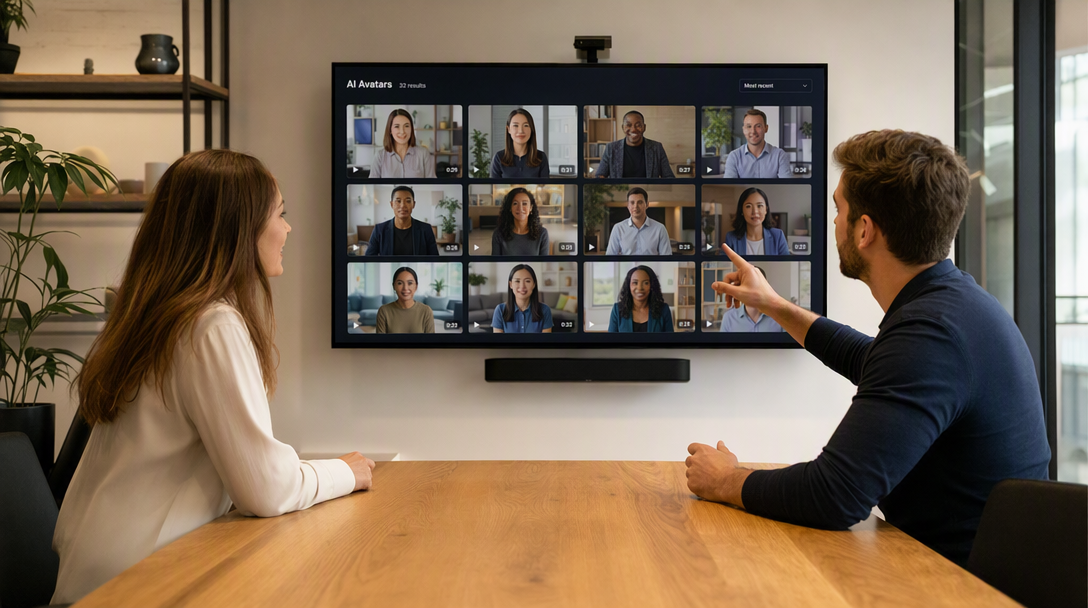
HeyGen focuses on fast, polished avatar generation for marketing and social content, with translation as a core feature rather than an afterthought.
Key features:
- Instant avatar generation from a single photo
- Video translation with lip-sync matching across 175+ languages
- API access for programmatic generation
- Free tier gives 3 watermarked videos per month; paid plans start at $29/month
Best for: Marketing teams producing repeatable talking-head content across multiple languages.
3. Synthesia — best for enterprise training content
Synthesia leans into corporate learning and development, where consistent, scalable avatar delivery matters more than expressive performance.
Key features:
- AI avatars with lip-sync across 140+ languages
- SCORM-exportable training content for LMS platforms
- Enterprise brand kit and team permission controls
- Starter plan begins at $29/month ($18/month billed annually)
Best for: L&D and enterprise teams shipping training or compliance video in a dozen languages at once.
4. Tavus — best for real-time conversational avatars
Tavus is built specifically for live, interactive avatars rather than pre-rendered clips — a category Hedra doesn't address at all.
Key features:
- Real-time, low-latency conversational avatar streaming
- Custom replica training from your own video and voice
- API access for embedding a live avatar into your own product
- Free tier includes 25 conversational minutes per month; Starter is $59/month
Best for: Interactive product demos and AI customer-facing agents, not batch-rendered marketing video.
5. D-ID — best low-cost developer API
D-ID targets developers who want to embed talking-photo generation directly into their own app rather than use a standalone editor.
Key features:
- REST API for programmatic avatar generation
- Studio Lite entry plan starting from $5.90/month
- Advanced tier with clean, watermark-free output at $196/month
Best for: Teams building avatar features into their own product rather than producing finished videos directly.
6. Colossyan — best for interactive training scenarios
Colossyan narrows in on corporate learning with branching, interactive elements built directly into generated video.
Key features:
- Interactive quizzes and branching scenarios inside generated videos
- Multilingual voiceover for global training rollouts
- Slide-based script editor aimed at instructional designers
Best for: L&D teams needing quiz logic and branching paths, not just a talking presenter.
7. Vidnoz — best free, budget-friendly option
Vidnoz is the pick if you mainly want to test avatar or face-swap output quality before paying for anything.
Key features:
- Fast avatar and face-swap generation from a photo
- One of the more generous free tiers in this category
- Paid plans start around $26.99/month for commercial, watermark-free output
Best for: Casual creators testing output quality before committing to a paid plan.
How Framia Pro Fits Into Your Workflow
Here's the practical difference once you actually sit down to produce something: with Hedra, a talking avatar clip is the finished deliverable — if you need it inside a longer video, with music, captions, or a second scene, you're exporting it and starting over in another tool. With Framia Pro, that same avatar generation happens inside a workspace that already has the rest of the pipeline built in, so the clip you generate is a component, not an end point.
Start with the AI Avatar Maker to generate the talking photo itself, then keep working in the same project as it grows into something bigger — a full ad, a multi-scene explainer, or a batch of variants for testing.
Which Hedra Alternative Fits Your Use Case
- Want one platform that generates avatars and finishes the whole video: Framia Pro
- Need multi-language marketing video at scale: HeyGen
- Need enterprise training content in a dozen languages: Synthesia
- Need a live, conversational avatar for demos: Tavus
- Building avatar features into your own app: D-ID
- Need branching, interactive training scenarios: Colossyan
- Just want free avatar generation to test quality: Vidnoz
If Hedra's Character-3 got you hooked on what expressive AI avatars can do but you've already hit the edge of what a single-feature tool can deliver, Framia Pro is built to be the platform you don't outgrow. Access starts free, no credit card required, at Framia.pro — start with the same avatar generation you already know, and keep going when the project needs more.
FAQ
Is there a free Hedra alternative?
Yes. Vidnoz's free tier is usable for casual testing, though output is watermarked. Framia Pro is also free to start, with no credit card required, giving you enough room to test avatar generation before committing to a paid plan.
What's the cheapest paid Hedra alternative?
D-ID's Studio Lite starts from $5.90/month, undercutting Hedra's $15/month Basic plan — though it's an API-first product rather than a polished consumer editor.
How does Hedra compare to HeyGen?
Hedra (hedra vs heygen is a common comparison search) focuses on expressive, performance-driven talking photos with Character-3, while HeyGen leans harder into translation and marketing-ready output across 175+ languages. If localization is your priority, HeyGen is the closer fit; if expressive character performance is what you need, Hedra and Framia Pro are closer matches.
Can I use an alternative to Hedra for commercial projects?
Yes, on paid tiers. Framia Pro, HeyGen, Synthesia, D-ID, and Vidnoz all include commercial usage rights starting on their entry paid plans — check each platform's current terms before publishing client work, since free tiers are typically personal-use only.
Do any of these alternatives handle more than just avatars, like Hedra does?
Framia Pro is the main exception on this list — it covers avatar generation plus full scene-based AI video generation, voiceover, music, and captioning in one subscription. The rest are largely avatar-specialist tools like Hedra itself, differentiated mainly by translation range, real-time capability, or pricing.