A motorized turntable, a DSLR on a tripod, frame-by-frame capture software, and an afternoon of your time — that's the traditional recipe for 360 product photography. It works, but it scales terribly. Move to AI, and the entire process collapses from hours to minutes. You describe the angle, the model generates the frame, and you repeat for each position in the rotation. No turntable. No re-lighting. No rebooking. This complete guide covers the full AI 360 workflow — from your first angle prompt to a complete rotational sequence for any product, object, or subject. Whether you’re a photographer, content creator, brand team, or independent maker, Framia Pro’s AI product image generator gives you the tools to generate consistent, professional multi-angle imagery. No physical equipment or studio required.
What this guide covers: why 360 photography matters, how AI generates angles differently from a traditional turntable, a six-step production workflow, and how results vary across different subject types.
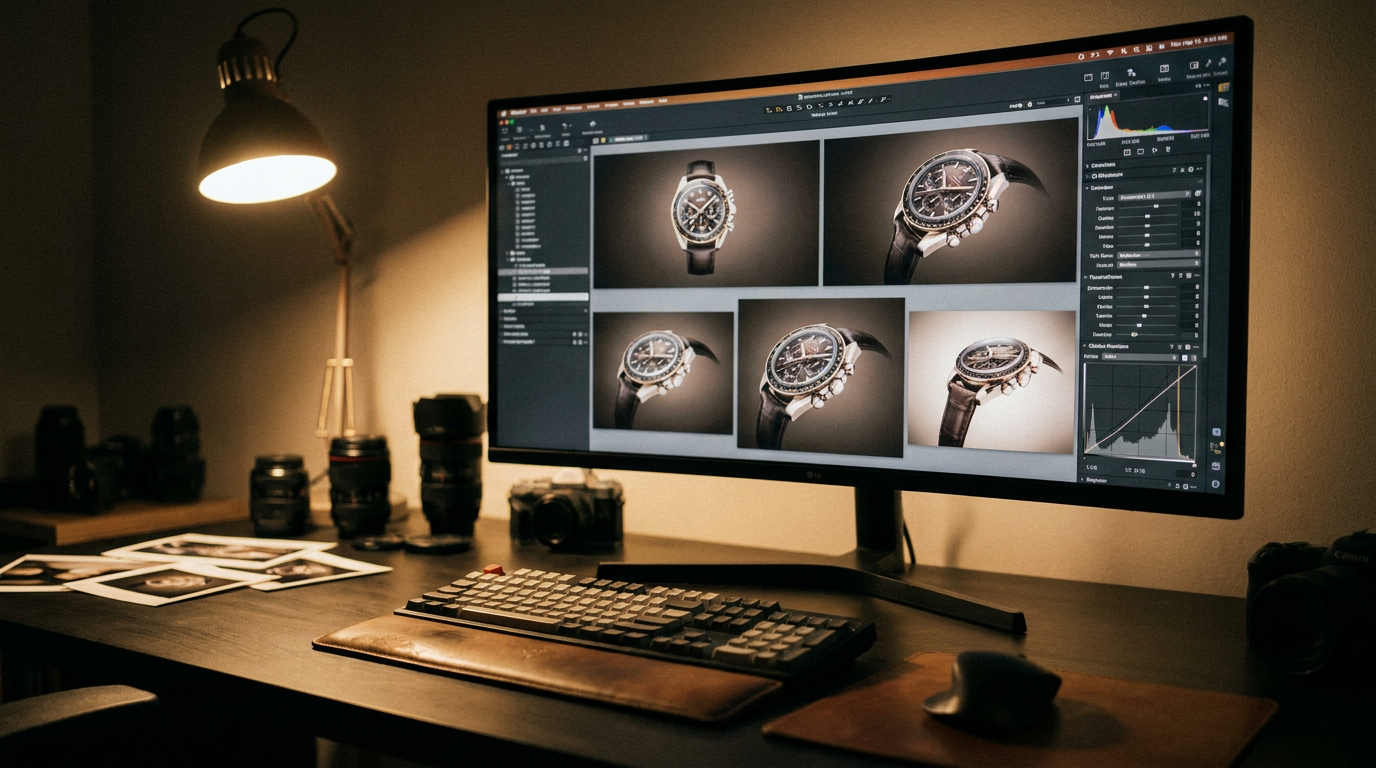
What Makes 360 Product Photography Worth the Effort
Before diving into the how-to, it's worth being clear about the why. Whether you're photographing for a product listing, a portfolio, a press kit, or a creative project. Showing multiple angles tells a more complete story than a single hero shot.
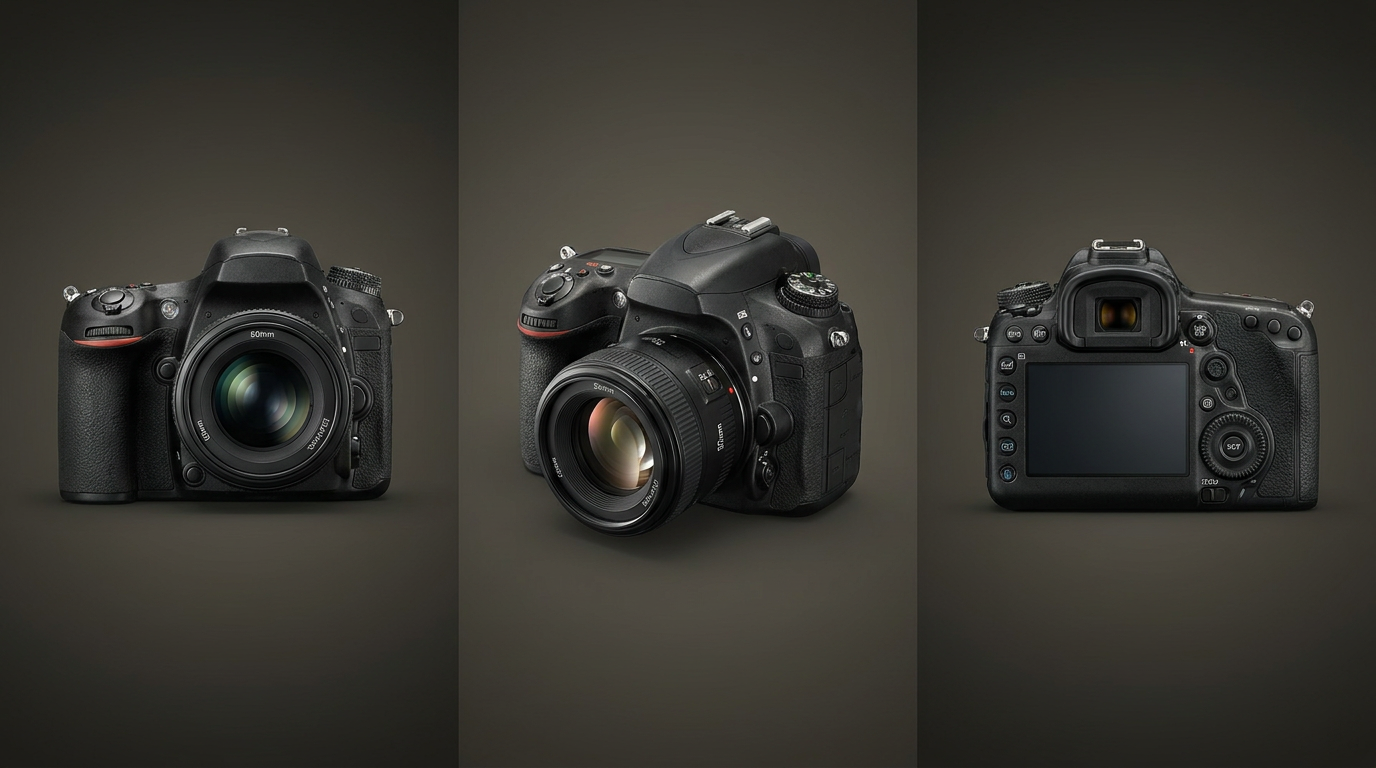
The AI product photo angle control approach addresses this directly. Instead of a single static image, you build a complete rotational view — front, side, rear, three-quarter, and top-down — all generated from the same base setup. Viewers get to understand the object fully; you get imagery that works across more contexts and formats.
Traditional 360 product photography produced this coverage only at scale — operations that could afford the equipment, the studio time, and the post-processing workflow. AI changes that equation. Independent creators and small teams can now generate the same complete rotational coverage with nothing more than a clear prompt and the right model.
This shift matters across a wide range of use cases. It reaches photographers building portfolio content, creative teams archiving reference objects, brands that need consistent imagery across a full product range, and makers who want professional presentation without a studio budget.
How AI Handles 360-Degree Product Photography Differently
Physical 360 product photography is essentially a sampling problem: you capture enough frames — typically 24 to 36 — from evenly spaced angles to give the illusion of continuous rotation. Stitching software ties the frames together into a spin viewer.
AI 360 product photography works differently. You're not sampling a physical object — you're generating each angle as an independent image, consistently styled and lit. Think of it like a professional illustrator who can draw your product from any angle on demand, versus a photographer who can only capture what's physically in front of the camera.
That distinction matters for edge cases. AI also unlocks angles that a turntable setup simply can't produce.
The consistency challenge is real, though. Getting twenty-four AI-generated frames to feel like a coherent sequence takes more prompt discipline than getting them to look good individually. That's the skill the workflow below focuses on building. Framia Pro's Photography skill is built to maintain that consistency — locking the same lighting direction, background color, and perspective across every frame in the sequence automatically.
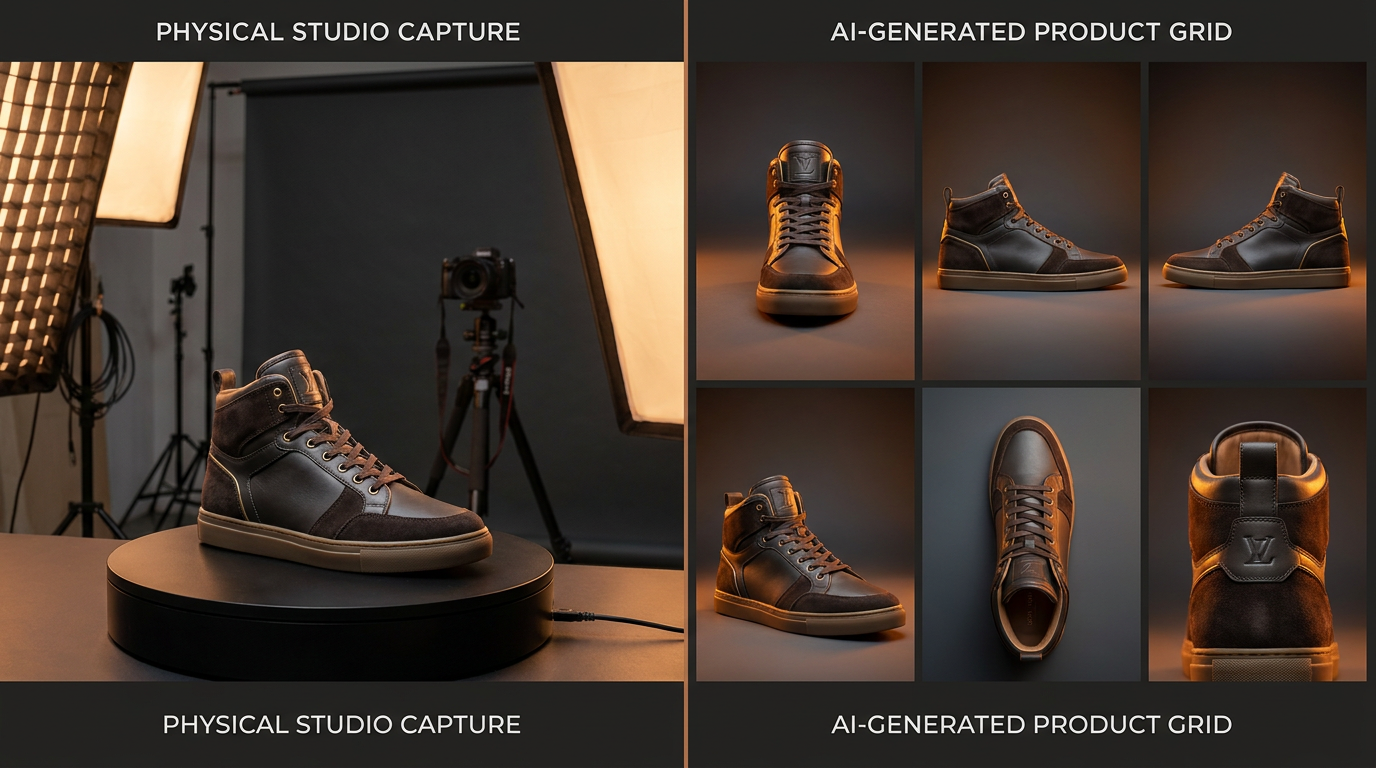
Step-by-Step: Creating 360 Product Photography with AI
Building a complete 360 rotation in AI follows a repeatable six-step workflow. Getting the first product right takes a bit longer; by the third or fourth, it runs on autopilot.
Step 1: Describe your product precisely. Write a base prompt that covers material, color, size scale, and any distinctive surface features. "A matte black cylindrical perfume bottle, 15cm tall, with a brushed gold cap" gives the model enough specificity to stay consistent across angle variations.
Step 2: Lock your background and lighting. Choose a background style — white seamless, gradient, dark luxury, lifestyle setting — and a lighting direction. Keep these identical across every angle. Inconsistent lighting is the most common reason a 360 sequence feels disjointed.
Step 3: Generate your anchor frames first. Start with front, back, and left-side views. These three frames define the product's visual identity. If the model isn't handling them well, fix the base prompt before generating the full rotation.
Step 4: Generate intermediate angles systematically. Work through 45-degree increments: front (0°), front-right (45°), right (90°), rear-right (135°), rear (180°), rear-left (225°), left (270°), front-left (315°). Add top-down and three-quarter views as supplementary shots.
Step 5: Quality-check for consistency. Compare frames side by side. Look for lighting direction drift, scale inconsistencies, and any features that changed shape between angles. Regenerate individual frames rather than the full sequence for isolated issues.
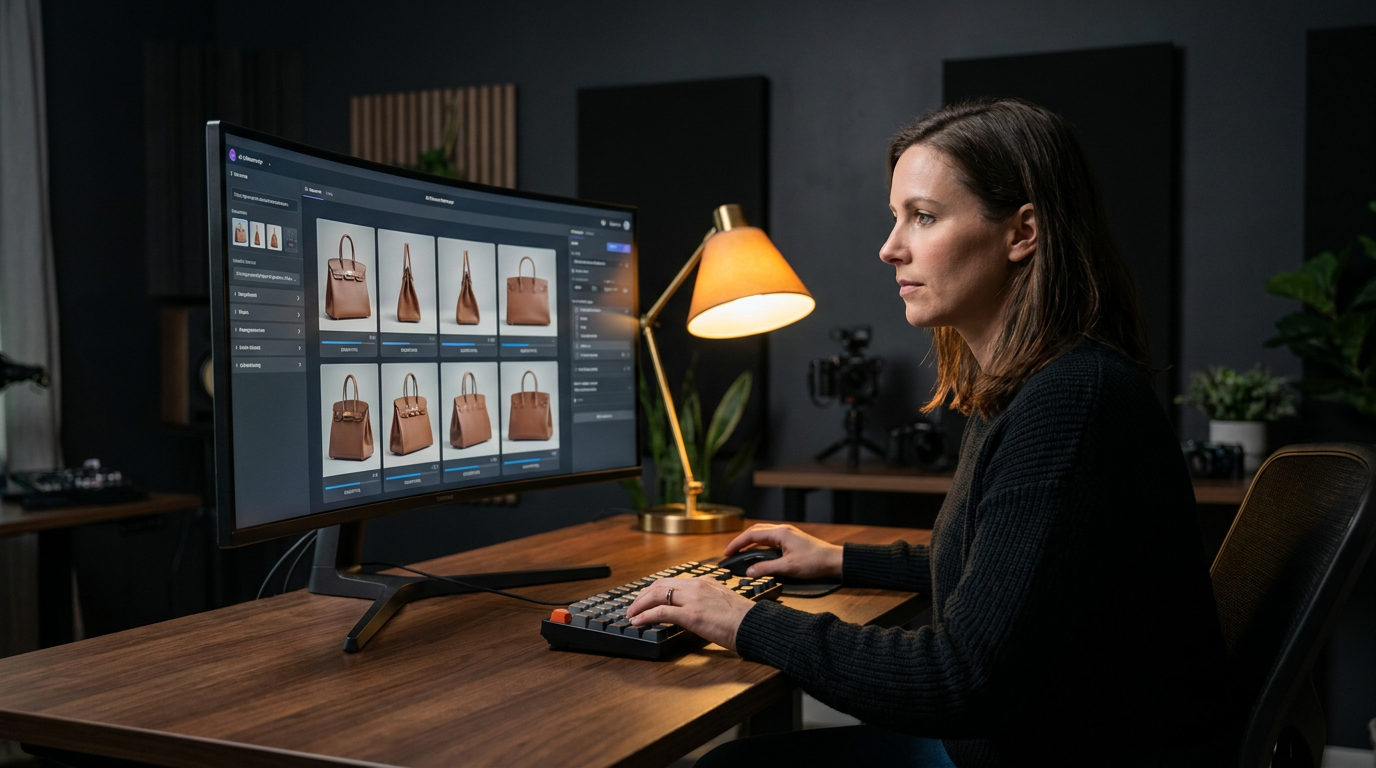
How Framia Pro Supports 360 Product Photography
Framia Pro's Photography agent skill is built for exactly this use case — running realistic and unrealistic product photo generation across top models, including Nano Banana Pro, GPT-Image 2, and Midjourney v7. Where this workflow gets particularly efficient is in the workflow canvas. Instead of generating frames one-by-one across separate tools, you connect your angle generation steps in a single canvas view. Outputs pass directly into background adjustment and format export — no platform switching required. The 360 product photography AI tool integrates into this pipeline to let you specify exact angle parameters per frame — treating each shot as an independently configurable generation. For teams managing large-scale 360 photography projects — dozens of subjects, each needing eight to twelve frames — that unified pipeline is what makes the volume manageable.
360 Product Photography Results by Product Category
Not every product type presents the same challenge for AI 360 generation. Here's a practical breakdown of what works well and what needs more prompt refinement.
Hard goods (electronics, tools, housewares): The strongest category for AI 360 product photography. Rigid shapes, predictable surfaces, and clear geometric angles are exactly where generative models shine.
Cosmetics and packaging: Highly consistent results. AI handles cylindrical and rectangular packaging with good label placement and material rendering across all rotation angles.
Jewelry: Excellent for showing all angles, especially detail shots of clasp mechanisms and stone settings that a physical turntable can't easily capture.
Apparel: AI handles flat-lay and ghost mannequin angles well. Full 360 rotation of draped fabric is harder — gravity-dependent shapes change unpredictably across angles.
Framia Pro supports all of these categories through its Photography agent skill, with models like Nano Banana Pro handling hard goods and cosmetic packaging particularly well.
For anyone new to this workflow, pairing 360 generation with an AI image editor for product photos gives you a full pipeline — generate the angles first, then refine individual frames for color accuracy and background cleanup.
FAQ
Do I need special software to create 360 product photography with AI?
No dedicated 360-photography software is required. You need an AI image generation tool that handles angle prompts consistently — and a standard image viewer or e-commerce spin widget to display the final sequence. The generation itself happens entirely in the AI platform.
How many frames do I need for a smooth 360 product photography sequence?
A 24-frame sequence (every 15 degrees) looks smooth in most spin viewers. For faster production, 12 frames (every 30 degrees) is a workable minimum. Going below 8 frames typically creates a choppy spin effect that feels unpolished.
How do I keep AI-generated 360 frames visually consistent?
Consistency comes from the base prompt. Lock your lighting direction, background color, and scale reference in the prompt and keep them identical across every angle generation. Adding a seed parameter — if the model supports it — also helps maintain visual continuity between frames.
Can I use AI 360 product photography on Amazon or Shopify?
Yes. Both platforms support spin viewers and multi-image product galleries. Amazon's A+ Content allows 360 spin sequences in certain categories. Shopify supports third-party spin viewer apps that accept standard image sequences.
What's the biggest mistake when creating 360 product photography with AI?
Generating frames in isolation without a consistent base prompt. Each frame looks good on its own, but the sequence feels like different products photographed in different sessions. Always establish and freeze your base prompt before generating the full angle set. In Framia Pro's workflow canvas, that freeze step is built into the batch — each angle run draws from the same locked base without manual re-entry.
Final Thoughts
The gap between "has professional 360 product photography" and "doesn't" used to track closely with budget. That gap is closing. AI puts a complete rotational presentation within reach of anyone who can write a clear description. The investment is time spent on the base prompt — not money spent on studio sessions. Get that prompt right once per product type, and you've built a reusable system that scales as far as your project does.
Stay current on the AI imaging models driving this workflow at Framia Pro.