You have 47 products listed. Your homepage banner still says "Welcome to Our Store" in a default font. Sound familiar?
For most online sellers, banners are an afterthought — something to patch together between writing product descriptions and responding to customer reviews. But your banner is the first thing a shopper sees, and research from the Baymard Institute (as of 2025) shows that 56% of e-commerce visitors judge store credibility within three seconds of landing. What they see in those seconds is usually your banner.
That's where an AI banner maker changes the game entirely. Instead of opening Photoshop — or paying a freelancer to open Photoshop — you describe what you want and get a professional banner in under a minute. Framia Pro is one tool built specifically for e-commerce sellers doing exactly this. In this guide, we'll walk through how to create store banners with AI in five repeatable steps you can follow today.

Why E-Commerce Store Banners Make or Break Your First Impression
Think of your banner the way you'd think of a restaurant's front window. If the window is smudged or the handwritten menu is illegible, most people keep walking — even if the food inside is extraordinary. Your banner works the same way: it's the visual window shoppers look through before they decide whether to step inside your store.
For sellers on independent storefronts and marketplaces alike, the stakes are especially high when traffic is paid. If a click from an ad or a search result lands someone on a homepage with a generic banner, that ad spend is wasted before they even scroll. A banner isn't just decoration — it carries your offer, your tone, and your brand promise in a single visual frame.
The practical problem is that most sellers don't have the time or budget to brief a designer every time a new campaign goes live. An AI banner maker solves this by letting you generate on-brand visuals in the time it takes to draft a product description — and, unlike stock photo libraries, the output is tailored to your specific product, palette, and campaign.
What a Modern AI Banner Maker Can Generate (That Design Software Can't)
Traditional design tools hand you a blank canvas and assume you already know what to do with it. AI banner tools invert this relationship: you describe the outcome you want, and the tool handles the visual logic. This is more than a convenience — it's a fundamentally different workflow.
The analogy that works here is GPS versus a paper map. A paper map is genuinely powerful if you already know how to read it and you know roughly where you're going. A GPS gets you to the destination even on a route you've never driven. AI banner makers are the GPS version of graphic design: you state your destination (a banner for a summer sale on handmade ceramics, earthy palette, minimal text), and the tool navigates the layout, color, and composition for you.
Modern AI banner tools handle tasks that even experienced designers spend hours on: maintaining consistent brand colors across multiple variants, resizing assets for different platforms without distortion, and generating seasonal themes without rebuilding from scratch. For a complete breakdown of the top AI banner options and what separates them by feature set, the AI banner generator guide covers the landscape in detail (as of July 2026).
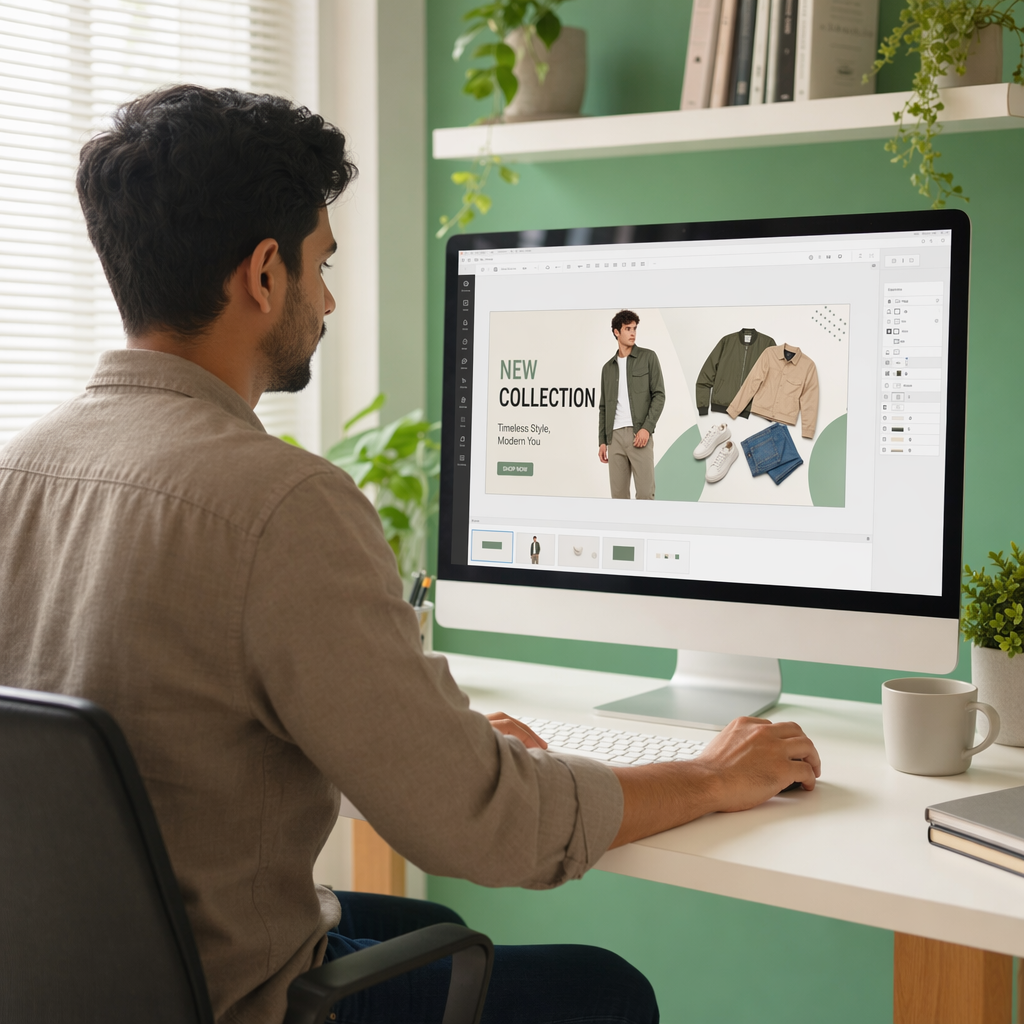
Choosing the Right AI Banner Maker for Your Store
Not every AI banner tool is designed with e-commerce sellers in mind, and the gaps matter when you're working with product photos, seasonal promotions, and platform-specific size requirements.
| Tool | Best For | Key Strength | Limitation |
|---|---|---|---|
| Framia Pro | E-commerce sellers | Product photo integration | E-commerce focused |
| Canva AI | General marketers | Wide template library | Less e-commerce-specific |
| Adobe Firefly | Design professionals | Brand kit integration | Steeper learning curve |
| Creatopy | Ad agencies | Animation and video banners | Overkill for small stores |
| Fotor | Beginners | Simple interface | Limited customization depth |
The right choice depends on whether you're building static banners, animated ads, or a combination of both. For most independent sellers, the priority is speed and brand consistency across a growing product catalog — which is where tools built specifically for e-commerce have the clearest advantage.
How Framia Pro Makes AI Banner Creation Faster at Every Step
At around the 70% mark of any banner project, the most common stall point is iteration: you have a first draft, but it's not quite right, and you're not sure exactly how to describe the adjustment you need. Framia Pro was designed specifically to handle this moment.
Framia Pro's AI image generator lets you refine any element of a generated banner by describing the change in plain language — adjust the product placement, swap the background color, shift the mood from festive to minimalist — without rebuilding the whole composition from scratch. For sellers running multiple storefronts or seasonal campaigns simultaneously, Framia Pro also supports batch generation: produce a full set of platform-sized variants (homepage hero, mobile banner, sidebar ad) from a single product photo and a short text prompt.
A home goods seller using Framia Pro described their workflow as starting with one product image and finishing with eight banner variants ready for Shopify, Instagram, and email — in under 20 minutes. The brand consistency across all eight was automatic rather than manual. That's the practical edge of an AI banner maker built for e-commerce from the ground up, rather than a general-purpose design tool with an AI layer added on top.
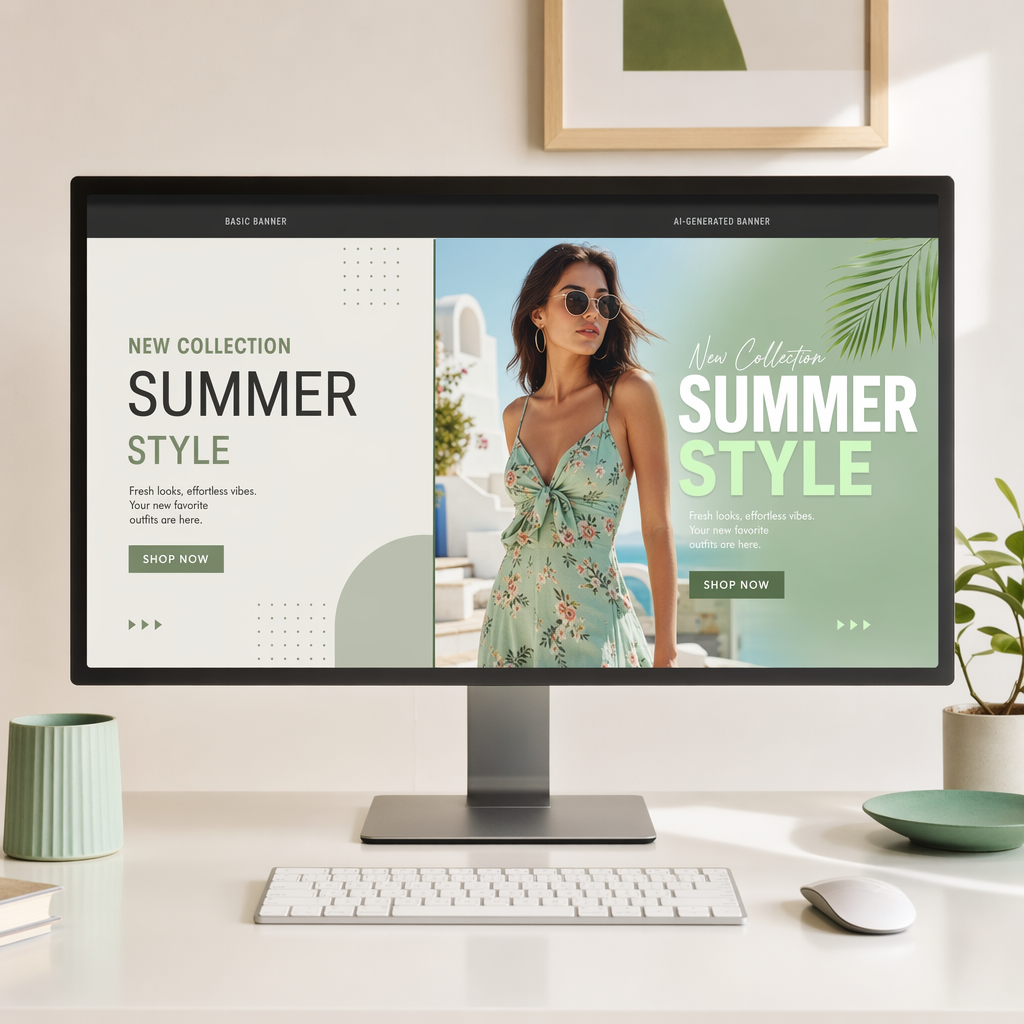
5 Steps to Create E-Commerce Banners with an AI Banner Maker
Here's the step-by-step process that works across most AI banner tools, including Framia Pro.
Step 1: Define your campaign goal and offer. Before you open any tool, write one sentence: what do you want shoppers to do when they see this banner? "Shop our summer sale — 30% off all ceramics" is more useful than "summer vibes." Your goal shapes every visual decision that follows.
Step 2: Upload your product image (or select a style). Most AI banner makers let you start with either an actual product photo or a style and theme description. For e-commerce, starting from your real product image produces the most brand-accurate output and keeps the visual honest to what customers will receive.
Step 3: Write your prompt — describe the banner you want. Be specific about mood, palette, and context. "A warm, earthy-toned banner for handmade ceramics with a clean white background and minimal text overlay" will outperform "a nice banner for ceramics" in almost every case. Think of the prompt like a brief to a designer: the more context you provide, the closer the first draft lands.
Step 4: Generate, review, and iterate. Run your first generation and evaluate: Does the layout work? Is the product prominent? Does the color feel on-brand? Use the tool's editing features — or simply write a new prompt — to refine. Most AI banner makers reach a strong result within two or three iterations.
Step 5: Export in the right sizes for your platform. Different platforms require different banner dimensions. Confirm the export size matches your destination before downloading: Shopify homepage banners typically run 1200×400px, Amazon storefronts use 3000×600px, and Instagram feed ads require 1080×1080px. An AI banner maker that handles auto-resizing saves significant time when you're producing for multiple channels at once.
Frequently Asked Questions
Do I need design experience to use an AI banner maker?
No. The entire premise of AI banner tools is that you describe what you want in plain language, and the tool handles the design execution. Most tools — including Framia Pro — are built for sellers with no design background.
How long does it take to create a banner with AI?
For a simple static banner, most AI banner makers produce a first draft in under 60 seconds. Factoring in review and iteration, a final-quality banner typically takes 5 to 15 minutes from start to export.
Can AI banner tools use my own product photos?
Yes. The best e-commerce AI banner makers let you upload your product images and integrate them into generated banners, rather than relying on generic stock imagery. Framia Pro's product photo integration is specifically designed for this workflow.
What sizes should I create banners in?
It depends on your platform. Common sizes include 1200×400px for Shopify homepages, 3000×600px for Amazon storefronts, 1080×1080px for Instagram feed posts, and 1200×628px for Facebook ads. Many AI banner tools offer preset size templates for each platform.
Are AI-generated banners good enough for paid advertising?
Yes, when executed well. AI banner makers can produce ad-ready visuals that meet major platform specifications. The key factor is prompt quality — vague prompts produce generic output, while specific, campaign-focused prompts produce banners that perform well in paid channels.
Start Creating Banners That Actually Work
Great store banners don't require a design team or an expensive agency retainer. They require showing up for your customers with the right visual message at the right moment — consistently, across every platform where you sell.
The five-step process above is repeatable. Once you've run it once with an AI banner maker, you can apply the same workflow to every seasonal campaign, product launch, and flash sale on your calendar. Visit Framia Pro to try the AI image generator: upload a product photo, describe your campaign, and have a banner ready before your next coffee break.