Lyric Video Maker: Turn Song Lyrics Into a Synced Music-to-Video with AI
An independent artist finishes a single, uploads it everywhere, and watches the plays trickle in — because the track has nowhere to live on the platforms that actually drive discovery. No budget for a shoot, no team, no week to spare. What ships in time is usually a lyric video, and it either looks intentional or it looks like it was thrown together in an afternoon.
The difference between those two outcomes is almost never the visual style. It's timing. A caption that lands 300 milliseconds off the beat reads as sloppy no matter how polished the background looks behind it.
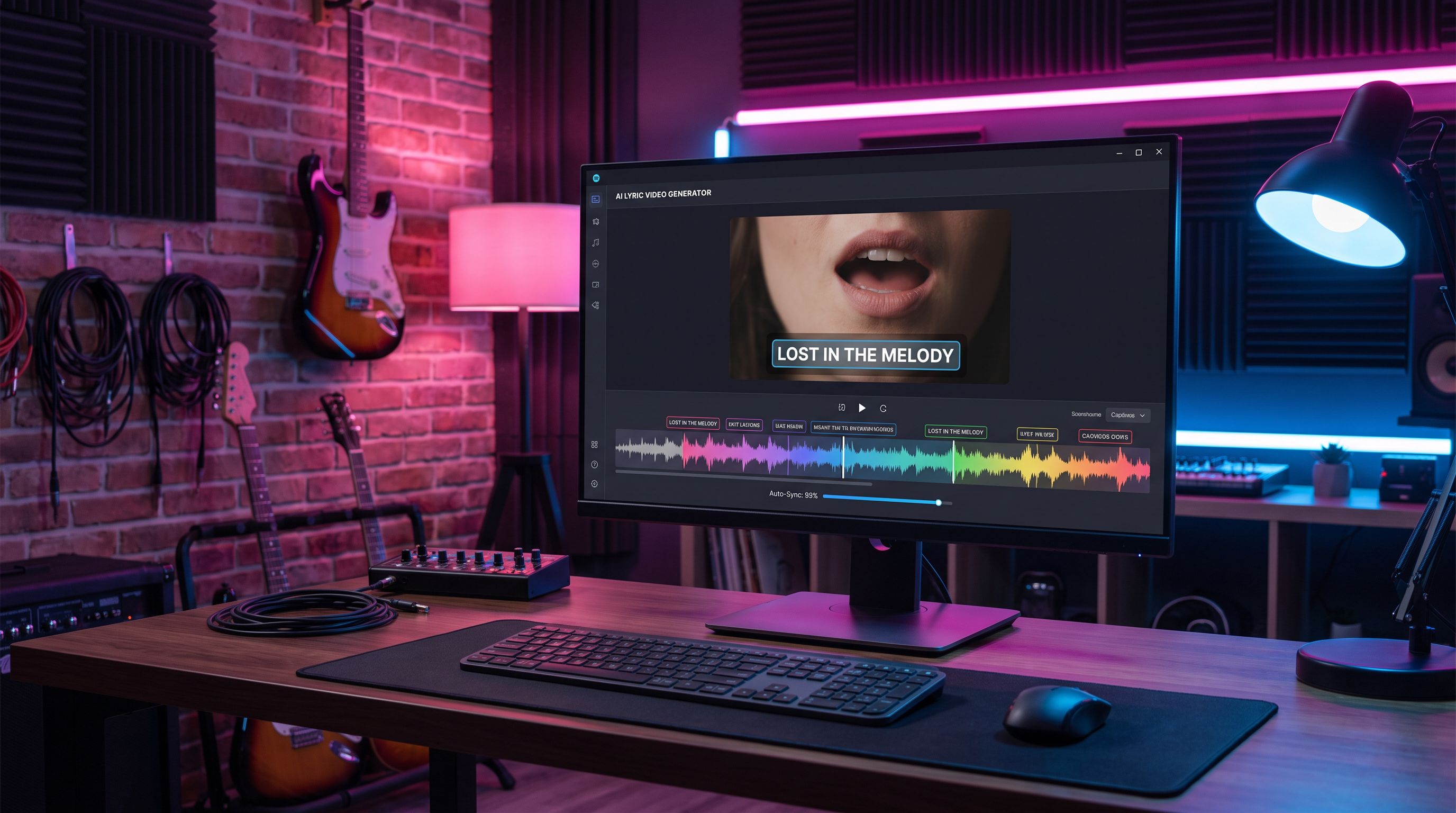
Framia Pro's lyric video generator is built to handle both halves of that problem in one pass — it times the lyric lines to the track automatically and pairs them with a waveform or pulse background that reacts to the actual track instead of looping a static image behind the text.
Timing Is the Whole Job
A lyric video maker syncs text to a song's timing and overlays it on a moving background — usually a waveform, a gradient, or a simple animated scene. Viewers forgive an awkward line break far more easily than they forgive text that lags behind the vocal.
Most tools handle timing one of two ways. Manual scrubbing means dragging each line onto the waveform by ear — slow, but precise. Automatic alignment analyzes the vocal stem and places text based on detected speech, which is fast but stumbles on rapid verses or heavily processed vocals.
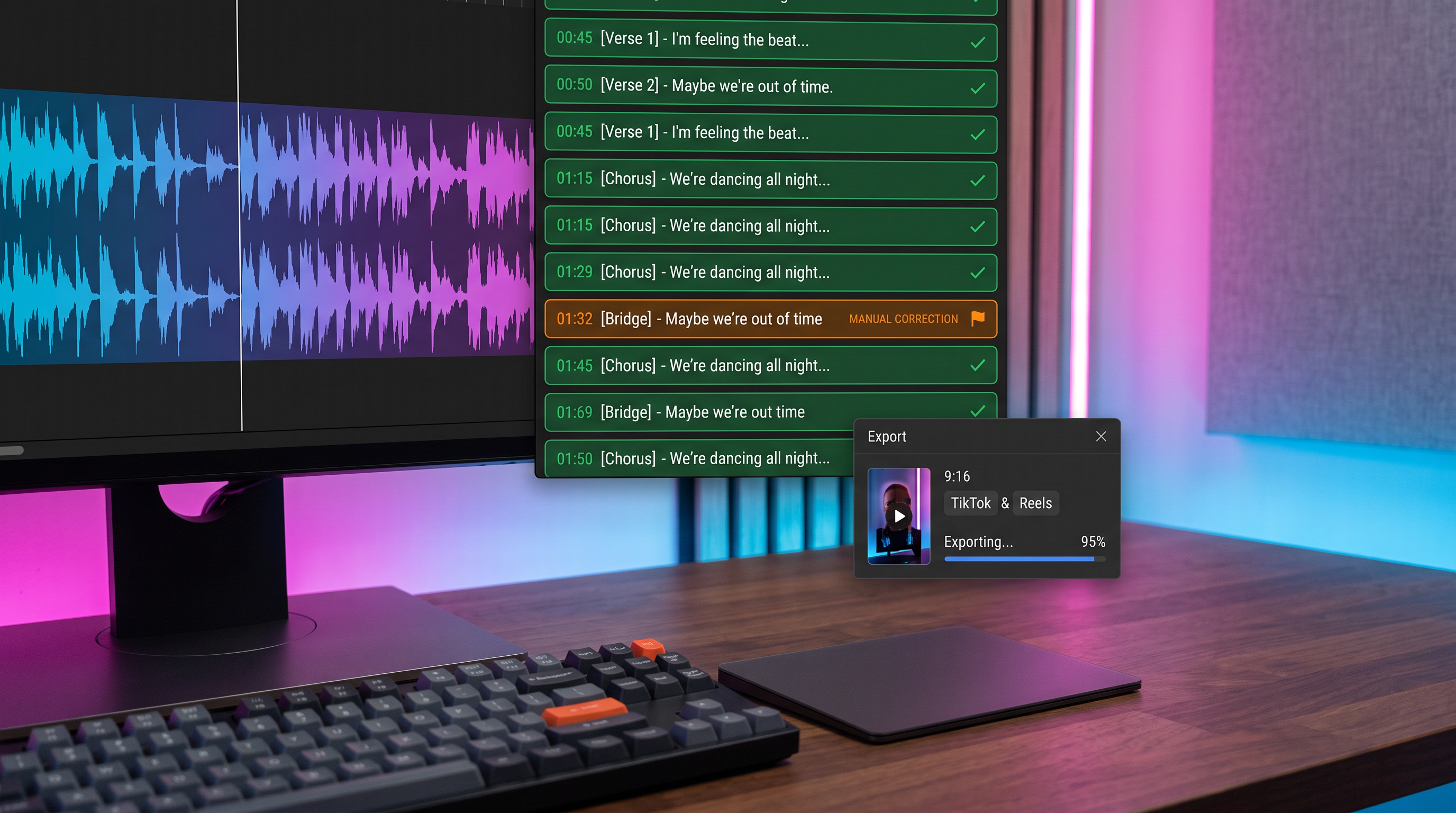
The practical move: run automatic alignment first, then do a manual pass on the lines it clearly missed. That combination costs ten minutes and catches nearly everything a fully manual or fully automatic approach would miss on its own.
Choosing a Background That Doesn't Compete With the Text
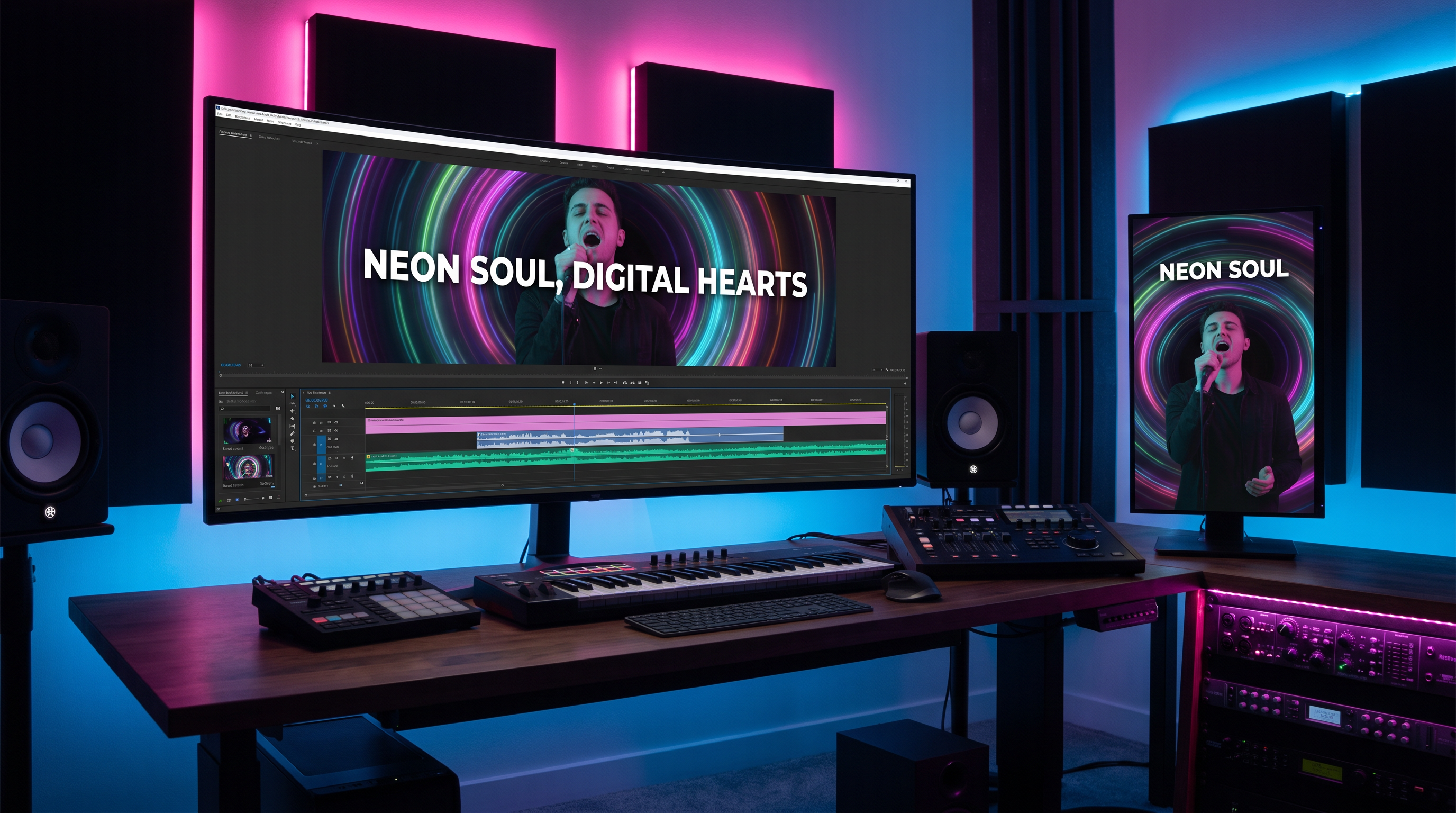
A cluttered background is the second most common way a lyric video fails. A single glowing waveform line or a subtle pulsing shape carries enough motion to feel alive without pulling attention off the words.
Genre should drive the choice, not personal preference. A ballad reads better against a slow, minimal pulse. An upbeat pop or EDM track can carry a busier waveform because the visual tempo matches the song's tempo instead of fighting it.
Lyric Video Maker Tools Compared
| Tool type | Auto-sync accuracy | Background style options | Export for vertical (9:16) | Learning curve |
|---|---|---|---|---|
| Manual caption/subtitle editors | Frame-accurate (manual) | Limited, static images only | Manual resize | Moderate |
| Free online lyric video makers | Basic, often misses fast lines | Few templates | Sometimes | Low |
| Full video editing suites | Frame-accurate (manual) | Unlimited (build your own) | Manual | Steep |
| AI-driven lyric/visualizer platforms | Automatic with manual override | Multiple reactive styles | Usually built-in | Low to moderate |
The choice comes down to how much time you have versus how much control you need. A frame-accurate manual editor makes sense for a lead single you're willing to spend a weekend on. A free online maker works for a quick teaser you'll never revisit. Everything in between — most weekly or biweekly releases — is where an AI-driven platform earns its keep: automatic timing with room to fix the handful of lines it misses.
Framia Pro for Synced Lyric Videos
Framia Pro's lyric video generator is built to handle both halves of this job together: it aligns the lyric text to the track's timing and pairs it with a reactive background — a waveform, a soft pulse, or a scene-based visual — in the same pass, instead of requiring one tool for the sync and a separate tool for the background layer.
For a solo artist without a video team, that removes a manual handoff: no exporting a background clip from one tool just to re-import it into a captioning tool for the text pass. Steps 2 through 4 below collapse into a single pass when the background and the sync are generated together.
Five Steps to a Synced Lyric Video
- Finalize the lyric sheet first. Match line breaks to how the song is actually phrased, not how it reads on paper — a line split mid-phrase looks wrong even with perfect timing.
- Generate the background layer. Pick a minimal or moderate visualizer style based on genre, matching motion intensity to tempo.
- Run automatic alignment. It handles roughly 80-90% of lines correctly on a clean vocal take.
- Fix the misses manually. Fast verses, ad-libs, and processed vocals usually need a nudge — check these before a full re-render.
- Export in the right ratio. 9:16 for Shorts, TikTok, and Reels; keep font size legible on a phone screen.
Artists building a fuller scene-based clip rather than a text-and-waveform lyric video should look at how to make a music video with AI for that broader workflow.
Bringing It Together
A lyric video lives or dies on two decisions: whether the timing feels tight, and whether the background supports the text instead of competing with it. Get the sync right, match the background style to the song's tempo, and export at the ratio your release platform actually favors — the rest is polish.
FAQ
What is a lyric video maker?
A lyric video maker is a tool that times song lyrics to a track's audio and displays them over a moving background, typically without any filmed footage. It's a fast, low-cost alternative to a full music video for singles and pre-release teasers.
Can I make a lyric video for free?
Several free lyric video makers exist and handle basic sync reasonably well on tracks with clear, slow vocals. Watermarks, resolution caps, and limited background choices are the usual trade-offs, so checking export terms before a public release is worth the extra minute.
How accurate is automatic lyric sync?
On a clean vocal take with clear phrasing, automatic alignment tools typically place 80-90% of lines correctly on the first pass. Fast verses, heavy autotune, or overlapping vocals usually need manual correction afterward.
What's the best visualizer style for a lyric video?
A minimal music visualizer — a single glowing line or soft pulse — tends to work best because it adds motion without competing with the text. Busier styles like particle swarms suit high-energy tracks but can hurt legibility on a phone screen.
Do I need separate tools for the background and the text sync?
Not if the tool is built to do both. Framia Pro's lyric video generator times the lyric lines and generates the reactive background in the same pass, which is faster than exporting a background from one tool and re-importing it into a separate captioning tool. If you're piecing together free tools instead, splitting the two jobs — a dedicated background generator, then a captioning tool for the text pass — is often more reliable than hunting for one free tool that handles both equally well.