Music Visualizer: How to Turn Any Song Into a Visualizer Video with AI
You finish a track at 1 a.m., and it's good — genuinely good. No footage, no budget for a shoot, and Spotify Canvas wants a loop tonight. A music visualizer is built for exactly this moment.
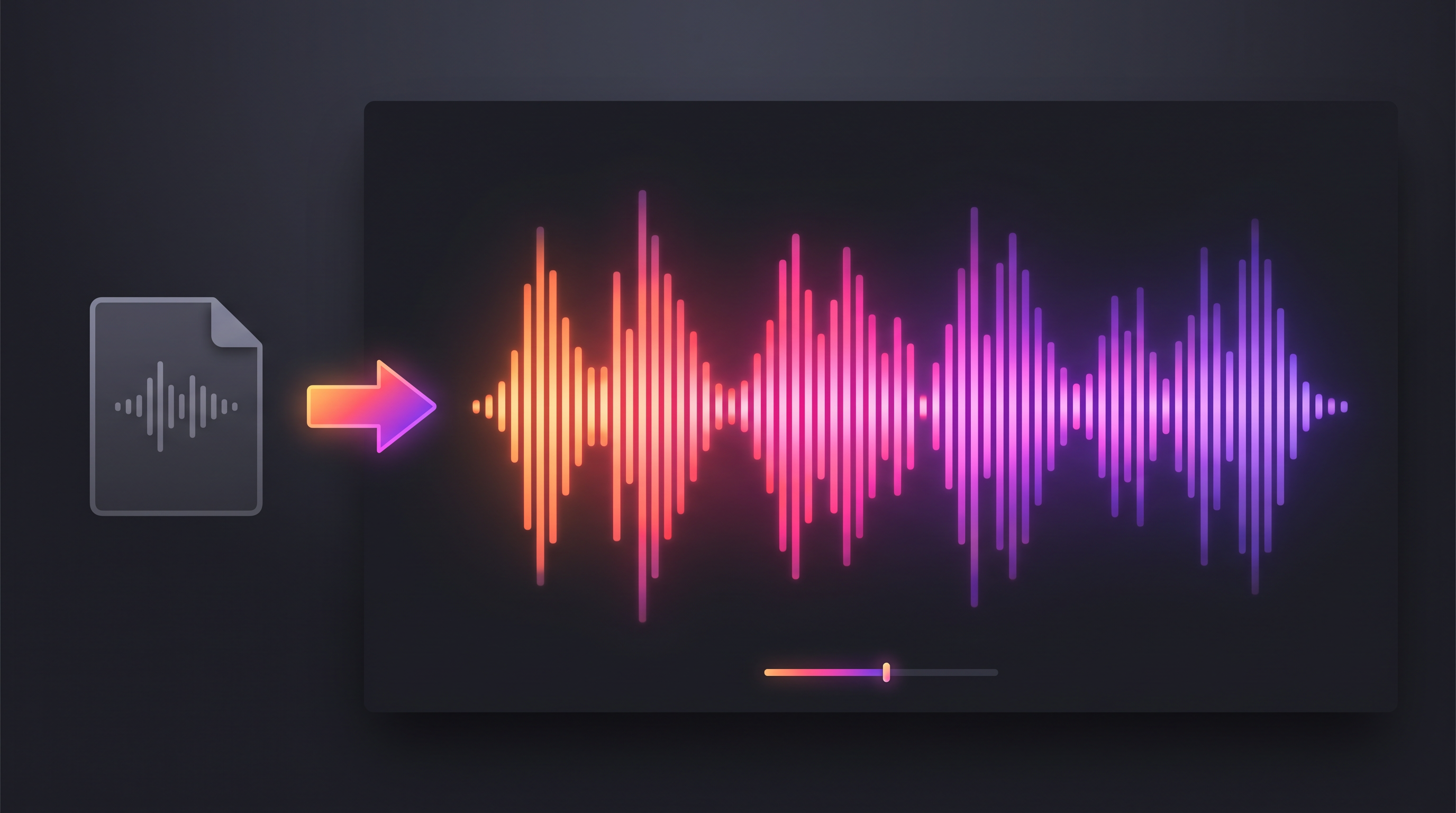
A music visualizer turns a song's waveform or frequency data into a moving video, with no filmed footage required. Framia Pro's audio visualizer reads the actual track instead of looping a generic template, so the output moves with the song rather than just sitting behind it. That's the difference between a visualizer that looks custom and one that looks like a stock preset.
What a Music Visualizer Actually Reacts To
Picture an old stereo's equalizer bars jumping on the bass and settling in the quiet stretches. A music visualizer does the same job across a full video frame instead of five plastic bars.
It reads two data sources: the waveform (volume over time) and the frequency spectrum (which pitches are active at any moment). A linear waveform visualizer tracks closest to that equalizer analogy. A radial or circular spectrum visualizer behaves more like a speaker cone — pulsing outward on the low end.
Six Styles, and Which Genre Each One Actually Fits
Pick the style before you touch the prompt box. Here's what tends to work where:
- Linear audio wave — a clean horizontal line, strong for lyric-adjacent content and spoken word
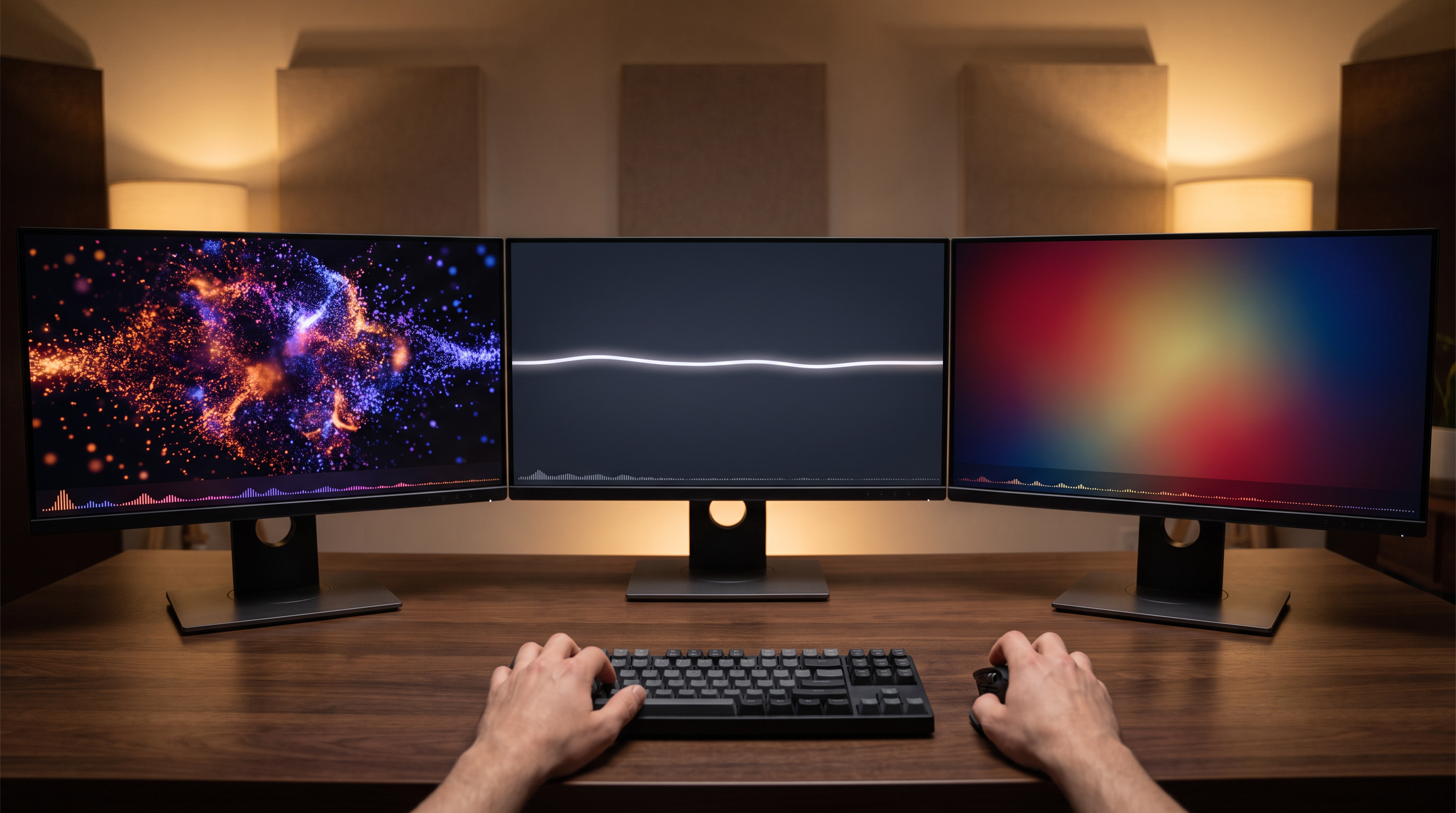
- Circular or radial spectrum — a pulsing ring or halo, the default for dance and electronic tracks
- 3D audio visualization — camera movement and depth, suited to cinematic or ambient releases
- Particle sound visualizer — points that swarm on the beat, a natural fit for trap and bass-heavy hip-hop
- Minimal music visualizer — a single glowing line or soft pulse, built for lo-fi, acoustic sets, and ballads
- Full-frame visual audio — the reactive element fills the frame instead of sitting as an overlay, good for high-energy festival-style clips
Naming the style directly in your prompt — "radial spectrum, deep blue palette, sharp peaks on the kick drum" — beats a vague "make it look cool" every time.
Music Visualizer Tools Compared
| Tool type | Audio-reactive rendering | Style variety | Batch/bulk export | Learning curve |
|---|---|---|---|---|
| Timeline-based video editors | Manual keyframing required | High (fully custom) | Manual per file | Steep |
| Free online music visualizer web apps | Basic waveform/spectrum only | Low to medium | Rarely supported | Low |
| Motion graphics software (node-based) | Yes, with audio plugins | Very high | Depends on setup | Steep |
| AI-driven audio visualizer platforms | Native, prompt-based | Medium to high | Often supported | Low to medium |
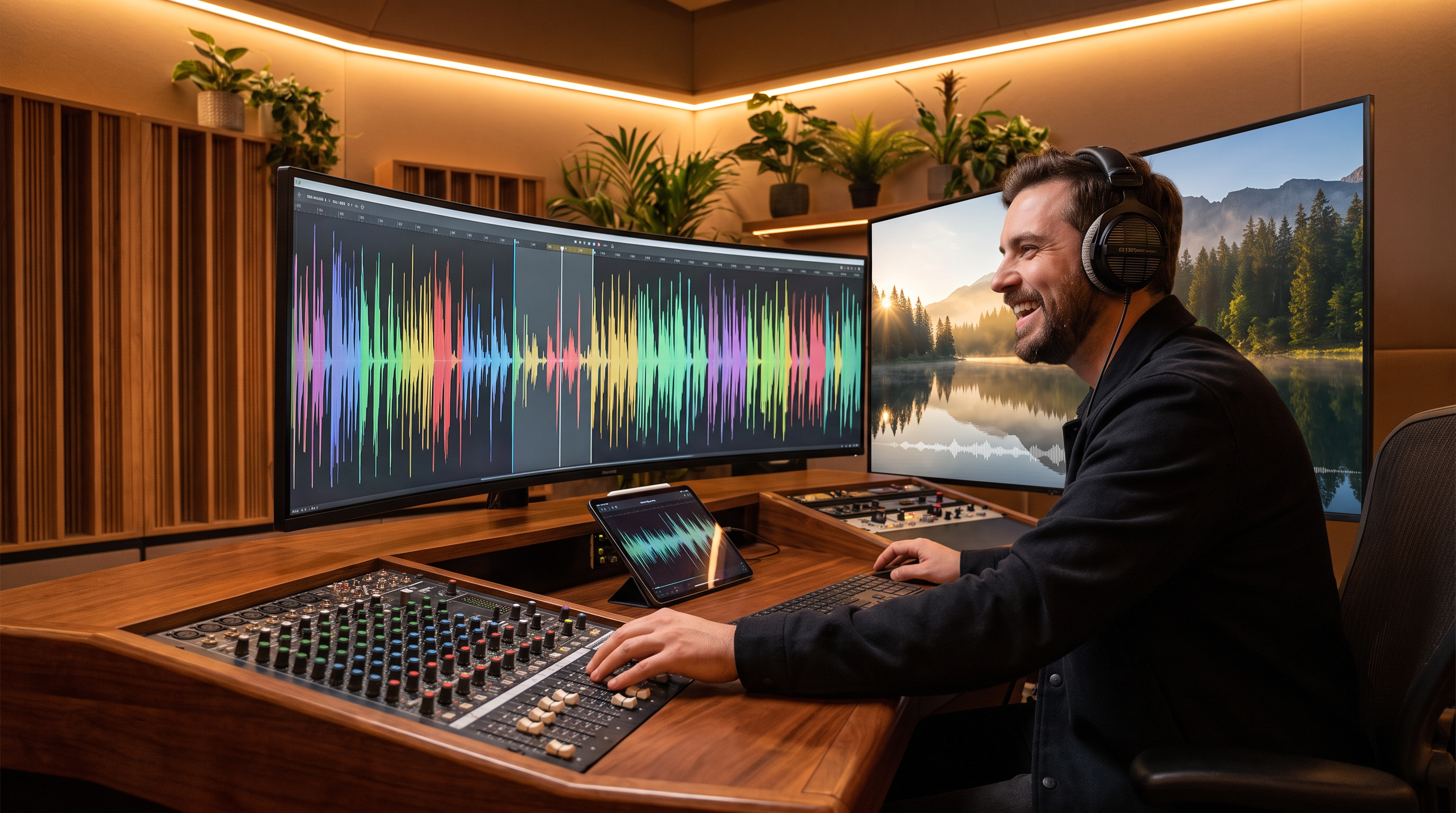
Manual editors buy total control at the cost of hours per track. Free web tools are fast but capped at one or two looks. Node-based motion graphics software is powerful but has a real learning curve. AI-driven platforms split the difference — describe a look in a sentence instead of building it keyframe by keyframe.
Writing a Music Visualizer Prompt That Actually Works
Most visualizer attempts fail for one reason: the prompt is too vague for the model to react to. A working music visualizer prompt names three things — the style, the palette, and one reaction point ("radial spectrum, warm amber tones, punchy reaction on the snare"). That's the whole formula.
A few mistakes are worth avoiding on the first try:
- Stacking adjectives instead of specifics. "Epic, cinematic, futuristic, glowing" gives the model nothing to lock onto — pick one mood and one color direction.
- Skipping the reaction point. Every prompt should say what the visual responds to (the kick, the vocal, the full mix), or the render defaults to something generic.
- Ignoring genre fit. A particle swarm on a stripped-down acoustic track fights the song instead of supporting it.
Inside Framia Pro, this plays out as a two-step workflow: start from one of the six styles above as a preset, then use a text prompt to adjust palette, motion intensity, and camera behavior on top of it. A producer prepping a single can start from the radial spectrum preset, prompt for a warmer grade, and export a Reels-sized loop without opening a timeline editor at all.
Five Steps to Your First AI Music Visualizer
- Upload the final master, not a rough mix. The visualizer reads the actual waveform, so a louder, more dynamic master produces a more responsive render.
- Pick a base style by genre. A particle visualizer suits a trap beat better than a minimal glowing line does.
- Write a specific prompt. Style, palette, one reaction point — skip the adjective pile-up described above.
- Adjust sensitivity after the first preview. Too little reaction, raise the bass threshold. Too chaotic, lower it.
- Export for where it's going. A 9:16 crop for Reels and Shorts, 16:9 for YouTube and a portfolio page.
For a fuller scene-based clip rather than a reactive visualizer, how to make a music video with AI covers the beat-sync side of that process in more depth.

Bringing It Together
A music visualizer isn't a replacement for a real music video — it's what fills the gap when there's no footage, no time, or no budget for one, and it earns that role when the style matches the track's energy. Pick one of the six styles, write a specific prompt instead of a vague one, and export at the right ratio for wherever the clip is going to live. If you want to try the workflow described here, Framia Pro has the audio visualizer tool live now.
FAQ
What is a music visualizer?
A music visualizer is a video that reacts to a song's waveform or frequency data in real time, generating moving shapes, lines, or particles instead of filmed footage. It's the standard fix for Spotify Canvas loops, YouTube "audio only" uploads, and short-form social clips.
Can I make a music visualizer for free?
Free music visualizer web tools handle basic waveform rendering fine, but most cap resolution, watermark exports, or limit style choices. Check export resolution and licensing terms before a public release — that matters more than the price tag.
Does a music visualizer work with any audio format?
Most platforms accept MP3 and WAV. Lossless files (WAV, FLAC) read frequency data slightly more accurately than a heavily compressed MP3, though the difference is subtle on shorter clips.
What's the difference between a music visualizer and a lyric video?
A music visualizer reacts to audio alone — no text required. A lyric video overlays synced text on a visual, which may or may not be reactive. They're often combined, but a visualizer doesn't need lyrics to work.
Which visualizer style fits an acoustic or lo-fi track best?
The minimal music visualizer style — one glowing line, one subtle pulse — fits slower, quieter material better than a particle or 3D style, which can overpower a sparse mix.