Your product is ready. The formula is right, the quality is there, the price is competitive. But you're about to launch it in plain white packaging with a label that looks like it was designed in fifteen minutes — because it was.
In the world of consumer goods, packaging isn't decoration. It's the first sale. A packaging mockup generator lets you see exactly how your label, box, or pouch will look in the real world — before you spend a dollar on physical samples, printing, or photography. With Framia Pro's AI mockup generator, that preview takes minutes, not weeks.
Why a Packaging Mockup Generator Changes What's Possible at Launch
The traditional packaging development cycle is one of the most expensive creative bottlenecks in product-based business. Design a label, send it to the printer for a proof, wait a week, receive the proof, notice it looks nothing like the screen version, revise, proof again, repeat.
Think of the old packaging review process like developing film: every shot costs money, every mistake costs a reshooting fee, and you don't know what you've got until the lab processes it a week later. A packaging mockup generator is the digital camera equivalent — instant review, infinite retakes, zero material cost.
Framia Pro's packaging mockup generator renders your label artwork across realistic packaging forms — boxes, pouches, jars, bottles, tubes — with accurate material simulation: the way a matte label catches diffused light, the way a foil accent reflects a point source, the way a kraft paper box reads in warm versus cool ambient environments.
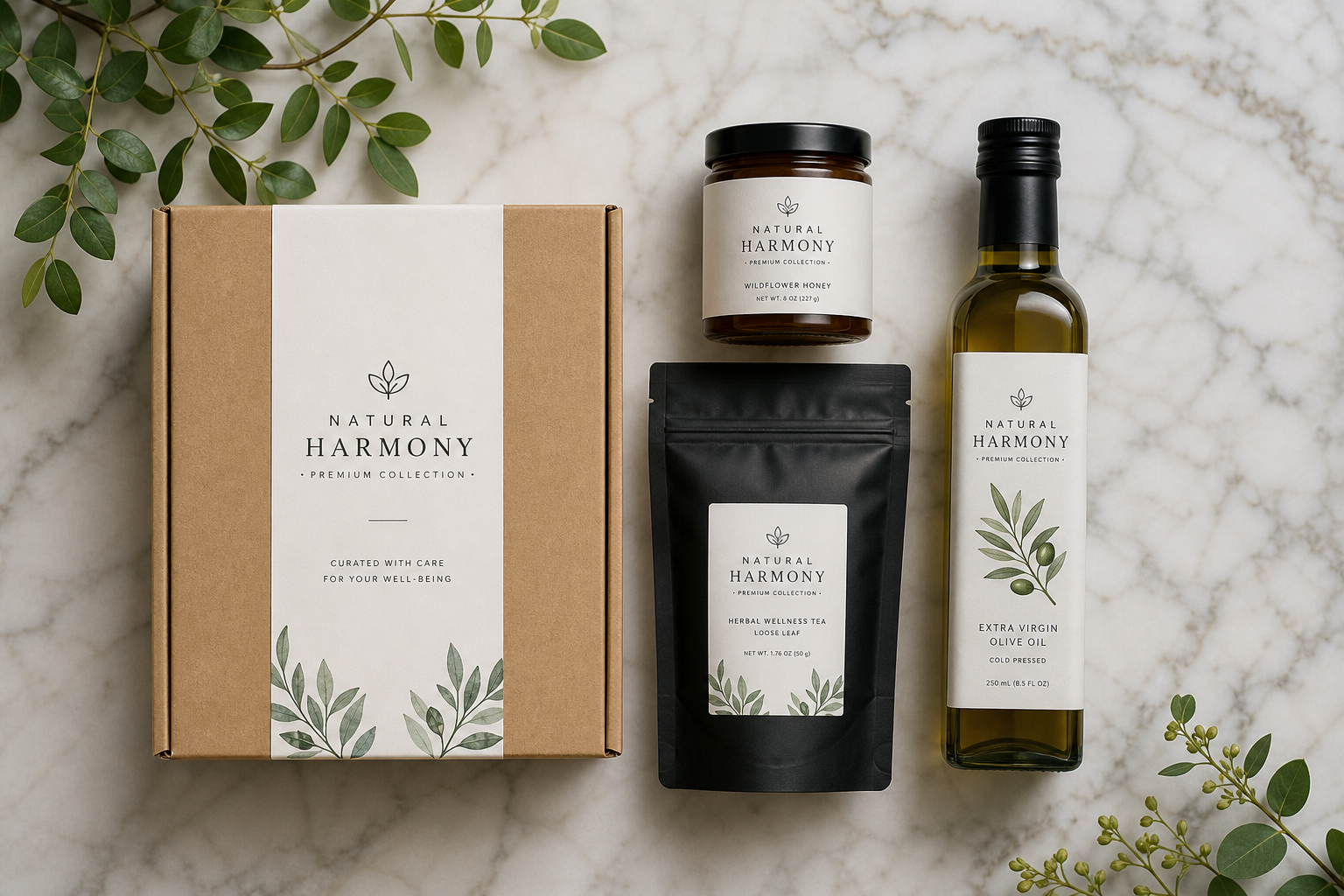
Packaging Mockup Generator Coverage: Labels, Boxes, and Pouches
Packaging comes in more forms than most sellers account for when planning their visual assets. A comprehensive packaging mockup generator should cover the full spectrum of formats your product might ship in — and the scenes those packages appear in along the path from production to purchase.
Labels and bottles: Skincare serums, essential oils, beverages, sauces. The label is the canvas; the container is the context. Framia Pro renders cylindrical, oval, and flat label applications with accurate wraparound geometry and surface texture.
Folding cartons and boxes: The premium signal in most retail categories. A well-designed box mockup shows structural form, unboxing experience, shelf presence, and brand cohesion in a single image.
Stand-up pouches and flat-bottom bags: The dominant format in food, coffee, supplements, and pet care. Pouch mockups need accurate material simulation — matte, gloss, kraft — and realistic gusset and seal rendering.
Tubes and sachets: Cosmetics, pharmaceuticals, personal care. These formats have specific geometry challenges that a purpose-built packaging mockup generator handles with accurate material and print simulation.
For design principles that apply across all these formats — how to think about visual hierarchy, contrast, and brand consistency — our product mockup design tips guide covers the eight fundamentals.
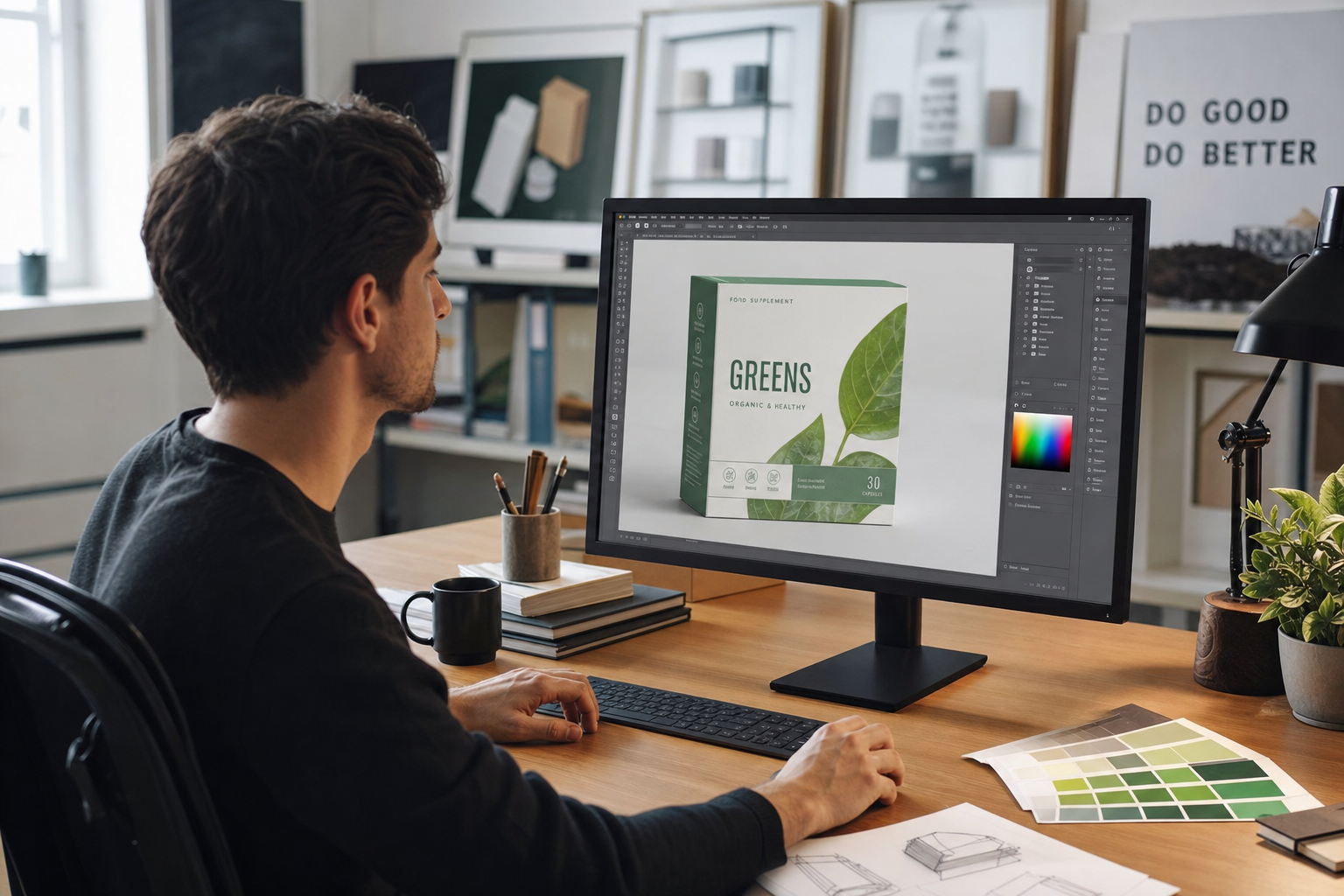
Using a Packaging Mockup Generator to Test Before You Print
The most valuable use of a packaging mockup generator isn't the final hero image — it's the design validation sessions that happen before anything goes to print.
Label design decisions that look correct on a flat artboard often fail in three-dimensional context. A busy pattern that reads beautifully at full screen becomes illegible at actual label size. A logo placement that seems centered on the dieline shifts visually when the container curves. A color combination that pops on a white background disappears against a shelf full of competing products.
A packaging mockup generator catches these problems at zero cost. Instead of discovering that your chosen label color reads brown instead of burgundy after a 5,000-unit print run, you see it in the mockup and fix the hex value before you send the file.
For brands that want to add genuine depth and three-dimensionality to their packaging images — not just flat renders — our guide on the 3D mockup generator shows how perspective and lighting elevation take packaging imagery to the next level.
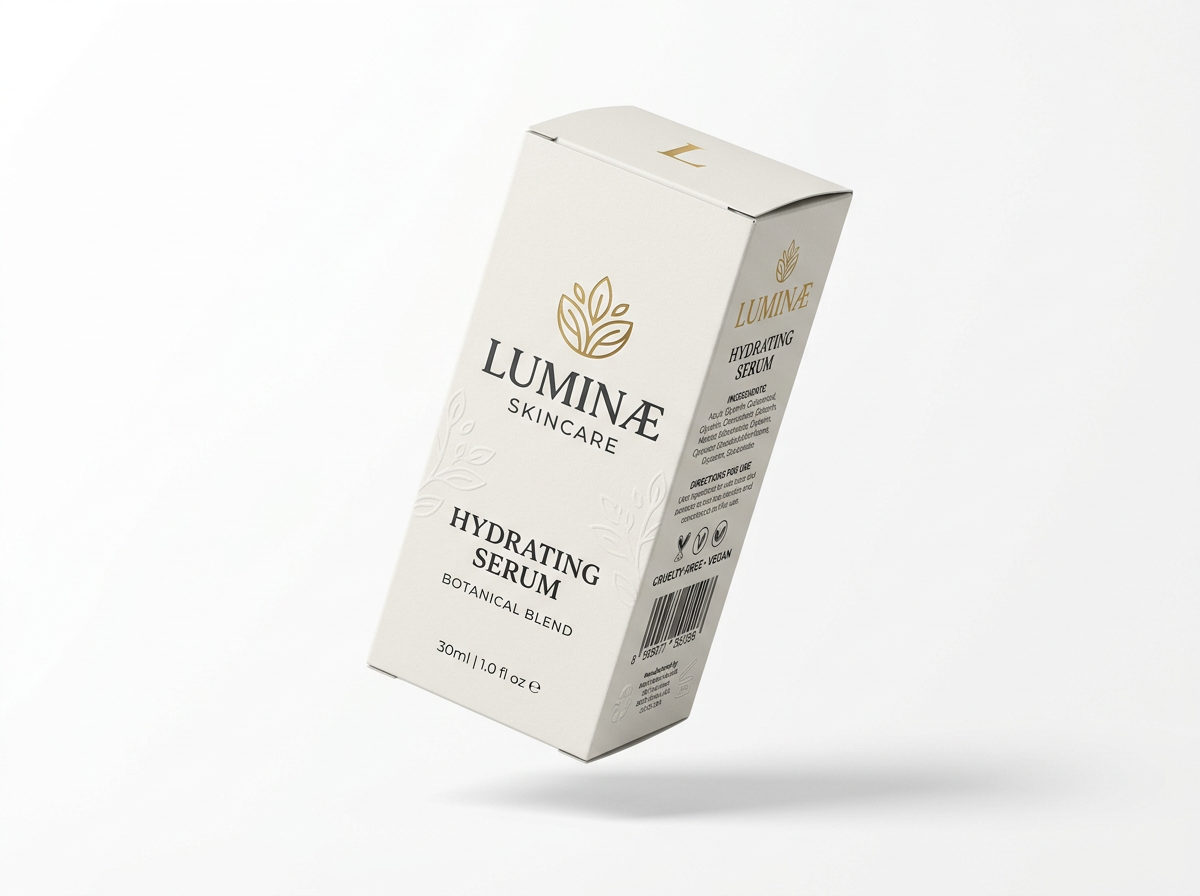
Packaging Mockup Generator Scenes That Convert
A packaging mockup is only partly about showing the package. It's equally about placing the package in the right context for the right audience.
Like a chef who knows that the same dish photographs completely differently on a rustic wooden board versus a white porcelain plate, a skilled product photographer understands that context shapes perception. Your packaging mockup generator should give you the same scene-selection control.
- Retail shelf context: Shows how your packaging competes for attention at point-of-sale. Essential for wholesale buyer pitches and retail placement presentations.
- Lifestyle flat-lay: Places the package in a curated home environment with complementary props — the scene your target customer would recognize as their own aesthetic.
- Unboxing sequence: Multiple angles showing the product being opened — increasingly important for direct-to-consumer brands with premium packaging experiences.
- Clean studio white: The standard marketplace thumbnail — clean, centered, no distractions — required for most e-commerce platform product listings.
Our guide on AI mockup generator for e-commerce covers how to match scene selection to platform requirements across Shopify, Amazon, Etsy, and wholesale buyer portals.
How Framia Pro Powers Your Packaging Mockup Workflow
Framia Pro handles packaging mockup generation with the same depth it brings to apparel and product imagery — but with packaging-specific rendering that accounts for the unique visual complexity of three-dimensional label applications.
The Framia Pro AI mockup generator lets you upload your label artwork as a flat PDF or PNG, select your packaging form and material, choose your scene context, and generate a photorealistic render that shows exactly how the finished product will look. No physical sample required. No photography setup. No waiting.
For brands building a full product line, Framia Pro's batch capability means every SKU in your packaging system — every size variant, every flavor or formula, every seasonal label — can be mockuped in a single session. Launch a twelve-product line with complete visual assets on the same day you finalize the label files.
Framia Pro's Brand Kit Generator takes this further by anchoring every packaging mockup to your brand system. Upload your logo, set your primary color palette and typography, and every render in that session applies your brand assets consistently — no manual placement, no off-brand color slippage. For brands managing multiple SKUs across a product line, the Brand Kit ensures visual coherence across hundreds of mockups without a designer checking every output.
The Framia Pro AI mockup generator is where consumer goods brands are collapsing their packaging development timeline from months to days — and our AI product mockup generator guide shows how the full workflow fits together from design to live listing.
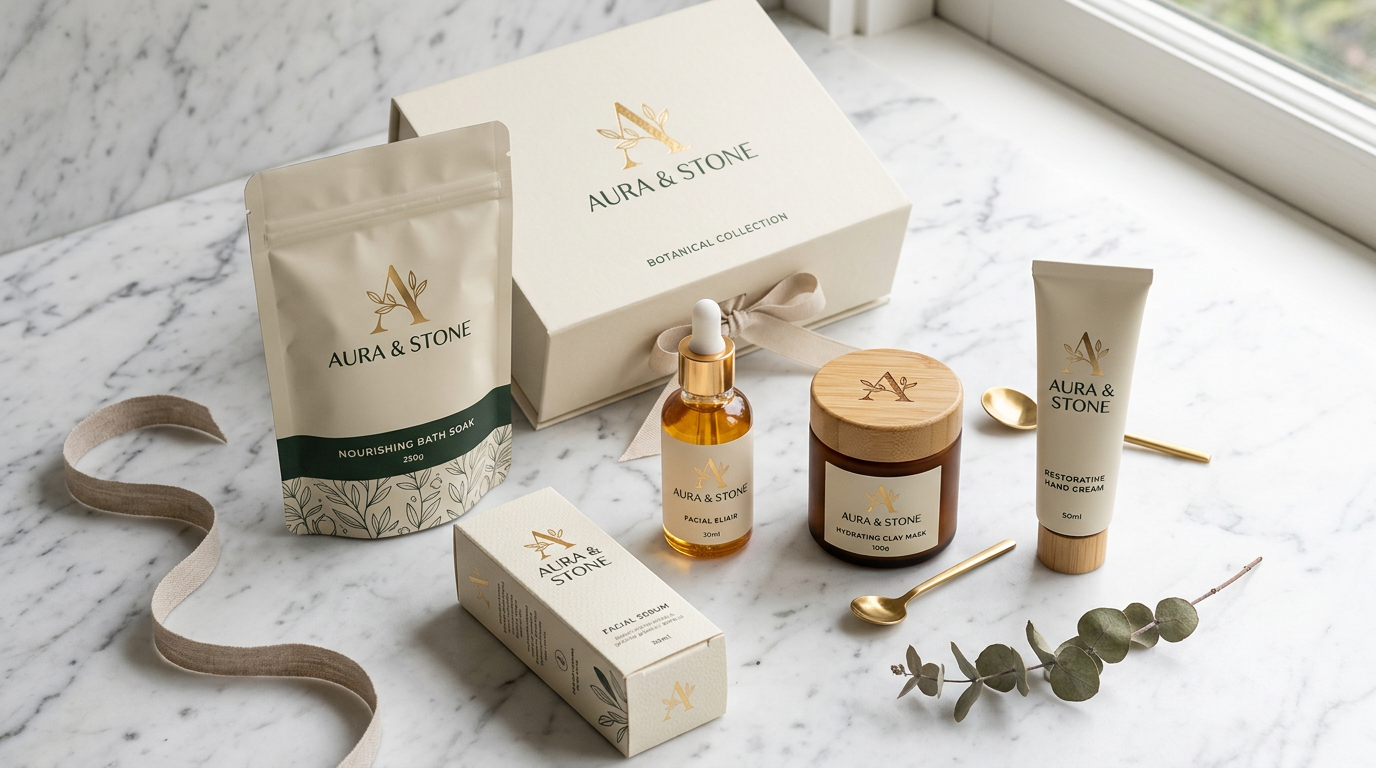
Frequently Asked Questions
What packaging types does a packaging mockup generator support?
A full-featured packaging mockup generator covers the main consumer goods formats: bottles and jars (with cylindrical and oval label application), folding cartons and boxes, stand-up pouches and flat-bottom bags, tubes, and sachets. Framia Pro supports all major packaging categories with material-accurate rendering for common surface finishes — matte, gloss, soft-touch, kraft, and metallic.
How accurate are packaging mockups to the printed result?
Color accuracy depends on how well your design files are set up. Mockups render the colors in your label file as they appear on screen — which means a file configured in RGB will look different from the CMYK output your printer delivers. Always work in CMYK from the start and verify your color profile matches your printer's specifications. Structural accuracy — how the label wraps, where it sits on the container — is very high in purpose-built packaging mockup generators like Framia Pro.
Can I use a packaging mockup generator for wholesale buyer presentations?
Yes, and this is one of the highest-value use cases. Retail buyers evaluate products from dozens of brands simultaneously; professional packaging mockups significantly increase the visual credibility of your pitch. Framia Pro exports at print-resolution quality suitable for professional PDF presentations, line sheets, and digital lookbooks.
Do I need the physical product before I can generate packaging mockups?
No. That's the core value proposition. You need the label artwork and a selection of the packaging form — both of which exist before you go to production. Framia Pro generates realistic packaging renders from your design files alone, which means you can validate and present packaging concepts before committing to a manufacturing run.
How many mockup images should I create per packaging SKU?
For e-commerce, a minimum of three: one clean studio shot for the marketplace thumbnail, one lifestyle context image, and one angle that shows a key design detail (a foil accent, an embossed logo, a secondary panel). For wholesale presentations, add a shelf-context shot showing the product positioned among competitive packaging. A packaging mockup generator lets you produce all of these without a photoshoot.
Ready to see your packaging the way your customers will? Try the Framia Pro AI mockup generator and generate your first photorealistic packaging mockup today.