Most people ask "which model is better, Seedance 2.5 or Seedance 2.0?" That's the wrong question — Artificial Analysis still ranks Seedance 2.0 at Elo 1,219, ahead of Kling 3.0 Pro and Veo 3.1, months after ByteDance launched Seedance 2.5 at the Volcano Engine FORCE Conference. If the "newer" model always won outright, that leaderboard line wouldn't exist. The right question is narrower: which model wins this specific shot? Seedance 2.5 pushes native clip length to 30 seconds, accepts 50 reference images instead of 12, and generates synchronized audio in the same pass — but Seedance 2.0 still wins specific motion types and costs a third as much per second. Framia Pro tracks every one of these model updates the moment ByteDance ships them, which is the only reason the comparison below reflects the current state of both models rather than launch-day marketing.
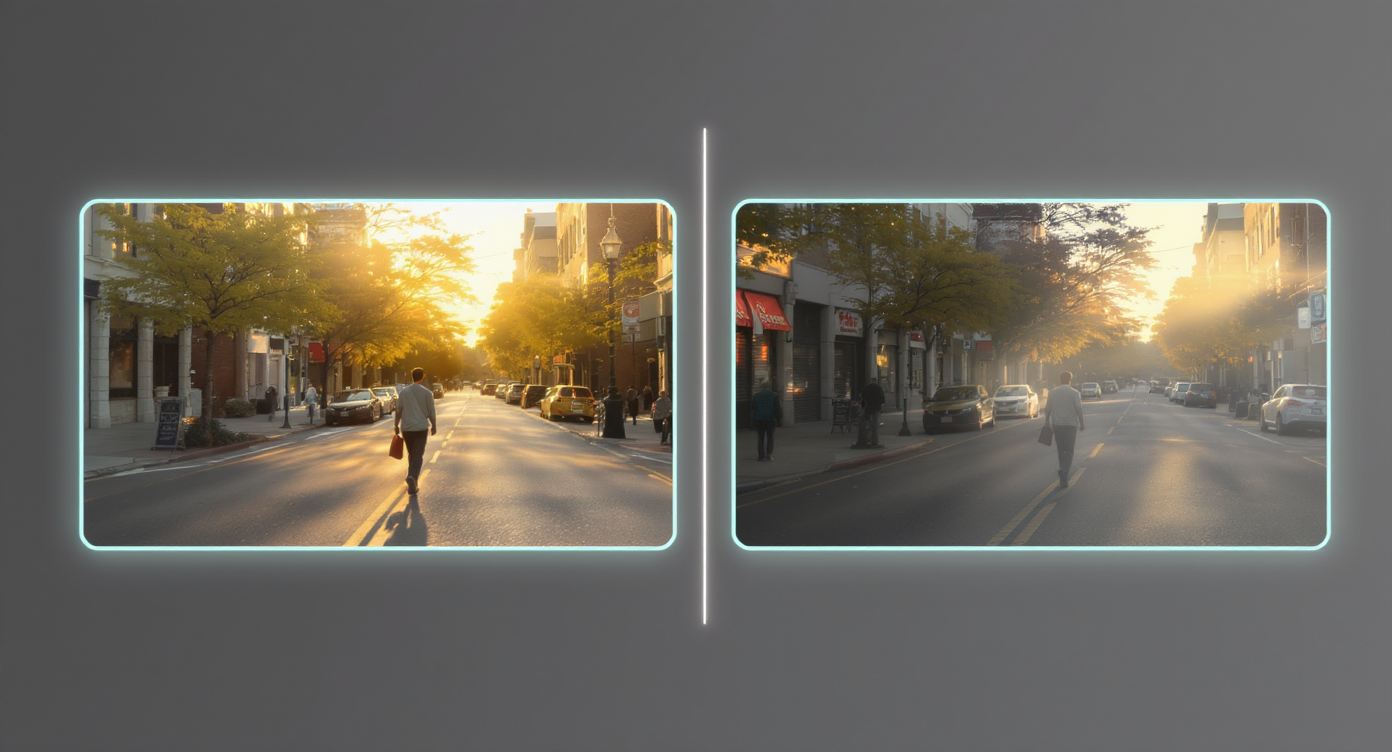
Six Shots, Two Models — Where Seedance 2.5 and Seedance 2.0 Each Win
Choosing between Seedance 2.5 and Seedance 2.0 is a bit like choosing between a chef and a fast-food counter: the chef produces a more refined, more consistent result, but for a simple order you don't need — and don't want to pay for — a tasting menu. Below are six real production scenarios, each with a clear verdict.
30-second social ad with a talking product shot → Seedance 2.5. The native 30-second clip length means you don't have to stitch two 15-second Seedance 2.0 segments together and hope the cut is invisible. Native joint audio-video generation also means the voiceover and lip movement land in sync on the first render.
Rapid A/B variant factory (10+ hooks per day) → Seedance 2.0. When you need volume, not polish, Seedance 2.0's lower per-second rate and faster iteration loop win. You can generate five variants on 2.0 for close to the cost of two on 2.5.
Character-driven narrative with a recurring face → Seedance 2.5. ByteDance's own benchmarking and independent testers both point to materially better character and expression consistency across cuts on Seedance 2.5, which matters the moment your "character" needs to appear in more than one shot.
Product or mechanical transformation shots (an object unfolding, a machine assembling) → Seedance 2.0. This is the counterintuitive one. In documented start-end-frame tests published by PiAPI in August 2026, Seedance 2.0 handled the mechanical transition more steadily, while Seedance 2.5 introduced more drift on the same prompt. If your shot is a hinge, a fold, or a gear turning, don't assume the newer model wins by default.
Campaign built from 20+ brand reference images → Seedance 2.5. With support for up to 50 reference inputs against Seedance 2.0's 12, Seedance 2.5 is the only realistic option once your brand kit exceeds a handful of images.
Daily high-cadence content on a tight budget → Seedance 2.0. If you're publishing every day and the bar is "good enough, on time," Seedance 2.0's price point keeps the math sane over a month of output.
For a deeper breakdown of what changed under the hood, our Seedance 2.5 review covers the model's launch specs and early test results in more detail. Teams running these six scenarios inside Framia Pro typically keep a running note of which model won each shot type, since the answer shifts slightly every time ByteDance pushes a version update.
The True Cost of a Usable Clip — Seedance 2.5 vs Seedance 2.0 Math
Sticker price is the wrong number to compare. According to rates PiAPI documented in August 2026, Seedance 2.5 runs about $0.60 per output-second at 720p versus roughly $0.20 per output-second for Seedance 2.0 — on paper, three times the cost. But that's like comparing a budget airline's base fare to a full-service ticket and ignoring the baggage fee, the seat-selection fee, and the "premium boarding" upsell: the number on the label isn't the number you actually pay.
Walk through a real 30-second usable ad clip. On Seedance 2.0, you're generating in 15-second segments, so that's two generations minimum. Community retry reports circulating on Reddit's r/seedance2pro suggest character or motion drift across cuts often forces at least one re-roll per segment, so budget for three to four generations, plus the manual editing time to stitch the two halves and hide the seam. On Seedance 2.5, you generate the full 30 seconds natively in one pass, and testers report needing fewer retries because character consistency holds across the whole clip — call it one to two generations, with zero stitching time.
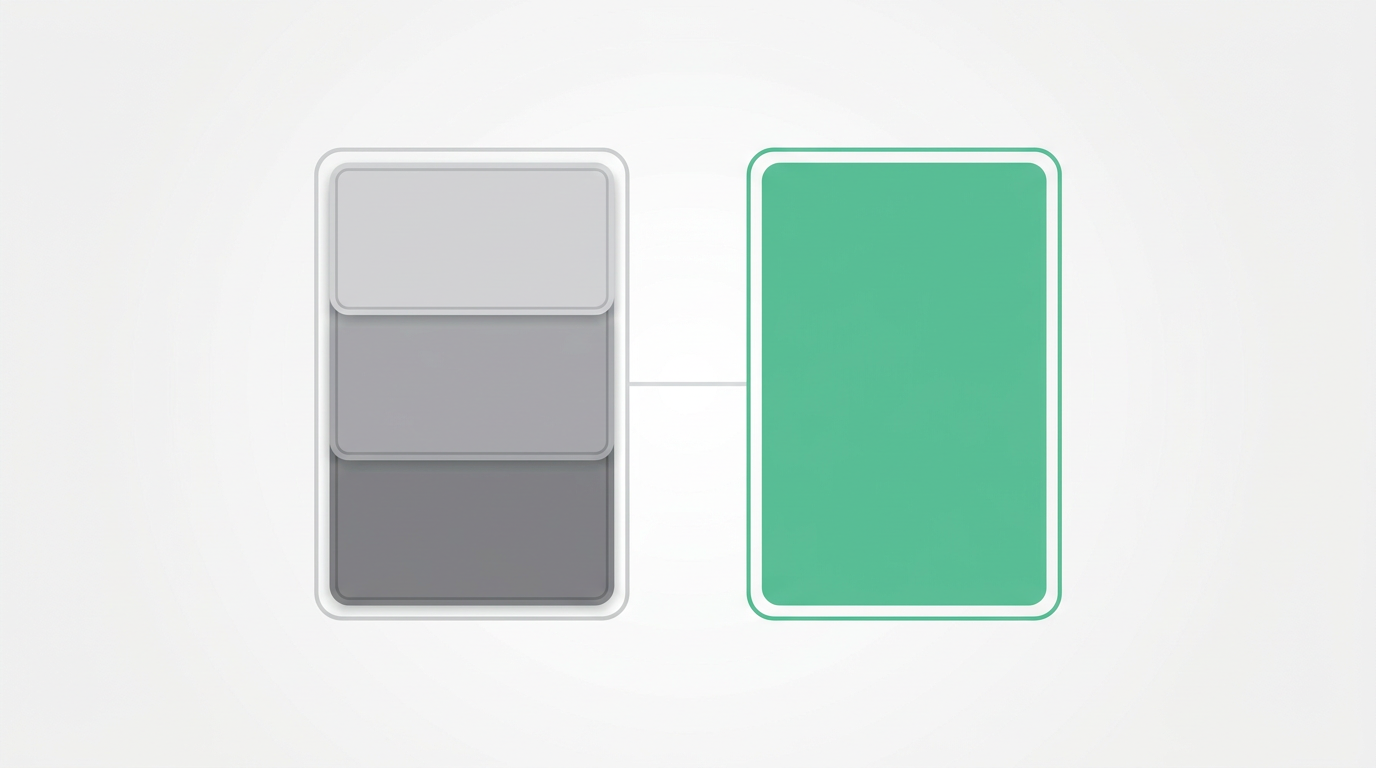
Run the arithmetic and the "expensive" model can land at a lower total cost of usable output, once you count every generation, every retry, and every minute a human spends fixing a seam a machine created. The lesson isn't "Seedance 2.5 is cheaper" — it's that per-second pricing alone tells you almost nothing about what a finished clip actually costs. Inside Framia Pro, the retry count and stitching time show up as part of the same project timeline, so this true-cost comparison is something a team can actually see rather than estimate after the fact.
The Mixed-Model Playbook — Use Both Seedance 2.5 and Seedance 2.0 Together
The most cost-efficient teams don't pick one model — they route shots to whichever model is right for that shot, using something close to this five-step pipeline:
- Draft batch on Seedance 2.0. Generate 4-6 low-cost variants of the concept to find the direction that actually works before you spend anything on a premium render.
- Pick the winning draft. Review with the team (or run a quick internal poll) and lock the concept.
- Hero render on Seedance 2.5. Take the winning concept and re-render it at full quality — 30-second native length, higher reference-image fidelity, native audio — for the version that actually ships.
- Region-edit for market variants. Use Seedance 2.5's region-level editing to swap a background, a product color, or a language cue for each market without a full re-render.
- Export and color-grade. Finish in your standard pipeline once the hero clip and its regional variants are locked.

Budget-wise, this usually means five to six Seedance 2.0 drafts (cheap, fast, disposable) followed by one or two Seedance 2.5 finishing renders — a fraction of what running every draft on the premium model would cost, with none of the compromise on the final asset. This is the exact sequence Framia Pro's Storyboard Timeline Editor is built to hold: draft shots and hero shots living on the same timeline instead of scattered across separate tools and separate exports.
Execute This Mixed-Model Playbook in Framia Pro
Juggling different AI subscriptions to pull off this workflow is a nightmare. You shouldn't have to switch tabs to generate your base images and then animate them.
Framia Pro is built for this exact mixed-model reality. Inside a single canvas, you can prompt Image 2 for your cinematic 16:9 keyframes, and instantly send them to Seedance 2.0 for ambient slow-motion or the Seedance 2.5 video generator for a 30-second speaking ad. You get the Image 2 + Seedance pipeline all under one subscription and one storyboard timeline.
FAQ
Is Seedance 2.5 always better than Seedance 2.0?
No. Seedance 2.5 leads on clip length, reference-image count, character consistency, and native audio, but Seedance 2.0 still wins on price-per-second and on specific motion types like mechanical transformations, and it currently holds a higher Elo score on the Artificial Analysis leaderboard than several newer competing models.
What is the maximum native clip length for Seedance 2.5?
Seedance 2.5 generates native 30-second clips in a single pass, double the 15-second native length of Seedance 2.0, which removes the need to stitch two segments together for a 30-second deliverable.
Why did Seedance 2.0 win on some Reddit prompts even after 2.5 launched?
Threads in communities like r/seedance2pro report cases where Seedance 2.0 produced steadier results on mechanical or transformation-heavy prompts, matching the pattern PiAPI documented in its own start-end-frame testing — newer doesn't automatically mean better for every motion type.
How much does Seedance 2.5 cost per second compared to 2.0?
Based on rates PiAPI published in August 2026, Seedance 2.5 costs around $0.60 per output-second at 720p versus about $0.20 per output-second for Seedance 2.0 — roughly three times the sticker price, though the true cost per usable clip can be closer once you factor in retries and stitching time.
Does Seedance 2.5 generate synchronized audio natively?
Yes. Seedance 2.5 uses a unified joint audio-video generation approach, producing voice, sound effects, and visuals in the same pass so lip sync and ambient audio align without a separate audio step.
Can I feed 50 reference images to Seedance 2.5 in one generation?
Yes, Seedance 2.5 supports up to 50 reference images per generation, up from 12 on Seedance 2.0, which matters most for brand campaigns or character sheets built from a large image library.
Should I upgrade all my Seedance 2.0 workflows to 2.5 immediately?
Not necessarily. If your workflows are high-volume, low-budget, or lean on the motion types Seedance 2.0 already handles well, keep them on 2.0 and reserve Seedance 2.5 for hero shots, longer narrative clips, and campaigns that need its larger reference-image capacity.
What types of motion does Seedance 2.0 still handle better?
Documented testing points to mechanical and structural transformations — objects unfolding, assembling, or hinging — where Seedance 2.0 has shown steadier transitions than Seedance 2.5 on the same start-end-frame prompts.
Can I run Seedance 2.5 and 2.0 side by side to compare outputs?
Yes. Running the same prompt through both models before committing to a final render is a common way to confirm which one actually suits a given shot, rather than assuming the newer model wins by default.
The Shot Decides, Not the Version Number
Seedance 2.5 and Seedance 2.0 aren't really competitors — they're two tools with different strengths, and the teams getting the most out of both stopped asking "which one is better" months ago. They ask which model fits the shot in front of them, route the draft work to the cheaper model, and save the premium render for the clip that's actually going to ship. If you want to test that workflow yourself, Framia Pro gives you both models — and the timeline to plan the handoff between them — in one place.