Video has quietly become the default format for everything from product demos to internal training, and most teams simply do not have the time or budget to storyboard, shoot, and edit every clip by hand. That gap is exactly why AI video generators have exploded over the last two years, turning a script or a rough idea into a finished video in minutes instead of days.
Steve AI is one of the tools that shows up often in that conversation, built by Animaker around a patented AI storytelling engine and marketed to marketers, educators, and small business owners who need video content fast. Before you commit a subscription budget to it, though, it is worth understanding exactly what it does well, where it falls short, and how it compares to newer platforms like Framia Pro that were built specifically around AI-native video workflows.
What Is Steve AI?
Steve AI is an AI-powered video creation platform from Animaker Inc., positioned around the tagline "Tell Better Stories With AI-Powered Video Creation." The product is built on what Animaker describes as a patented AI storytelling engine, and the company claims Steve AI is trusted by more than 7 million users worldwide.
At its core, Steve AI turns a starting point — a text prompt, a full script, an audio file, or even a static image — into a finished video. It supports several output styles, including animation, generative AI video, live-action style footage, talking-head 2D avatars, and faceless video formats, which makes it flexible enough for social ads, explainer videos, YouTube content, and internal communications alike.
Key Features of Steve AI
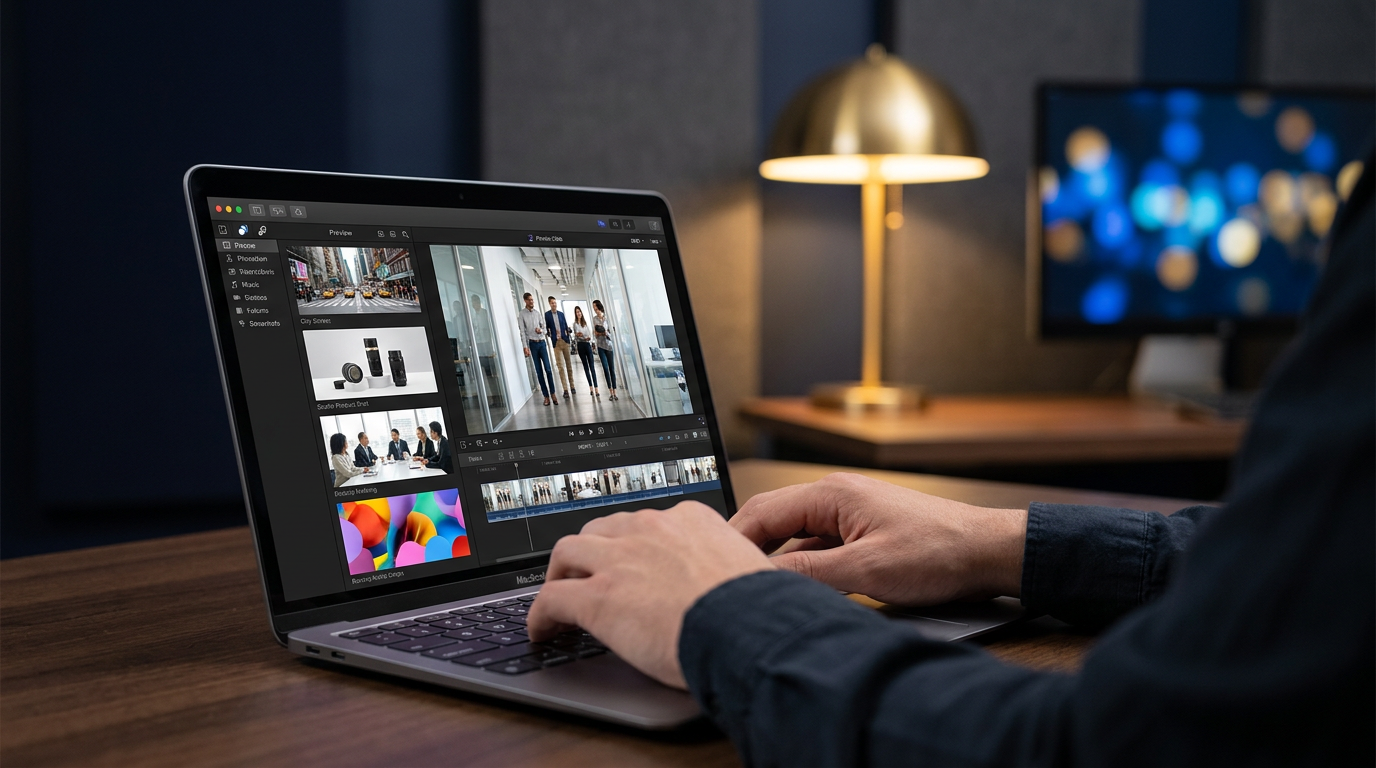
Steve AI packages a wide range of generation modes and production tools into one dashboard. The headline features include:
- Prompt to Video – generate a full video directly from a short text description.
- Script to Video – paste in a script and let the engine handle scene breakdown, visuals, and pacing.
- Audio to Video and Image to Video – build video around an existing voiceover track or a single reference image.
- AI Video Translator – localizes videos into 10+ languages, including AI voiceover.
- Multi-voice AI voice generator – human-like narration, with realism scaling from roughly 90% on lower tiers up to 100% on top plans.
- 300+ animated characters and a library of stock and AI-generated media.
- YouTube Automation and an Advanced Prompter that can auto-build a script from a single idea, plus direct YouTube publishing available even on the free plan.
- Enterprise-oriented compliance – GDPR compliance, ISO 27001 certification, and CyberGRX third-party risk management.

How to Use Steve AI
Getting a video out of Steve AI generally follows the same workflow regardless of which plan you are on:
- Pick a starting mode — prompt, script, audio, or image — based on what you already have.
- Let the AI storytelling engine draft the video, including scene structure, visuals, and pacing suggestions.
- Customize the output by swapping in one of the 300+ animated characters, adjusting AI motion effects, or selecting a different output style (animation, live-action, talking-head, or faceless).
- Add narration, choosing from the multi-voice AI voice generator, and run the AI Video Translator if you need the video in additional languages.
- Export or publish directly to YouTube, which is available even on the free tier, though free exports are watermarked.
Pricing scales with how much you produce: the Free plan includes 1,200 seconds of AI video and 200 generation credits with a watermark; Starter runs $19/month for 100 minutes of AI video and 1080p exports; Pro is $39/month with 300 minutes and 2K resolution; and a Generative AI plan at $99/month raises the ceiling further to 400 minutes and more generative credits. Animaker also sells FlexiCredits as an add-on for teams that outgrow their monthly allowance, plus a custom Enterprise plan for larger organizations.
Strengths and Limitations
Strengths
- A genuinely broad set of input modes (prompt, script, audio, image) that covers most common video-creation starting points.
- Character consistency and a large animated-character library, which is rare among budget-friendly tools.
- Built-in multilingual translation and voiceover, useful for teams publishing across regions.
- Enterprise-grade compliance credentials (GDPR, ISO 27001, CyberGRX) that make it easier to get approved for use inside larger organizations.
Limitations
- The free plan is watermarked and capped at a relatively small credit allowance, so serious use requires a paid tier.
- With this many modes and settings, new users can face a real learning curve before their first video looks polished, especially when prompts are vague or motion settings are misconfigured — a common friction point across most full-featured AI video generators.
- Generative video credits (for Veo3-powered clips) are metered separately from monthly minutes, which can make cost forecasting less predictable for high-volume teams.
- As with most animation-forward tools, achieving a fully live-action, camera-realistic look still takes more manual tuning than a purely template-driven workflow.
Top Steve AI Alternatives for 2026
If Steve AI's animation-first workflow or credit-based pricing does not match how your team works, these platforms are worth a closer look.
Framia Pro
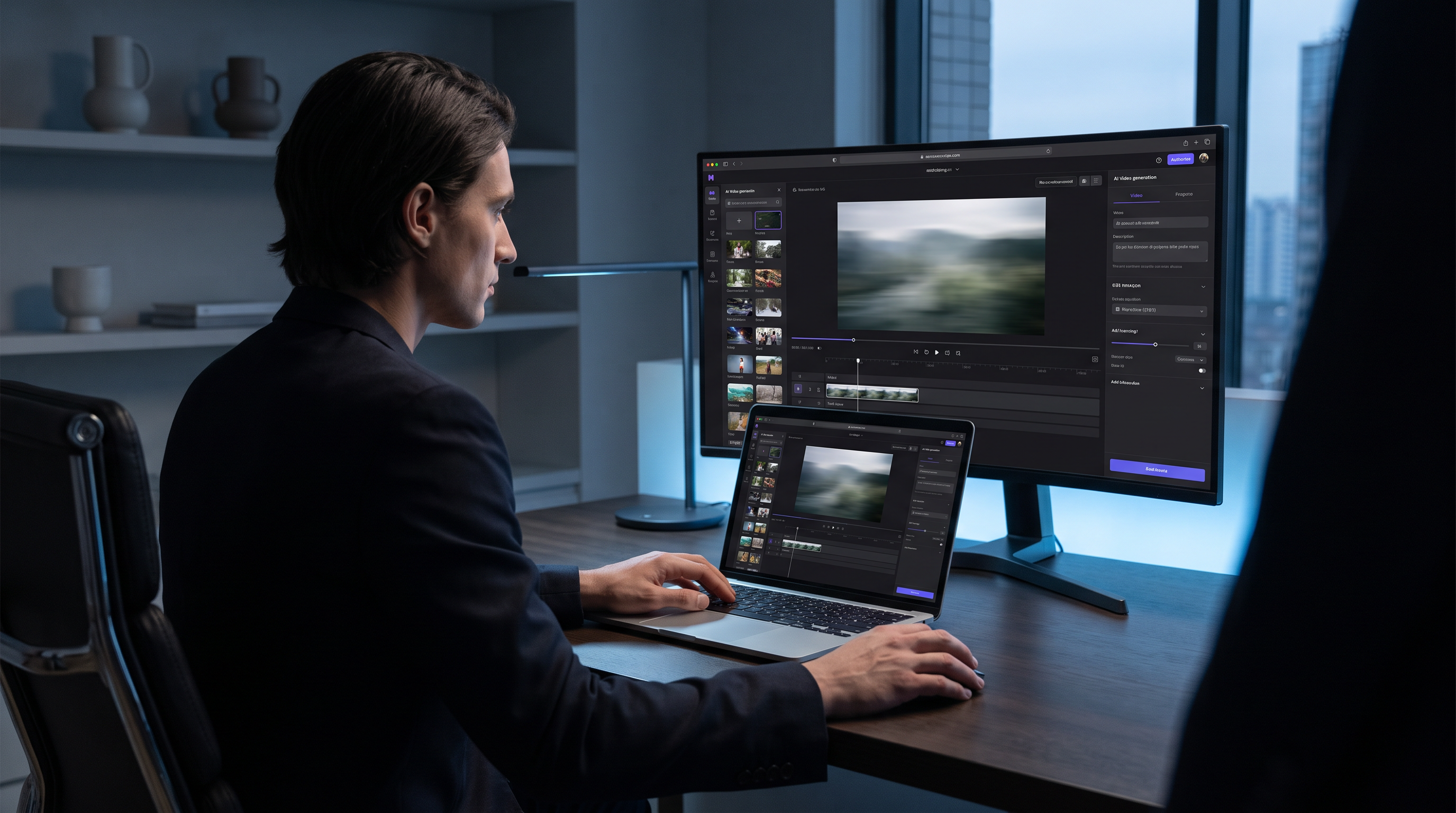
Framia Pro pairs AI video generation and AI video editing in a single workflow, so you are not stitching together separate tools for scripting, visuals, and polish. It's the first alternative worth testing if Steve AI's per-feature credit system feels harder to plan around than it should.
Key features:
- AI video generator – turns a prompt or product brief directly into a polished, on-brand video.
- AI video editor – refine pacing, captions, and scenes without exporting to a third-party tool.
- Unified workflow – generation and editing live in one platform instead of splitting credits across add-ons.
- Intelligent canvas and storyboard – a conversational workspace where you can point to specific areas of an image or video to make changes, rearrange clips, or regenerate shots directly on the timeline.
- Conversational editing – edit and design video assets simply by talking to the AI editor to execute complex modifications.
- Shared collaboration – work on the same project with teammates in one shared workspace, suitable for teams.
Synthesia
Synthesia is an avatar-first platform built around corporate training and internal communications, best suited for teams that mainly need a presenter-style talking head rather than animated storytelling.
Key features:
- AI avatars – lifelike presenter avatars for training and corporate video without filming a camera crew.
- Multilingual voiceover – turn a script into narration across a wide range of languages.
- Template library – corporate-style templates built for onboarding, compliance, and internal comms.
InVideo
InVideo is a template-heavy editor aimed at fast social and marketing clips, with a large library of pre-built layouts for teams that prioritize speed over customization.
Key features:
- Template library – thousands of pre-built layouts for social ads, promos, and marketing clips.
- AI script-to-video – generate a rough cut directly from a text prompt or script.
- Stock media access – built-in stock footage, images, and music for fast assembly.
Pictory
Pictory is focused on turning long-form content, like blog posts or webinars, into short repurposed video clips, which suits content teams doing a lot of repurposing work.
Key features:
- Long-to-short conversion – automatically turns blog posts, articles, or webinars into short video clips.
- Auto captions – generates and syncs captions without manual timing.
- Highlight detection – identifies key moments in long recordings to repurpose as standalone clips.
HeyGen
HeyGen is another avatar-focused tool geared toward multilingual presenter videos, often compared to Steve AI's own AI Video Translator feature.
Key features:
- AI avatars and voice cloning – build a presenter video from text using a digital avatar and a cloned voice.
- Video translation and dubbing – localize existing videos into other languages with matched lip-sync.
- API access – integrate avatar video generation directly into other products or workflows.
| Tool | Best For | Standout Feature |
|---|---|---|
| Framia Pro | Teams that want generation and editing in one workflow | Combined AI video generator and AI video editor |
| Synthesia | Corporate training and internal comms | Presenter-style AI avatars |
| InVideo | Fast social and marketing clips | Large template library |
| Pictory | Repurposing long-form content | Automatic long-to-short video conversion |
| HeyGen | Multilingual presenter videos | Avatar-based translation and dubbing |
The right pick still depends on whether your priority is storytelling flexibility, production speed, or keeping generation and editing inside a single workflow.
Conclusion
Steve AI earns its place in the AI video conversation thanks to a genuinely wide feature set — multiple input modes, a large character library, built-in translation, and enterprise compliance credentials that matter for larger organizations. Where it can fall short is cost predictability and the learning curve that comes with so many configurable modes.
If your team wants that same speed without juggling separate generation and editing tools, Framia Pro is worth a side-by-side trial: it pairs an AI video generator with a built-in AI video editor, which tends to shorten the path from idea to a publish-ready video.
FAQ
Is Steve AI free to use?
Yes. Steve AI offers a free plan with 1,200 seconds of AI video and 200 generation credits, though exports are watermarked and downloads are limited. Paid plans start at $19/month for unwatermarked, higher-resolution output.
Who makes Steve AI?
Steve AI is developed by Animaker Inc., built around what the company describes as a patented AI storytelling engine.
What types of videos can Steve AI create?
It supports several output styles, including animation, generative AI video, live-action-style footage, talking-head 2D avatars, and faceless video formats, generated from a prompt, script, audio file, or image.
Does Steve AI support multiple languages?
Yes. Its AI Video Translator can localize videos into 10 or more languages, including matching AI voiceover, which is useful for teams publishing to multiple regions.
What is a good Steve AI alternative in 2026?
Framia Pro is a strong first alternative to evaluate, since it pairs an AI video generator with a built-in AI video editor in a single workflow rather than splitting generation and editing across separate credit systems.