Submagic built its reputation on fast, accurate short-form captions, but pricing changes, export caps, and a narrow feature set send plenty of creators looking elsewhere. This review breaks down what Submagic actually offers, what to check before switching, and eight real alternatives worth testing against your own footage.

What Is Submagic?
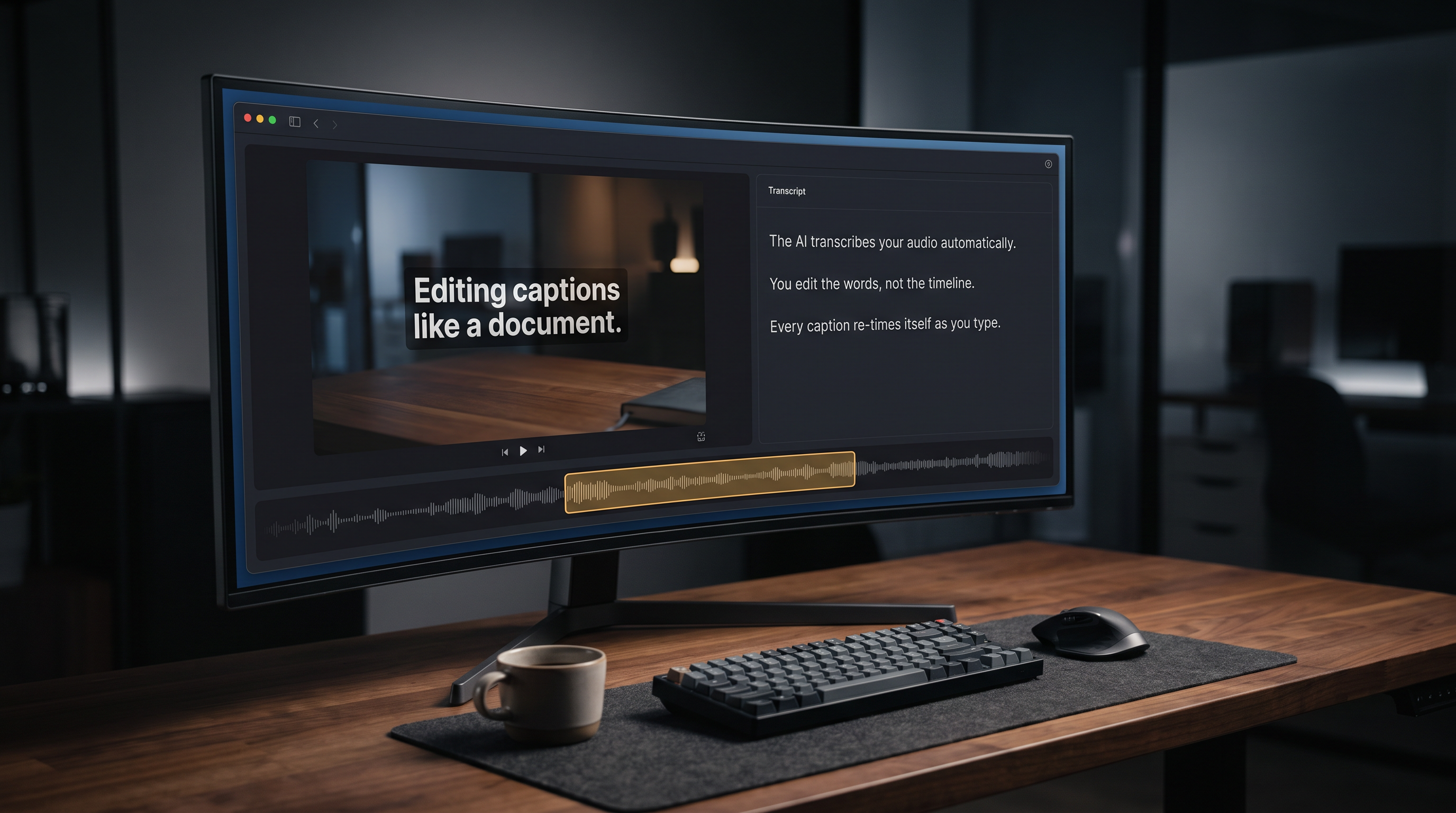
Submagic is an AI-powered editing tool built around fast, automatic captioning for short-form video. You upload a clip, Submagic transcribes the audio and generates styled captions automatically, and you fine-tune the result by editing text, not dragging timeline markers.
The tool is positioned for creators publishing to TikTok, Instagram Reels, and YouTube Shorts, with templates and a brand kit meant to keep caption styling consistent across a channel's output.
Key features:
- AI auto-captioning with a claimed 99% accuracy rate across 123 languages
- Text-based editing — trim and adjust clips by editing the transcript, not the timeline
- Brand kit for saving caption fonts, colors, and animation styles per channel
- AI-generated hook titles, B-roll suggestions, and sound effect placement
- Auto-reframe for vertical and square export formats
What To Look For In A Submagic Alternative
Not every Submagic alternative solves the same problem. Before switching, check which of these categories a tool actually falls into:
- Repurposing vs. captioning. Some tools ingest a full long-form recording and cut it into short clips; others only caption a clip you've already edited. Using the wrong type means you end up running two separate tools for one job.
- Caption accuracy on your own audio. Accuracy claims vary by tool and aren't always tested on accents, background noise, or niche vocabulary, so a short trial with your real footage matters more than a marketing number.
- Free-tier limits and watermarks. Export minutes, clip counts, and watermark rules differ widely and change without much notice.
- Multi-language support. If you publish in more than one language, confirm translation and dubbing quality separately from caption accuracy.
- Where the output lives. Once a clip is captioned, you still need to track scripts, exports, and versions somewhere, which is a gap most caption tools don't address.
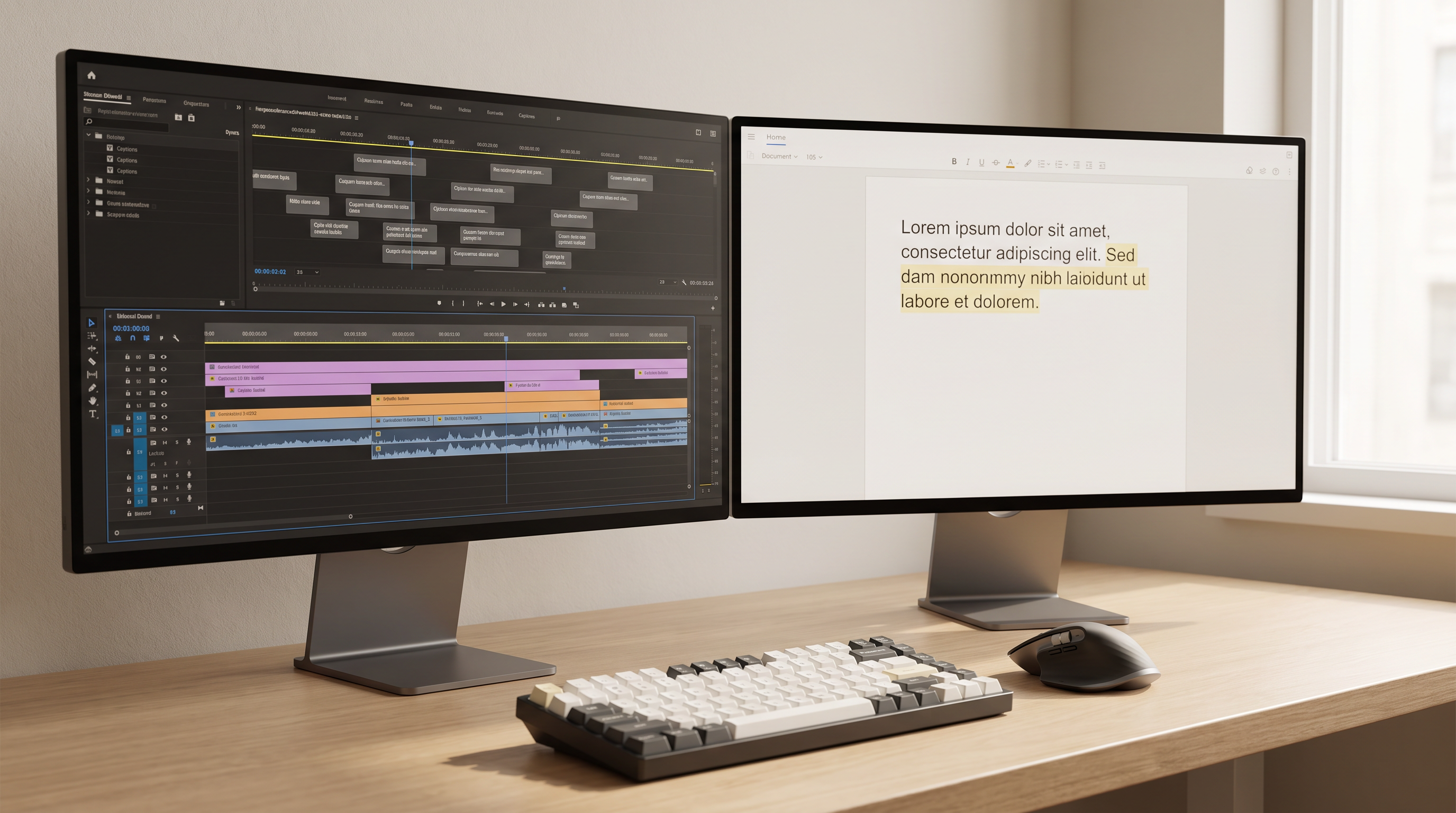
Manual subtitle editing means scrubbing a timeline, nudging text boxes, and re-timing every line after a trim. It's accurate but slow, and the hours add up fast on a weekly upload schedule. Every tool on this list automates that timing step, so you edit a text transcript, not individual boxes.
8 Best Submagic Alternatives
Here are eight tools worth testing, grouped loosely by what they're actually built to do.
Framia Pro
Framia Pro is an all-in-one AI video generation platform, not a standalone caption tool. It gives you a single project workspace that sits around whichever caption tool you pick, keeping the script, the caption tool's output, and the final export together in one place.
Key features:
- One project view connecting script, caption/edit output, and export tracking
- Includes its own video caption generator for teams that want captions without leaving the workspace
- Also includes a full AI video editor for turning raw footage into a finished cut inside the same project
- 20+ AI models spanning script, image, voiceover, music, and video generation
- Works alongside any caption tool on this list rather than replacing it
- Single subscription — see framia.pro for current plans
Opus Clip
Opus Clip ingests a full long-form recording — a podcast, stream, or webinar — and cuts it into short clips automatically, scoring each one for likely engagement.
Key features:
- Auto-reframe from horizontal to vertical with active-speaker tracking
- Virality score attached to each generated clip
- Free plan includes 60 minutes of processing per month, watermarked
- Paid plans start around $15/month
Klap
Klap covers similar ground to Opus Clip, aimed at creators who need a high volume of clips across multiple platforms every month.
Key features:
- Batch processing for multi-platform export (TikTok, Reels, Shorts) at once
- Up to 1,000 clips per month on its top-tier plan
- AI-generated captions and titles included in the clipping step
- Paid plans start around $29/month
VEED.io
VEED.io is a full browser-based video editor with auto-subtitling layered on top, built for editing a single clip you've already recorded, not for repurposing a long source video.
Key features:
- Subtitle translation and AI dubbing into multiple languages
- Free tier includes roughly 30 minutes of auto-subtitle per month
- Built-in stock footage, music, and brand kit tools
- Paid plans start around $18-24/month
CapCut
CapCut is a free-to-start editor with broad effects, transitions, and templates, plus auto-captioning as one feature among many.
Key features:
- Large effects, filter, and template library
- Text-to-speech and auto-captioning in the same timeline
- CapCut restructured its paid plans in 2025 into separate Standard and Pro tiers — confirm current limits before relying on it
- Standard starts around $9.99/month (removes the watermark); Pro runs around $19.99/month and adds 4K export and the full asset library
Vizard
Vizard turns long recordings into short clips using AI to detect highlight moments, putting it in the same category as Opus Clip and Klap.
Key features:
- Automatic highlight detection scored by engagement potential
- Multi-language auto-captioning with customizable templates
- Free plan includes 60 credits per month, with exports watermarked
- Paid plans start around $14.50/month, billed annually
Kapwing
Kapwing is a browser-based collaborative editor built for teams, with auto-subtitles as one part of a broader toolset.
Key features:
- Real-time collaboration for teams editing the same project
- Auto-subtitle generation with manual transcript editing
- Free plan available with a 1-minute export limit and watermark
- Paid plans start around $16/month per member, billed annually
Descript
Descript edits video through a text transcript: delete a word in the document, and the matching segment is removed from the video.
Key features:
- Transcript-based editing for the entire timeline, not just captions
- Overdub and AI voice cloning for fixing flubbed lines without a reshoot
- Free plan includes 60 media minutes per month
- Paid plans start around $16/month, billed annually
How Framia Pro Fits Into Your Workflow
None of the seven caption tools above manage what happens around the actual caption tool: the script draft, the take selection, the export checklist for each platform. That gap is what pushes some creators to add a workspace layer on top of whichever caption tool they're already using.
Framia Pro is built for that layer, not for captioning itself. It connects script, caption or edit output, and export tracking in one project view, spanning 20+ AI models across script, image, voiceover, music, and video generation. The caption tool still does its specific job; Framia Pro keeps everything organized around it, and its built-in AI video editor handles the final cut once the caption pass is done.

Which Submagic Alternative Fits Your Use Case
| Your Situation | Try This |
|---|---|
| Keeping scripts, exports, and notes organized across tools | Framia Pro |
| Fastest transcript-style editing | Submagic or Descript |
| Long-to-short repurposing at scale | Opus Clip, Klap, or Vizard |
| Full browser-based editing with effects | VEED.io or CapCut |
| Team collaboration on the same project | Kapwing |
| Multi-language captions and dubbing | VEED.io |
Testing one alternative against a real project, with real output, beats reading another feature comparison. Run that test inside a single workspace and the right tool for your workflow becomes clear within a day. Framia.pro is built for exactly that kind of side-by-side test.
FAQ
Is there a free Submagic alternative?
Yes. Opus Clip, Vizard, Kapwing, and Descript all offer free tiers, though each caps monthly minutes or clip counts and adds a watermark until you upgrade. CapCut restructured its paid plans in 2025 into Standard ($9.99/month) and Pro ($19.99/month) tiers, so confirm current limits before relying on it for a full workflow.
Which Submagic alternative is best for long-form-to-short repurposing?
Opus Clip, Klap, and Vizard are built for that specific job — they ingest a full recording and cut it into short clips automatically. Submagic and Descript caption a clip you've already edited, so neither replaces a repurposing tool.
Do these tools support multiple languages?
Most offer some multi-language support, but quality varies by tool. VEED.io includes subtitle translation and AI dubbing across several languages, which puts it ahead of tools that only auto-caption in the source language.
Can I use more than one of these tools together?
Yes, and most creators do. A common combination is a repurposing tool like Opus Clip or Klap for clipping, a caption tool for styling, and a workspace like Framia Pro to keep the script, output, and export tracking organized across both.