Your video does well at home, then dies the moment it crosses a language border. That is the quiet tax most creators pay without ever seeing an invoice: subscribers who scroll past because the words on screen do not match the words in their head. Vozo AI is one of the tools pitched as the fix, promising to turn a single video into dozens of language versions without a translator, voice actor, or video editor in the room.
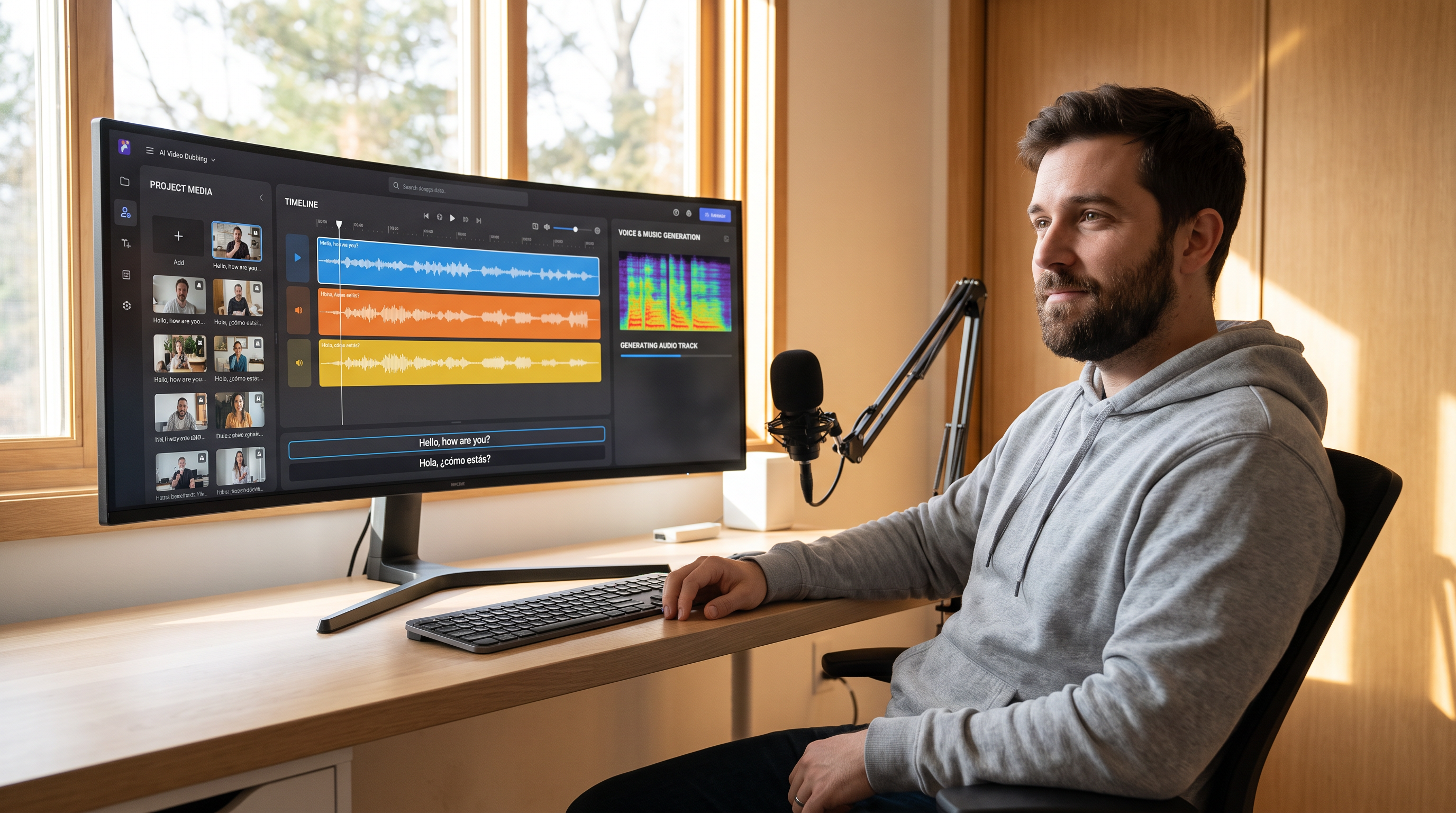
Vozo AI is an AI video localization platform built around three connected jobs: translating spoken and on-screen text, generating dubbed audio in a target language, and re-syncing the speaker's mouth movements so the dub does not look bolted on. The company markets support for well over 150 languages, and it is aimed at creators, marketing teams, and course builders who need a video to work in more than one market without rebuilding it from scratch.
What Is Vozo AI?
At its core, Vozo AI takes an uploaded video, transcribes the speech, translates it into a chosen target language, generates a new voice track (either a cloned version of the original speaker or a stock AI voice), and then applies lip sync so the mouth shapes roughly match the new audio. Subtitles and on-screen text translation are bundled in as a second layer, so a video can ship with both dubbed audio and localized captions from the same upload. It sits in the same category as AI dubbing and AI video translator products that have multiplied over the last two years, all chasing the same problem: manual localization does not scale.
How Vozo AI's Video Translation Pipeline Works
Think of the translation step like a relay race. The first runner (speech-to-text) has to hand off a clean transcript, or every runner after them stumbles. Vozo AI's pipeline transcribes the source audio, runs the text through machine translation tuned for spoken language rather than formal writing, and times the translated lines to match the original speech pacing. That timing step is the part most competitors skip or handle poorly, and it is the difference between a dub that sounds rehearsed and one that sounds like it was recorded to read off a teleprompter.
Whether that full pipeline is what you actually need depends on the job in front of you:
- Just need translated captions? A lighter-weight transcription-and-translation pass can get you there without committing to a full re-record.
- Need a fully dubbed, re-synced video? That is where Vozo AI's complete pipeline — translation, voice cloning, and lip sync in one run — earns its keep.
Why Lip Sync AI Matters As Much As Translation
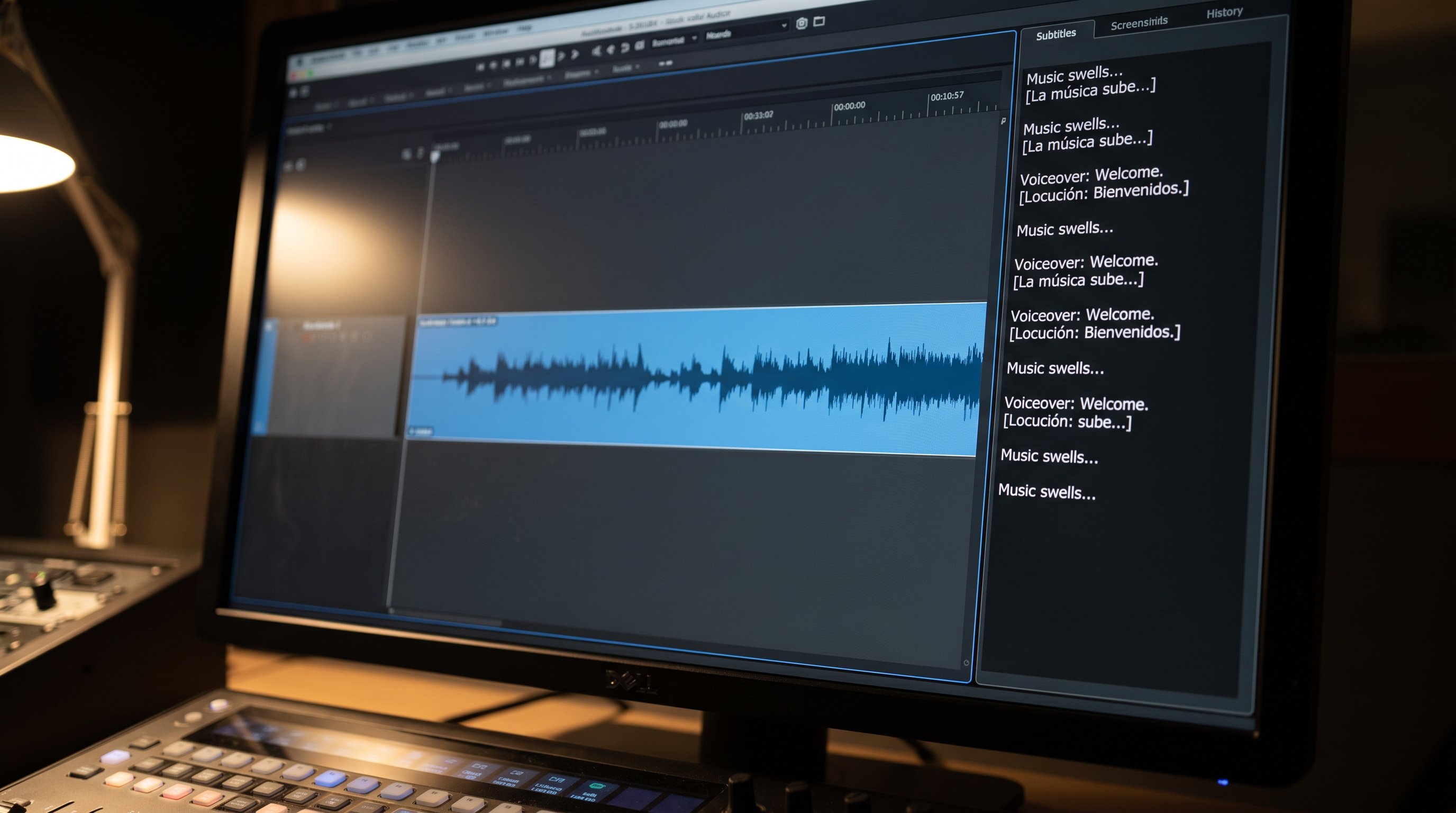
Here is the part people underestimate: a perfectly translated, well-acted dub can still feel wrong if the speaker's mouth is saying English while the audio says Spanish. It is the uncanny-valley equivalent of watching a dubbed movie from the 1980s. Lip sync AI exists specifically to close that gap by remapping mouth movements frame by frame to match the new audio's phonemes, not just looping the original lip motion under new sound.
Vozo AI treats lip sync as a core feature rather than an afterthought, which is one reason reviewers have called its results among the more convincing in the category. This is also the exact problem Framia Pro was purpose-built to solve: the same phoneme-to-mouth-shape mapping approach, but as the primary focus of the product rather than one feature among several.
Vozo AI Key Features
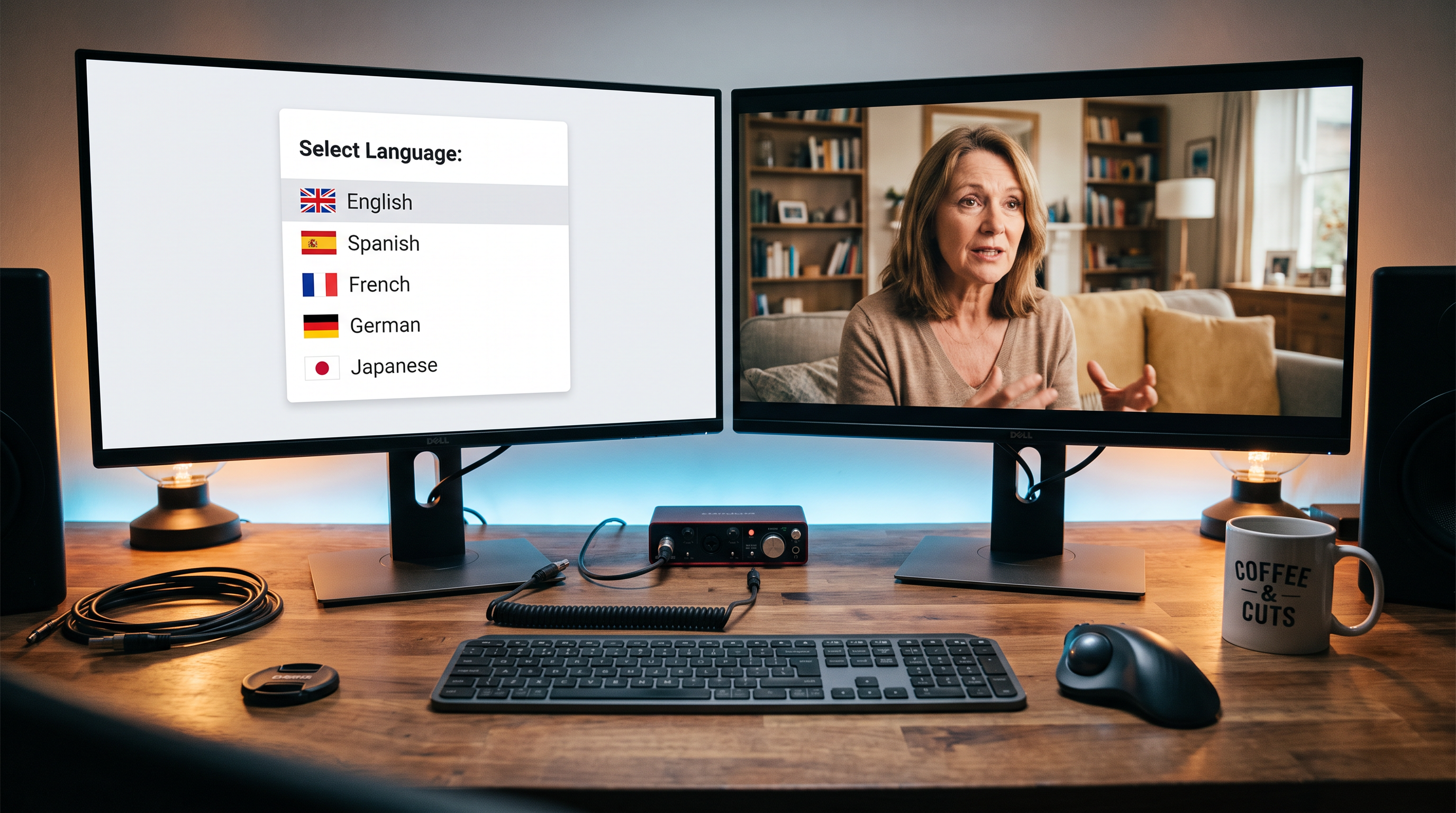
- Video Translation — Transcribes, translates, and re-times spoken content across 150+ target languages, aimed squarely at the AI video translator use case.
- Voice Cloning — Generates new-language dubbed audio that can mimic the original speaker rather than defaulting to a generic narrator.
- Lip Syncing — Adjusts mouth movement in the video track so it visually matches the dubbed audio instead of leaving the original lip motion untouched.
- Subtitle Generation — Produces captions in the source and target language, exportable for platforms that require burned-in or separate subtitle files.
- Text Detection — Detects and translates on-screen text such as titles, callouts, and graphics, not just spoken dialogue.
- Batch Processing — Lets a single source video be processed into several target-language versions without re-uploading each time.
Vozo AI Vs Alternatives At A Glance
No single AI dubbing tool wins on every dimension, so here is a snapshot of how Vozo AI compares to a few well-known names in adjacent categories:
| Tool | Primary Focus | Lip Sync Accuracy | Translation | Best For |
|---|---|---|---|---|
| Vozo AI | Bundled dubbing pipeline covering translation, dubbing, and lip sync | Lip sync is one feature among several | 150+ languages, built in | Teams wanting a single vendor for the full pipeline |
| Framia Pro | All-in-one localization stack: lip sync, AI avatars, and a free AI video translator | Purpose-built, fine-tunable lip sync as the core product | Free AI video translator included for transcription and translation | Creators who want precise mouth-sync control without giving up full localization coverage |
| HeyGen | AI avatars + translation | Yes | Broad | Talking-head avatar videos |
| Synthesia | AI avatar video generation | Limited | Broad | Corporate training and explainer videos |
| ElevenLabs | AI voice and dubbing | No (audio only) | Broad | High-fidelity voice cloning and narration |
Volumes and feature depth shift as each vendor ships updates, so treat this as a starting shortlist rather than a final verdict — the right pick depends on whether you want one bundled pipeline or sharper control over the lip-sync step specifically.
Strengths And Limitations Of Vozo AI
Strengths
- Bundled workflow — translation, dubbing, subtitles, and lip sync live in one pipeline, cutting the back-and-forth of stitching together separate tools.
- Convincing lip sync output — reviewers have praised the realism of its mouth-sync results compared to earlier-generation dubbing tools that left lip motion untouched.
Limitations
- Less depth per feature — teams that need only translated subtitles, or only voice cloning without a full video re-render, may find a narrower tool faster and cheaper for that one job.
- Processing time scales with length — full dub-plus-lip-sync jobs take noticeably longer on long-form content than on a 60-second clip.
Top Vozo AI Alternatives Worth Testing
Framia Pro
- Lip Syncing — Purpose-built lip sync engine, paired with a free AI video translator for transcription and translation.
- Mouth-Sync Control — Fine-tunable lip sync results that work independently of the dubbing step.
- Low Commitment — No full-pipeline commitment required to test lip sync quality on a single clip.
- Multilingual Dubbing — The paired AI video translator generates natural-sounding voiceovers across 130+ languages and accents.
- AI Avatars — Generate presenter-style avatar videos alongside lip sync and dubbing, so localization is not limited to re-syncing existing footage.
- Workflow Canvas — Video, voiceover, and translation steps connect in a single view instead of switching between separate tools.
HeyGen
- AI Avatars — Combines avatar generation with translation and voice cloning in one platform.
- Presenter Videos — Built for presenter-style content rather than re-syncing existing footage.
- Talking Heads — Strong fit for talking-head videos generated from scratch.
Synthesia
- Avatar Generation — Produces AI avatar videos aimed at corporate training and explainer content.
- Secondary Translation — Treats translation as an add-on feature rather than the core product.
- Template Workflow — Template-driven process suited to repeatable corporate video production.
ElevenLabs
- Voice Cloning — High-fidelity voice cloning and dubbing audio are the platform's primary focus.
- Audio Only — Has no video re-rendering or lip sync component of its own.
- Pairing Required — Works best alongside a separate tool when video-level sync is needed.
Rask AI
- Full Pipeline — Dedicated AI video dubbing tool covering translation, dubbing, and lip sync.
- Direct Competitor — Positioned in the same localization category as Vozo AI.
- Bundled Approach — Bundles the full pipeline in a similar way to Vozo AI.
Where Framia Pro Fits Into The AI Video Translator Landscape
Framia Pro approaches the same problem from the lip sync side first. It is built around matching mouth movement to any audio track — original, dubbed, or re-recorded — which suits teams that already have translated audio and just need the visual sync fixed. Want to test lip sync quality on one clip before committing to a full platform? Framia Pro's lip sync tool shows the mouth-matching results directly, with no full re-render required.
Pair it with Framia's free AI video translator for transcription and translation, and you get the same end-to-end path as Vozo AI — translation, dubbing-ready audio, and lip sync — built as one all-in-one stack instead of a single general pipeline.
How To Use Vozo AI: A 5-Step Walkthrough
- Upload and select languages — upload the source video and choose the target language or languages you want to generate.
- Review the transcript and translation — the platform transcribes and translates the spoken content, giving you a chance to check it before committing to a full dub.
- Choose a voice — pick a cloned version of the original speaker or a stock AI voice for the translated audio track.
- Run lip sync — mouth movement is remapped frame by frame to match the dubbed speech.
- Export — download the finished video along with subtitle files if your platform requires separate caption tracks.
Final Thoughts
Vozo AI earns its spot in the AI dubbing conversation by handling translation, voice cloning, subtitles, and lip sync inside one pipeline, which is genuinely useful for teams localizing video at volume. Whether it is the right single tool for your workflow depends on how much you value a single bundled pipeline versus best-in-class results on one specific step, like lip sync. If lip sync quality is the piece you care about most, it is worth testing Framia Pro — an all-in-one localization stack built around precise mouth-sync control — directly against Vozo's output on the same clip before committing to either platform.
Frequently Asked Questions About Vozo AI
Is Vozo AI free to use?
Vozo AI offers limited free usage for testing, with paid tiers required for longer videos, higher-resolution exports, or processing multiple languages at scale. Check the platform's current pricing page for exact limits, since these change over time.
How many languages does Vozo AI support?
Vozo AI markets support for more than 150 languages across its translation and dubbing features, covering both widely spoken and regional languages.
Does Vozo AI clone the original speaker's voice?
Yes, voice cloning is one of its core features, generating dubbed audio that can mimic the original speaker rather than defaulting only to a generic AI narrator voice.
Is Vozo AI's lip sync accurate on fast-talking or singing content?
Lip sync accuracy generally holds up best on clear, moderately paced speech. Fast dialogue, overlapping speakers, or singing tend to be harder for any lip sync AI engine, including Vozo's, so results are worth checking on a sample clip first.
What is the difference between Vozo AI and Framia Pro?
Vozo AI bundles translation, dubbing, and lip sync into one general-purpose pipeline. Framia Pro takes an all-in-one approach of its own, built around a dedicated lip sync engine paired with a free AI video translator, giving you sharper, purpose-built control over each localization step instead of one averaged, one-size-fits-all workflow.