In April 2026, a nameless model appeared at the top of the Artificial Analysis Video Arena leaderboard — scoring above Seedance 2.0, Kling 3.0, and Veo 3.1 in blind human preference voting — with no public team, no press release, and a name that told people nothing. The AI video community spent weeks speculating. On April 10, 2026, Alibaba confirmed it: HappyHorse 1.0 was their model, built by the Taotian Future Life Lab, and the reason it won had very little to do with what most people guessed.
HappyHorse 1.0 is an open-source AI video generator with approximately 15 billion parameters. It generates up to 15 seconds of 1080p video with dialogue, Foley effects, and ambient audio synchronized in a single generation pass — no separate audio pipeline, no post-production dubbing. As of May 2026, HappyHorse 1.0 is available via API on platforms including PixVerse, fal.ai, and Alibaba's Dashscope, with full model weights announced and expected to be published on GitHub.
The Architecture: One Brain That Sees and Hears at Once
Most AI video models work the way a silent film crew worked: capture the visuals first, then hand the footage to a sound department to synchronize audio afterward. Two separate processes, two separate models, stitched together after the fact.
HappyHorse flips this completely. Think of it like a single filmmaker who simultaneously composes the shot, records the dialogue, captures the ambient sound, and syncs everything in their head before ever pressing record. The output comes out whole.
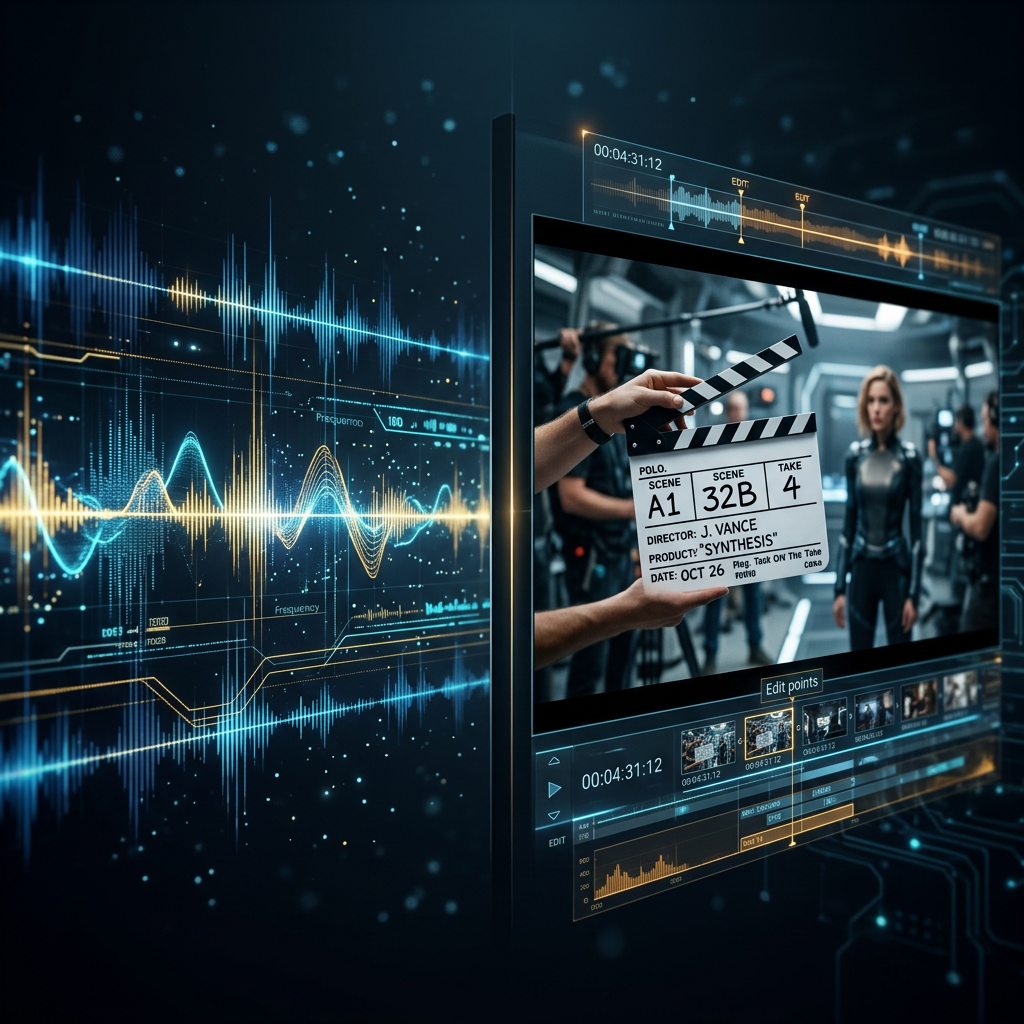
Under the hood, HappyHorse 1.0 uses a 40-layer unified self-attention Transformer that processes text, image, video, and audio tokens together in a single sequence. Per-head sigmoid gating stabilizes the multimodal training. Four entry layers and four exit layers specialize per modality; the thirty-two middle layers share weights across all of them. The practical result: when you write a prompt describing a barista sliding a latte across a counter and saying "your usual," the model generates the ceramic scrape, the espresso machine hiss, and the spoken line in the same forward pass that produces the video frames.
This is what "joint audio-video generation" means in practice — and it's what made HappyHorse a leaderboard anomaly when it first appeared.
Why It's Fast: The Express Train Explanation
Speed is where HappyHorse's engineering becomes visible on the clock.
Most AI video models run 25 to 50 denoising steps per generation — the iterative refinement process that transforms noise into coherent video. Think of it like an express train versus a local train: same destination, same track, but the local train stops at every station while the express skips most of them and arrives in a fraction of the time.
HappyHorse uses DMD-2 distillation technology to compress inference to 8 denoising steps, with no classifier-free guidance (the additional computation pass most models use to sharpen output quality at the cost of extra time). The reported generation time is approximately 38 seconds for a 1080p clip on an NVIDIA H100 — compared to several minutes for competing models at the same resolution. A 256p preview run takes about 2 seconds.
For creators iterating on prompts, this changes the workflow considerably. Fast feedback loops mean more experimentation per session without waiting for full-quality renders between attempts.
What HappyHorse 1.0 Can Actually Do
Native Joint Audio-Video Generation
This is the model's defining capability. Dialogue, sound effects, and ambient audio are generated natively alongside the visual content — no additional tools required. Multilingual lip-sync is natively trained for six languages: English, Mandarin, Japanese, Korean, German, and French. One set of model weights handles all six without requiring language-specific swaps or post-production dubbing.
Text-to-Video and Image-to-Video
HappyHorse supports both generation modes. Text-to-video generates clips from written prompts across five aspect ratios (16:9, 9:16, 1:1, 4:3, 3:4). Image-to-video animates a reference image as the first frame, extending it into motion with an optional text description to guide movement and audio.
Open-Source Architecture
Alibaba has announced a full open-source release: base model weights, the 8-step distilled DMD-2 variant, a super-resolution module, and inference code. As of early May 2026, weights had not yet been published in the GitHub repository (github.com/FreeyW/HappyHorse), but the release was confirmed. Once available, self-hosting would be free (excluding hardware costs), making HappyHorse the first open-source model with native joint audio-video generation.
HappyHorse 1.0 Compared to Other AI Video Generators
| Model | Native Audio | Open Source | Max Resolution | Inference Speed | Multilingual Lip-Sync |
|---|---|---|---|---|---|
| HappyHorse 1.0 | Yes — joint generation | Yes (announced) | 1080p | ~38s on H100 | 6 languages |
| Seedance 2.0 | Yes — joint diffusion | No | 2K | Several minutes | 7+ languages |
| Veo 3.1 | Yes — spatial audio | No | 4K | Not disclosed | Limited |
| Kling 3.0 | Yes | No | 4K | ~1–3 min | Multi |
| Wan 2.2 | No (silent video) | Yes | 1080p | ~50 steps | None |
Verified May 2026. Specifications subject to change as models update.
The headline distinction: HappyHorse is currently the only open-source model with native joint audio-video output. Wan 2.2 is open-source but generates silent video. Seedance 2.0 and Veo 3.1 generate audio but are closed-source. HappyHorse aims to be both — open and audio-native — a combination that doesn't currently exist elsewhere in the open-source AI video ecosystem.
From Generation to Production: Where Framia Fits In
For individual creators testing a single prompt, generating a video on PixVerse or fal.ai is straightforward. The challenge comes when HappyHorse 1.0 becomes part of a recurring content workflow — a product campaign, a social series, a multilingual ad rollout — and you need outputs to stay organized and connected rather than accumulating in a downloads folder across different browser sessions.
Framia.pro is an AI productivity platform built for multi-model, multi-asset production workflows. Teams running campaigns inside Framia can store prompt templates, reference images, and output libraries in a shared workspace — so when a campaign requires three ad variants across two languages and consistent brand visuals across all of them, the assets and the instructions that produced them stay linked. The audio-first prompting approach that makes HappyHorse 1.0 perform best — layered sound descriptions, precise camera language, explicit audio targets — fits naturally into reusable prompt templates stored in Framia's shared workspace, meaning production doesn't have to start from scratch with every new deliverable.
A 5-Step Prompt Workflow for HappyHorse 1.0
HappyHorse requires a different prompting approach than purely visual AI video models, because it generates audio alongside video in the same pass.
Step 1: Describe the audio explicitly. Don't leave sound to chance. Name the sounds: "Audio: sizzling oil on a flat-top grill, spatula scraping on metal, night market crowd murmur in the background." The more specific your audio description, the better the synchronization.
Step 2: Front-load subject and action. The model weights early tokens more heavily. Start with who or what is doing what: "A chef tosses pasta in a flaming pan" — then add camera, setting, and audio detail after.
Step 3: Use specific camera direction. "Slow push-in from medium to close-up" produces predictable results. "Cinematic" does not. Reference specific moves: tracking shot, low-angle, 360-degree orbit, aerial, whip pan.
Step 4: Layer audio in three tiers. Foreground (dominant sound), mid-ground (secondary sounds), background (ambient texture). "Sizzling oil (foreground), pan scraping (mid-ground), distant crowd murmur (background)" gives the model clear, separated audio targets.
Step 5: Test at low resolution first. Run at 256p or 480p to validate composition and audio alignment before committing to a full 1080p generation. At approximately 2 seconds for a 256p preview, fast iteration makes refinement cost-effective.
FAQ
What is HappyHorse 1.0?
HappyHorse 1.0 is an open-source AI video generation model developed by Alibaba's Taotian Future Life Lab, with approximately 15 billion parameters. It generates up to 15 seconds of 1080p video with synchronized dialogue, sound effects, and ambient audio in a single forward pass — without separate audio processing or post-production dubbing.
Who made HappyHorse 1.0?
Alibaba confirmed on April 10, 2026 (reported by CNBC) that HappyHorse 1.0 was developed by its Taotian Future Life Lab. The model had appeared anonymously on the Artificial Analysis Video Arena leaderboard — where it ranked #1 in blind human preference voting — before Alibaba publicly claimed authorship.
Is HappyHorse 1.0 free to use?
HappyHorse 1.0 is announced as open source — self-hosting will be free once model weights are published, excluding hardware costs (an NVIDIA H100 or equivalent is recommended for full-speed inference). For cloud access, the model is available on PixVerse (Pro plan and above), fal.ai, and Alibaba's Dashscope API (per-call pricing). As of May 2026, model weights had not yet been released publicly.
What makes HappyHorse 1.0 different from other AI video generators?
Its defining feature is native joint audio-video generation: dialogue, Foley, and ambient sound are produced in the same Transformer forward pass as the video — not generated separately and synchronized afterward. Combined with its open-source release and 8-step fast inference (~38 seconds for 1080p on an NVIDIA H100), HappyHorse is the only open-source model with native audio output in the AI video space as of May 2026.
Where can I try HappyHorse 1.0 right now?
HappyHorse 1.0 is currently accessible on PixVerse (Pro plan and above), fal.ai via API, and Alibaba's Dashscope platform. Full model weights for self-hosting were announced but not yet published as of early May 2026. Check the official GitHub repository at github.com/FreeyW/HappyHorse for weight release updates.
HappyHorse 1.0 is the most architecturally interesting AI video release of 2026 not because it wins every benchmark, but because it treats audio as a first-class citizen of video generation rather than an afterthought. For content creators who want video that sounds like it was produced — not assembled — it changes what a single prompt can deliver. If you want those outputs to connect directly to a broader production workflow rather than live in a downloads folder, Framia.pro is built to keep them organized and linked from generation to delivery.