A solo creator publishes three podcast episodes a week. No co-host, no recording studio, no audio engineer on call — just a laptop, a script idea, and an AI podcast generator that handles the rest: voices, pacing, background audio, all of it.
That used to sound like a stretch. In 2026, it's just how a lot of shows get made. Framia Pro, which tracks the frontier of AI creative tools, has watched AI audio generation turn into one of the fastest-growing capabilities on the platform. The real question by now isn't whether AI can make a podcast. It's what actually happens under the hood — from voice synthesis to text-to-voice technology — and where a human still needs to step in.
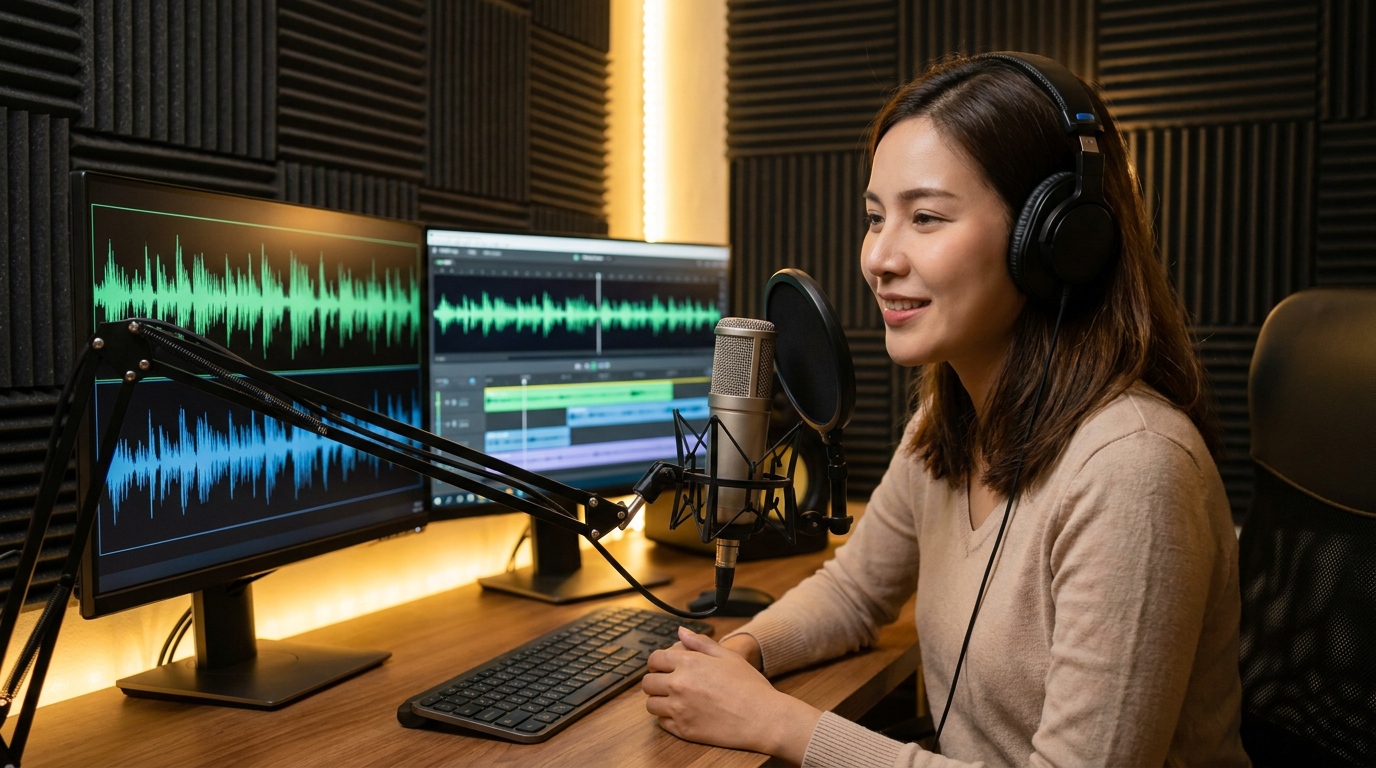
What an AI Podcast Generator Actually Does
An AI podcast generator takes text — a script, a document, a rough outline — and turns it into a finished or near-finished audio episode. Under the hood, the pipeline usually runs through four stages:
Script → Audio → Music/SFX → Export
The generator reads your text and converts it into spoken audio with a text-to-speech (TTS) model. Modern TTS has come a long way from the robotic monotone of a decade ago — it picks up on emotion cues, varies its pacing, and leaves room for natural breath patterns. Background music or ambient sound gets layered underneath next, either pulled from a library or generated fresh. Then the whole mix is mastered and exported as an MP3 or WAV, ready to drop into any podcast platform.
It helps to think of it like a restaurant kitchen. You hand the kitchen your recipe card — the script — and it sources the ingredients, cooks the dish, and plates it. You still designed the meal. The kitchen just did the labor.
The Voice Layer in an AI Podcast Generator: Where Quality Is Won or Lost
The voice is the soul of any podcast. Listeners will forgive a rough edit or an awkward cut. They won't forgive flat, affectless narration that sounds like a GPS reading directions.
Right now, AI podcast generators lean on one of two approaches for voices.
Pre-built voice libraries give you banks of human-recorded voice profiles across different accents, ages, and delivery styles. Pick one and it reads your script. It's fast, though you're working within someone else's performance.
Voice cloning flips that. You feed the system a short sample of a real voice — yours, or a host's — and it builds a digital replica that can read anything you write. More creators are leaning this way now, mainly because it keeps the sound consistent and recognizably theirs across every episode.
The jump in quality has been noticeable lately. Natural, expressive AI podcast voices pick up on emotional subtext now, not just the literal words on the page — which is a big part of why long-form AI narration finally holds attention the way a good human narrator does.
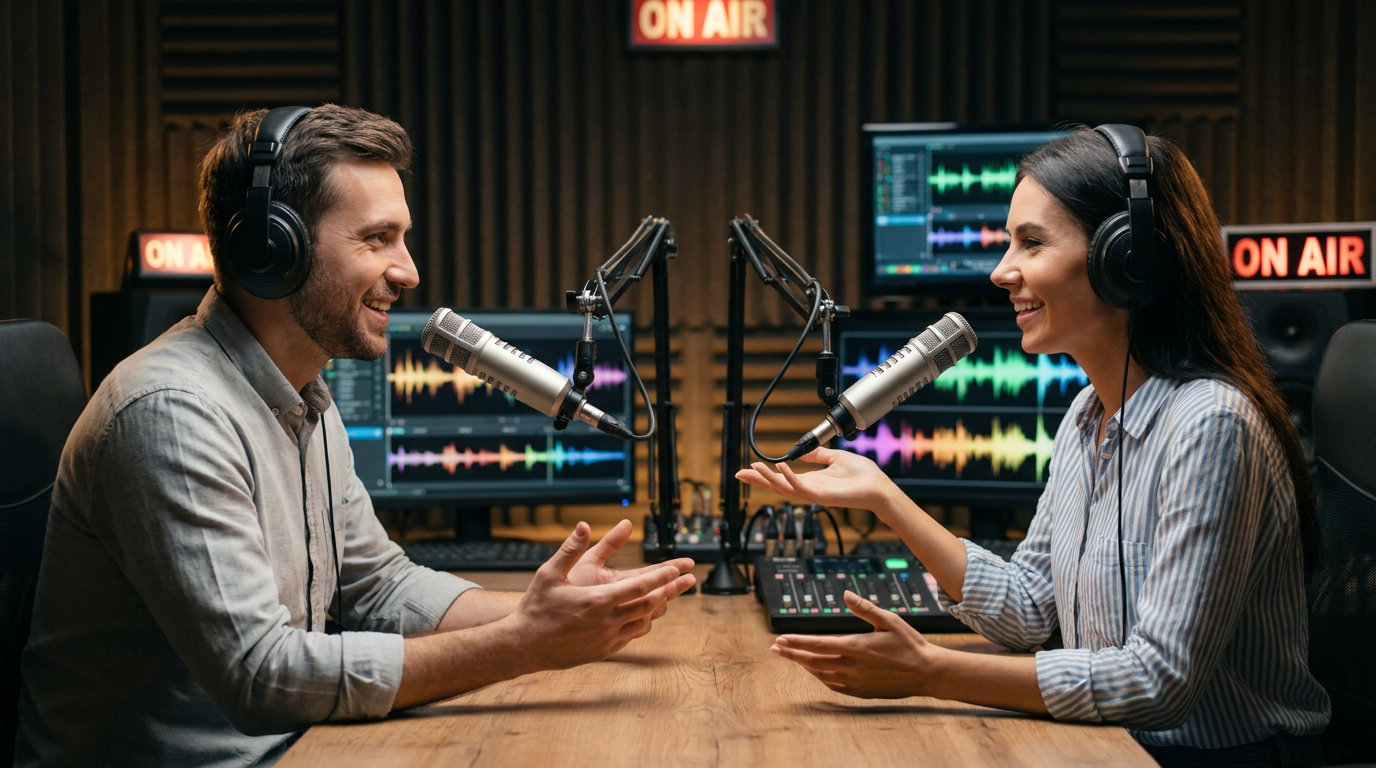
How AI Podcast Generators Handle Multi-Host Formats
Solo narration is the easy case. Where people assume AI falls apart is the conversational format — two or more hosts bouncing off each other. It doesn't fall apart, exactly, but it does ask for more structure on your end.
You write the dialogue as a back-and-forth script, assign each line to a voice, and the generator stitches everything together with natural pauses and turn-taking cues. What comes out feels closer to a produced radio drama than a live conversation — the spontaneity you get from two real people riffing just isn't there yet. For educational content, explainers, and narrative formats, though, that's rarely a problem.
The trick is writing the script for AI delivery. Short sentences. Clear attribution between speakers. Punctuation that does some of the pacing work for you.
The Full AI Podcast Production Pipeline: What Goes Into Each Episode
A good AI podcast generator handles more than voice — it covers the whole post-production chain:
| Stage | What AI Does |
|---|---|
| Script processing | Reads structure, applies prosody, marks emphasis |
| Voice synthesis | Converts text to expressive speech |
| Background music | Generates or retrieves contextual music |
| Sound effects | Adds ambient audio, transitions, and intros |
| Mixing & mastering | Balances levels, applies EQ and compression |
| Export | Outputs broadcast-ready MP3/WAV |
The sound effect layer is the part people underestimate most. A podcast missing that audio punctuation — the subtle whoosh between segments, the café ambience under an interview clip, the short jingle at the top — just sounds unfinished, even when the script and voice work are solid. Professional producers used to spend hours getting these details right. Now the AI sound effect generator layer does it in seconds, freeing up that time for the parts of the episode that actually need a human ear.

How Framia Pro Integrates AI Podcast Generation
This is roughly where Framia Pro fits into the picture: one canvas for script, voice, music, and export, no stitching together five separate tools by hand. It also plugs in multilingual podcast voiceover options and connects that audio work to its video and visual tools, so an episode can turn into a video clip, an audiogram, or a social post without leaving the platform.
In practice, the workflow looks like this: type or upload a script, pick a voice or clone your own, set the tone — conversational, authoritative, educational, whatever fits — generate a preview, and export. A ten-minute episode usually clears that whole process in under five minutes. There's a template library too, covering interview formats, solo explainers, and narrative storytelling, so most episodes don't start from a blank page.
Where AI Podcast Generators Work Best (and Where They Don't)
So where does this actually pay off, and where should you still expect to do the work yourself?
AI podcast generation is strong at:
- Consistent, high-volume output — Weekly episodes, daily briefings, multi-language versions of the same episode
- Converting existing content — Turning a blog post or research report into audio without re-writing from scratch
- Controlled, scripted formats — Educational series, company communications, narrated guides
- Prototyping — Testing episode formats and structures before committing to a full production setup
It's weaker at:
- Truly spontaneous conversations — Live chemistry between real people is still irreplaceable
- Breaking news commentary — Anything that requires real-time context that hasn't been scripted yet
- Highly specialized accents or dialects — Support is broad but not universal
Realistically, AI now handles somewhere around 80–90% of podcast production. What's left for the human is less about pushing buttons and more about direction — what to say, how to say it, and whether the finished episode actually lands with real listeners.

The Shift That's Already Happened
Three years ago, AI podcast generation was a novelty people demoed at conferences. Now it's just part of the infrastructure. Independent creators lean on it to keep up publishing schedules that traditional production never could. Companies use it to turn internal knowledge into audio. Whole course catalogs are being converted on educational platforms.
If you're just starting out, don't overthink the tooling. Pick a format that fits how your audience actually listens, write your script with AI delivery in mind from the first draft, and save your review time for tone and pacing — not for hunting down a stray glitch buried in the mix.
Start exploring on Framia Pro: leading voice models, production tools, and workflow templates, all in one place, with no extra subscriptions to juggle.
FAQ
What is an AI podcast generator?
An AI podcast generator is a software system that takes text input and produces a spoken audio episode using text-to-speech technology, AI-generated music, and automated audio mixing. It covers the full production chain from script to export without requiring a microphone, recording studio, or audio engineering skills.
How realistic do AI podcast voices sound in 2026?
Current AI voices — particularly models like ElevenLabs v3 and MiniMax — handle emotional range, natural pacing, and language nuance well enough that many listeners cannot reliably distinguish them from human narrators. Highly expressive, spontaneous conversation still sounds slightly different, but scripted narration is now indistinguishable in most listening contexts.
Can an AI podcast generator produce multi-host episodes?
Yes. You write dialogue as a split script, assign each line to a different voice profile, and the generator produces an audio track with distinct, alternating voices. The result suits educational, interview-format, and narrative content well.
Does an AI podcast generator work for languages other than English?
Modern AI voice models support 50–70+ languages. Quality varies by language, with European languages and Mandarin generally performing best. Always generate a preview sample in your target language before committing to a full episode.
How long does it take to produce an episode with an AI podcast generator?
For a fully scripted episode, production time — excluding script writing — is typically 2–10 minutes depending on episode length and the platform's processing speed. A 20-minute episode in script-ready form can produce a complete audio file in under five minutes on most current platforms.