Booking a studio costs time you don't have and money that doesn't scale. You schedule the shoot, prepare the samples, hire the photographer — and still end up with three usable angles out of forty frames. Most product listings live or die on visuals, yet the process of getting good ones hasn't changed much in twenty years. That's where AI product photography changes the equation entirely. Platforms like Framia Pro now track the latest AI imaging tools so you can find, compare, and use the models that match your product and workflow.
AI product photography uses generative image models to produce professional product visuals from text descriptions, reference images, or both — at any angle, in any setting, without physical props or studio time.
What AI Product Photography Can Do That a Studio Shoot Can't
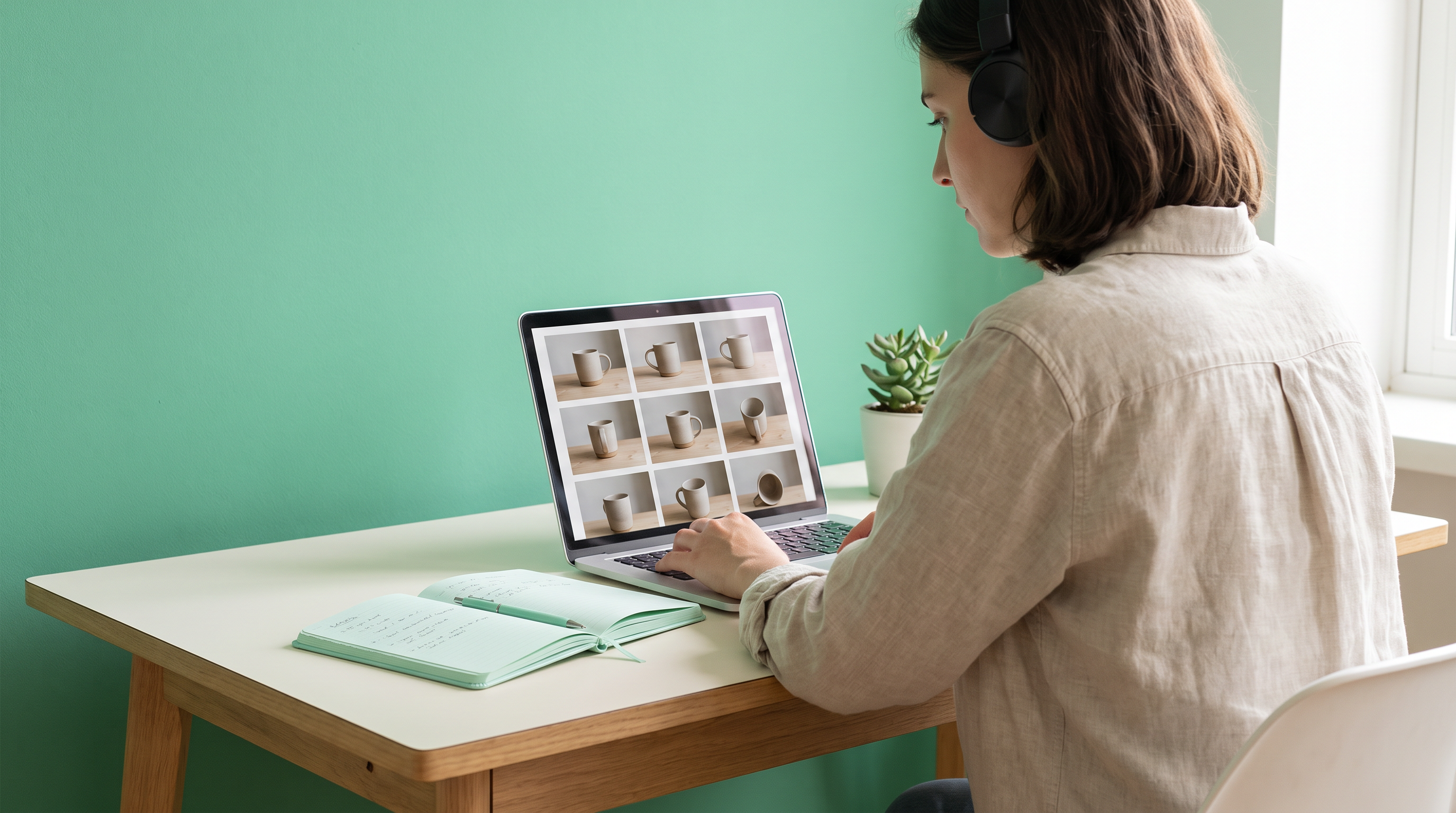
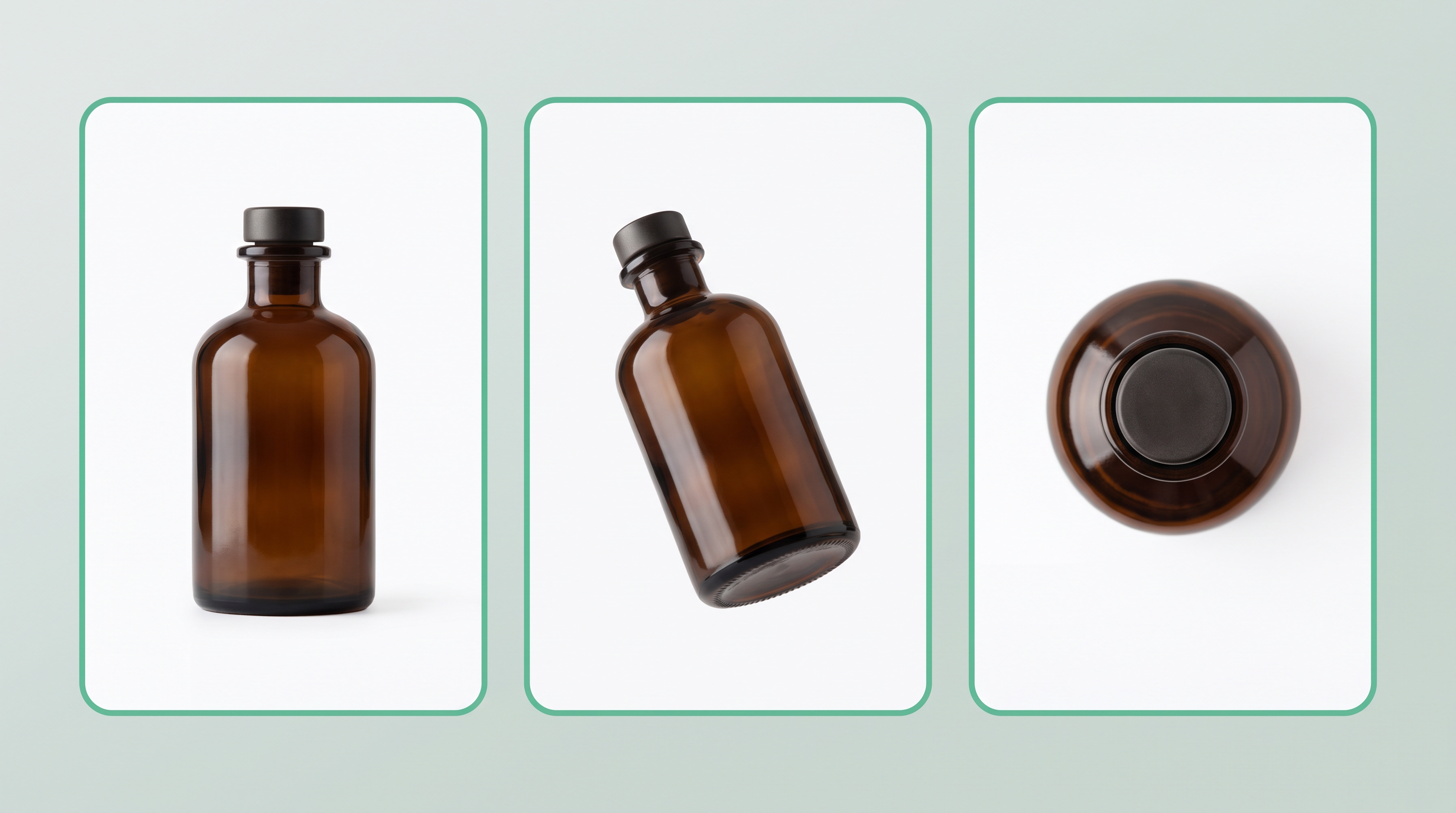
Traditional photography gives you what you set up. AI product photography gives you what you describe — and then some. Feed a model the right prompt, and it generates your product from the front, back, three-quarter view, top-down, close-up detail, or a 360-degree sequence. No repositioning the product. No re-lighting the scene.
That flexibility matters most when you're building an e-commerce catalog with dozens of SKUs or testing different visual treatments before committing to a final direction. A photographer charges per session; an AI model generates on demand.
One practical tool for this is the AI 360 product photography tool at Framia, which lets you dial in specific camera angles for each shot — front, 45°, top-down, and everything in between — without recreating the scene from scratch every time.
The output isn't just faster. It's also more consistent. When every product in your catalog shares the same lighting direction, background tone, and perspective rules, the overall store experience looks intentional. AI makes that consistency reproducible across hundreds of SKUs.
Why 360-Degree Coverage Changes Everything for AI Product Photos
Think of a physical product as a story told from multiple perspectives. A single front-facing shot is the opening line. The 360-degree view is the full chapter. Customers who can examine a product from every angle spend more time on the page, ask fewer pre-purchase questions, and return items less often — behaviors that compound into measurable revenue differences.
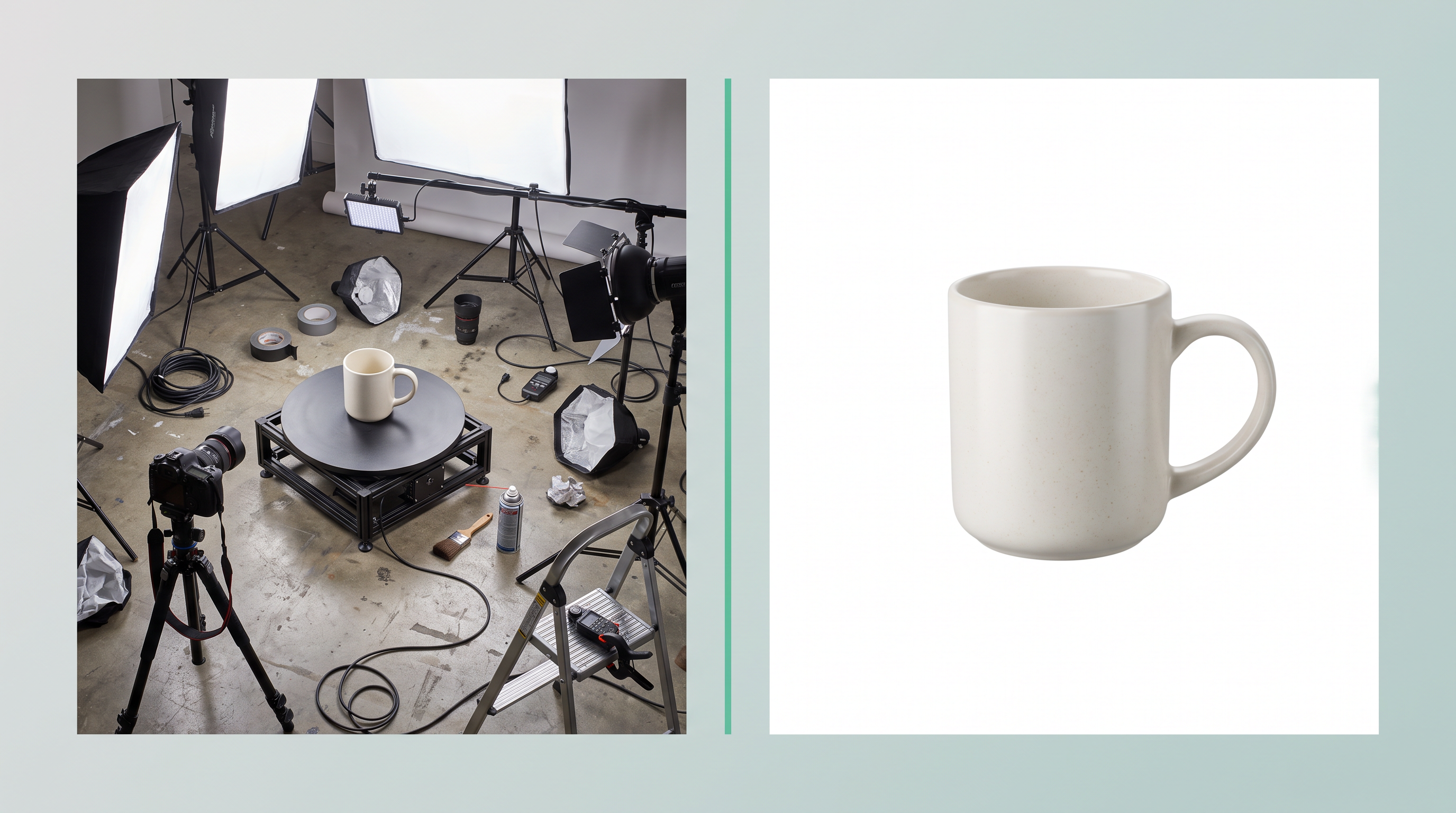
AI product photography makes full 360-degree coverage practical even for small sellers. Instead of hiring a turntable setup with motorized rotation and timed frame capture, you describe the angle in a prompt. The model handles the rest.
This also removes the "studio tax" — the minimum spend required to book a professional shoot. Small brands often skip certain angles because the incremental cost feels too high. With AI product photography, skipping angles has no incremental cost at all. You scale your angle coverage the same way you scale your product catalog: by adding more, not by spending more. Framia Pro tracks the angle-capable models driving this change — updated as the field moves, so you're always working with current tools rather than last season's benchmarks.
AI Product Photography vs. Traditional Studio Shoots
The comparison comes down to three practical dimensions: speed, cost, and flexibility.
| Dimension | Traditional Studio | AI Product Photography |
|---|---|---|
| Setup time | Hours (scheduling, samples, lighting) | Minutes (prompt + model run) |
| Cost per SKU | $50–$300+ | Near-zero marginal cost |
| Angle coverage | Limited by session time | Unlimited |
| Iteration speed | Days (re-booking, re-shooting) | Seconds |
| Brand consistency | Varies by photographer | Controllable via prompt |
The one area where traditional still leads is hyper-specific physical details — reflections on unusual surfaces, exact color rendering of specialty materials. AI models have improved significantly on these, but a skilled photographer working with actual lighting still wins on ultra-precise material realism.
For most e-commerce use cases, the tradeoff clearly favors AI. You can apply the 360-degree angle control feature to each product in your catalog systematically — maintaining consistent shot angles across every listing without a single re-booking.
For sellers already producing AI-edited visuals, pairing the angle generation workflow with an AI image editor for product photos covers both creation and refinement in one pipeline.

How Framia Pro Elevates Your AI Product Photography
Framia Pro brings together the top image generation models — including GPT-Image 2, Midjourney v7, Flux Max, and Nano Banana Pro — under a single subscription, so you're not picking one model and hoping it handles your product well. The Photography skill within Framia Pro is designed for exactly this use case: realistic and unrealistic photo generation, plus the ability to improve or fix existing product images. The workflow canvas connects your image generation steps with background removal, style adjustments, and format export in one view — no app-switching between sessions. For teams managing product catalogs across multiple categories, that consistency in pipeline reduces error and speeds up time-to-listing considerably. Framia Pro also indexes new model releases as they ship, so your AI product photography quality improves without you having to benchmark each update manually.
Setting Up AI Product Photography: 5 Practical Steps
Getting from zero to a complete product angle set takes less time than it sounds. Here's the approach that keeps results consistent across a full catalog.
Step 1: Define your angle set. Decide which angles every product needs — front, side, three-quarter, top-down, and detail close-up is a reliable five-angle baseline for most categories.
Step 2: Write a reusable base prompt. Start with your product type, background style, and lighting direction. Keep this as a template that you modify per SKU, not rewrite from scratch each time. Framia Pro's workflow canvas stores this base setup persistently across a batch run, so it carries forward automatically rather than requiring manual re-entry per product.
Step 3: Run angle variations systematically. Use the angle control parameter to cycle through your defined angles with the same base prompt. This creates the visual consistency that makes a catalog look intentional rather than assembled.
Step 4: Review and filter. Plan for a quick review pass — keep the 80% that works, regenerate the 20% that needs another pass. AI generation isn't perfect on every run, and a one-minute review prevents bad images from reaching your listings.
Step 5: Export and integrate. Format outputs for your target platforms — white background for Amazon, styled background for Instagram, transparent PNG for branded design work. Batch export handles this without manual reformatting.
For a full walkthrough of the generation process angle by angle, see how to create 360 product photos with AI.
FAQ
What is AI product photography?
AI product photography uses generative image models to create product visuals from text prompts or reference images. Instead of a physical shoot, you describe the product, angle, lighting, and background — and the model generates the image. The output can match studio quality at a fraction of the time and cost.
How accurate is AI product photography for showing real product details?
AI product photography handles shape, color, and composition well for most categories. Highly reflective materials (chrome, glass) and very fine surface textures still present challenges for some models. Testing across two or three models and picking the best output per product type is the standard workflow.
Can AI product photography replace a professional photographer?
For catalog-scale e-commerce work — consistent angles, clean backgrounds, multiple SKUs — AI product photography is faster and more cost-effective. For hero campaign shots requiring ultra-precise realism and brand-directed art direction, some brands still use photographers for final assets and AI for rapid iteration and testing.
How many angles can I generate per product?
There's no practical limit. You can generate as many angles as your listings need — front, side, back, detail, lifestyle context, 360-degree spin sequence — all from the same base prompt with angle parameters adjusted per shot.
What image models work best for AI product photography?
Results vary by product category. Nano Banana Pro and GPT-Image 2 perform well on general product photography. Midjourney v7 and Flux Max suit editorial and lifestyle-styled product imagery. Testing two to three models on a sample SKU before committing to a full catalog run is the fastest way to find your best fit. Framia Pro consolidates all of these models under one subscription, so you can run that comparison without juggling separate accounts or credit systems.
Wrapping Up
A studio shoot is a one-time event. AI product photography is a repeatable system. Once your base prompt and angle set are established, scaling from one product to a hundred requires no additional scheduling, no additional cost per SKU, and no waiting for photographer availability. The limiting factor becomes your catalog size — not your production budget. If you're building or scaling an e-commerce operation in 2026, setting up an AI product photography workflow isn't a nice-to-have. It's the practical baseline.
Track the latest AI imaging tools and model updates at Framia Pro.