Making a viral Short sounds easy—until you actually try it.
You need footage, music, captions, editing, and enough time to put everything together. For solo creators, that's often the hardest part.
That's why AI shorts generators have taken off. Instead of starting with raw footage, you start with a prompt and let AI handle the production — no crew, no edit suite, just a finished vertical video a few minutes later. Creators and marketers tracking this shift use platforms like Framia Pro to stay ahead of what AI-generated short-form video can actually do right now.
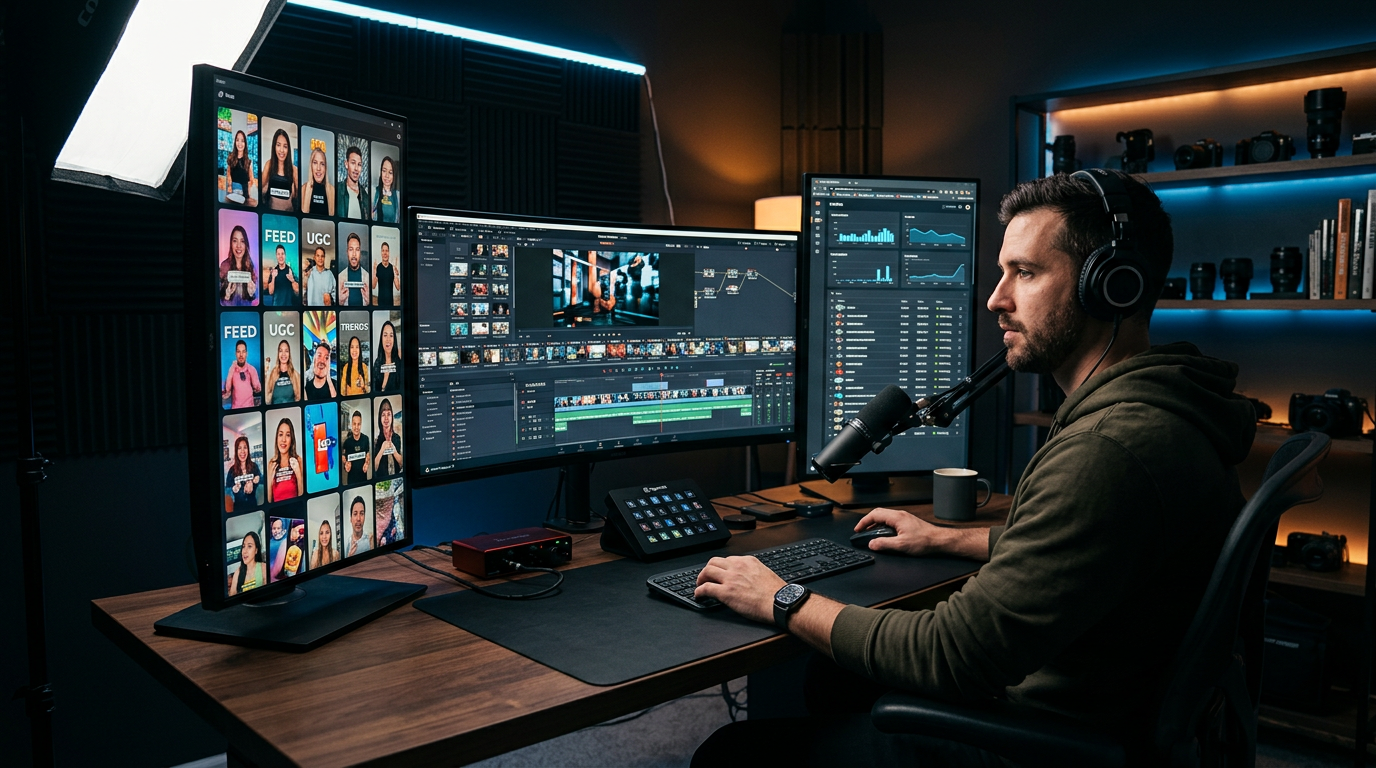
What an AI Shorts Generator Actually Does
Think of an AI shorts generator the way you'd think of a film director on call. You don't walk onto a movie set and physically build every scene yourself — you brief the director, and the production happens. An AI shorts generator works the same way: you describe the scene, the mood, the story arc, and the AI handles every production step downstream.
In practice, that means writing something like: "a 30-second travel Short showing a solo creator arriving in Tokyo at night, cinematic style, upbeat music, no voiceover" — and getting back a publish-ready 9:16 vertical video a few minutes later. The tool has synthesized original visuals based on your description, generated background music matched to the mood, formatted the output for the platform you specified, and made every creative call in between.
The biggest difference isn't the interface — it's the generative layer. What sets a modern AI shorts generator apart from earlier slideshow-style video tools is that it creates original visuals specific to your brief, instead of assembling stock clips around keywords. The output is unique to your prompt — not a template hundreds of other accounts are already publishing.
How an AI Shorts Generator Builds Your Video, Step by Step
If you've ever wondered what happens after you click "Generate," there's actually a lot going on behind the scenes. Most AI shorts generators don't simply create a video. They go through several production stages before the final result is ready — and this is why output quality varies so much across tools.
Script — Every short starts with a story, even if you never write one yourself. Most AI shorts generators first turn your prompt into a simple script: a hook that stops the scroll in the first two seconds, a main idea, and an ending that closes things out or points toward a CTA. This runs automatically in the background, whether or not you ever see the script itself.
Storyboard — Next, that script has to become something visual. Each line turns into a scene description the image or video model can actually work with. The good news is some tools let you preview and adjust this storyboard before generation starts; the catch is that lower-quality tools skip this step entirely and go straight to rendering — mistakes included.
Visual generation — This is where the footage actually gets made. Each scene renders through an AI image or video model, and the more capable AI shorts generators don't rely on just one — they'll route a realistic motion shot to Seedance 2.0, a cinematic scene to Kling 3.0, or a stylized frame to Midjourney v7 depending on what the scene calls for. In practice, this is where quality forks most sharply between tools.
Audio — Music, voiceover, and sound effects get handled at the same time. AI music models generate a track that matches the video's energy and length, while voiceover models turn the script into narration across dozens of styles and languages.
Export — Last, everything gets packaged into the format that matches wherever you're posting — 9:16 for YouTube Shorts and TikTok, 1:1 for Instagram feed, 16:9 if you're repurposing to a traditional video platform.
One thing many people overlook: this whole pipeline works a lot like a car assembly line. Each station handles one job — chassis, engine, interior, paint — and the car rolls off the line fully built, not because one worker did everything, but because each station did its part in order. An AI shorts generator runs the same way. You only ever touch the prompt on one end and the finished short on the other.
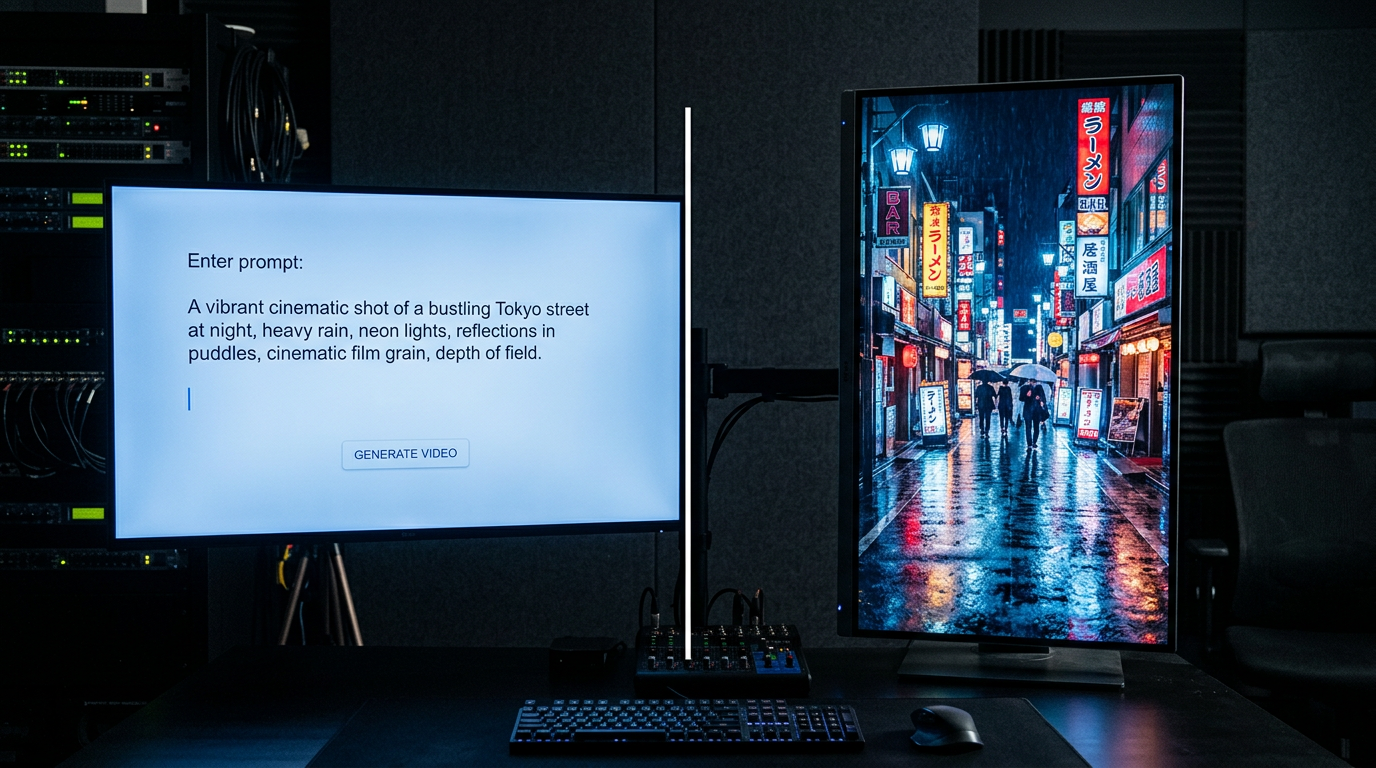
AI Shorts Generator Tools Compared
At first glance, most AI shorts generators look like they do the same thing. Look closer and the differences show up fast — in how much of the pipeline each tool actually runs, and how much gets left for you to figure out on your own.
| Tool | Full Pipeline | Multi-Model | Storyboard Edit | AI Audio | Best For |
|---|---|---|---|---|---|
| Framia Pro | ✅ | ✅ 20+ models | ✅ Timeline Editor | ✅ Suno v5 + ElevenLabs v3 | End-to-end vertical video |
| InVideo AI | Partial | ❌ | ❌ | Limited | Blog-to-video repurposing |
| Opus Clip | ❌ (clips only) | ❌ | ❌ | ❌ | Clipping long-form video |
| Runway | ❌ (clips only) | Single | ❌ | ❌ | Cinematic clip generation |
| CapCut | Manual editing | ❌ | ❌ | Limited | Social content editing |
The column that actually matters here is "Full Pipeline." A tool that only handles visual generation still leaves you to write a script, track down background music, and export to the right formats separately — which brings back most of the time an AI shorts generator was supposed to save you in the first place.
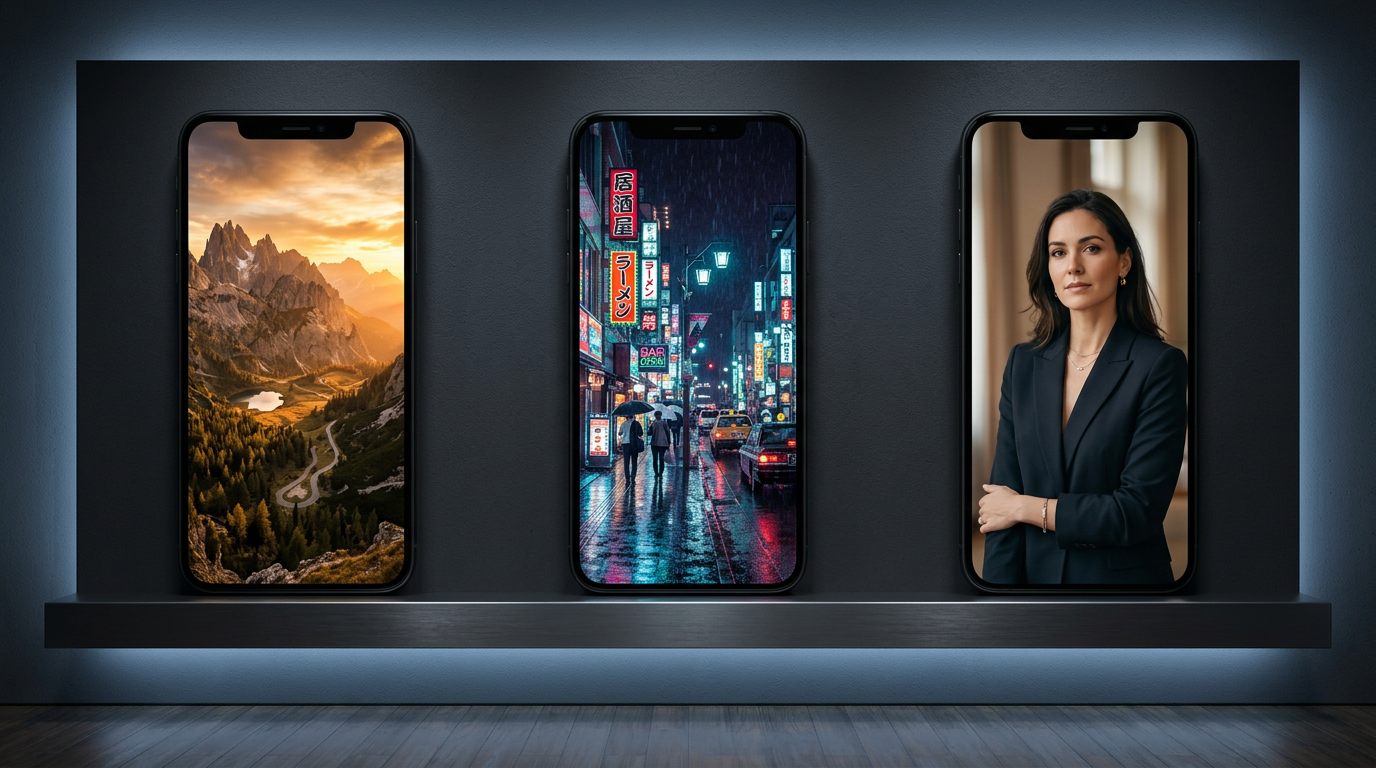
How Framia Pro's AI Shorts Generator Works
So where does Framia Pro fit into all this? Where Framia Pro feels different is that it doesn't treat script, storyboard, visuals, voice, and music as separate tools you have to juggle. Instead of jumping between multiple apps, the entire workflow happens inside one workspace — you drop in a brief (topic, platform, tone), and the AI Director takes it from there: script generation, storyboard layout, visual generation across its full model roster, ElevenLabs v3 voiceover, Suno v5 music, and multi-format export, all in one session.
The workflow canvas is what actually makes this feel different from clip-generation tools. Video clips, images, voiceover, music, and text nodes all sit in the same view, so there's no exporting from one app just to re-import into another. One thing many people overlook: the Storyboard Timeline Editor lets you regenerate a single frame without re-rendering the entire short. That means you can catch a mistake before spending another ten minutes waiting on a new render. Framia Pro's YouTube Shorts maker also generates natively in 9:16 instead of cropping down from a 16:9 source, so framing and text placement are built for vertical from the very first frame. One subscription at framia.pro covers all of it — 20+ AI models across image, video, audio, and music generation.
How to Make Your First Short with an AI Shorts Generator
Chances are, your first generation won't be your best one — and that's usually not because the tool is complicated. It's because the brief was too vague. For most creators, getting specific is the whole game: specific inputs produce specific outputs.
Step 1 — Pick your platform and duration first. YouTube Shorts, TikTok, and Instagram Reels each come with their own optimal durations and hook requirements. If you know the destination before you write the brief, everything downstream follows from that — pacing, aspect ratio, audio treatment, and how the AI interprets "short."
Step 2 — Write a 2–3 sentence brief, not a screenplay. State who the video is for, what they'll see, and the mood. Something like: "A 30-second Short for fitness creators, morning workout montage in a modern gym, fast-paced cuts, energetic music, ends with a follow CTA." That's genuinely enough — longer scripts just slow generation down without making the output any better.
Step 3 — Review the storyboard before you generate. If your AI shorts generator offers a storyboard preview, use it. This is where you catch misinterpretations before they cost you a full render. In practice, adjusting one scene description here saves more time than fixing the finished video later.

Step 4 — Generate variants, not perfection. Here's the catch: chasing a perfect result on the first try usually wastes more time than just generating three or four versions from slightly different briefs and picking the strongest. Generation is fast enough that this takes minutes, not hours. Framia Pro makes comparing variants from a single brief straightforward.
Step 5 — Export all formats in one session. Before you close the tab, grab the 9:16 version for YouTube Shorts and TikTok, the 1:1 version for Instagram feed, and 16:9 if you're repurposing to YouTube or LinkedIn. If you're just getting started, this one habit alone saves you from running a separate production session per platform later.
AI shorts generators have made short-form video creation far more accessible than it was even a year ago.
The real difference isn't whether a tool can generate a video — most of them can by now. The question is how much of the production process it actually handles for you, from script to export.
If you're looking for an end-to-end workflow instead of juggling multiple tools, Framia Pro is one option worth exploring.
FAQ
What is an AI shorts generator?
In short, an AI shorts generator is software that takes a text prompt and outputs a complete, publish-ready vertical video — visuals, background music, voiceover, and platform formatting all included. Unlike a traditional video editor, it doesn't ask you to bring footage, editing skills, or a stack of separate tools. The AI runs the full production pipeline from brief to final export.
How long does an AI shorts generator take to produce a video?
Most AI shorts generators produce a finished short in 5–20 minutes, depending on the tool and how complex the brief is. In practice, full-pipeline tools — the ones handling script, visuals, audio, and export in one session — tend to run faster end-to-end than tools that require manual steps in between (as of mid-2026).
Can AI-generated Shorts be published on YouTube, TikTok, and Instagram?
Yes — YouTube, TikTok, Instagram, and Meta all permit AI-generated video as of 2026, as long as it follows each platform's standard content policies. One thing many people overlook: some platforms recommend disclosure labeling for AI-generated content depicting realistic people or situations, so it's worth checking current creator guidelines before publishing at scale.
What's the difference between an AI shorts generator and a video repurposing tool?
An AI shorts generator creates original video from a text prompt — no source footage required. A repurposing tool like Opus Clip instead takes existing long-form video and cuts it into shorter segments. They're solving different problems: generators handle net-new content when you have no footage, while repurposing tools pull extra value out of a library you already have. Chances are, if you're doing both, you'll end up using both tools in the same workflow.
How do I get better results from an AI shorts generator?
For most creators, the single biggest lever is prompt specificity. Instead of "a travel video," try something like: "a 30-second Short showing solo travel in Kyoto, golden hour light, soft acoustic background music, no voiceover, ends with a location text card." The more you specify platform, duration, visual style, and audio direction, the closer the output lands to what you actually pictured.