Most print-on-demand stores fail before the first sale — not because the seller chose the wrong platform, but because building a product catalog by hand is exhausting enough to kill momentum before it starts. Designing twelve shirt variants, generating mockups for each colorway, writing listings, and repeating across every niche takes weeks when done manually.
An AI T-Shirt design generator for print on demand compresses that timeline. Framia Pro has tracked how sellers are using these tools to go from zero designs to a launchable catalog in hours rather than weeks, and the pattern is consistent: the sellers who move fastest aren't more talented designers — they're using a smarter production loop.
This guide covers that loop in detail, from the first prompt to a live storefront listing. For a full library of design styles with ready-to-use prompts, the AI T-Shirt design ideas and prompts guide covers fifteen style categories.
The Real Cost of Slow Design in Print on Demand
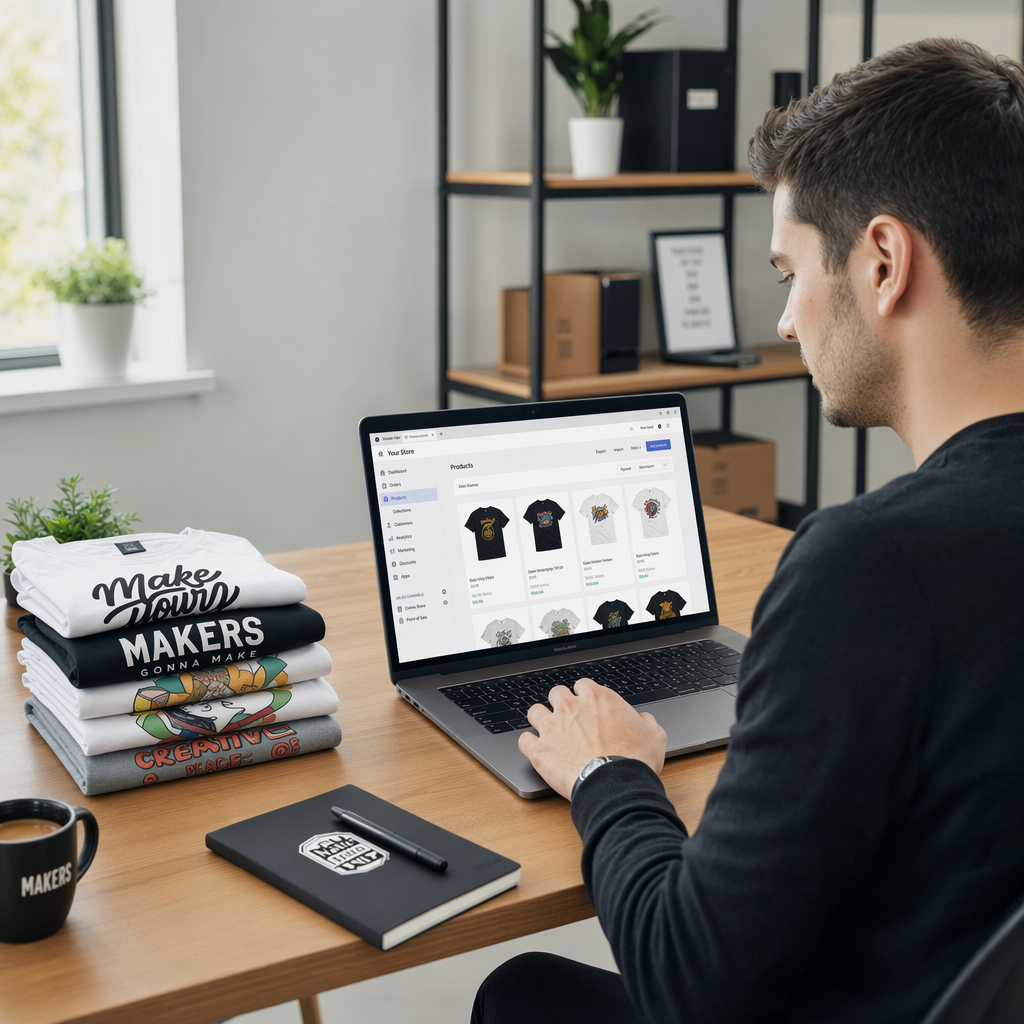
Think of building a print-on-demand catalog like stocking a retail shelf. A physical store with twelve empty shelves loses sales every day those shelves are bare. A POD storefront with three listings loses sales to competitors with thirty. Speed to catalog isn't just a convenience — it's a revenue variable.
The traditional design workflow requires either design skills you may not have, a freelancer budget that cuts into margins, or a licensing subscription that locks you into generic clip art everyone else is also using. None of those options scales well when you want to test ten niches simultaneously to see which one gets traction.
The AI T-Shirt design workflow replaces the bottleneck with a prompt. Describe the graphic you want, select a style, iterate in seconds. The design cost drops to near zero. The iteration speed increases by an order of magnitude. The limiting factor becomes your ability to write good prompts — a skill that takes about an afternoon to develop, not years.
From Prompt to Print-Ready: The AI Design Workflow
A production-ready AI T-Shirt design for print on demand moves through four stages. Getting each stage right prevents quality problems later in the pipeline.
Stage 1 — Brief. Before opening any tool, write down: the niche (cottagecore gifts, hiking apparel, cat lover market), the target shirt color (white, black, heather grey), and the design style (minimalist line art, retro badge, typographic). These three decisions determine every prompt variable that follows.
Stage 2 — Generate. Use Framia Pro's AI image generator to run your first prompt. Don't commit to the first output — run three to five variations, adjusting one variable per iteration. The most useful variable to adjust first is color: moving from "blue and white" to "navy blue and off-white, no other colors" typically tightens the output significantly.
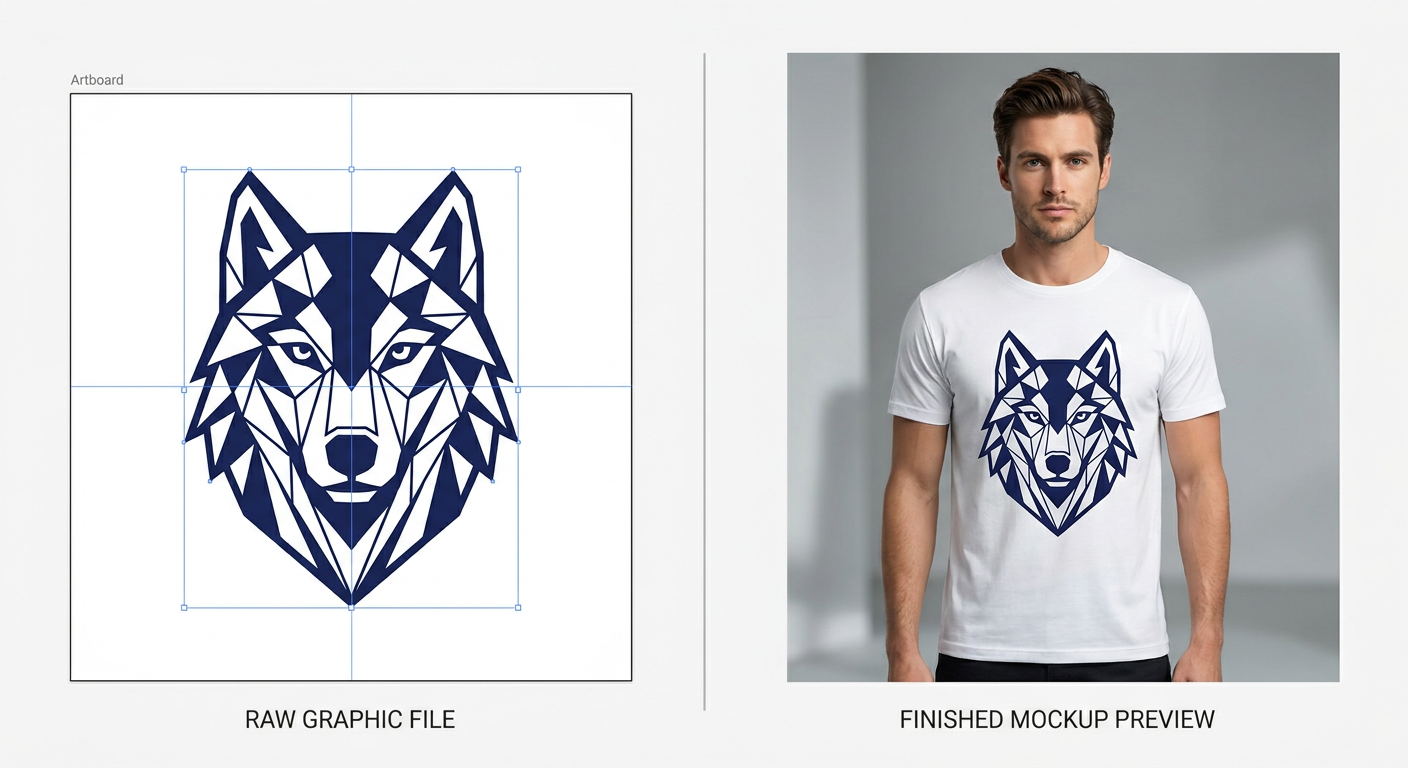
Stage 3 — Evaluate on fabric. Transfer the design to a mockup before evaluating it. A graphic that looks clean on a white artboard may have edge detail that disappears on a cream tee, or a color that shifts badly on black. Use an AI mockup generator to place the design on the actual shirt color you plan to list. Evaluate there, not on the artboard.
Stage 4 — Export and list. Once the design passes the on-shirt review, export at print resolution (minimum 300 DPI at the intended print size), upload to your POD platform, and write the listing. The listing copy should describe the graphic in plain language — search algorithms favor specificity over creativity.
Scaling the Catalog: How to Run Multiple Niches at Once
The difference between a print-on-demand hobby and a print-on-demand business is catalog depth. A single design in a single niche is a lottery ticket. Fifty designs across five niches is a data-gathering operation — you learn which niches and which styles generate traffic, and you double down on what works.
AI T-Shirt design for print on demand makes this kind of scale feasible without a design team. Here's how to structure a multi-niche session:
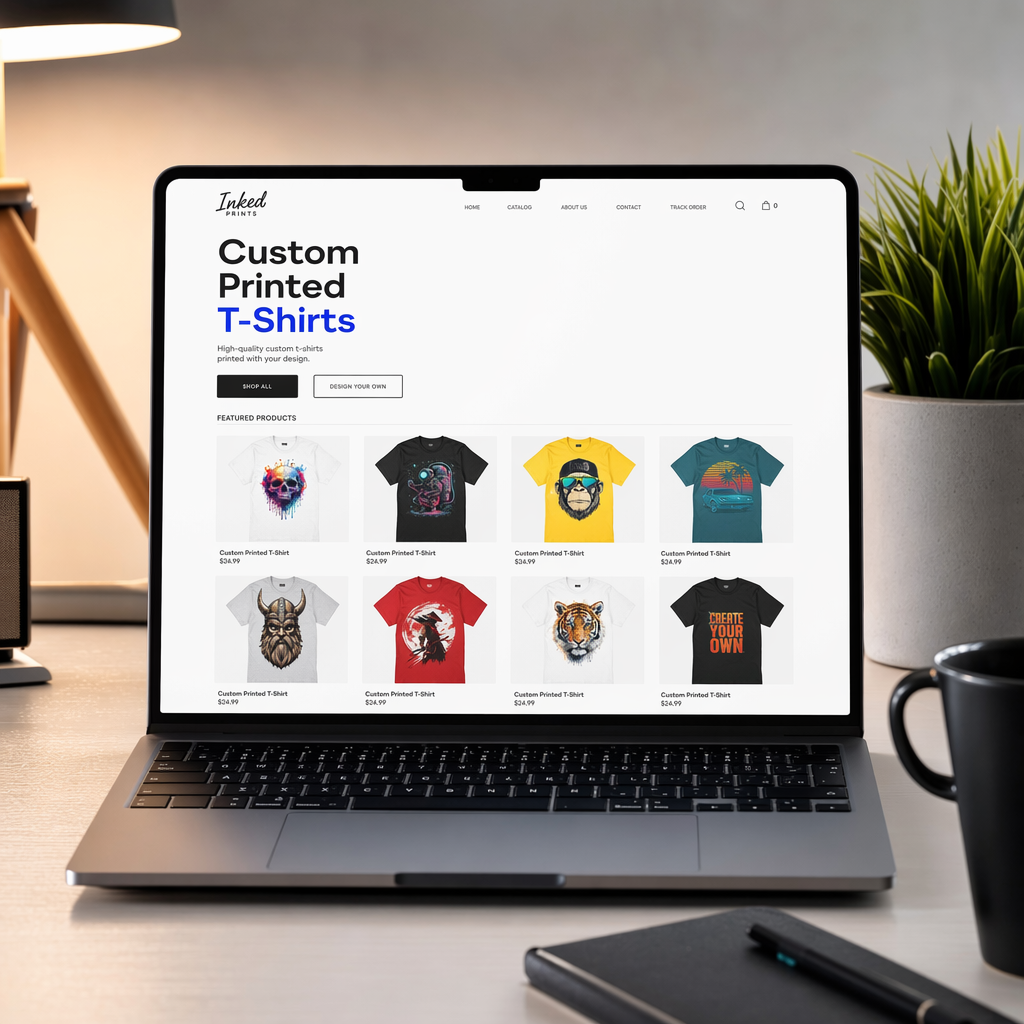
Pick five niches. For each niche, define three design styles (minimalist, retro, typographic). That's fifteen design briefs. Run each brief through Framia Pro, keep the two strongest outputs per brief, and you have thirty designs in a single session. Mockup each design in two shirt colors and you have sixty product images — the foundation of a real catalog.
The key discipline in this process is evaluation consistency. Don't evaluate designs in isolation — compare each design against the other outputs in the same niche. The best design for a hiking apparel niche may be average in isolation but standout in that specific category's visual context.
For the full list of style prompts across fifteen categories — minimalist geometric, vintage retro, Japanese woodblock, gothic, botanical, and more — the T-Shirt design ideas and prompts guide covers each style with a working base prompt.
How Framia Pro Fits the Print on Demand Workflow
Print-on-demand sellers don't need a general-purpose image tool — they need a design-to-mockup pipeline that closes in one platform. Framia Pro is built around that specific workflow. The T-Shirt AI design tool supports multiple models including Nano Banana Pro and Seedream 5.0, so you can run the same brief through different rendering engines and compare outputs before choosing. The mockup tool sits alongside the generator, which means the review loop — generate, place on shirt, evaluate — happens without switching platforms or reformatting files.
For print-on-demand sellers managing volume, that integration matters. Switching between tools introduces friction. Friction slows output. At catalog scale, slow output is a cost. Framia Pro's AI image generator keeps the workflow in one place from first prompt to export-ready file.
The platform also handles commercial licensing on all outputs, which removes a common blocker for sellers listing on Etsy, Redbubble, or Merch by Amazon — platforms that require sellers to confirm commercial rights on every design.
FAQ
How many designs can I generate in one session with an AI T-Shirt design generator?
There's no hard limit per session — the practical constraint is your evaluation time, not the tool's output capacity. A focused two-hour session using Framia Pro can realistically produce twenty to thirty evaluated designs, enough to populate a new storefront category or test a new niche at meaningful depth.
Do AI-generated T-Shirt designs meet print-on-demand platform file requirements?
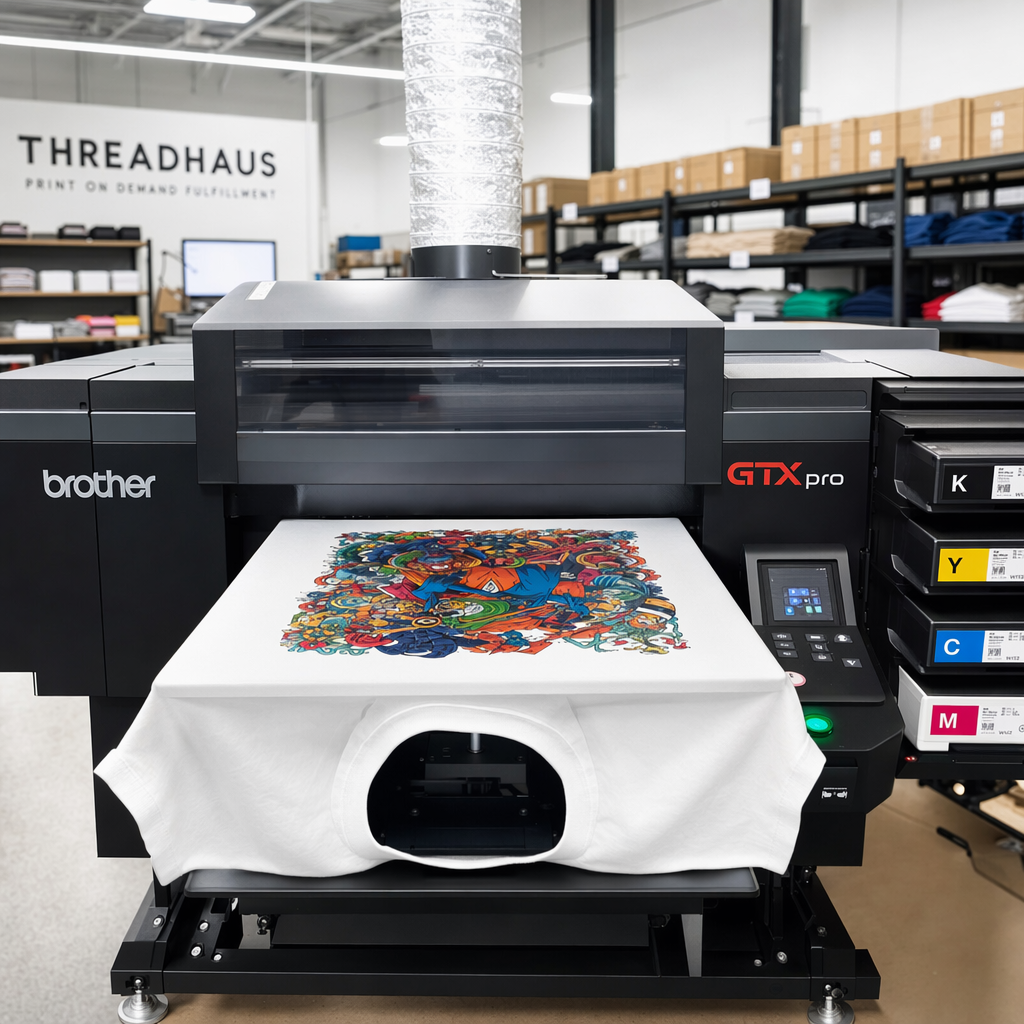
Most AI image generators — including those available in Framia Pro — output at resolutions sufficient for DTG (direct-to-garment) printing when the export settings are configured correctly. Check each platform's specific requirements: Redbubble and Merch by Amazon require files at 300 DPI at the printed dimensions. Export settings matter more than the generation step.
Can I use AI-generated designs on multiple POD platforms simultaneously?
Yes. Once you own the commercial license on a design, the distribution channel is your decision. Framia Pro's outputs come with commercial rights, so you can list the same design on Etsy, Redbubble, Shopify, and Merch by Amazon simultaneously without additional licensing fees.
What design styles sell best for print on demand?
Based on what consistently moves across POD platforms: minimalist line art, retro sports badges, and typography-first designs have the broadest demographic reach. Niche-specific styles — cottagecore for the gift market, dark botanical for the alternative retail market, anime-adjacent for entertainment niches — tend to convert at higher rates within their specific audience but have smaller total addressable markets. A catalog that covers both broad styles and niche specifics performs better than one that bets entirely on either.
How do I test which AI T-Shirt designs will actually sell before investing in inventory?
Print-on-demand removes the inventory risk entirely — you don't buy stock until an order comes in. The real test is traffic, not inventory. List the design, run the listing for thirty days, check the click-through rate and conversion rate. Designs with high impressions and low conversions usually have a listing problem (title, images, price). Designs with low impressions usually have a discoverability problem (keyword targeting). The AI T-Shirt design for print on demand workflow is only the first part — listing optimization is the second.
Build the Catalog Before You Need It
The stores that generate consistent POD revenue are almost never the ones with the most creative designs — they're the ones with the most depth. Thirty evaluated designs in a well-chosen niche outperforms three exceptional designs in a broad category almost every time. The AI T-Shirt design generator guide walks through the full prompt-to-file workflow from brief to print-ready export. Start generating at framia.pro.