AI T-Shirt Design Generator: Create Custom Tee Designs from Any Text Prompt
You have a sharp idea for a T-Shirt — the graphic, the mood, maybe even the exact colors — but no way to turn it into a file you can actually send to a printer. That gap between idea and usable design has been the graveyard of a lot of good concepts. An AI T-Shirt design generator closes it: type a description of what you want, pick a visual style, and get a print-ready graphic in under a minute. Framia Pro tracks this category closely, and the tools have moved fast — from novelty outputs to reliable production assets. Whether you're building a single custom design or scaling into a full AI T-Shirt design for print on demand catalog, this workflow applies.
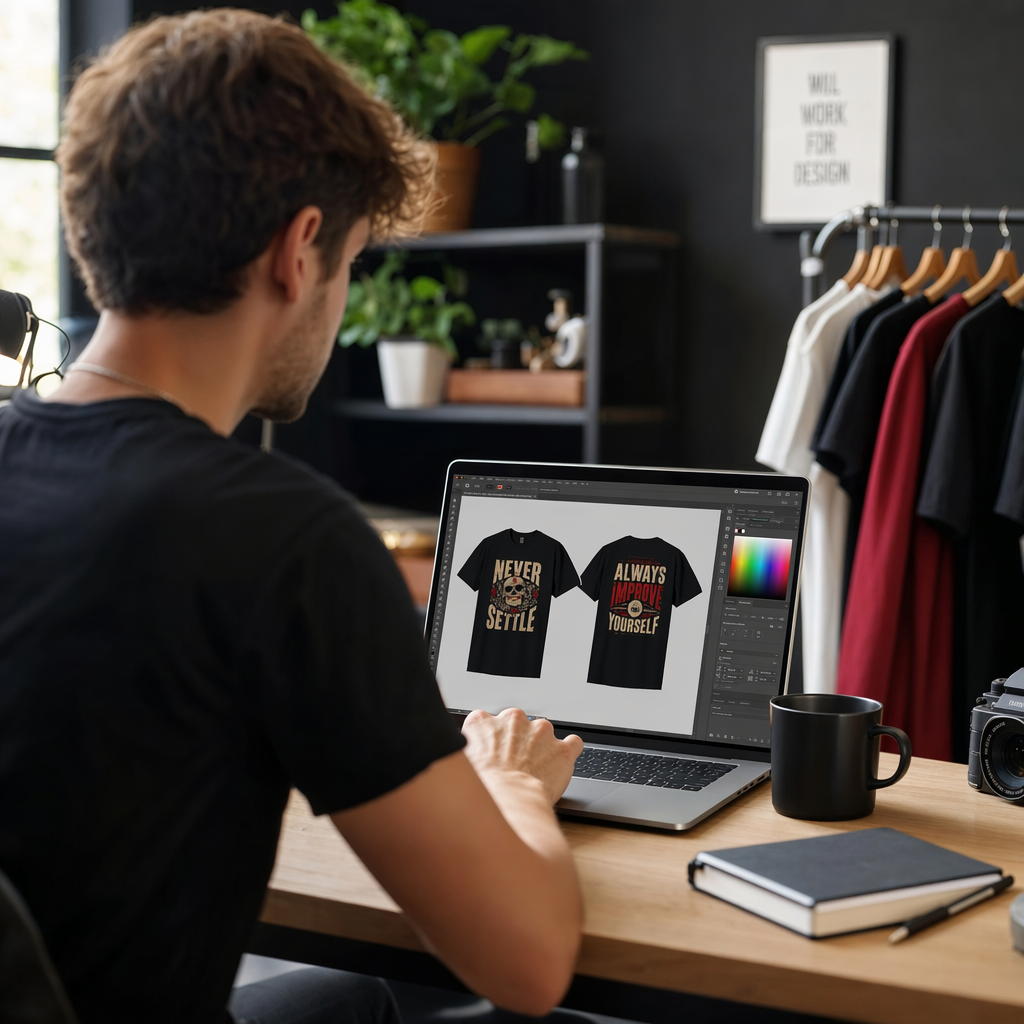
What an AI T-Shirt Design Generator Actually Does
An AI T-Shirt design generator takes a text prompt — say, "a vintage botanical illustration of a fern in dark green ink, centered, on a cream background" — and produces a graphic file designed for fabric printing. The underlying technology is the same image generation used across AI design, but configured for the specific requirements of apparel: high-contrast output, clean edges, print-safe color, and compositions that scale from a small chest logo to a full-back graphic.
The distinction matters. A general-purpose image generator might produce a photorealistic photo of a fern — gorgeous, but impossible to screen-print cleanly. A T-Shirt-focused generator understands that the same subject needs to be rendered as a clean graphic with defined outlines, limited color separation, and a background that won't show through a light-colored tee. When you use a tool designed for apparel from the start, those constraints are built into every output rather than something you have to engineer prompt by prompt.
Think of it like the difference between asking a generalist graphic designer to create apparel versus one who has spent years working in print production. Both can design. Only one instinctively knows what "300 DPI with transparent background" means and why it matters before the file goes to the printer.
Beyond the output format, an AI T-Shirt design generator also changes the economics. A custom graphic that previously cost $150–$300 from a freelance illustrator — with a turnaround measured in days — can now be produced in minutes. That shift doesn't eliminate the need for design judgment, but it does lower the barrier significantly for small brands, independent sellers, and anyone who has a good idea but not a design budget.
Writing Prompts That Get Real Results from a T-Shirt AI Design Generator
The prompt is the brief. Most people treat it as a vague search query and then blame the tool when the output doesn't match what they had in mind. A more structured approach gets dramatically better results.
Good prompts for T-Shirt AI design generation include five elements: subject (what is shown?), style (how is it rendered?), color palette (which specific colors?), placement (chest logo, full back, sleeve?), and negative space (what should be absent?). "Retro 1970s skateboard graphic, warm earth tones — burnt orange and sand — bold black outline, centered chest design, no text" is a brief. "Cool skateboard design" is a search query.
Techniques that consistently produce better T-Shirt AI design outputs:
- Name a visual era. "Soviet propaganda poster style," "1990s screen-print aesthetic," "mid-century travel poster illustration" all set a clear artistic framework.
- Specify line weight. "Thick bold outlines" versus "delicate fine linework" produces completely different results from the same subject.
- Control the background explicitly. "White background," "transparent background," or "no background" prevents the generator from adding contextual environments that won't work on fabric.
- Describe what you don't want. "No gradients, no photorealism, no halftone dots" eliminates print-unfriendly elements before generation.
- State color count. Many print-on-demand platforms charge by color. "Two-color design — black and white only" directly affects production cost.
Exploring what's possible across different graphic styles takes some experimentation. For a practical starting point with example prompts by aesthetic, the AI T-Shirt design ideas and prompts guide covers fifteen style categories with tested inputs.
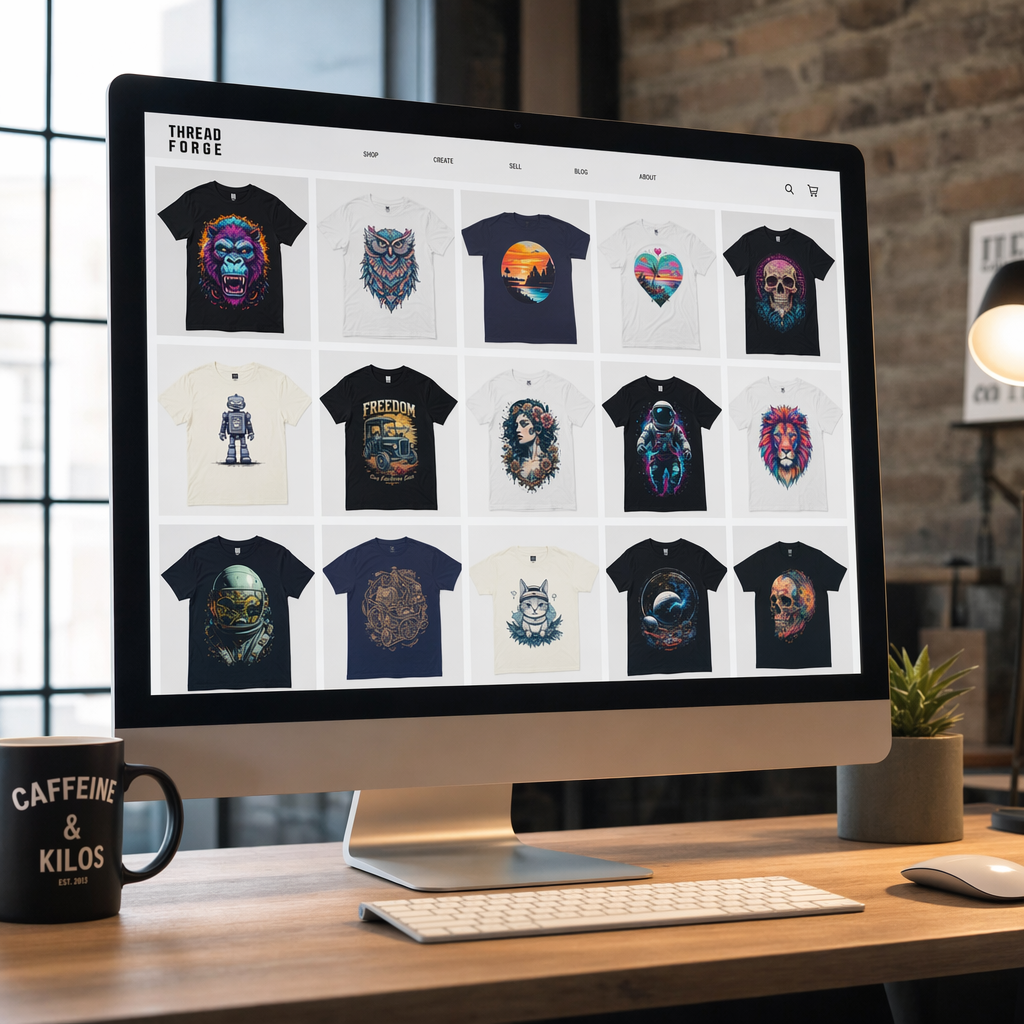
AI T-Shirt Design Tools: What Separates Them
Not every AI image tool is built for apparel. Here is what to look for when evaluating a T-Shirt design generator:
| Feature | Print-Ready T-Shirt Generator | General AI Image Generator |
|---|---|---|
| Background handling | Transparent or solid-color output | Photorealistic scene by default |
| Line quality | Clean edges, screen-print ready | Variable — often blended or soft |
| Color output | Print-safe color profiles | RGB digital only |
| Mockup integration | Often built into workflow | Separate tool required |
| File format | High-res PNG, transparent | JPEG or web-res PNG |
| Style prompting | Apparel-context vocabulary | Generic |
The mockup step deserves particular attention. A graphic that looks correct on a white artboard can sit completely wrong on a curved shirt silhouette — too low, too wide, off-center, or too small to read. Using an AI mockup generator alongside your design tool lets you catch placement and proportion problems before they become an expensive print run. The best T-Shirt AI design workflows treat design generation and mockup preview as a single loop, not two separate sessions in two different tools.
The T-Shirt design generator category also varies significantly on iteration speed. The fastest tools let you refine a design through natural language — "make the graphic 20% larger," "shift the palette from navy to forest green," "remove the bottom text" — without regenerating the full image from scratch. That iteration speed is where the practical time savings actually accumulate.
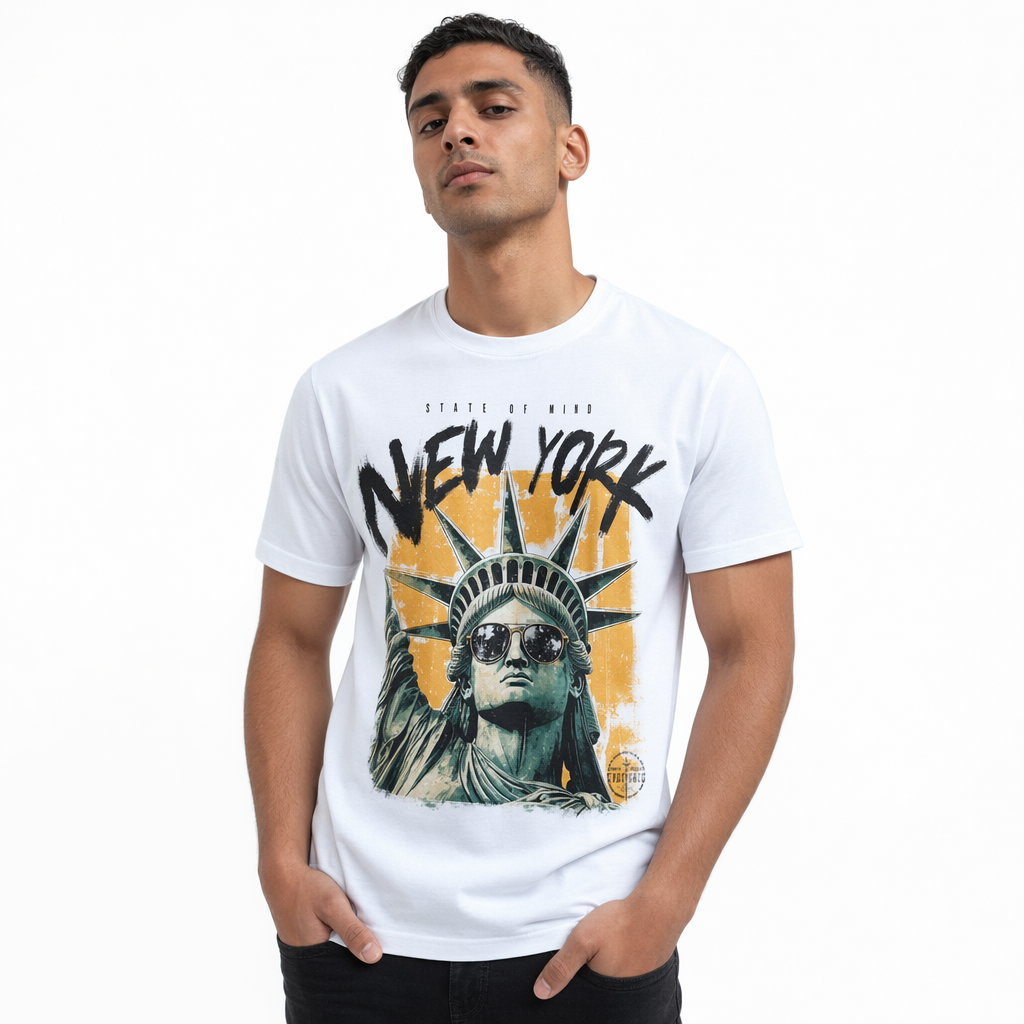
How to Create Your First T-Shirt Design with Framia Pro's AI Image Generator
Framia Pro's AI image generator was built to handle the full design cycle — from text prompt to print-ready file — with editing layers that let you refine without regenerating. Here is how the workflow runs in practice.
Step 1 — Open the Design Agent. From the Framia Pro dashboard, navigate to the Design Agent. You can start from a text prompt, upload a reference image for style matching, or select from starting-point templates.
Step 2 — Write a full brief, not a keyword. Use the five-element prompt structure: subject, style, colors, placement, negatives. Framia Pro supports multiple generation models including Nano Banana Pro for illustration-style graphics and Seedream 5.0 for more stylized compositions — the choice of model affects the visual output as much as the prompt does.
Step 3 — Refine through the chat interface. The Chat-to-Edit feature applies targeted adjustments to existing outputs without triggering a full regeneration. "Shift the background to off-white," "increase contrast on the main graphic," "bold the outline" each modifies the relevant element while keeping everything else stable. This is where a session of ten minutes produces what traditionally required a full design revision cycle.
Step 4 — Preview on a shirt. Take the generated graphic into Framia Pro's built-in AI mockup generator to place it on a realistic shirt silhouette. Check scale, placement, and how the colors read on fabric before committing to a print.
Step 5 — Export print-ready. Download as a high-resolution PNG with a transparent background. Most print-on-demand platforms and local print shops accept this format directly.
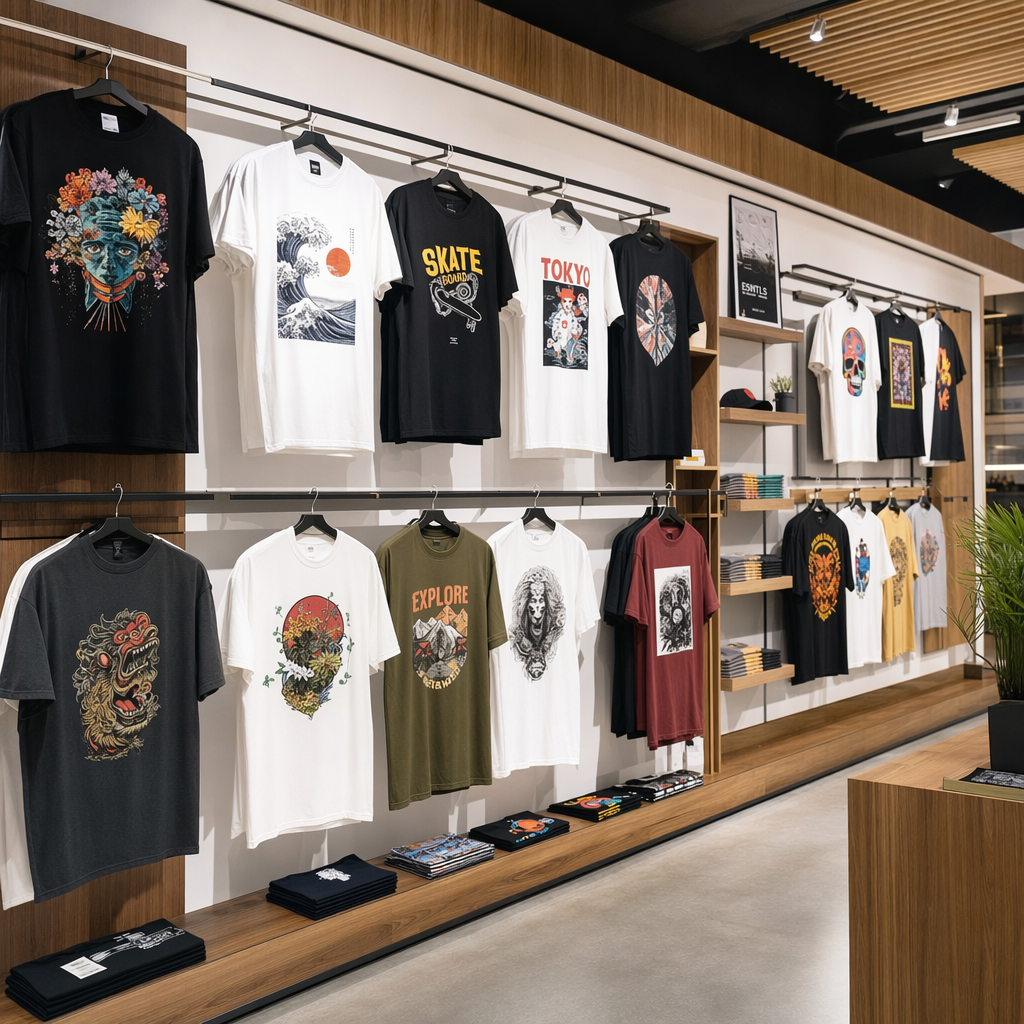
Building a catalog of designs — multiple SKUs across color variants and styles — follows the same workflow at larger scale. For sellers on Etsy, Shopify, or Amazon Merch, the volume context changes what you need from the tool. The AI T-Shirt design for print on demand guide covers the e-commerce-specific workflow in detail.
FAQ
What is an AI T-Shirt design generator?
An AI T-Shirt design generator is a tool that produces graphic files for fabric printing from text descriptions. Users describe the subject, style, and color of a design in plain language; the tool generates a print-ready graphic. Unlike general-purpose image generators, tools built specifically for T-Shirts output files with the technical characteristics — clean edges, appropriate resolution, transparent backgrounds — that apparel printing requires.
How long does it take to produce a finished T-Shirt design with AI?
A first draft from a text prompt takes under a minute with most current AI T-Shirt design generators. Refinement through chat editing typically adds five to ten minutes per design. A complete, export-ready graphic from initial brief to final file can be done in fifteen minutes for a straightforward single-color graphic; more complex multi-element designs may take twenty to thirty minutes.
Do AI-generated T-Shirt designs have commercial rights?
This varies by platform. Framia Pro includes full commercial licensing on all AI-generated outputs, covering print production, sales, and advertising. Before listing or selling any AI-generated design, verify the specific licensing terms of the tool you used — some platforms restrict commercial use on free-tier accounts.
Is design experience necessary to use an AI T-Shirt design generator?
No. The entire input is text — a description of what you want. Design experience helps you write more precise prompts and recognize what needs refining in an output, but beginners consistently get usable results from their first sessions. The learning curve is in prompt writing, not in software skills.
What file format should I export for T-Shirt printing?
High-resolution PNG with a transparent background is the standard for most print-on-demand platforms and screen printers. Target 300 DPI at print size. Avoid JPEG — the compression format introduces artifacts that are invisible on screen but appear clearly on fabric. For vector-based designs, SVG is accepted by some platforms and scales without quality loss.
The Idea Has Been Sitting in a Note Long Enough
Most T-Shirt concepts stall not because the idea is bad, but because the path from concept to file has too many steps and costs too much. An AI T-Shirt design generator removes that barrier. The design that has been in a note or a sketch for months can become a print-ready file today. Start generating at framia.pro.