All-in-One AI Video Tool vs. Multiple Tools: Which Setup Actually Saves More Time?
Many teams pay for five tools when one would do. Many teams use one when the work actually demands five. The choice between a consolidated AI video platform and a multi-tool stack isn't settled by a price comparison — it depends on how often you produce, how many formats you need, and how much friction your team can absorb between handoffs.
All-in-One AI Video Tool: What It Offers
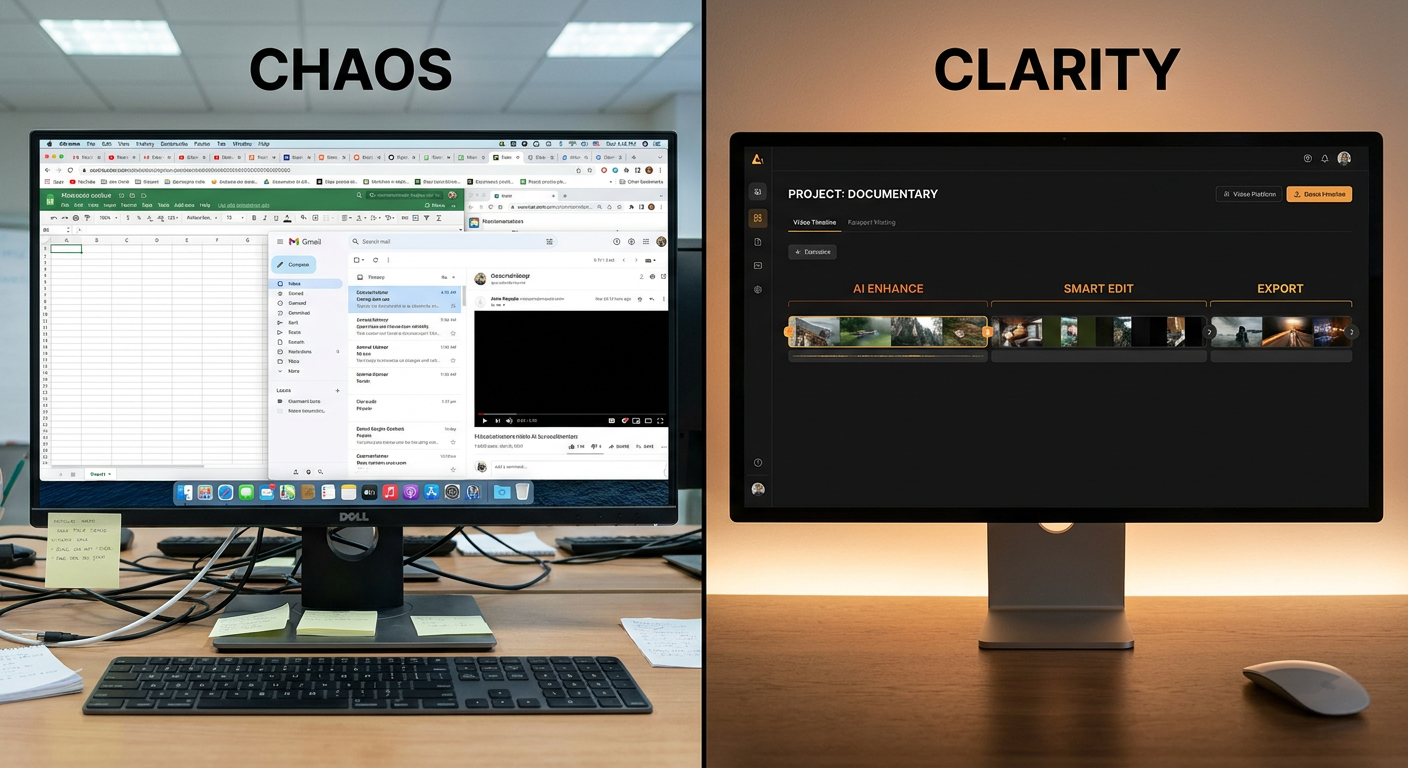
A consolidated AI video platform brings every stage of production — scripting, generation, voiceover, music, and export — into a single environment. The brief goes in one end; the export-ready file comes out the other. Nothing needs to be downloaded, converted, and re-uploaded between steps.
The practical result: the question shifts from "which tool do I use for this step?" to "does this output match the brief I started with?" For teams with regular output commitments, that change removes an entire class of decisions.
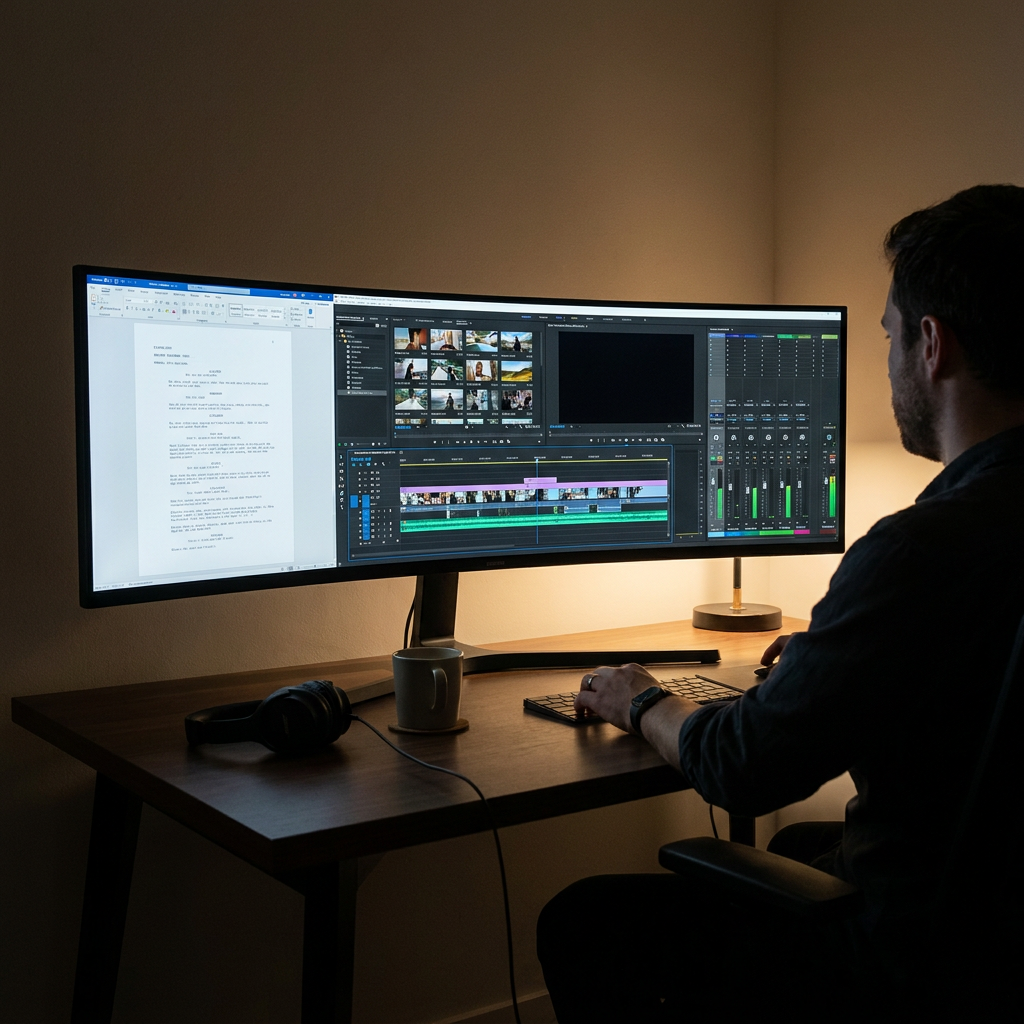
What all-in-one platforms do well:
- Connected pipeline: script, generate, voice, and export without switching apps
- Faster iteration: adjustments stay inside one environment, not scattered across three tools
- Simpler billing: one subscription instead of five separate invoices
- Multi-format export: 9:16, 16:9, and 1:1 from the same timeline in one session
Where the trade-offs appear:
- Not always the strongest individual tool at every stage
- Subscription cost is harder to justify for quarterly or one-off production
- Switching from familiar specialist tools carries a relearning curve
Time Comparison
The most useful comparison is per-unit production time for a standard deliverable — a 30-second video ad.
| Stage | Multi-tool stack | All-in-one platform |
|---|---|---|
| Script to storyboard | ~30 min (export + re-import) | ~15 min (in-platform) |
| Storyboard to draft clips | ~45 min (upload, queue, download) | ~20 min (direct generation) |
| Voice integration | ~30 min (external tool, manual sync) | ~10 min (in-platform) |
| Music selection | ~20 min (library search, licensing) | ~5 min (generated in-platform) |
| Multi-format export | ~30 min (re-cut per format) | ~5 min (one export session) |
| Total per unit | ~155 min | ~55 min |
These figures are directional — they vary by platform maturity and team familiarity. But the structural pattern holds: handoffs add time, and consolidation removes handoffs.
Multiple Tools: The Case for a Dedicated Stack
A multi-tool stack means choosing the strongest available tool for each production stage — the best script AI, the best video generator, the best voice synthesis, the best music library. Each component can be upgraded or swapped independently as the category evolves.

What a multi-tool stack does well:
- Best-in-class capability at every individual production stage
- Flexibility to add, remove, or upgrade tools as needs change
- Works for specialized requirements no all-in-one platform bundles — proprietary color grading, specific voice models, niche integrations
- Lower cost for teams with infrequent production needs
Where the trade-offs appear:
- Handoff overhead compounds at volume: every file transfer is a friction point
- Version control across platforms requires manual coordination
- Format conversion between tools adds steps and potential quality loss
- Separate billing, account management, and renewal tracking across five vendors
Cost Comparison
For a team running a full production stack, the monthly total adds up quickly.
| Tool category | Typical monthly cost |
|---|---|
| Script / AI writing tool | $30–60 |
| Video generation platform | $50–150 |
| Voice synthesis | $30–90 |
| Music licensing | $20–50 |
| Editing software | $50–100 |
| Total | $180–450/month |
A full-pipeline all-in-one platform covers most of these categories within a single subscription. For teams producing weekly content, consolidation typically reaches cost parity within the first month.
Which Setup Should You Choose?
The decision comes down to two variables: how often you produce, and how specialized your requirements are.
Choose an all-in-one platform when:
- Your team ships video weekly or more frequently
- You need multiple output formats from the same project (Reels, YouTube, in-feed ads)
- Your current multi-tool workflow has visible handoff friction you're already managing around
- Simplifying operations matters as much as maximizing per-stage quality
Choose a multi-tool stack when:
- You produce video quarterly or on an ad-hoc basis
- One or more stages require a specialized tool no platform currently bundles
- Your team has deep familiarity with specific editing software and the retraining cost is high
- You're still experimenting with formats and don't yet know your recurring output needs
For the creator angle on this decision, the best all-in-one AI video tool for creators guide covers individual workflow considerations; the marketing team perspective covers the same question at campaign scale.
Frequently Asked Questions
Is an all-in-one AI video tool always cheaper than using separate tools?
Not always. For low-frequency production (once a month or less), separate tools with generous free tiers may cost less than a full all-in-one subscription. The all-in-one advantage grows with production volume and output frequency.
Can I keep specialist tools for specific projects while using an all-in-one platform for regular content?
Yes. Many teams maintain a consolidated platform for high-volume campaign content while keeping specialist tools for specific one-off projects. The key is understanding what drives the handoff cost in your current workflow.
What happens to existing assets if I switch to an all-in-one platform?
Most platforms accept standard file imports (MP4, WAV, JPEG, etc.), so existing footage, audio, and image assets can typically be brought in. Check the platform's import specifications before migrating a large library.
How long does it take to become productive on a new all-in-one platform?
Most teams reach functional productivity within the first week and full workflow fluency within a month. The learning curve centers on the platform's project structure and generation interface, not video production knowledge itself.
Do all-in-one AI video platforms handle long-form content?
Most current platforms are optimized for short-form content (15–90 seconds). Long-form content (5+ minutes) typically requires more manual scene management. Check platform documentation for maximum project length and how multi-scene projects are structured.
For teams shipping content weekly or faster, consolidation reliably returns more time than it costs. For teams producing occasionally, the flexibility of separate tools may justify the coordination overhead. Framia Pro is built on the all-in-one model — video generation, voice, music, and editing inside a single pipeline — and is worth evaluating if consistent weekly output is your target.